

Your Browsing History


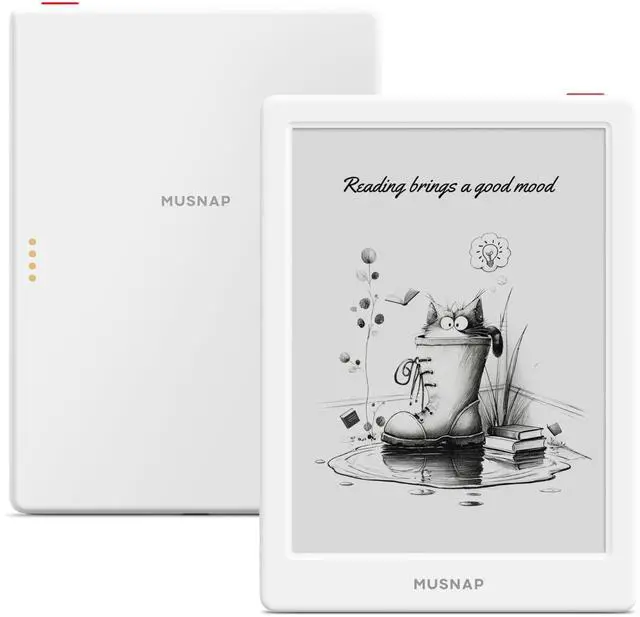



Neo 64GB+2GB eBook Reader Supports 3rd-Party apps, 6E Ink ePaper eReader B/W Digital Paper, Long Battery Life for Reading
Limited time offer, ends 08/24 By Eristy shop
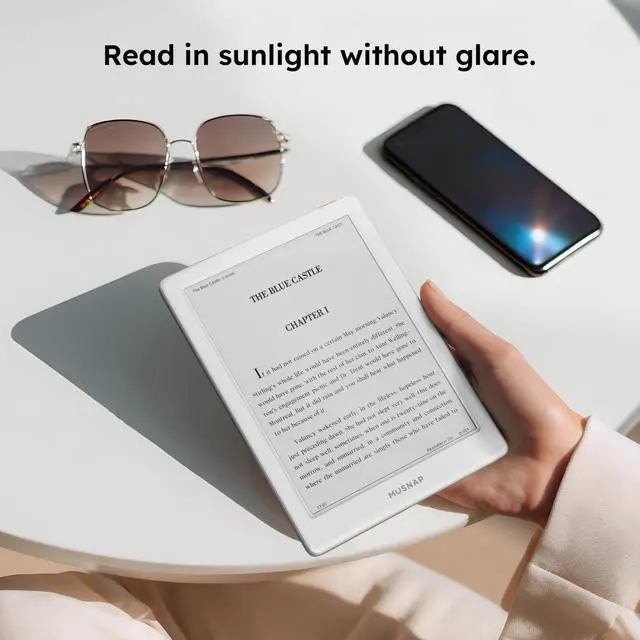
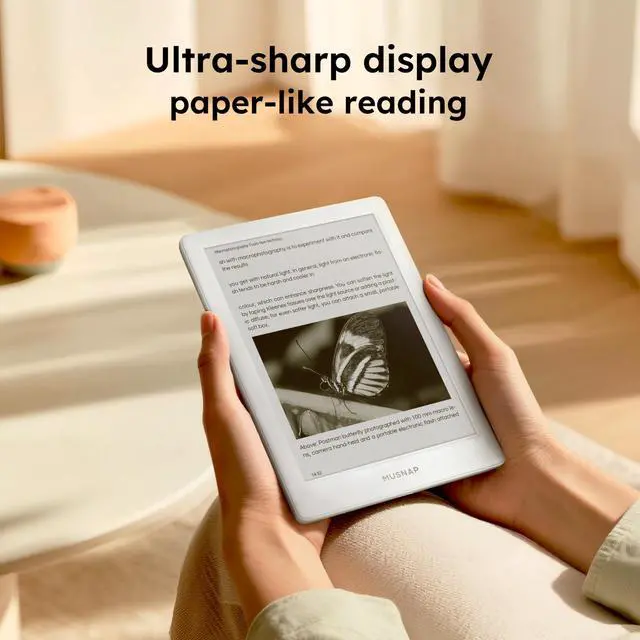
- 6" B/W E Ink 300 ppi: Enjoy paper-like eye comfort and a non-glare touchscreen. Quick page turns with brightness and color temperature adjustment make it ideal for comics, manga, books, and magazines. Robust Performance: Equipped with a quad-core processor (2.0GHz) with 2GB RAM and 64GB storage, operating on Android for smooth multitasking. Read Wherever, Whenever: The non-glare screen and auto-adjusting front light adapt effortlessly for pleasant reading in strong sunlight or low-light nighttime settings. Supported formats comprise: Image (jpg, jpeg, png); Book (txt, epub, pdf, umd, mobi, ebk2, ebk3, azw3); Font (ttf, otf, ttc); Audio (mp3, flac, wav, m4a, aac); Office documents (xls, xlsx, ppt, pptx, doc, docx). It supports Bluetooth, Wi-Fi, and USB connectivity. Compatible with third-party apps. To access Google Play, go to "Settings," choose "System & Update," then "Google settings," and enable GMS
+
+
Overview
Specs
Reviews

Any questions? Our AI mode will help you find out quickly.
Try me now
6" B/W E Ink 300 ppi: Enjoy paper-like eye comfort and a non-glare touchscreen. Quick page turns with brightness and color temperature adjustment make it ideal for comics, manga, books, and magazines. Robust Performance: Equipped with a quad-core processor (2.0GHz) with 2GB RAM and 64GB storage, operating on Android for smooth multitasking. Read Wherever, Whenever: The non-glare screen and auto-adjusting front light adapt effortlessly for pleasant reading in strong sunlight or low-light nighttime settings. Supported formats comprise: Image (jpg, jpeg, png); Book (txt, epub, pdf, umd, mobi, ebk2, ebk3, azw3); Font (ttf, otf, ttc); Audio (mp3, flac, wav, m4a, aac); Office documents (xls, xlsx, ppt, pptx, doc, docx). It supports Bluetooth, Wi-Fi, and USB connectivity. Compatible with third-party apps. To access Google Play, go to "Settings," choose "System & Update," then "Google settings," and enable GMS
Warranty & Returns
Warranty, Returns, And Additional Information
Warranty
- Please contact the Seller directly for warranty information. Warranty information may also be found on the Manufacturer's website.
- CONTACT
Return Policies
- Return for refund within: 30 days
- Return for replacement within: 30 days
- This item is covered by Eristy shop Return Policy
Manufacturer Contact Info
- For a directory of all our manufacturers, please click below.
- Manufacturers Directory
LOADING...