- Free 30-day Returns
Meet Your Seller
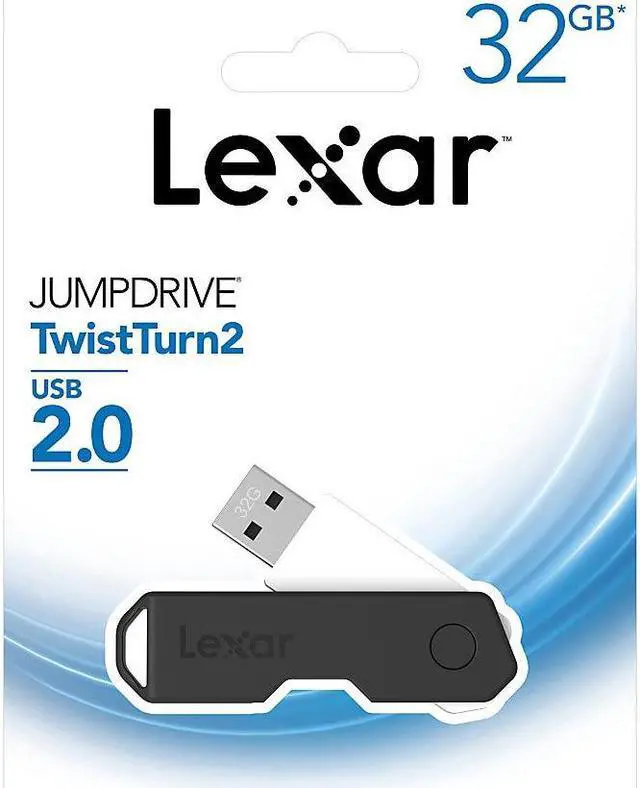
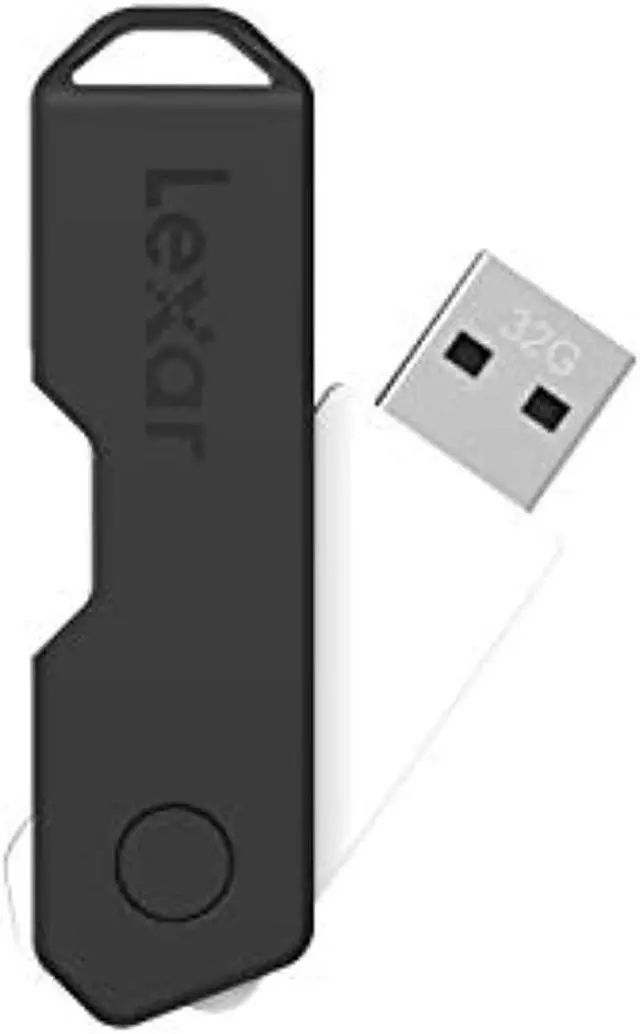
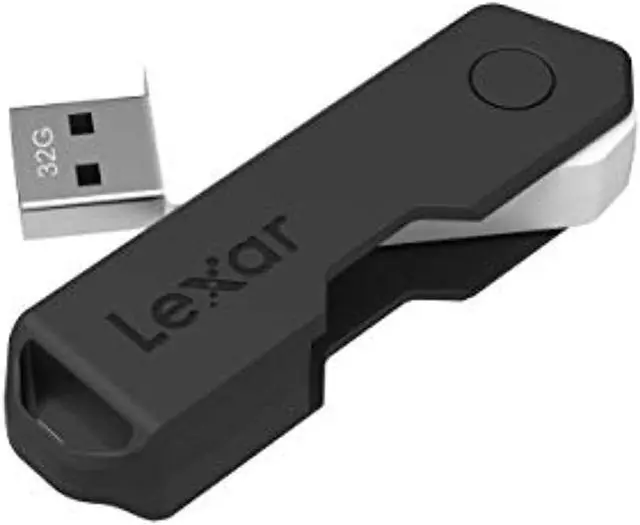
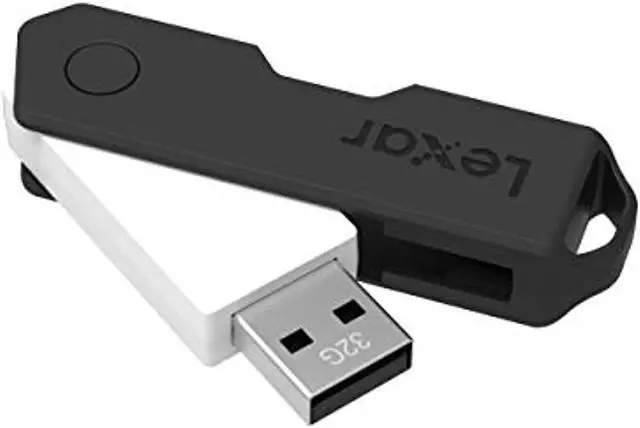
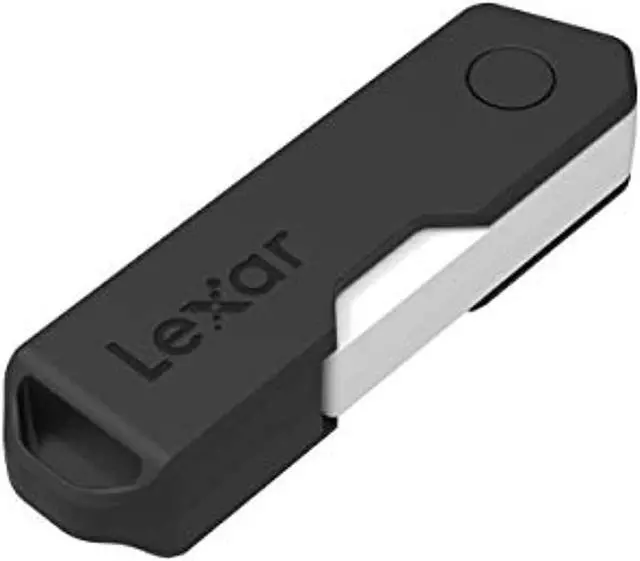
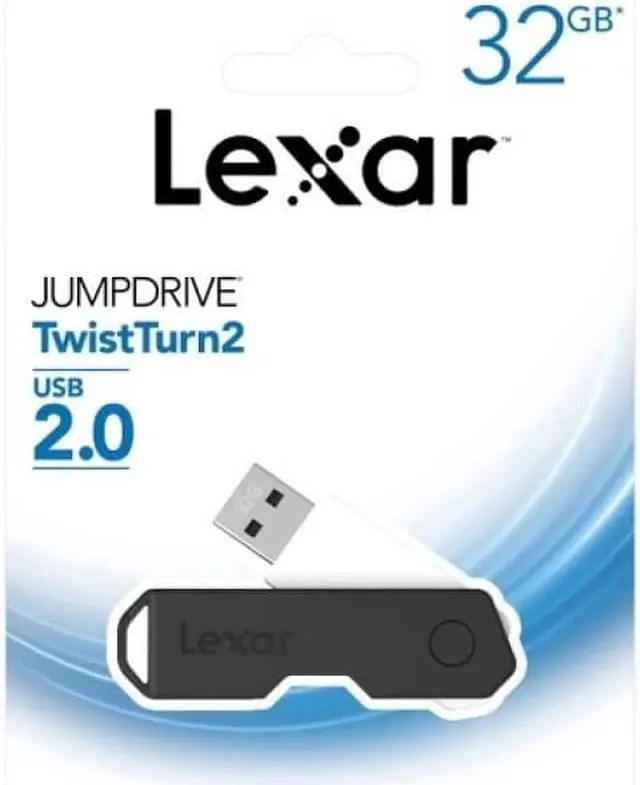
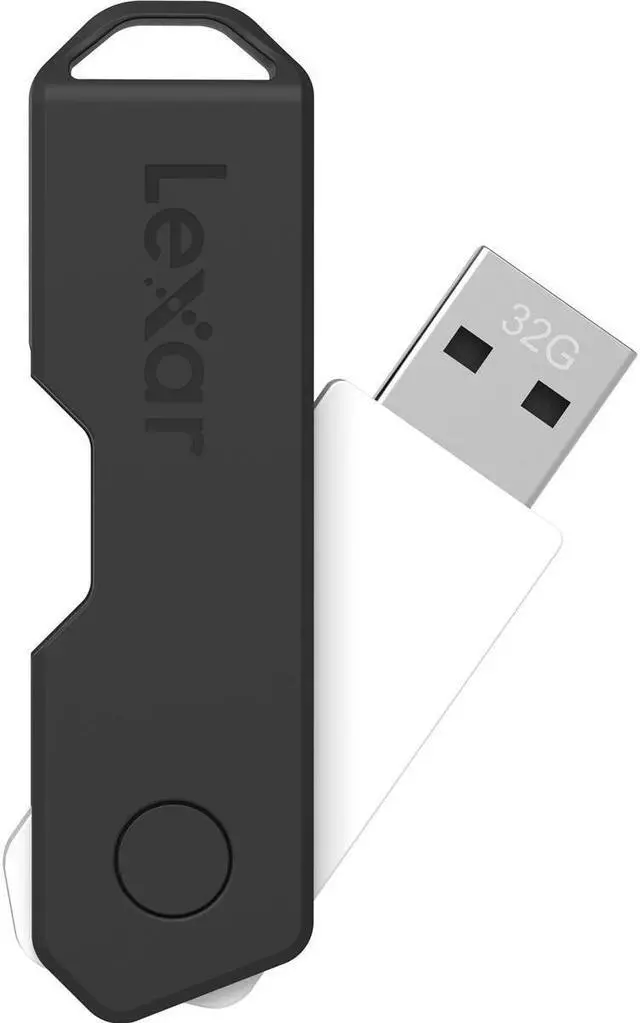
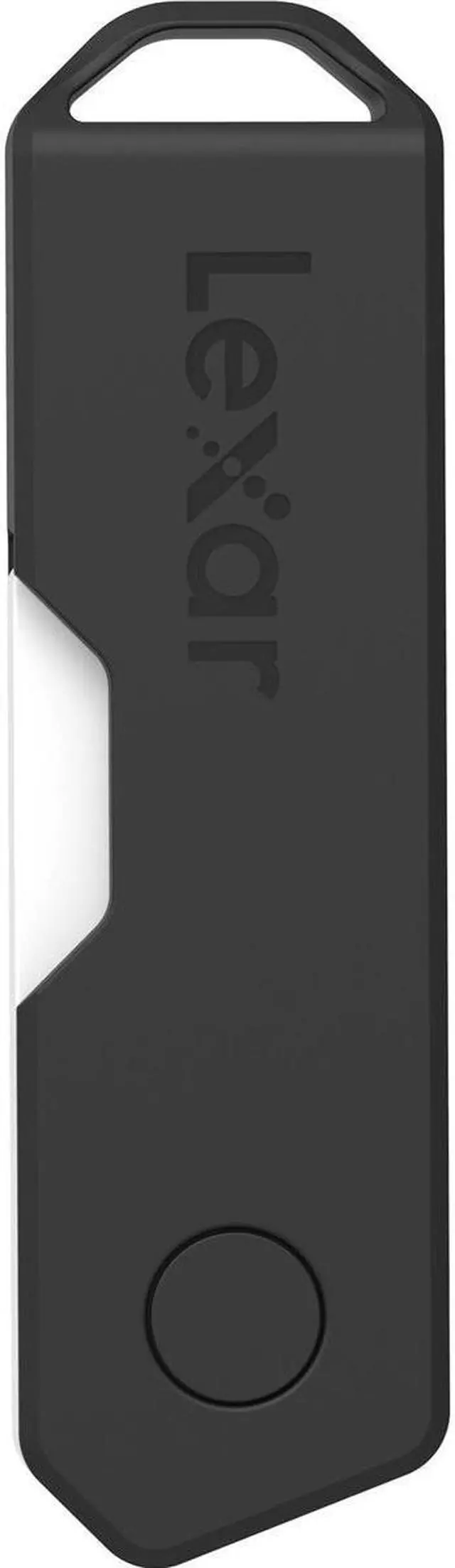
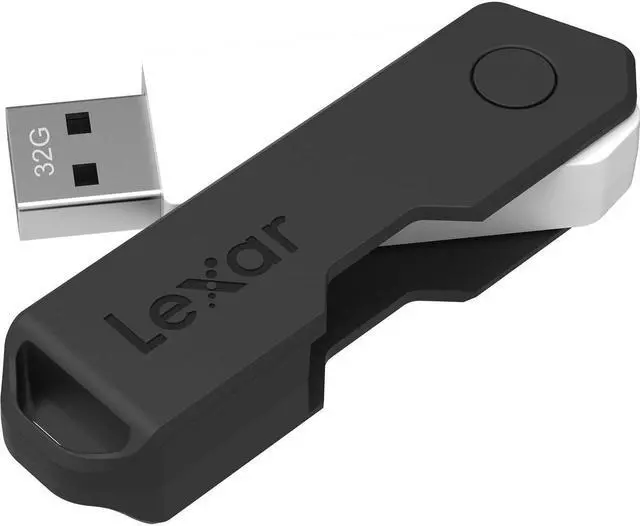
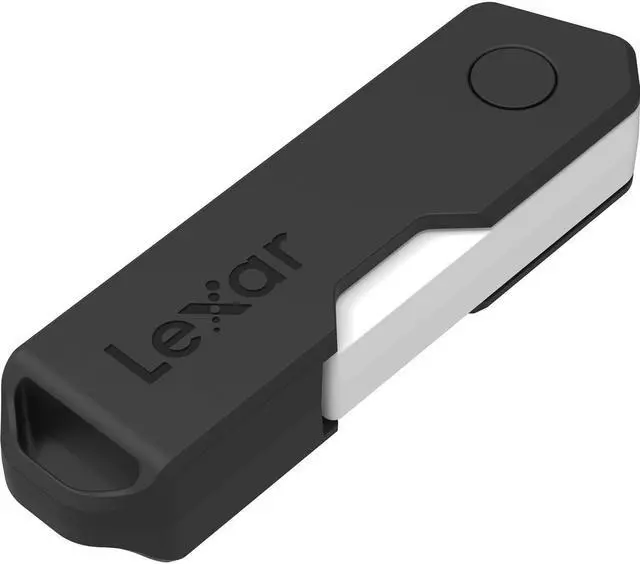
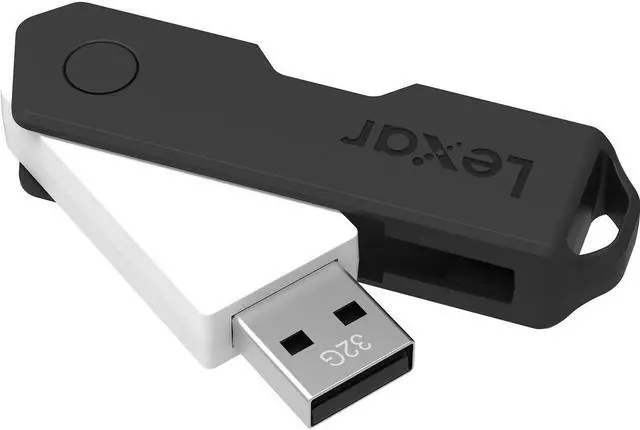
Lexar® JumpDrive® TwistTurn2 USB 2.0 Flash Drive, 32GB, Black, LJDTT2-32GABNABK
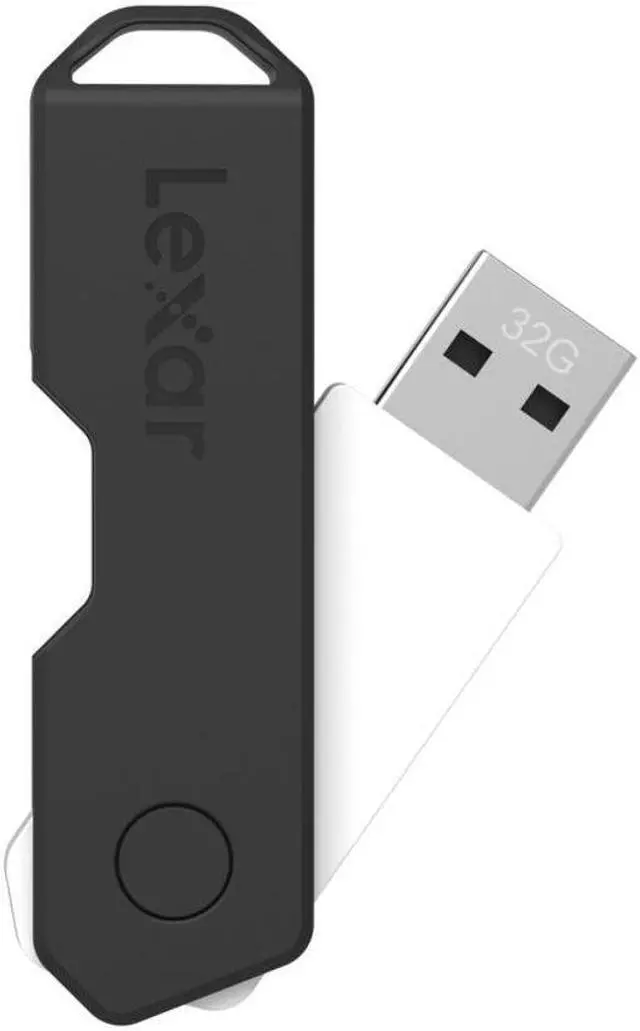
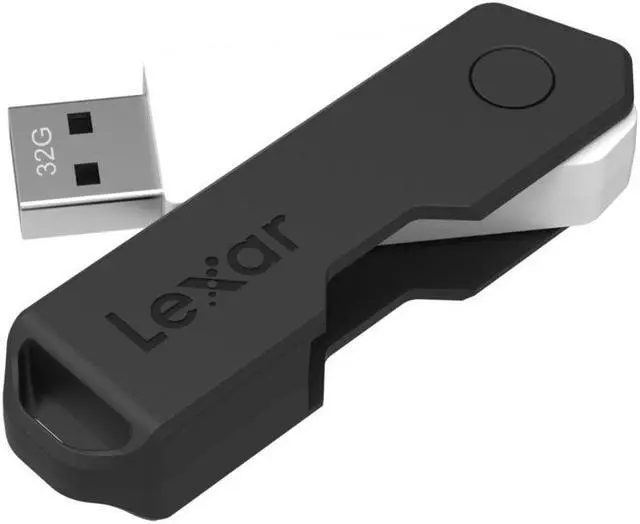
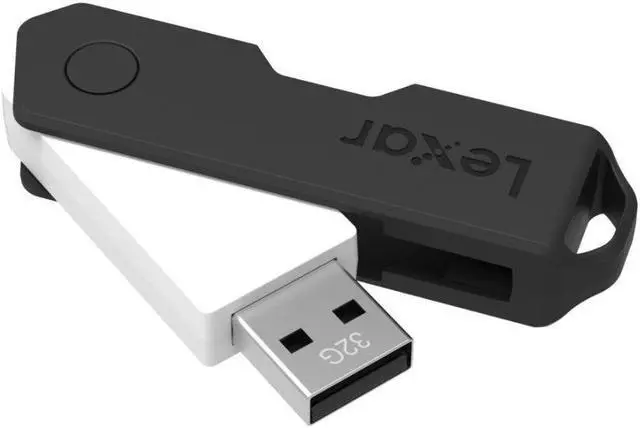
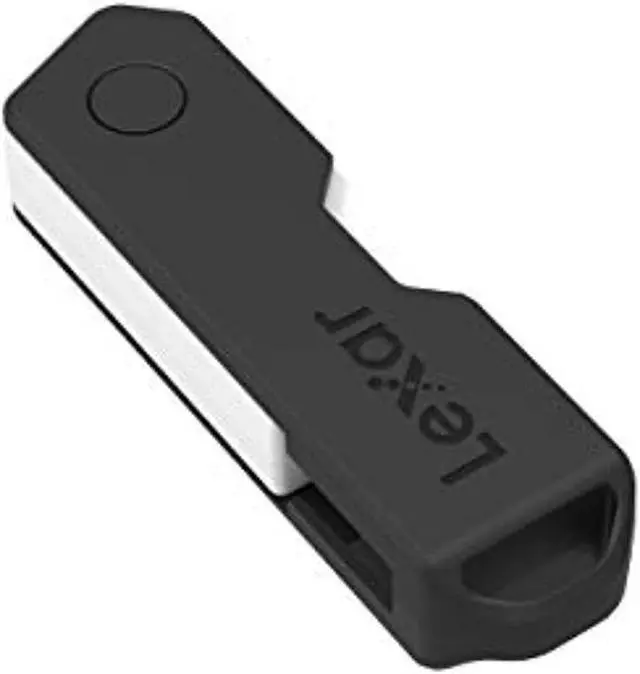
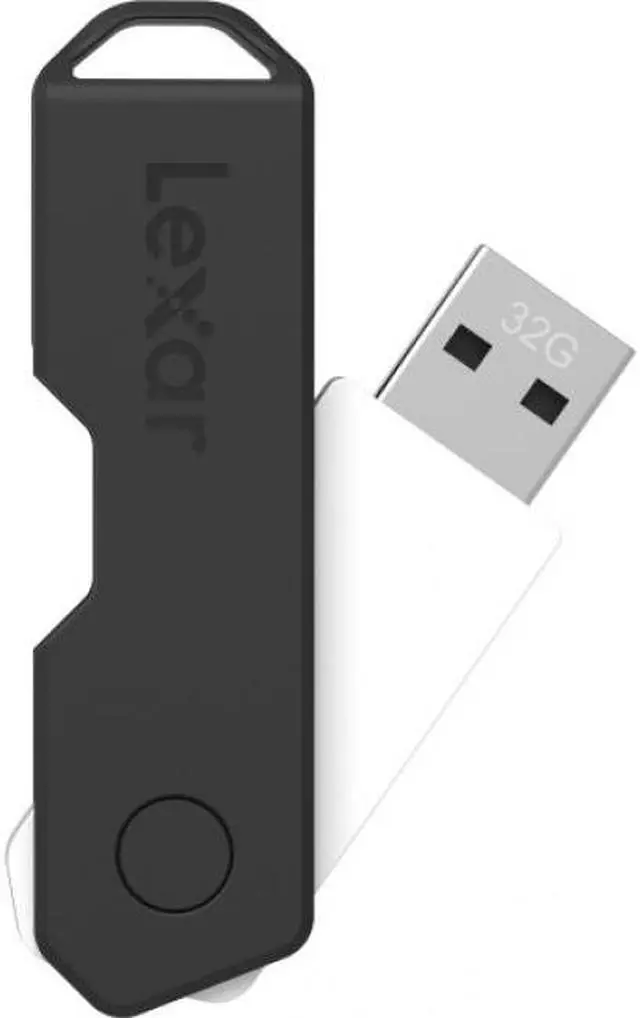
- Make transferring photos, music, documents and other files between devices simple. This flash drive twists open to reveal the port, so you won't have to worry about losing a cap during your travels.
Any questions? Ask CelesteSM will help you find out quickly.
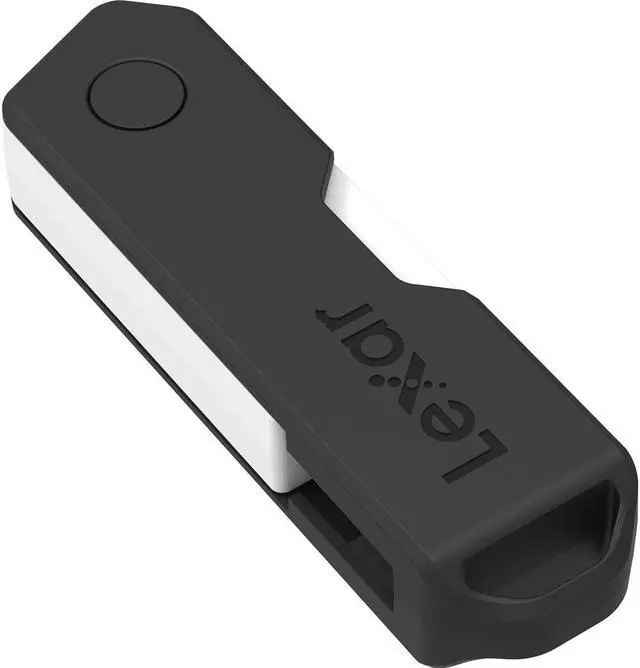
The drive has a capless design with a rotating case to protect the drive and its contents, providing an excellent combination of durability and convenience. Plug-and-Play Design with Great FeaturesJumpDrive TwistTurn2 has a simple plug-and-play design that allows you to quickly and easily store files, so wherever you go, your information goes with you. Cool Color OptionsCreated to suit your style, JumpDrive TwistTurn2 is available in a different stylish color for varying capacities. It also makes a fashionable accessory and comes with a keychain hole, making it easy to tether to a key ring, attach to a backpack, or hook to a purse or briefcase.
Delivers for both PC and MacWorks with PC and Mac, the JumpDrive TwistTurn2 USB flash drive allows you to quickly and easily store a huge number of photo, music, and video files. Rigorously testedAll Lexar product designs undergo extensive testing in the Lexar Quality Labs, facilities with more than 1, 100 digital devices, to ensure performance, quality, compatibility, and reliability.
Warranty & Returns
Warranty, Returns, And Additional Information
Warranty
- Please contact the Seller directly for warranty information. Warranty information may also be found on the Manufacturer's website.
- Read full details
- CONTACT
Return Policies
- Return for refund within: 30 days
- Return for replacement within: non-replaceable
- This item is covered by Adorama Return Policy
Manufacturer Contact Info
- For a directory of all our manufacturers, please click below.
- Manufacturers Directory
The Lexar JumpDrive TwistTurn2 is a black 32GB USB 2.0 flash drive with a twist-open, capless design for transferring photos, music, documents, and other files. It suits people who want a simple portable drive for everyday file sharing between devices.
Recommended For
- People who occasionally move documents, photos, or music between PCs or Macs with USB-A ports and want a capless drive that is easy to carry.
- Travelers or commuters who want a small file-transfer drive with a rotating cover and key-chain hole, rather than a separate cap to keep track of.
- Students or office workers who need to carry a modest set of files between compatible computers for handoffs, printing, or offline access.
Real-World Use Scenarios
- Move documents, photos, or music between a PC and a Mac: plug the USB-A drive into each compatible computer to copy or share files without relying on cloud access.
- Carry a small set of work or school files for use on another computer: the drive provides a direct way to access or hand off files when a network share or cloud service is inconvenient.
- Keep a bootable installer or utility drive for occasional computer setup or troubleshooting: community users commonly use flash drives for installation and recovery media, though setup requires creating the bootable drive first.
- Bring along a copy of selected photos, music, or documents: the 32GB drive is suited to carrying a modest collection of files, while larger transfers may take longer over its USB 2.0 interface.
- Keep the drive on a key ring or in a travel bag for occasional file transfers: its rotating jacket covers the connector when not in use, so there is no separate cap to keep track of.
- Make a convenient extra copy of a small set of files, such as documents or photos: it can serve as a portable secondary copy, but should not be the only backup of important data.
Spec Summary
| Attribute | Value |
|---|---|
| Best For | Portable storage and file transfers between USB Type-A devices, with 32 GB of capacity |
| Capacity | 32 GB |
| Interface And Design | USB 2.0 Type-A interface with a durable rotating jacket and capless design |
| Color And Weight | Black; 0.02 lb |
| Model Identifiers | Lexar JumpDrive TwistTurn2; model LJDTT2-32GABNABK |
Reference Q&A
Q: Lexar TwistTurn2 vs JumpDrive S80: which should I choose for faster file transfers?
A: Choose the JumpDrive S80 if transfer speed is the priority: its 32GB model uses USB 3.2 Gen 1 and is rated for up to 130MB/s read and 25MB/s write. Choose the 32GB TwistTurn2 for USB 2.0 storage with a rotating, capless jacket that covers the connector when not in use.
Q: Should I get the 32GB or 64GB Lexar TwistTurn2?
A: Choose the 32GB TwistTurn2 for storing and moving a smaller collection of documents, photos, or music. Choose the 64GB version when you want twice the stated storage capacity in the same TwistTurn2 line and rotating-jacket design.
Q: Lexar TwistTurn2 vs JumpDrive V40: which has the rotating connector cover?
A: The TwistTurn2 has a rotating jacket that turns to reveal or cover its USB-A connector. The V40 is another USB 2.0 Lexar drive and includes a key-chain hole; choose between them based on whether the TwistTurn2’s rotating jacket or the V40’s compact design and key-chain attachment better fits your preference.
Q: Is 32GB enough for photos, music, and documents?
A: It can suit a moderate collection of everyday files, including photos, music, and documents. It may be limiting for large video libraries or backing up a computer; the amount it holds depends on file sizes.
Q: Can I use this flash drive to play music in my car?
A: Possibly, if the car stereo supports USB flash drives and recognizes the drive’s file system and music formats. Check the vehicle manual for supported formats and formatting requirements; those details are not specified for this drive.
Q: Is USB 2.0 fast enough for transferring large files?
A: USB 2.0 can handle routine transfers of documents, photos, and music, but it is a more basic interface and may take longer with large files or frequent bulk transfers. The product information does not specify a transfer speed.