


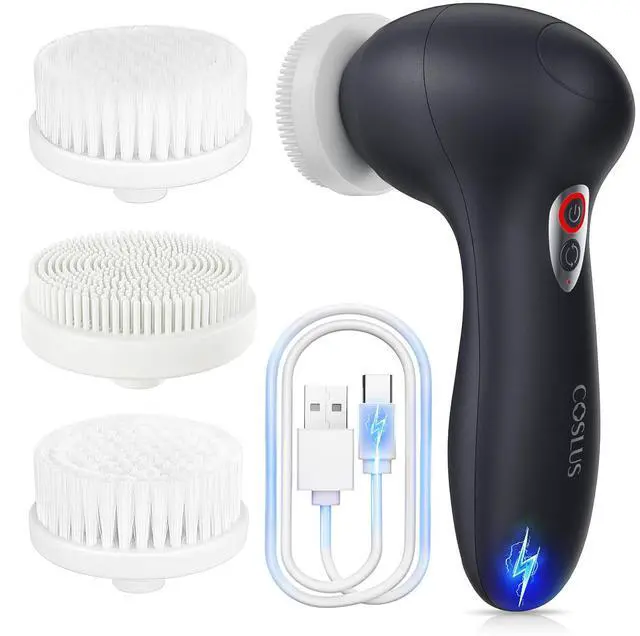
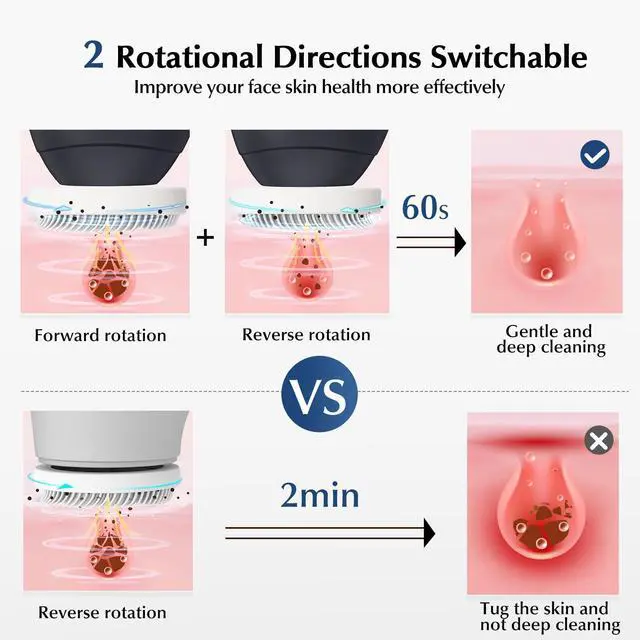
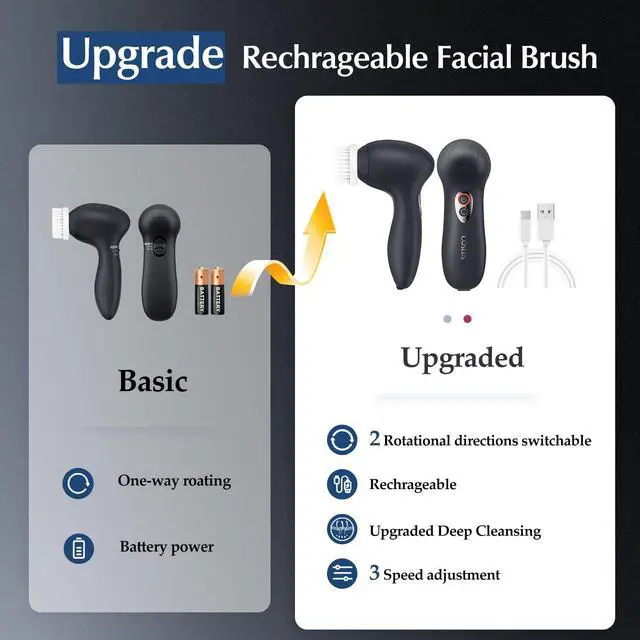

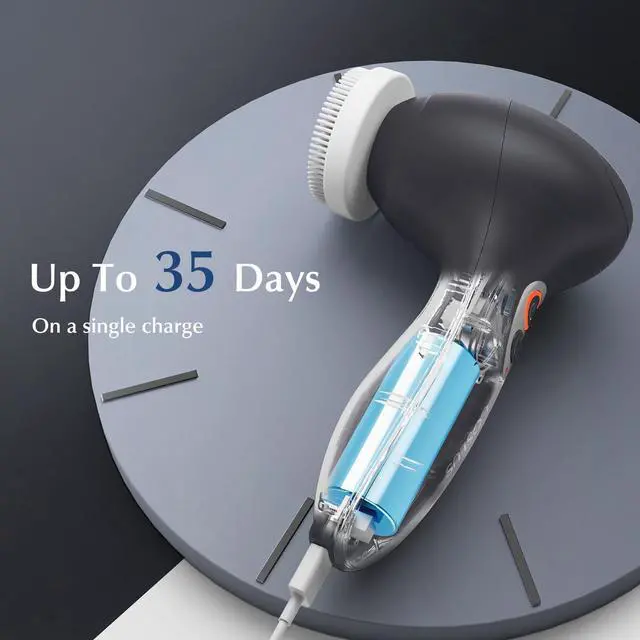



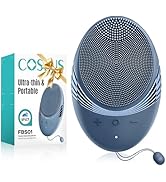
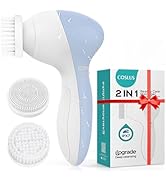
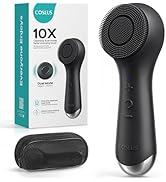
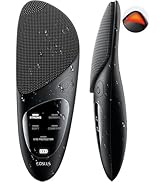
 P2017 Replacement |  COSLUS Wall Adapter |  P2017 7in1Facial Brush |  FBS03 Face Scrubber |  FBS01 Face Scrubber |  FBS02 Face Scrubber | |
|---|---|---|---|---|---|---|
Customer Reviews | — | — | — | — | — | — |
Price | — | — | — | — | — | — |
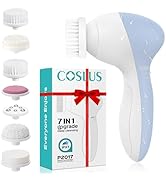
Brush Head | 4 | - | 7 | / | / | / |
100% Waterproof | ? | ? | ? | ? | ? | ? |
Material | Silicone, Plastic | - | Plastic | Silicone | Silicone | Silicone |
All skin type | ? | ? | ? | ? | ? | ? |
Color | White | White | Black/Grey/Blue/Green/Pink | Black/Purple | Black/Purple | Black/Blue/Pink |
Rechargeable | ? | ? | ? | ? | ? | ? |
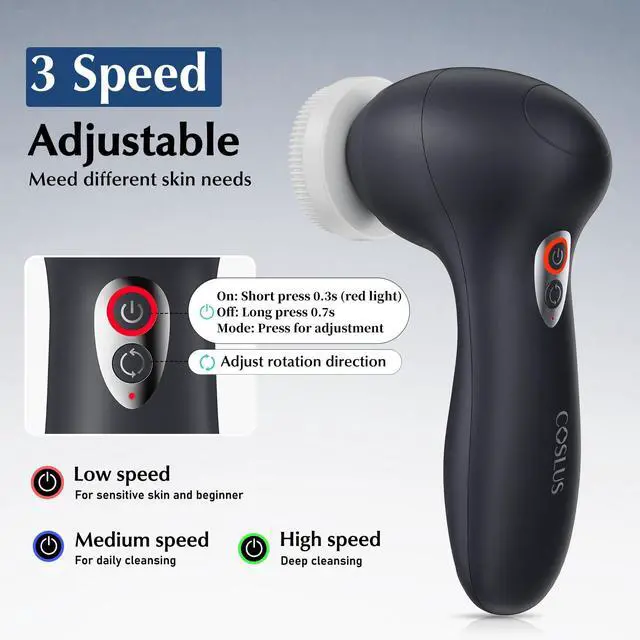
How do I turn on the device? I pressed the power button and it didn't turn on.
When turning on the machine, please press the button firmly for 3 seconds, and the red light will light up to indicate successful startup.
How do I charge without an adapter?
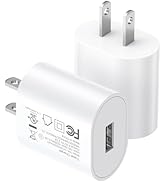
To avoid waste, the adapter is not included, but you can use any 5V adapter you have on hand to charge. Get one from COSLUS if needed. Note: A 5V/2A adapter is required, the indicator light flashes means correct charging status.



Best Sellers
Face Brush Accessories
Top-Rated Skin Care Products
Top-Rated Oral Care Products
Top-Rated Nail Care Products


P2017 Replacement | COSLUS Wall Adapter | P2017 7in1Facial Brush | FBS03 Face Scrubber | FBS01 Face Scrubber | FBS02 Face Scrubber |
|---|---|---|---|---|---|
| Customer Reviews | |||||
| — | — | — | — | — | — |
| Price | |||||
| — | — | — | — | — | — |
| Brush Head | |||||
| 4 | - | 7 | / | / | / |
| 100% Waterproof | |||||
| ? | ? | ? | ? | ? | ? |
| Material | |||||
| Silicone, Plastic | - | Plastic | Silicone | Silicone | Silicone |
| All skin type | |||||
| ? | ? | ? | ? | ? | ? |
| Color | |||||
| White | White | Black/Grey/Blue/Green/Pink | Black/Purple | Black/Purple | Black/Blue/Pink |
| Rechargeable | |||||
| ? | ? | ? | ? | ? | ? |
How do I turn on the device? I pressed the power button and it didn't turn on.
When turning on the machine, please press the button firmly for 3 seconds, and the red light will light up to indicate successful startup.
How do I charge without an adapter?
To avoid waste, the adapter is not included, but you can use any 5V adapter you have on hand to charge. Get one from COSLUS if needed. Note: A 5V/2A adapter is required, the indicator light flashes means correct charging status.