


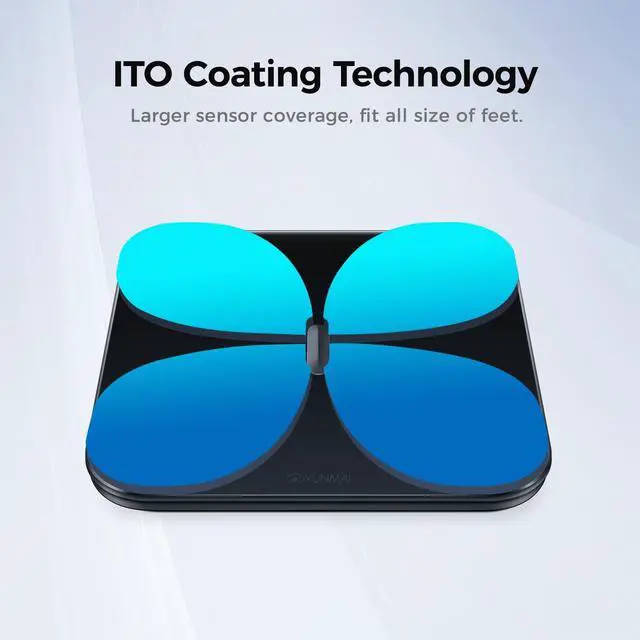
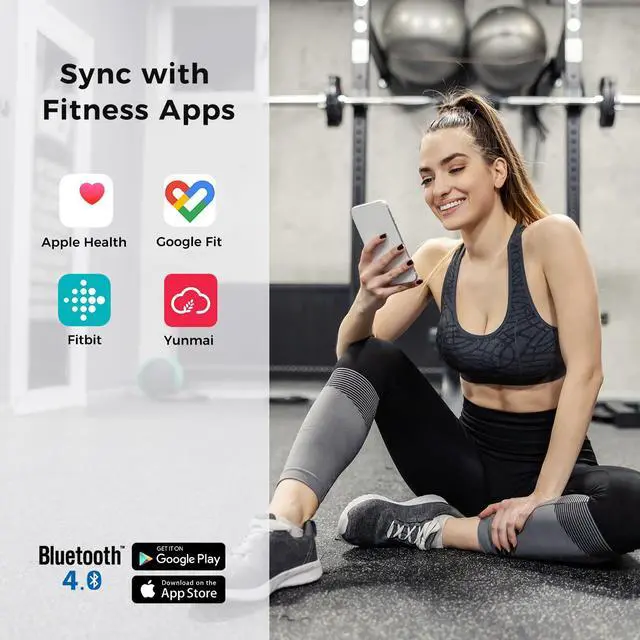
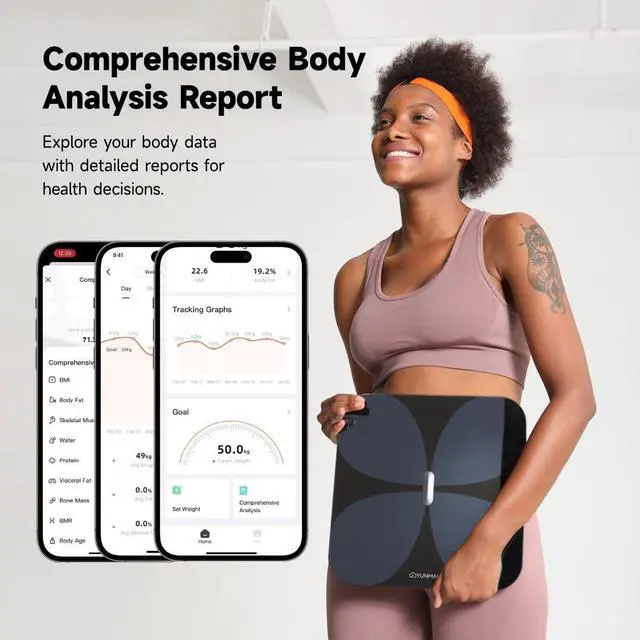



Yunmai is a global innovator in smart health tech, helping people manage wellness with ease and precision. Since 2014, we've developed intelligent products—from smart body composition scales to recovery tools—that simplify health tracking. Trusted in 100+ countries, Yunmai empowers users to understand their bodies and improve their well-being.
Know Your Body
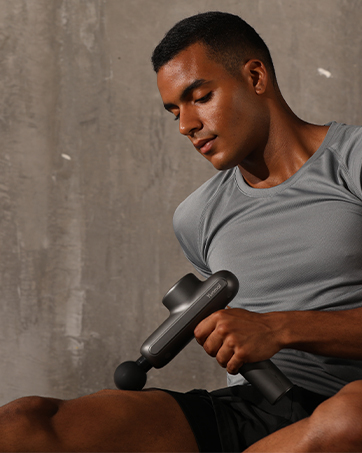
Pro Level Recovery One Click
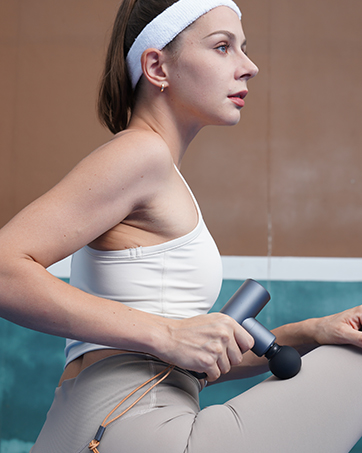
Smart Relief Compact Power
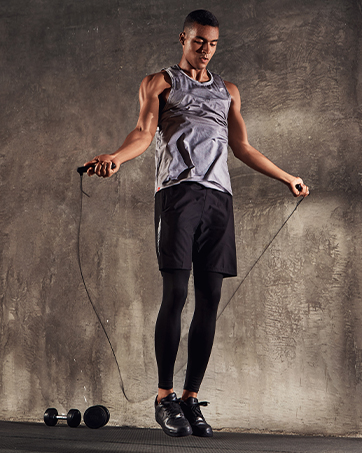
Your Portable Workout Partner
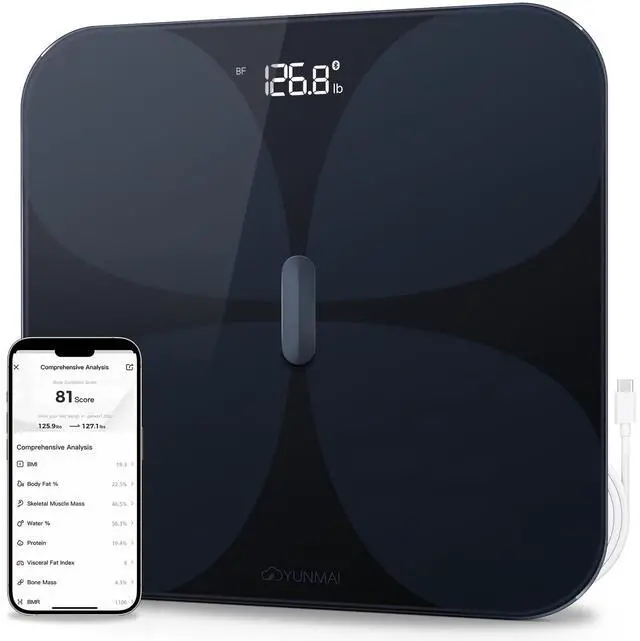
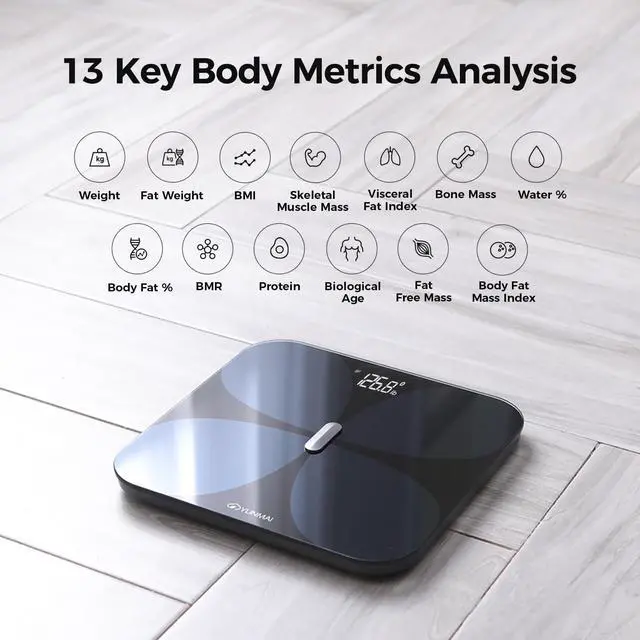
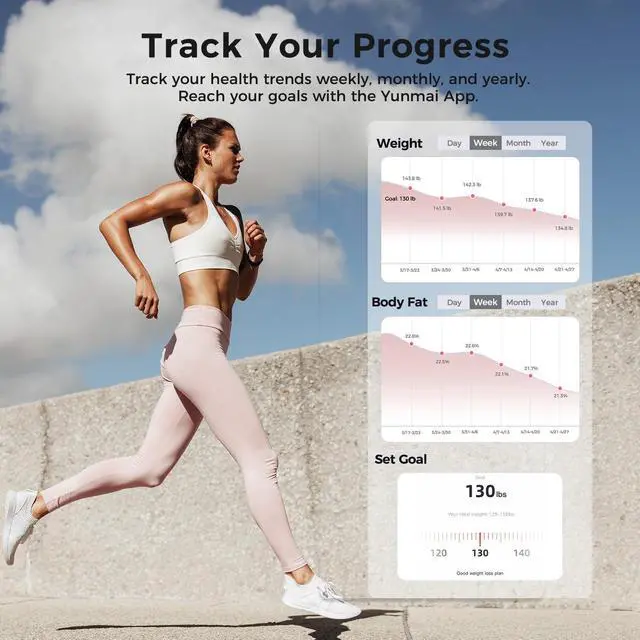
Yunmai PRO Smart Scale with BMI, Body Fat Scale
Merchant Video


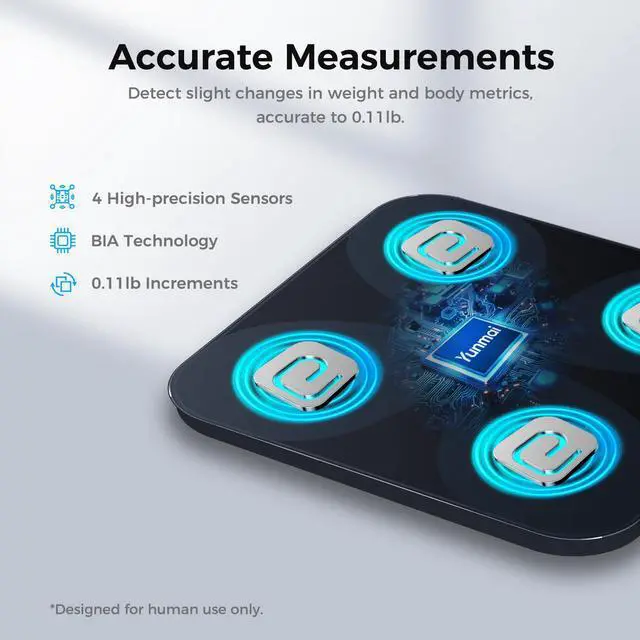
How to get accurate measurement results?
Please follow the tips: 1. Use the scale on a flat, hard surface. 2. Stand barefoot with clean, dry feet and full contact. 3. Make sure your age and height are correct in the app. 4. Recalibrate the scale after moving it or long periods of non-use.
The Yunmai App displays body weight only, but no other body metrics.
1. Turn on Bluetooth and connect the app. 2. Stand barefoot and still for 3 seconds. 3. Wipe the scale and your feet for better contact. 4. Ensure your age and height are correct in the App (metrics for ages 18+).
Can't connect to the Yunmai App?
1. Reinstall and update the App. 2. Enable Bluetooth on your phone and ensure the scale's power on. 3. Step on the scale to wake it, then connect via the YUNMAI App. 4. Keep your phone within 3 feet. 5. Ensure your iOS or Android device is updated.
How to switch the weight unit (kg/lb)?
Switch units (lb/kg) directly in the YUNMAI App under settings: "Me" and "Smart Scale". Once changed, the new unit will be reflected on the scale's LED display.
My scale isn't turning on / the display doesn't light up.
1. Turn on the power switch next to the charging port. 2. Charge the scale fully using the included USB cable. 3. Place on a flat surface and step on with pressure to activate. (The hidden LED display lights up only when pressure is applied.)
Yunmai PRO Smart Scale with BMI, Body Fat Scale
Merchant Video


How to get accurate measurement results?
Please follow the tips: 1. Use the scale on a flat, hard surface. 2. Stand barefoot with clean, dry feet and full contact. 3. Make sure your age and height are correct in the app. 4. Recalibrate the scale after moving it or long periods of non-use.
The Yunmai App displays body weight only, but no other body metrics.
1. Turn on Bluetooth and connect the app. 2. Stand barefoot and still for 3 seconds. 3. Wipe the scale and your feet for better contact. 4. Ensure your age and height are correct in the App (metrics for ages 18+).
Can't connect to the Yunmai App?
1. Reinstall and update the App. 2. Enable Bluetooth on your phone and ensure the scale's power on. 3. Step on the scale to wake it, then connect via the YUNMAI App. 4. Keep your phone within 3 feet. 5. Ensure your iOS or Android device is updated.
How to switch the weight unit (kg/lb)?
Switch units (lb/kg) directly in the YUNMAI App under settings: "Me" and "Smart Scale". Once changed, the new unit will be reflected on the scale's LED display.
My scale isn't turning on / the display doesn't light up.
1. Turn on the power switch next to the charging port. 2. Charge the scale fully using the included USB cable. 3. Place on a flat surface and step on with pressure to activate. (The hidden LED display lights up only when pressure is applied.)
Yunmai is a global innovator in smart health tech, helping people manage wellness with ease and precision. Since 2014, we've developed intelligent products—from smart body composition scales to recovery tools—that simplify health tracking. Trusted in 100+ countries, Yunmai empowers users to understand their bodies and improve their well-being.
Know Your Body
Pro Level Recovery One Click
Smart Relief Compact Power
Your Portable Workout Partner