


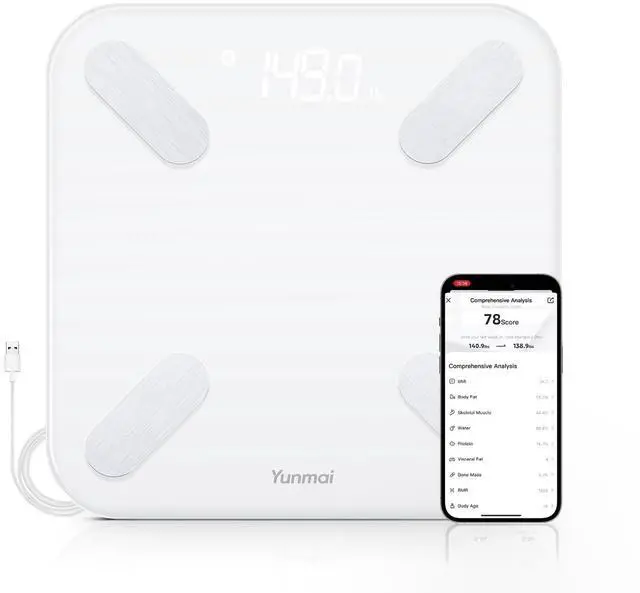
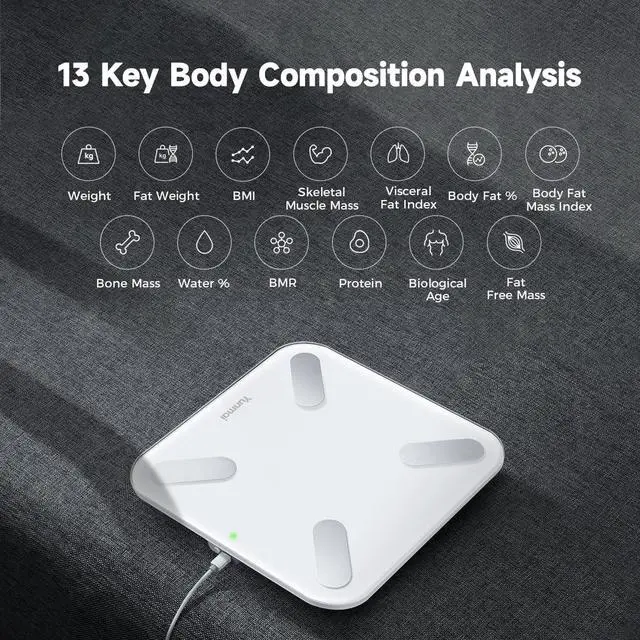
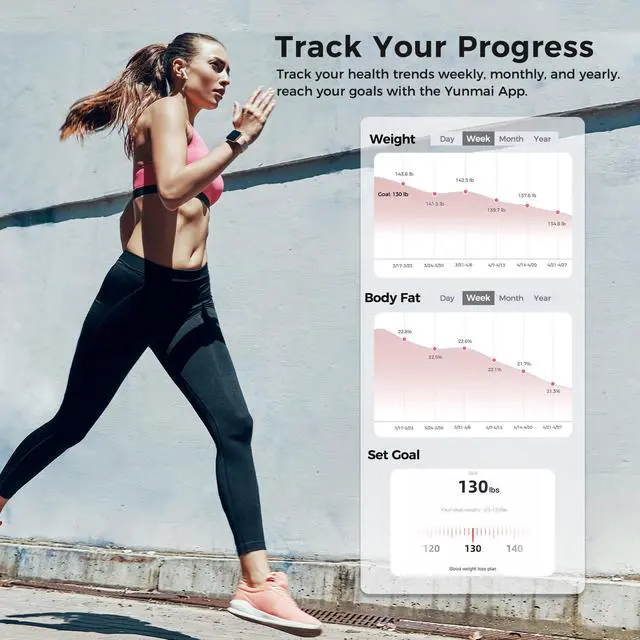

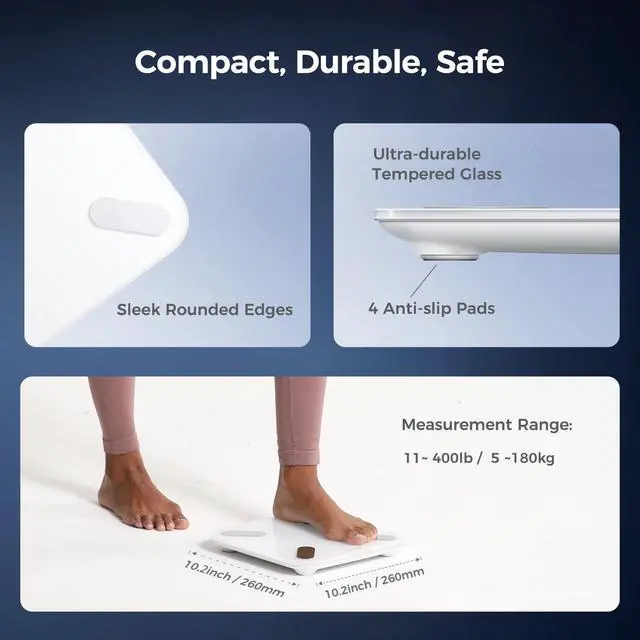
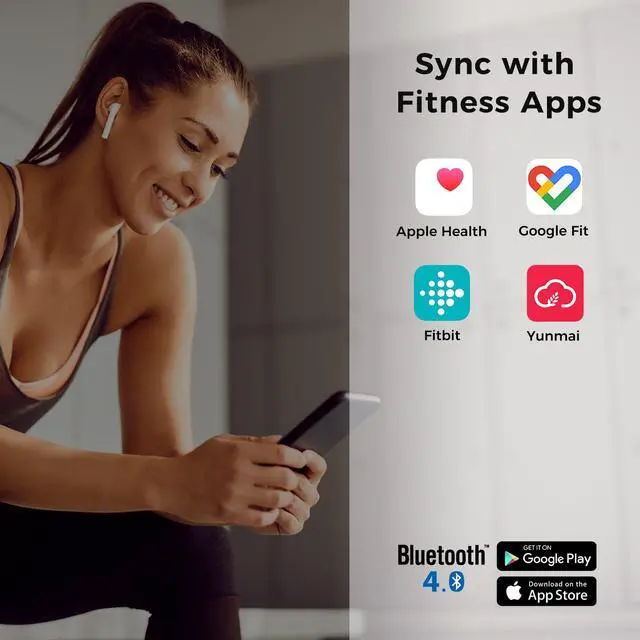



Yunmai is a global innovator in smart health tech, helping people manage wellness with ease and precision. Since 2014, we've developed intelligent products—from smart body composition scales to recovery tools—that simplify health tracking. Trusted in 100+ countries, Yunmai empowers users to understand their bodies and improve their well-being.
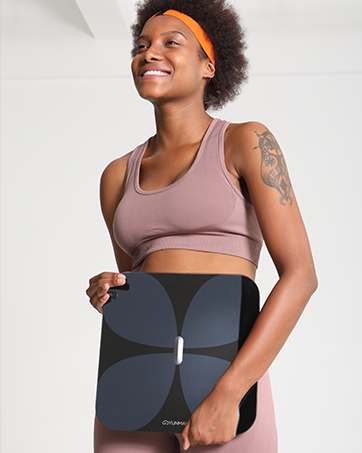
Know Your Body
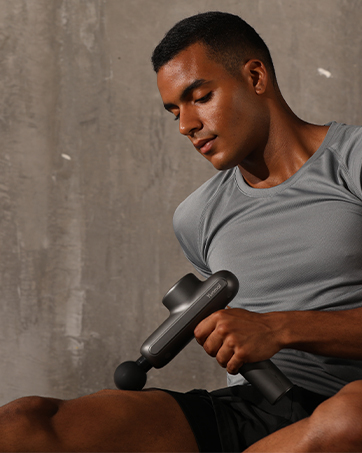
Pro Level Recovery One Click
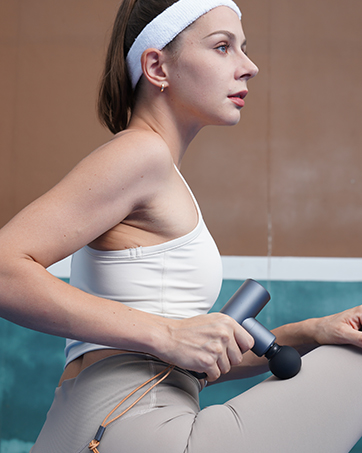
Smart Relief Compact Power
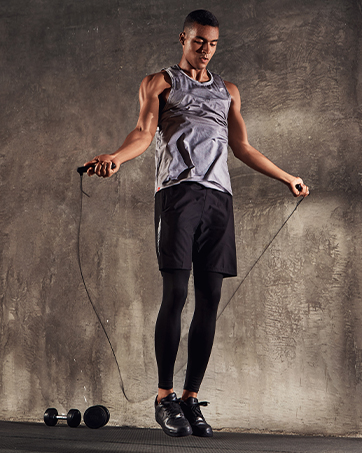
Your Portable Workout Partner


Body composition readings may vary due to factors like hydration, meals, exercise, stress, or time of day. These changes are normal and reflect your body's natural fluctuations. To get consistent results, measure at the same time each day, preferably in the morning before eating or exercising. Rather than focusing on a single measurement, we recommend tracking long-term trends for more accurate insights into your health progress.


FAQ
Q: How to get accurate measurement results?
A: Please follow the tips: 1. Use the scale on a flat, hard surface (avoid carpets). 2. Stand barefoot with clean, dry (or slightly moist) feet, ensuring full contact with the scale surface. 3. Weigh at the same time each day, ideally in the morning before eating or drinking. 4. Ensure your age, height, and details are correct in the App. 5. Re-calibrate the scale if you move it or haven't used it for a while.
Q: The Yunmai App displays body weight only, but no other body metrics.
A: Please follow the steps: 1. Ensure Bluetooth is on and the App is connected to the scale. 2. Weigh barefoot, stand still on the scale for at least 3 seconds. 3. Clean the scale and your feet with a damp towel to ensure proper contact. 4. Verify your age, height, and other details in the App (the scale tracks body metrics for users aged 18 and above).
Q: The device prompts me to step on the scale with bare feet, but I already am.
A: The scale uses sensors that require moisture for accurate bioelectrical impedance. If you see this prompt, apply foot cream to keep your feet moisturized for better conductivity. Then try again after restarting the scale, and make sure the age on your account is set to over 18.
Q: Can't connect to the Yunmai App?
A: 1. Reinstall the App and update to the latest version. 2. Enable Bluetooth on your smartphone and ensure the scale's power switch is on. 3. Step on the scale to wake it up, then connect via the YUNMAI App. 4. Keep your phone within 3 feet of the scale. 5. Ensure your iOS or Android device is updated.
Q: My scale isn't turning on / the display doesn't light up.
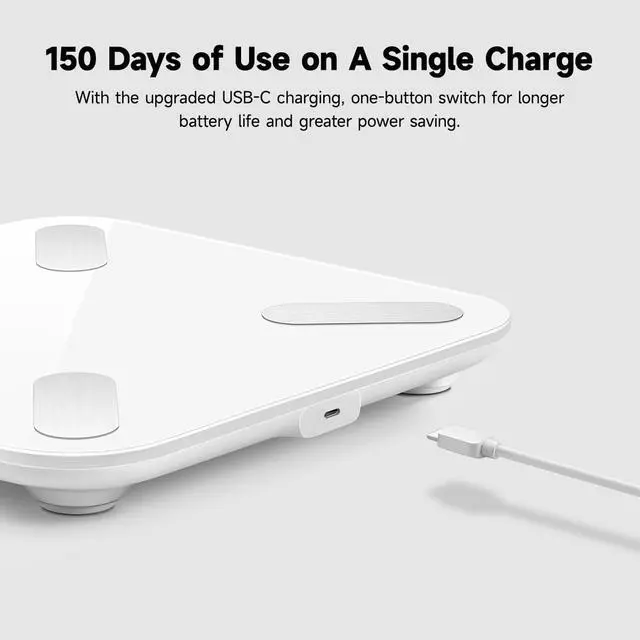
A: 1. Turn on the power switch next to the charging port. 2. Charge the scale fully using the included USB cable. 3. Place on a flat surface and step on with pressure to activate. (The hidden LED display lights up only when pressure is applied.)
Q: How to switch the weight unit (kg/lb)?
A: When the scale is on, press the power button briefly once to change the unit between kg and lb. You can also change the unit in the YUNMAI App under “Me” > “Smart Scale”, but the scale display must be changed manually.
Q: How to re-calibrate the scale?
A: Step on the scale for 1-2 seconds, then step off. The scale will automatically re-calibrate and reset to 0.0 lb.
 Yunmai Smart Scale with BMI, Body Fat, Muscle Mass, Body Weight, Body Fat Sca... |  YUNMAI S Smart Body Fat Scale, Accurate Digital Bathroom Scale for Body Weigh... |  Yunmai Smart Scale with BMI, Body Fat, Muscle Mass, Digital Weight Body Fat S... |  YUNMAI Premium Smart Scale - Body Fat Scale with New Free APP & Body Composit... | |
|---|---|---|---|---|
| Price | — | — no data | — | — no data |
| Dimensions (in) | 11.8 x 11.8 x 0.8 in. | 11.8 x 11.8 x 0.8 in. | 10.2 x 10.2 x 1 in. | 12.9 x 12.9 x 1.2 in. |
| Body Metrics | 13 | 13 | 13 | 10 |
| Weight Range | 11 - 400 lb | 11 - 400 lb | 7 - 400 lb | 7 - 400 lb |
| Sync Fitness Apps | Apple Health/Google Fit/Fitbit | Apple Health/Google Fit/Fitbit | Apple Health/Google Fit/Fitbit | Apple Health/Google Fit/Fitbit |
| Battery | Rechargeable Battery | Rechargeable Battery | Rechargeable Battery | 4 AAA Batteries |
| Charger Port | Micro USB | Micro USB | USB-C | no data |
| Battery Life | 6 Months per Charge | 6 Months per Charge | 5 Months per Charge | no data |
| Surface / Material | Tempered Glass | Tempered Glass / Stainless Steel | Tempered Glass / Stainless Steel | Tempered Glass |
| ITO Coating Technology | ? | no data | no data | ? |
| Multi-User Identification | ? | ? | ? | ? |
Body composition readings may vary due to factors like hydration, meals, exercise, stress, or time of day. These changes are normal and reflect your body's natural fluctuations. To get consistent results, measure at the same time each day, preferably in the morning before eating or exercising. Rather than focusing on a single measurement, we recommend tracking long-term trends for more accurate insights into your health progress.
FAQ
Q: How to get accurate measurement results?
A: Please follow the tips: 1. Use the scale on a flat, hard surface (avoid carpets). 2. Stand barefoot with clean, dry (or slightly moist) feet, ensuring full contact with the scale surface. 3. Weigh at the same time each day, ideally in the morning before eating or drinking. 4. Ensure your age, height, and details are correct in the App. 5. Re-calibrate the scale if you move it or haven't used it for a while.
Q: The Yunmai App displays body weight only, but no other body metrics.
A: Please follow the steps: 1. Ensure Bluetooth is on and the App is connected to the scale. 2. Weigh barefoot, stand still on the scale for at least 3 seconds. 3. Clean the scale and your feet with a damp towel to ensure proper contact. 4. Verify your age, height, and other details in the App (the scale tracks body metrics for users aged 18 and above).
Q: The device prompts me to step on the scale with bare feet, but I already am.
A: The scale uses sensors that require moisture for accurate bioelectrical impedance. If you see this prompt, apply foot cream to keep your feet moisturized for better conductivity. Then try again after restarting the scale, and make sure the age on your account is set to over 18.
Q: Can't connect to the Yunmai App?
A: 1. Reinstall the App and update to the latest version. 2. Enable Bluetooth on your smartphone and ensure the scale's power switch is on. 3. Step on the scale to wake it up, then connect via the YUNMAI App. 4. Keep your phone within 3 feet of the scale. 5. Ensure your iOS or Android device is updated.
Q: My scale isn't turning on / the display doesn't light up.
A: 1. Turn on the power switch next to the charging port. 2. Charge the scale fully using the included USB cable. 3. Place on a flat surface and step on with pressure to activate. (The hidden LED display lights up only when pressure is applied.)
Q: How to switch the weight unit (kg/lb)?
A: When the scale is on, press the power button briefly once to change the unit between kg and lb. You can also change the unit in the YUNMAI App under “Me” > “Smart Scale”, but the scale display must be changed manually.
Q: How to re-calibrate the scale?
A: Step on the scale for 1-2 seconds, then step off. The scale will automatically re-calibrate and reset to 0.0 lb.
Yunmai Smart Scale with BMI, Body Fat, Muscle Mass, Body Weight, Body Fat Sca... | YUNMAI S Smart Body Fat Scale, Accurate Digital Bathroom Scale for Body Weigh... | Yunmai Smart Scale with BMI, Body Fat, Muscle Mass, Digital Weight Body Fat S... | YUNMAI Premium Smart Scale - Body Fat Scale with New Free APP & Body Composit... | |
|---|---|---|---|---|
| Price | — | — no data | — | — no data |
| Dimensions (in) | 11.8 x 11.8 x 0.8 in. | 11.8 x 11.8 x 0.8 in. | 10.2 x 10.2 x 1 in. | 12.9 x 12.9 x 1.2 in. |
| Body Metrics | 13 | 13 | 13 | 10 |
| Weight Range | 11 - 400 lb | 11 - 400 lb | 7 - 400 lb | 7 - 400 lb |
| Sync Fitness Apps | Apple Health/Google Fit/Fitbit | Apple Health/Google Fit/Fitbit | Apple Health/Google Fit/Fitbit | Apple Health/Google Fit/Fitbit |
| Battery | Rechargeable Battery | Rechargeable Battery | Rechargeable Battery | 4 AAA Batteries |
| Charger Port | Micro USB | Micro USB | USB-C | no data |
| Battery Life | 6 Months per Charge | 6 Months per Charge | 5 Months per Charge | no data |
| Surface / Material | Tempered Glass | Tempered Glass / Stainless Steel | Tempered Glass / Stainless Steel | Tempered Glass |
| ITO Coating Technology | ? | no data | no data | ? |
| Multi-User Identification | ? | ? | ? | ? |
Yunmai is a global innovator in smart health tech, helping people manage wellness with ease and precision. Since 2014, we've developed intelligent products—from smart body composition scales to recovery tools—that simplify health tracking. Trusted in 100+ countries, Yunmai empowers users to understand their bodies and improve their well-being.
Know Your Body
Pro Level Recovery One Click
Smart Relief Compact Power
Your Portable Workout Partner