


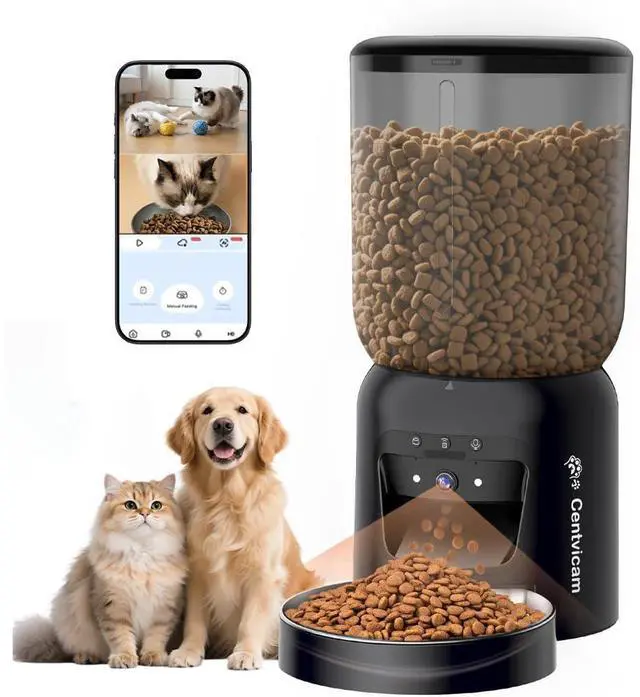
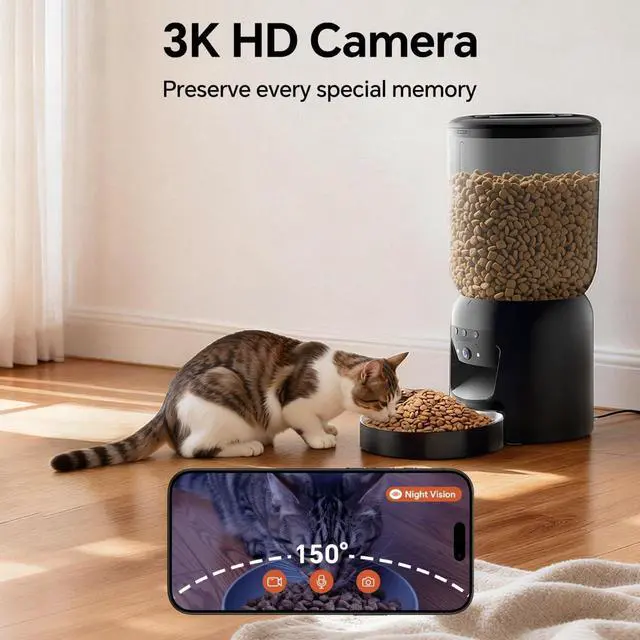
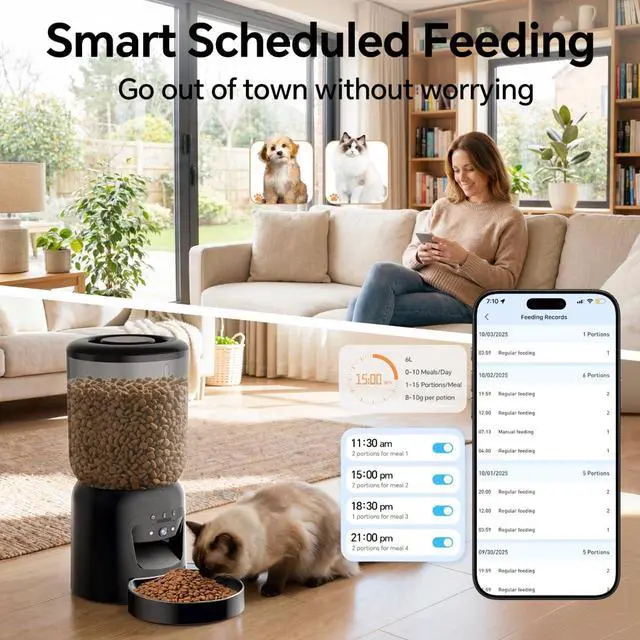
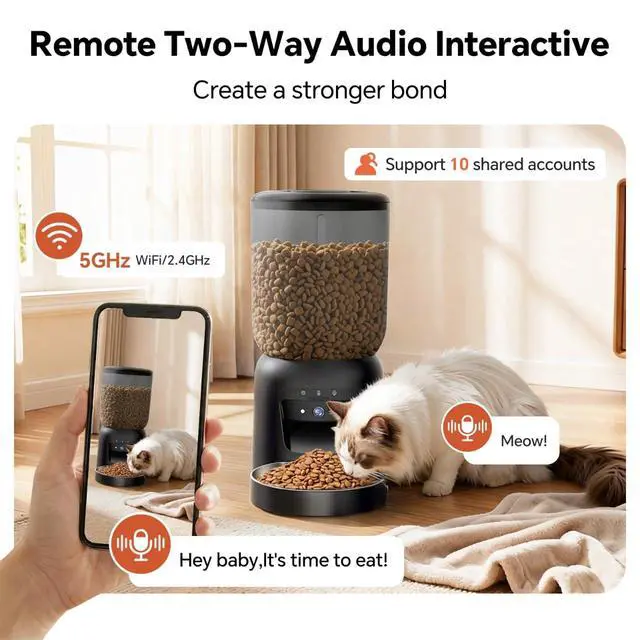


automatic cat feeder with camera
Merchant Video


Product Connection Video
How to view the product link: You can connect quickly via Bluetooth, Wi-Fi, or scan the link on your device.
(The video demonstrates multiple connection methods. Please choose the one that best suits you to complete product setup quickly.)
Product Connection Video
Merchant VideoQ1:What should I do after receiving the product?
1.Check product & accessories
2.Connect product (refer to the included manual or installation video on the product link)
3.For setup assistance, contact after-sales support—we're here for you!
Q2:Security concerns regarding surveillance equipment?
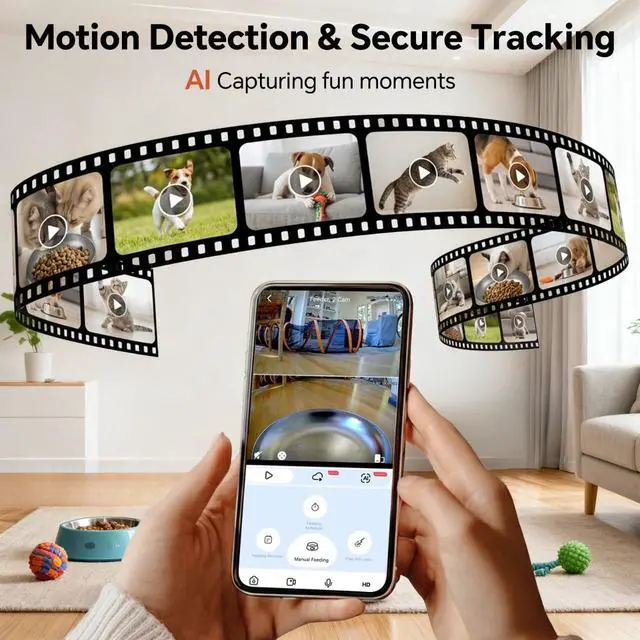
This pet monitor allows you to check on your pet and receive daily activity summaries. Your privacy is protected—only you can access the live feed on your smartphone. We prioritize data security and ensure the system is safe and private.
Q3:What causes a product to go offline or fail to connect during the connection process?
Please check these possible causes. Don't worry—reconnect or contact our support team for help:
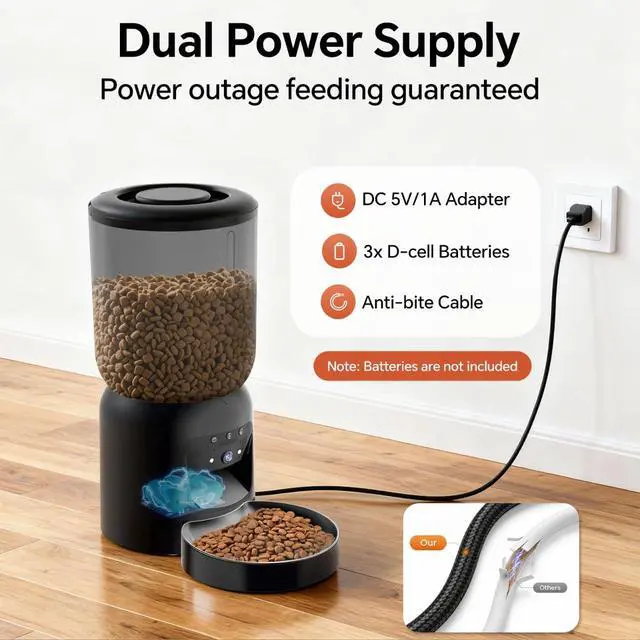
1.Power outage?
2.Network down?
3.Router IP full?
4.Moved feeder or changed network? 5.Loose power cable?
Q4: What to do if food isn't coming out?
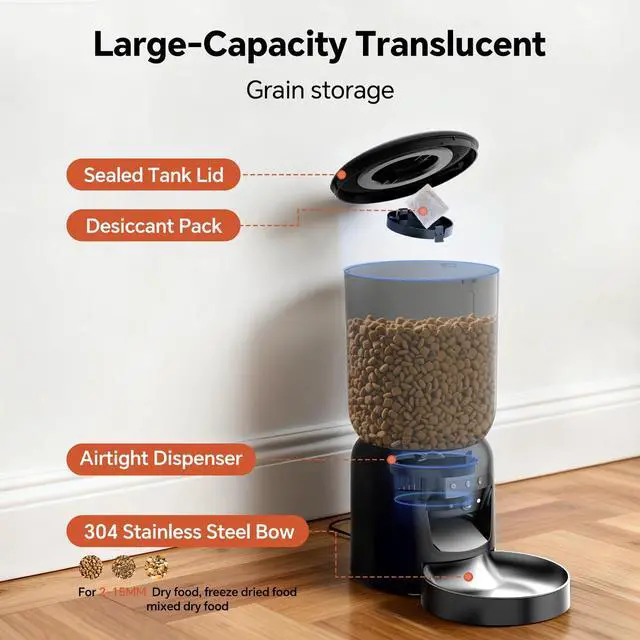
1.Kibble size: 2-15mm only. Larger size = jams.
2.Clean unit: Remove debris from container & base.
3.Clean sensor: Wipe outlet detector.
4.Manual test: Unlock > Manual Feeding > check rotor turns.
Q5:How to Download the App?
How to Download the App?
(No payment or personal information is required to download the app.)
You can find our app by searching "icam365" on Google Play or the App Store.
If you need help, feel free to After-sales personnel—we're happy to assist!

automatic feeder with camera

Centvicam: Love at Every Meal
Born from a pet lover's need, Centvicam ensures your furry friend is fed and cared for, even when you're apart. Our smart feeders combine reliable technology with thoughtful features like voice connection and portion control—because feeding is an act of love.
Trusted by thousands for dependable peace of mind.
Feed smart. Stay connected. Trust Centvicam.
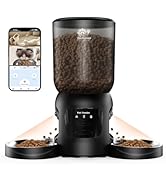
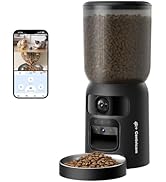
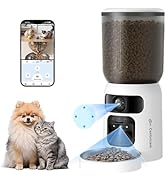
cat feeder with camera
automatic feeder with camera
Centvicam: Love at Every Meal
Born from a pet lover's need, Centvicam ensures your furry friend is fed and cared for, even when you're apart. Our smart feeders combine reliable technology with thoughtful features like voice connection and portion control—because feeding is an act of love.
Trusted by thousands for dependable peace of mind.
Feed smart. Stay connected. Trust Centvicam.
cat feeder with camera
automatic cat feeder with camera
Merchant Video


Product Connection Video
Merchant VideoProduct Connection Video
How to view the product link: You can connect quickly via Bluetooth, Wi-Fi, or scan the link on your device.
(The video demonstrates multiple connection methods. Please choose the one that best suits you to complete product setup quickly.)
Q1:What should I do after receiving the product?
1.Check product & accessories
2.Connect product (refer to the included manual or installation video on the product link)
3.For setup assistance, contact after-sales support—we're here for you!
Q2:Security concerns regarding surveillance equipment?
This pet monitor allows you to check on your pet and receive daily activity summaries. Your privacy is protected—only you can access the live feed on your smartphone. We prioritize data security and ensure the system is safe and private.
Q3:What causes a product to go offline or fail to connect during the connection process?
Please check these possible causes. Don't worry—reconnect or contact our support team for help:
1.Power outage?
2.Network down?
3.Router IP full?
4.Moved feeder or changed network? 5.Loose power cable?
Q4: What to do if food isn't coming out?
1.Kibble size: 2-15mm only. Larger size = jams.
2.Clean unit: Remove debris from container & base.
3.Clean sensor: Wipe outlet detector.
4.Manual test: Unlock > Manual Feeding > check rotor turns.
Q5:How to Download the App?
How to Download the App?
(No payment or personal information is required to download the app.)
You can find our app by searching "icam365" on Google Play or the App Store.
If you need help, feel free to After-sales personnel—we're happy to assist!