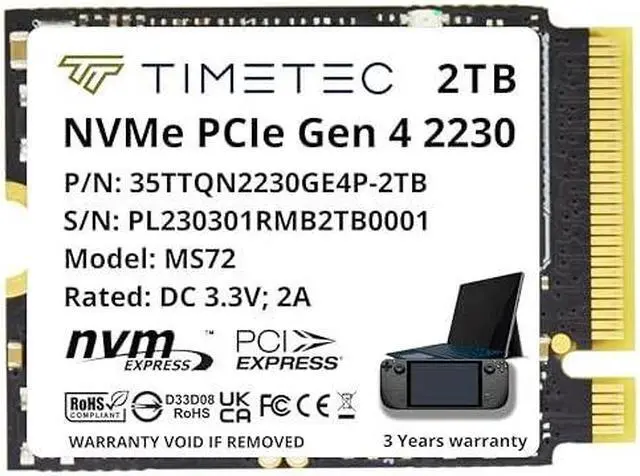
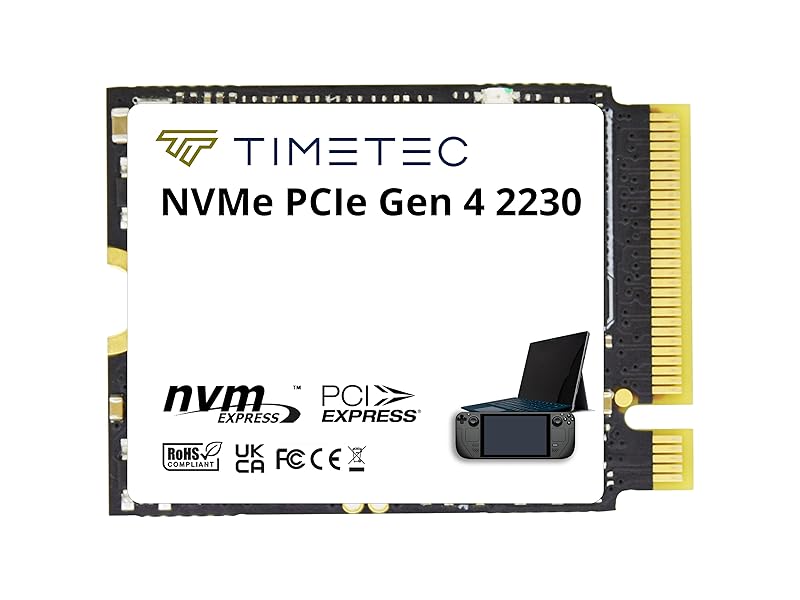
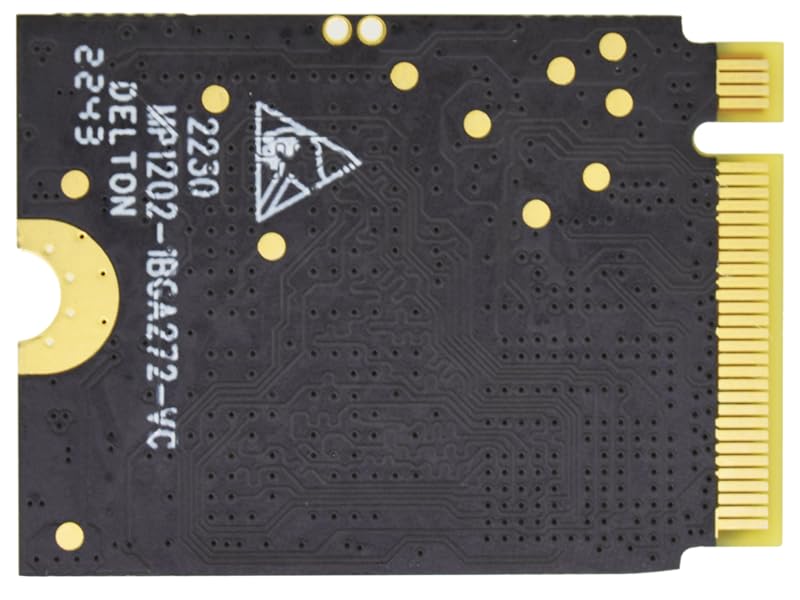
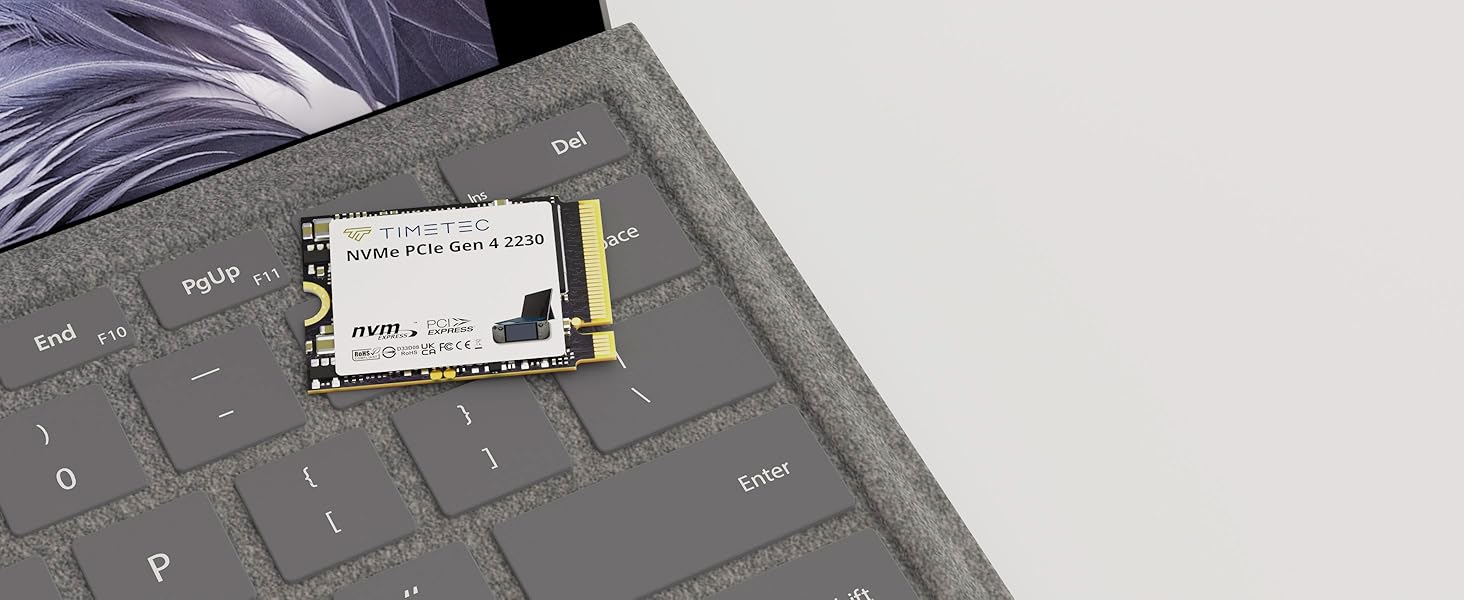
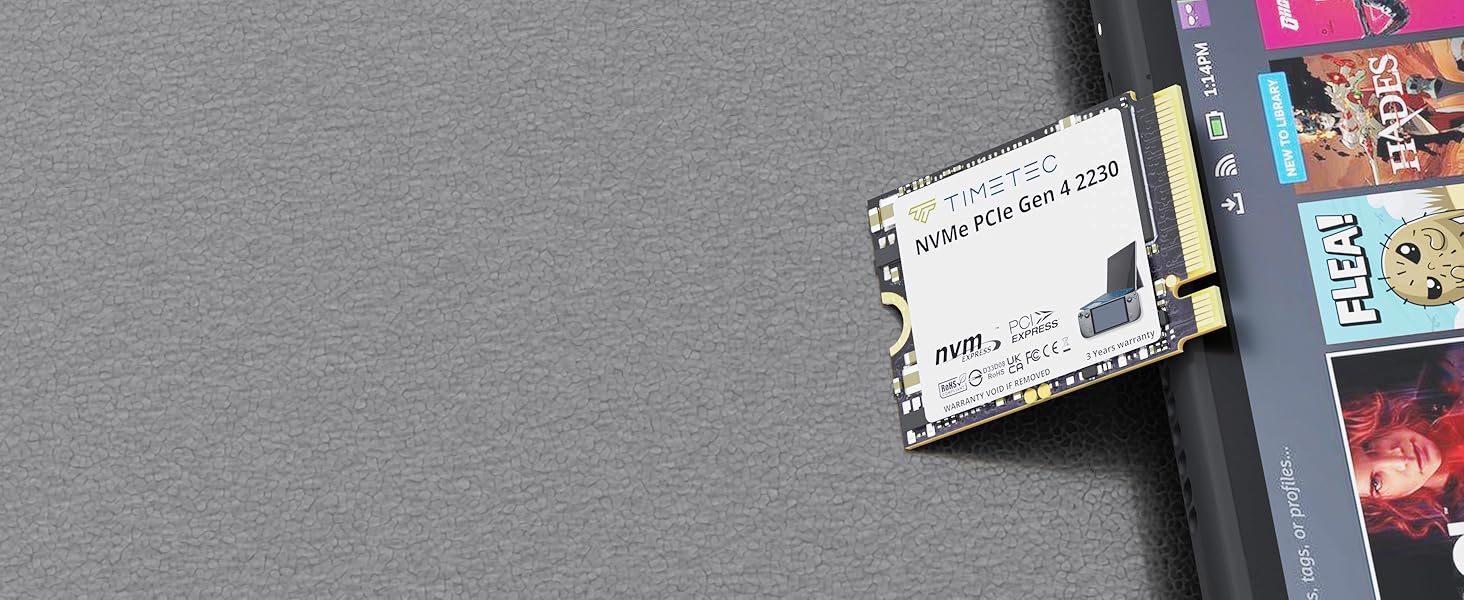
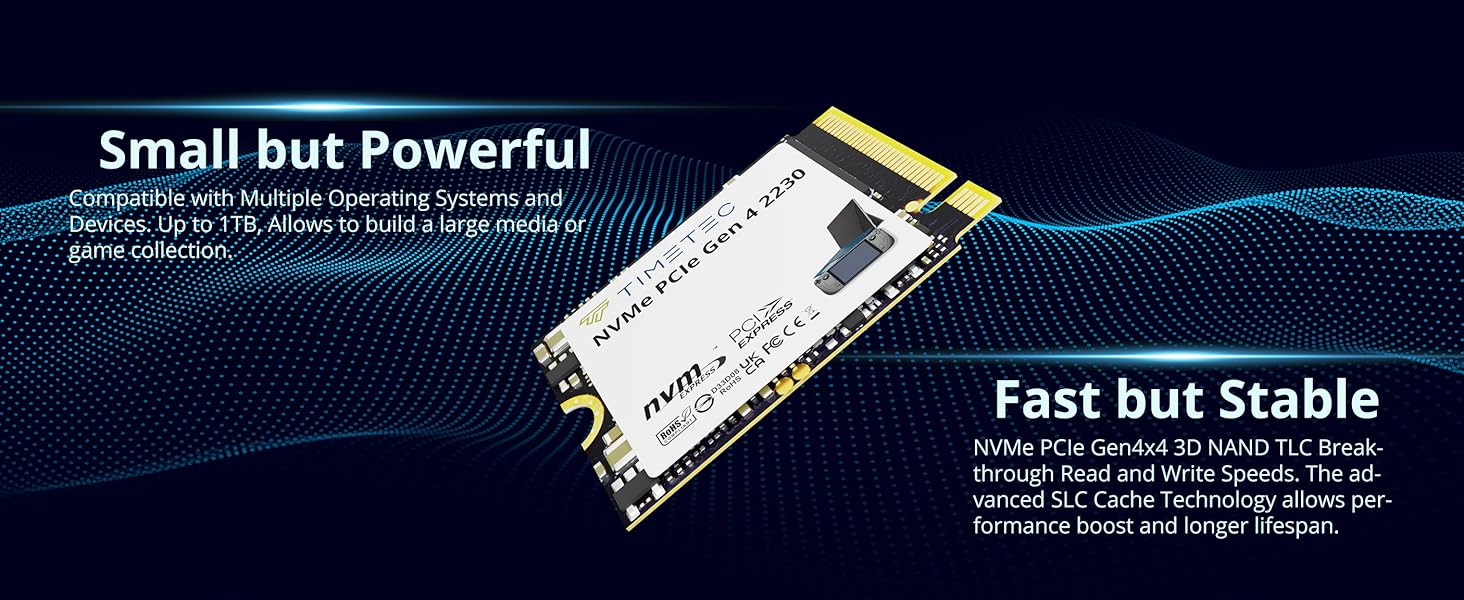
The Timetec 2TB M.2 2230 NVMe PCIe Gen4x4 SSD is a compact, single-sided storage upgrade for compatible Steam Deck, ASUS ROG Ally, Microsoft Surface devices, and mini PCs, with sequential speeds up to 7,000 MB/s read and 5,600 MB/s write.
Recommended For
- Steam Deck owners who are running short on internal space and want room for a larger installed game library. Its 2TB capacity is the main fit; Tom’s Hardware found that real-world Steam Deck performance differences between modern 2230 SSDs are much smaller than peak sequential-speed figures suggest.
- ROG Ally owners who want to replace or expand internal storage for carrying more games without relying as much on removable storage. Timetec lists the 2230 drive as compatible with the Ally; check the exact device and installation requirements before buying.
- Owners of a compatible compact Surface, mini PC, or other system with an M.2 2230 NVMe slot who need up to 2TB in a short, single-sided drive. Confirm the system’s supported drive size and interface before ordering.
Real-World Use Scenarios
- On a compatible Steam Deck, replace a low-capacity internal drive to keep more games installed at once and spend less time uninstalling titles to make room. The main benefit is added storage; reviews find that SSD swaps do not necessarily produce large differences in game loading times.
- On the original ASUS ROG Ally, use a compatible 2230 replacement drive to expand internal space for a larger installed game library. ASUS’s upgrade guidance describes 2230 drives as compatible with the original Ally, and owners report using 2TB replacements to gain room for more games.
- When a compatible handheld is nearly full, replace its existing SSD rather than relying only on removable storage. A larger internal drive gives installed games and other files more room in the device, though the upgrade requires opening the handheld and reinstalling or transferring its software.
- For a compatible Surface or mini PC used for work, apps, or local files, a 2TB internal drive can provide more space before storage fills up. Check the exact device model and supported SSD size before buying; compatibility is model-specific.
- If the goal is faster game loading on a Steam Deck, treat this drive as a storage-capacity upgrade first rather than expecting a dramatic speed boost: testing found only modest loading-time differences among SSDs, with the host device and game also affecting results.




 here!