Meet Your Seller
BEBIRD Earsight Plus Ear Wax Removal Cleaner Tool for Adults & Kids (White) | Ear Camera with HD Visual Otoscope, Smart WiFi Earwax Cleaner Kit, Safe Silicone Flexible Scoops & Tweezers Tools
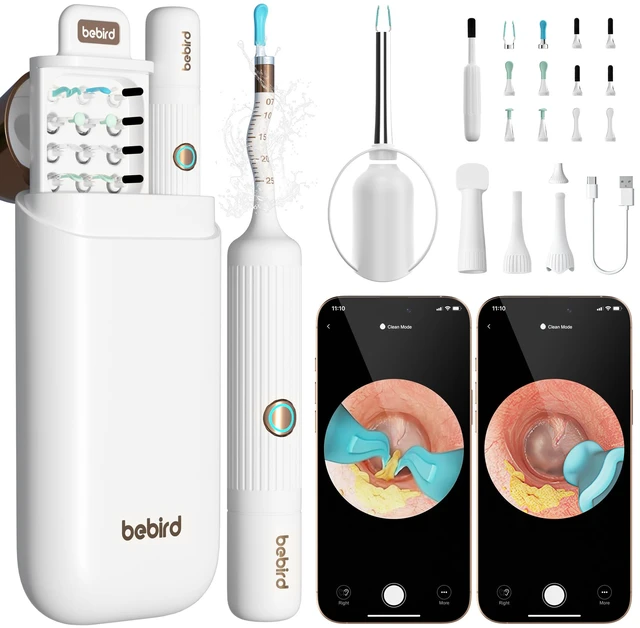
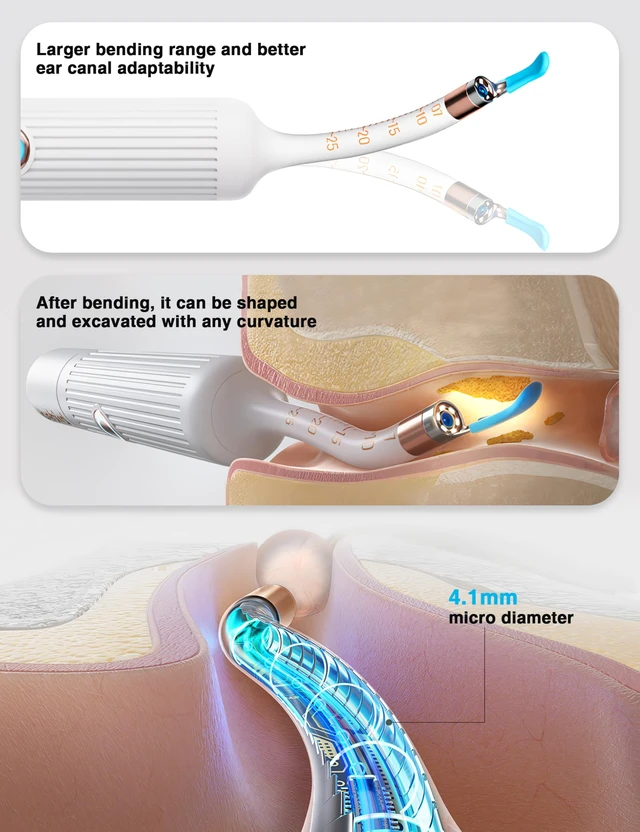
- Adjustable-Angle Earpick Handle: Designed to fit the natural curves of the ear canal, this handle features an adjustable angle for enhanced flexibility, providing a comfortable and effortless ear-cleaning experience for users of all ages
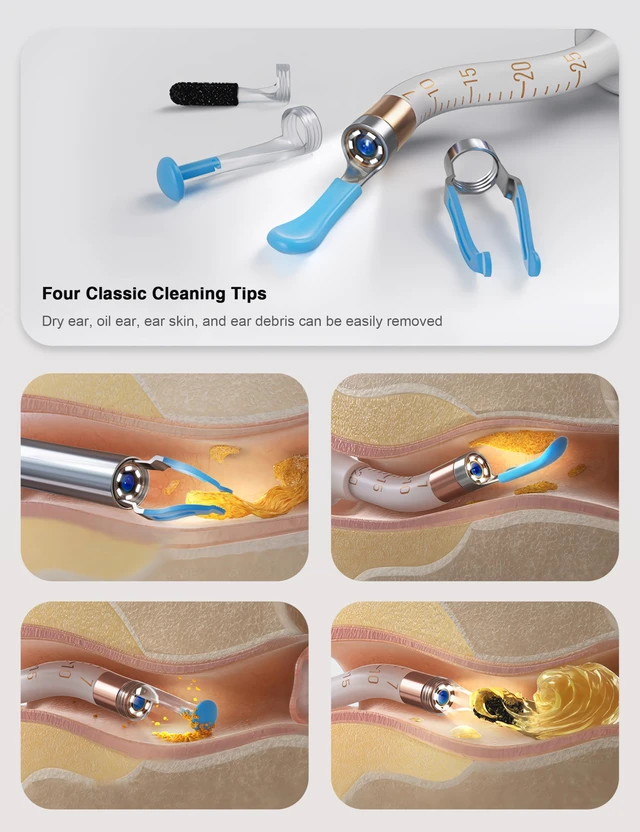
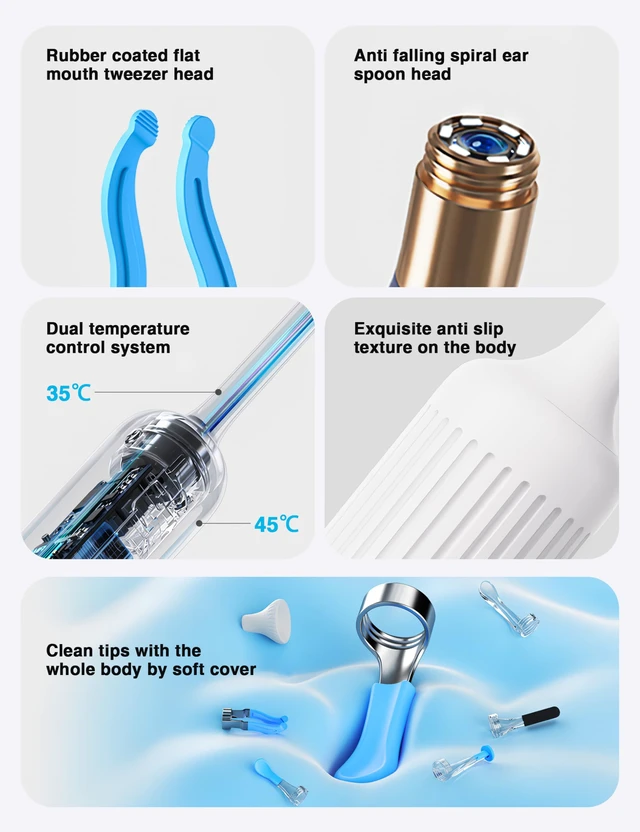
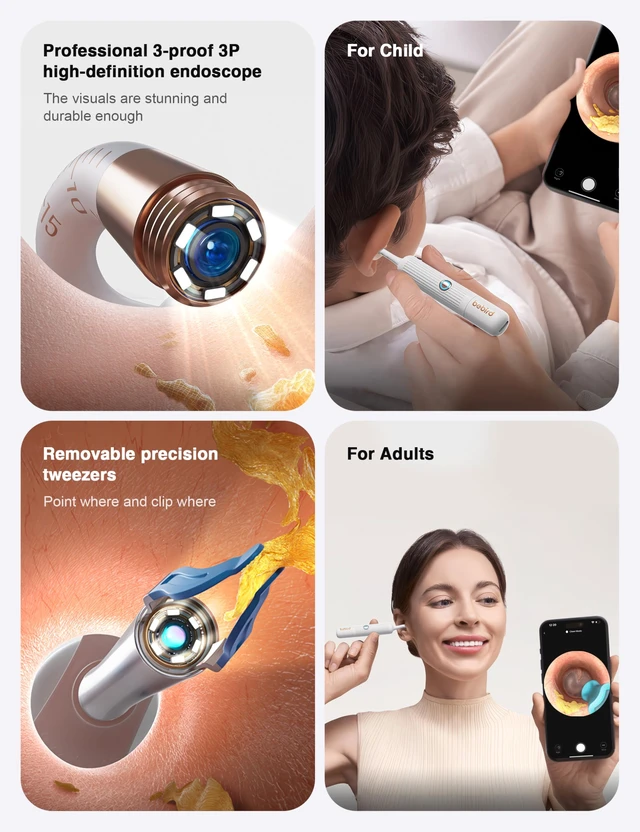
- Smart Tweezer Functionality: Ensure precise earwax removal by attaching the tweezer ear scoop head and control accessory, enabling you to safely and effectively grip and remove stubborn earwax with ease
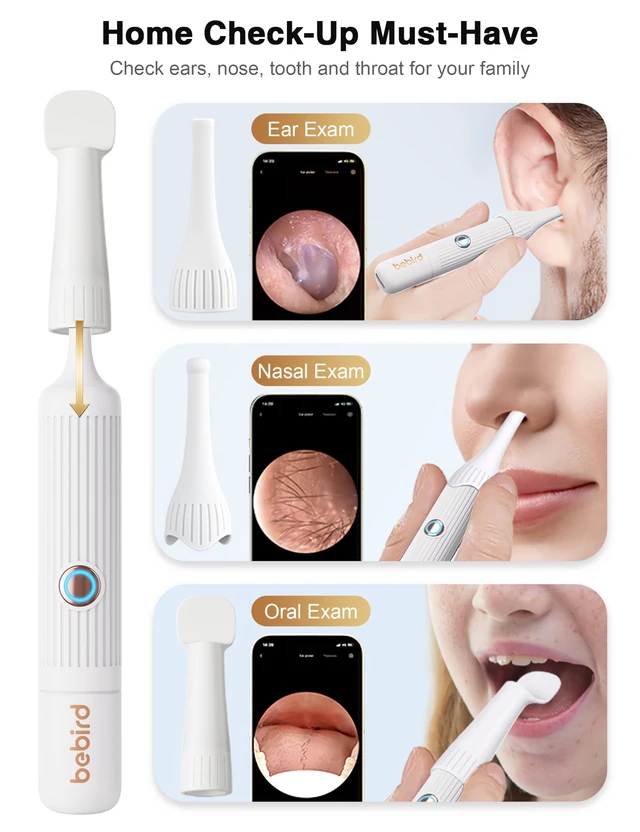
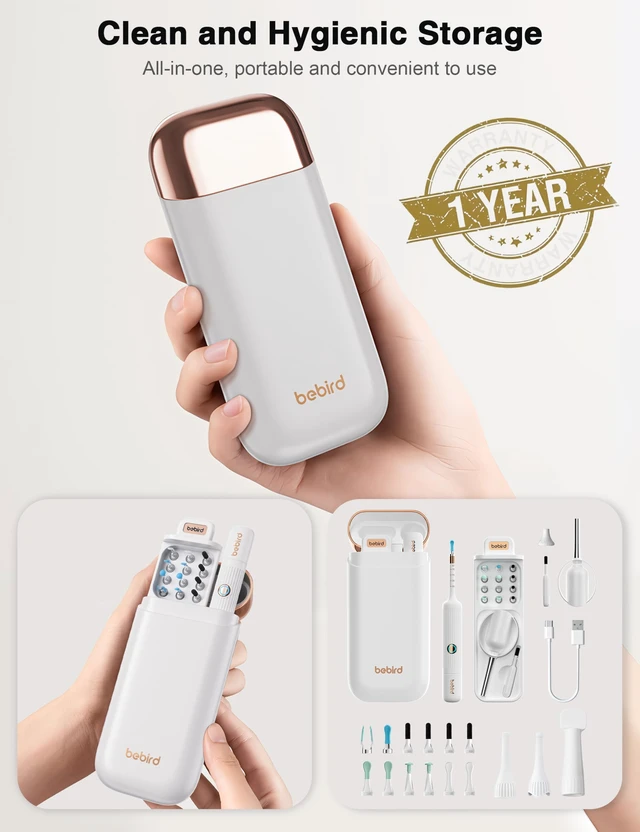
- Replaceable Earpicks & ENT Accessories: Includes multiple silicone earpick attachments along with professional ENT tools, making it suitable for versatile use, such as ear cleaning, nasal examinations, and throat inspections, all in one comprehensive kit
- Use with Confidence: The spiral cleaning head remains securely fixed during use, ensuring no risk of detachment. Additionally, the built-in safety scale and protective stopper prevent over-insertion, effectively safeguarding your eardrum during the cleaning process
- 1080P HD Visual Clarity: Equipped with a high-definition camera that delivers real-time, clear visuals of the ear canal, ensuring safe and precise cleaning while removing any uncertainty during use
- Wireless Connectivity: Effortlessly connect via WiFi to iOS or Android devices, enabling seamless integration with the companion app for various personal care and inspection applications
Any questions? Our AI mode will help you find out quickly.
How to Connect to Your Phone via WiFi?
If you have an Android system, please follow these steps:
Step 1: Download the Bebird app (From the APP store or Google)
Step 2: All prompts choose to allow, except "Allow Cellular Data Switching"
Step 3: Turn on the product and click "go to connect the device's Wi-Fi" in bebird APP
Step 4: Open Wlan and connect to wifi: bebird-model-XXX
Step 5: Return to the APP, click go, and start using it.
Notes: If during your use, a pop-up prompt "Do you want to switch networks freely", select "Decline", If you selected "Allow free network switching" before using it, please uninstall the APP to reinstall it, and select "Do not allow free network switching" in the next connection process, and then proceed to the steps 1-6 above again.
If you have an iOS system, please follow these steps:
Step 1: Download the Bebird app (From the APP store or Google)
Step 2: All prompts choose to allow
Step 3: Turn on the product and click "go to connect the device's Wi-Fi" in bebird APP
Step 4: Open Wlan and connect to wifi: bebird-model-XXX
Step 5: Return to the APP, click go, and start using it.
Warranty & Returns
Warranty, Returns, And Additional Information
Warranty
- Please contact the Seller directly for warranty information. Warranty information may also be found on the Manufacturer's website.
- CONTACT
Return Policies
- Return for refund within: 30 days
- Return for replacement within: 30 days
- This item is covered by Temonick shop Return Policy
Manufacturer Contact Info
- For a directory of all our manufacturers, please click below.
- Manufacturers Directory