





DLP-0345 RevD
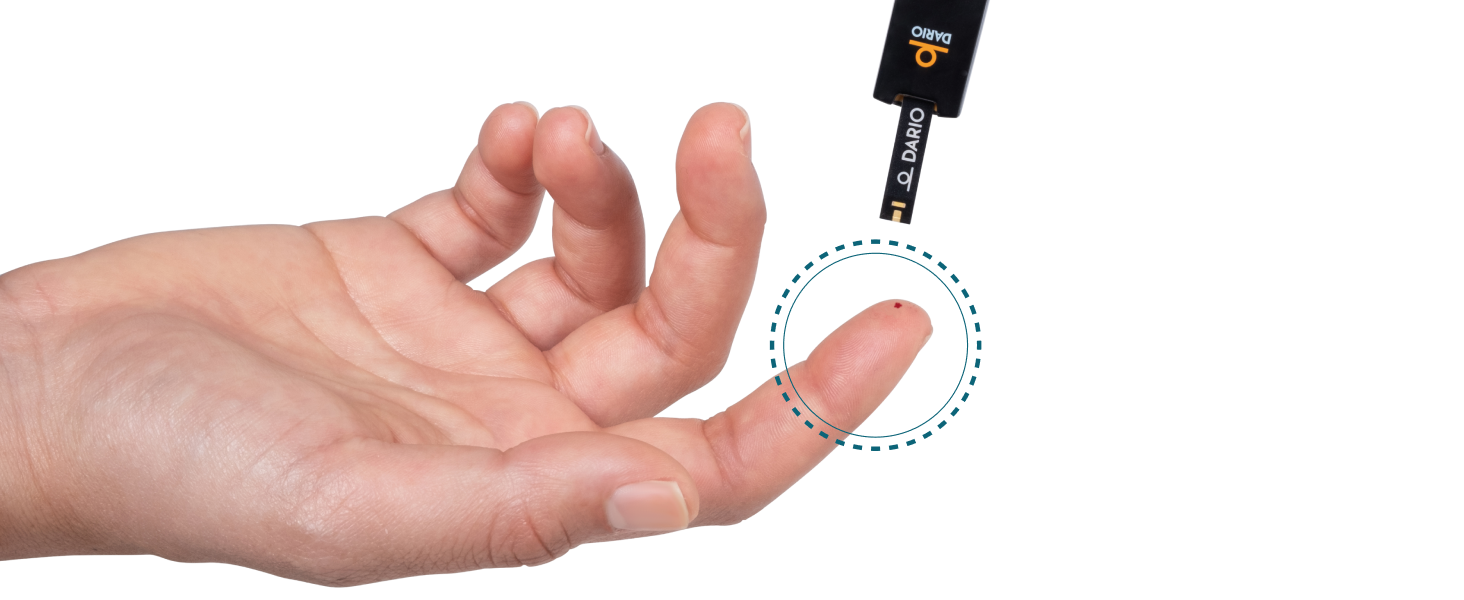
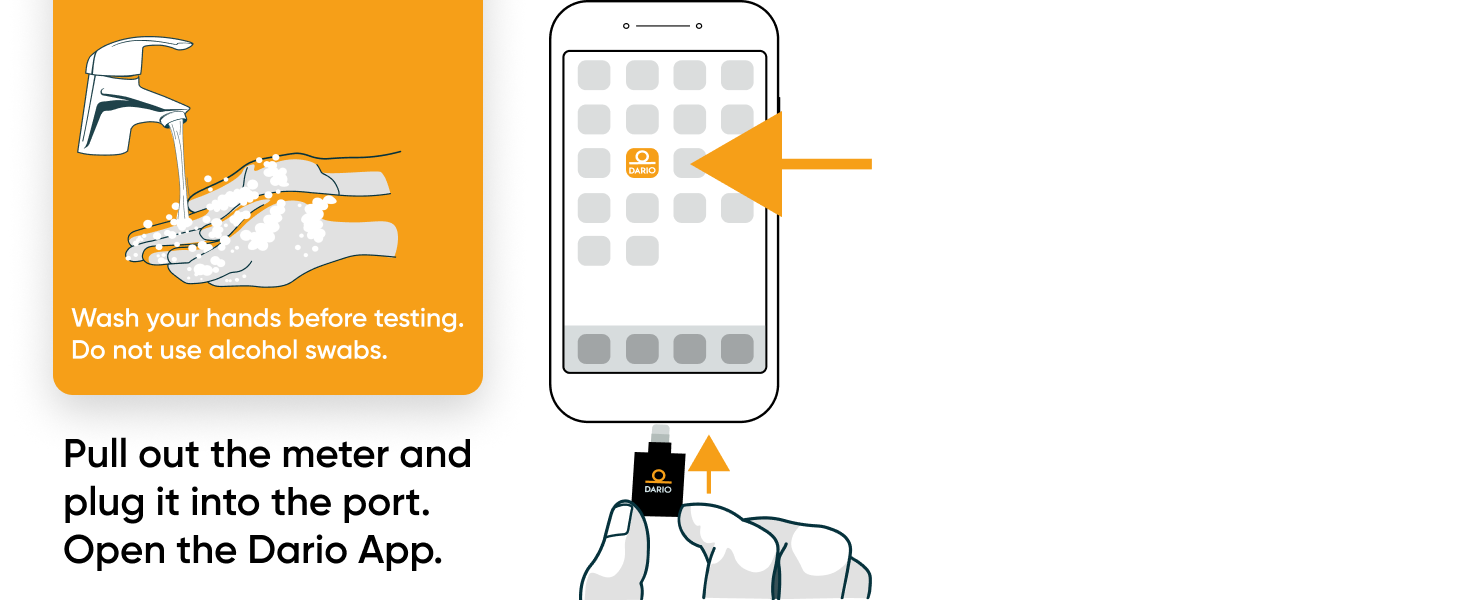
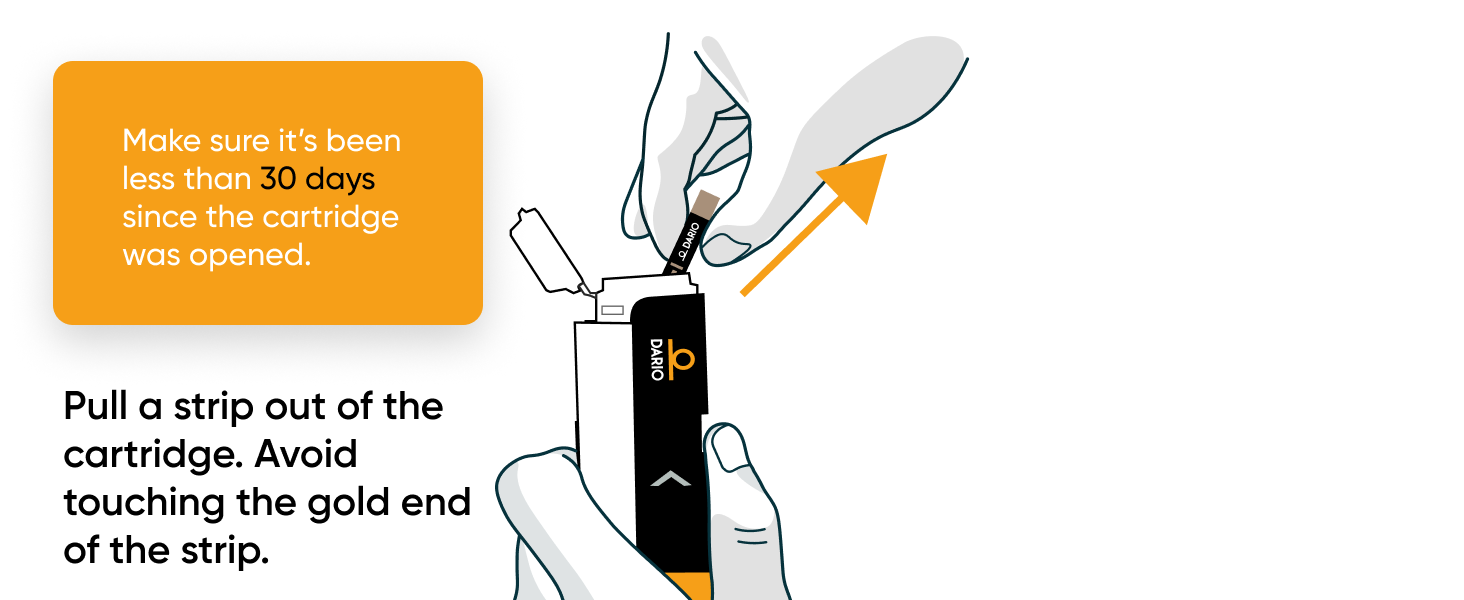
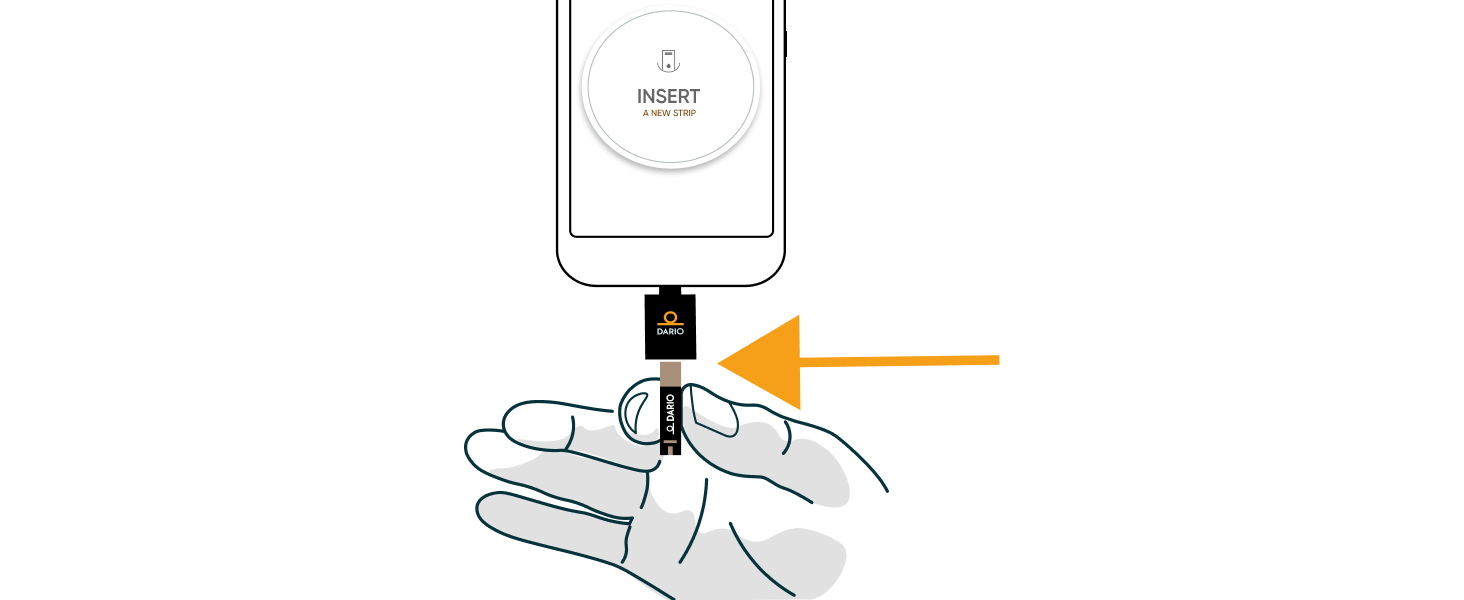
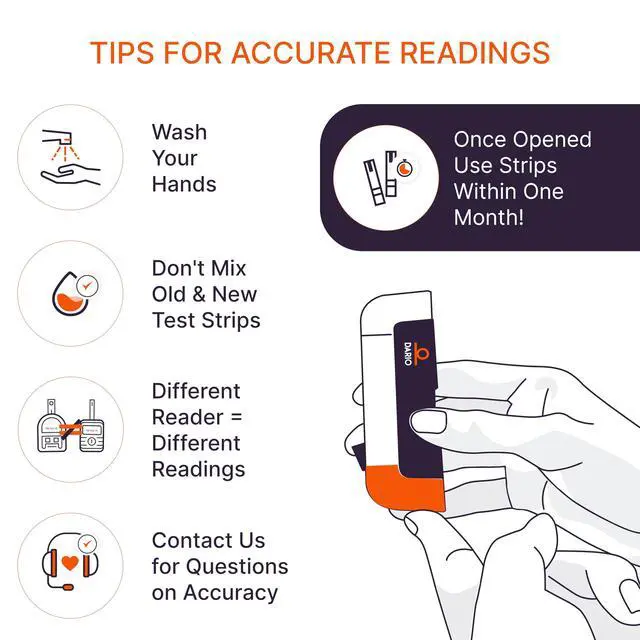
TIPS FOR ACCURATE READINGS
1
2
3
4
5
6
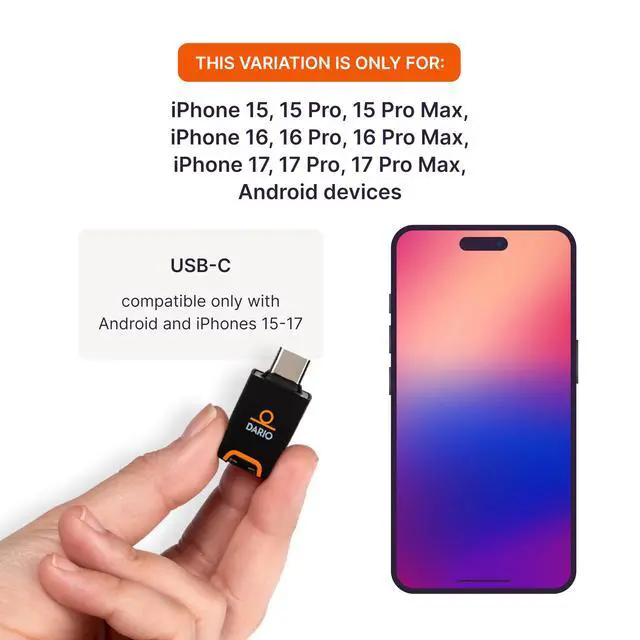
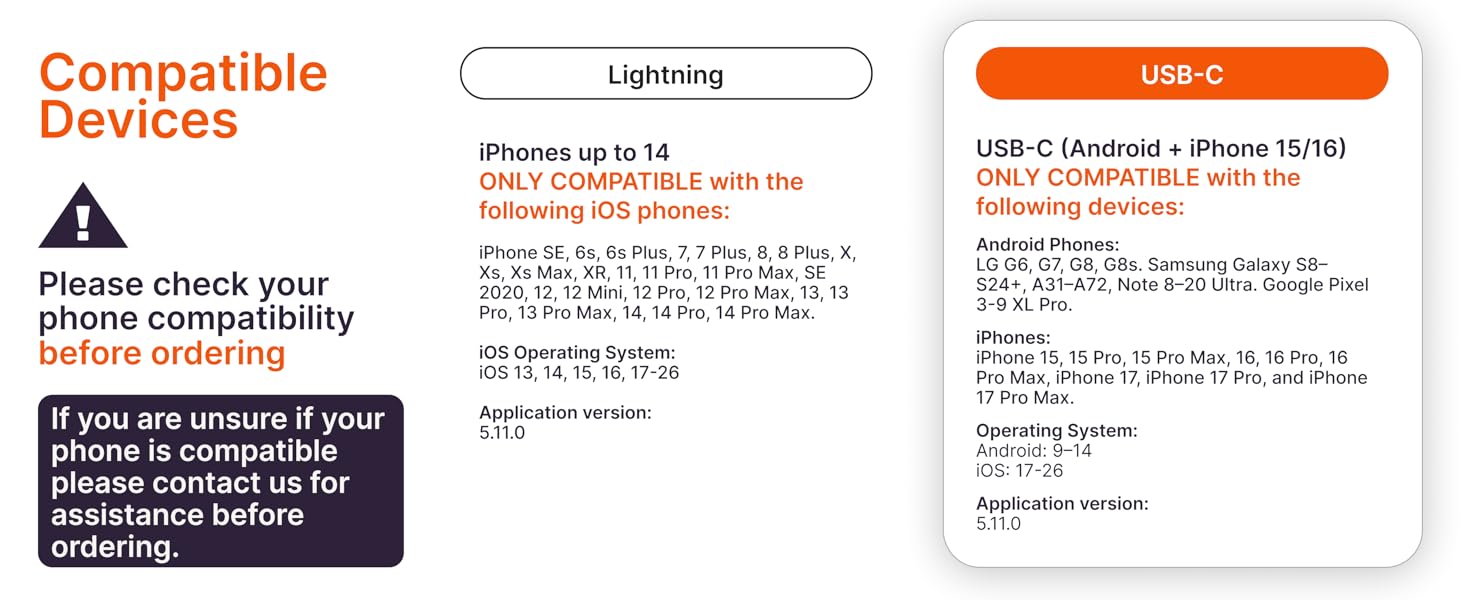
Is your Phone Compatible?
Lancer insufficient in drawing blood.
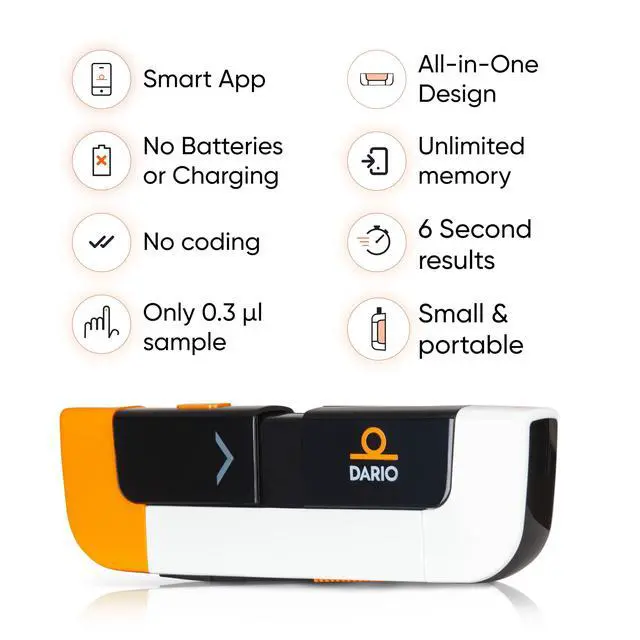
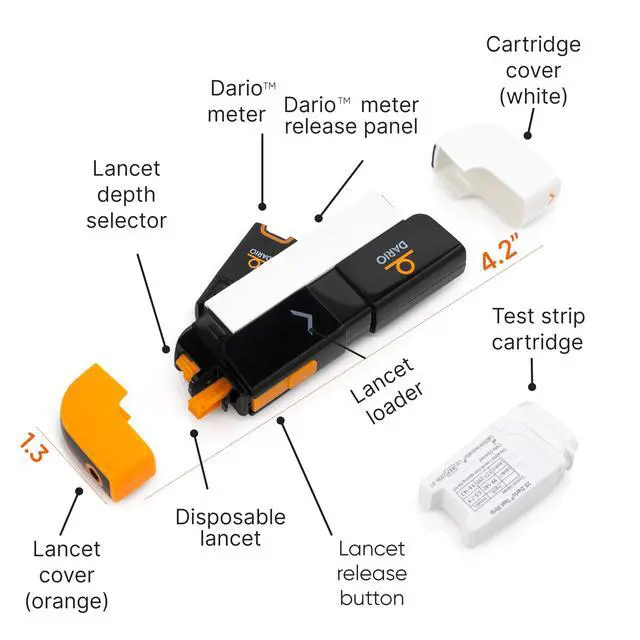
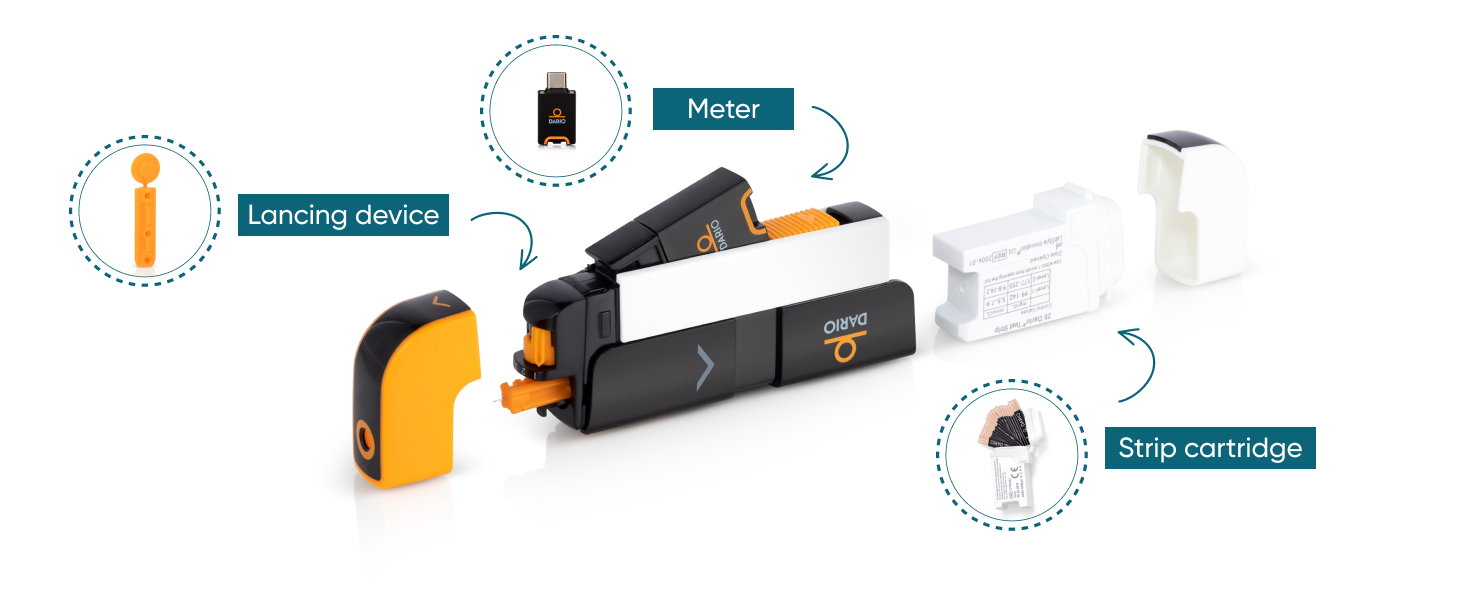
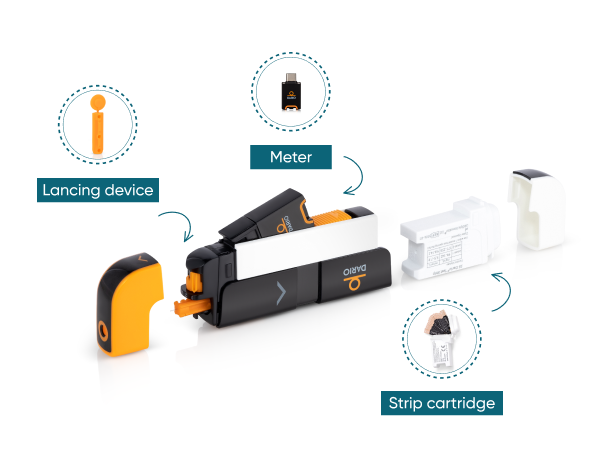
After inserting the lancet, under the orange cap, move the dial to your desired depth, 1 is the shallowest and 4 is the deepest. It will allow you to draw enough blood to perform a test.
My blood sample hasn’t been detected by the Dario meter.
There could be several reasons for that, such as compromised test strips or wrong measurement method, among others. If you experience any errors or difficulties, please reach out to Dario’s support for assistance.
My Dario meter is not calibrated.
There is no need to calibrate your Dario.
Not sure if my Dario test strips provide accurate results.
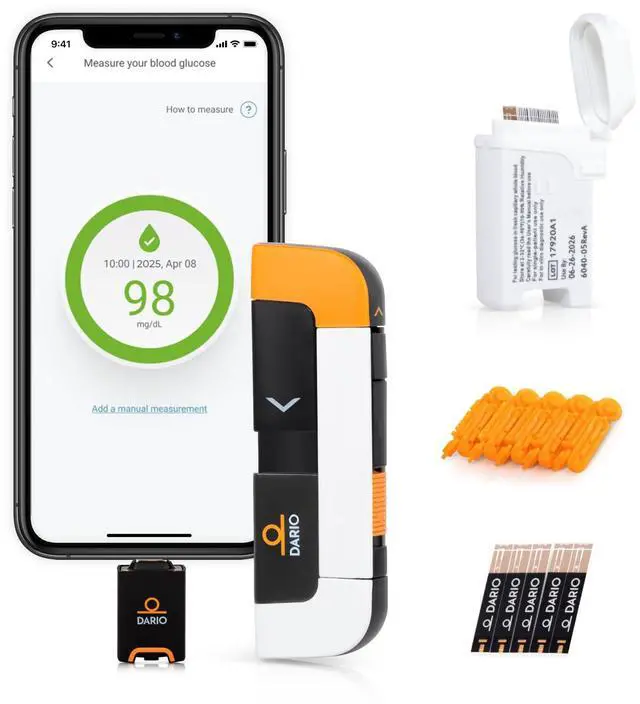
The Dario Control Solution is used to confirm that the meter and test strips are performing as expected. To perform a test with Control Solution, from the Dario App MENU under the HELP & INFO section tap on CONTROL SOLUTION TEST.
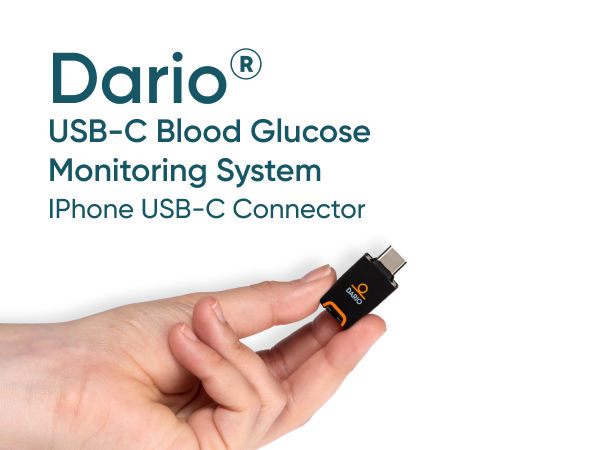
Meter is not connecting to phone's port.
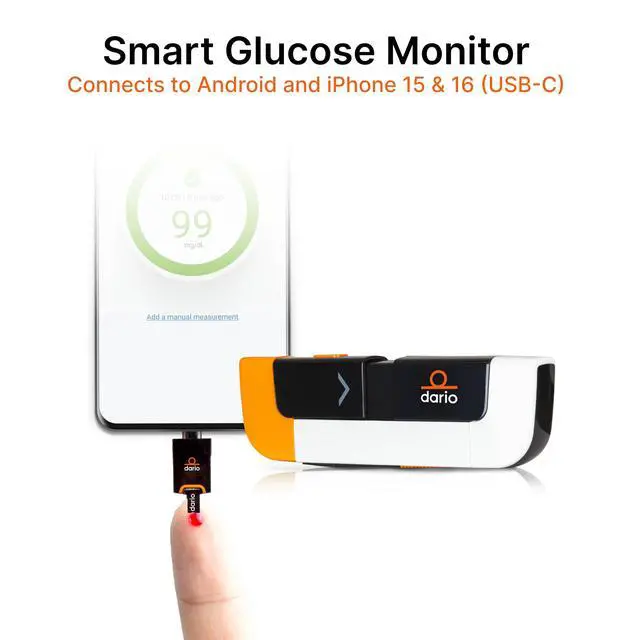
Connect the meter to your phone. If the message “Dario would like to communicate with the Dario Blood Glucose Monitoring System” appears, allow access.
DLP-0345 RevD
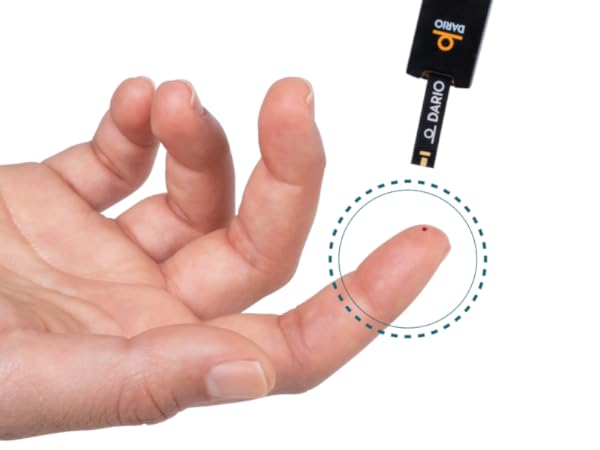
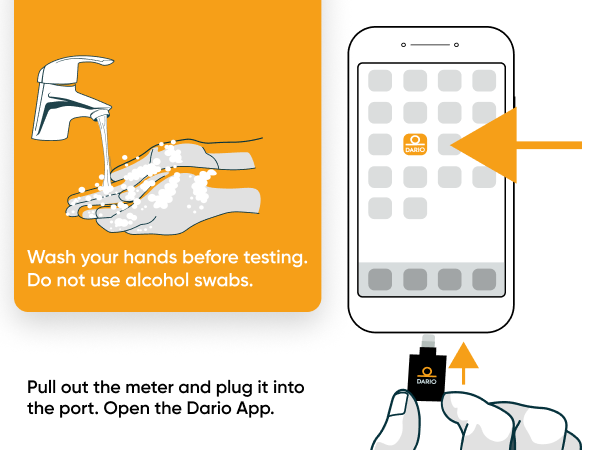
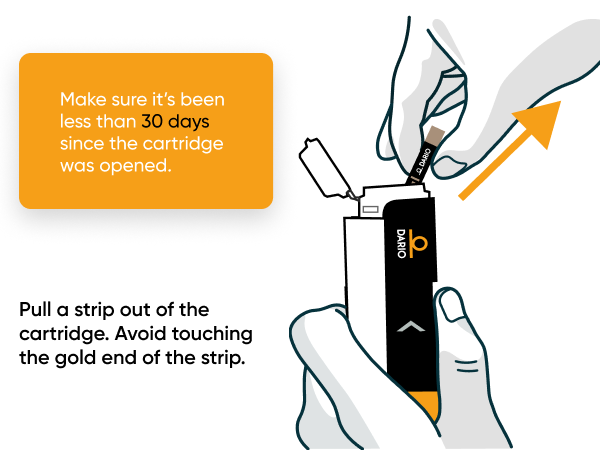
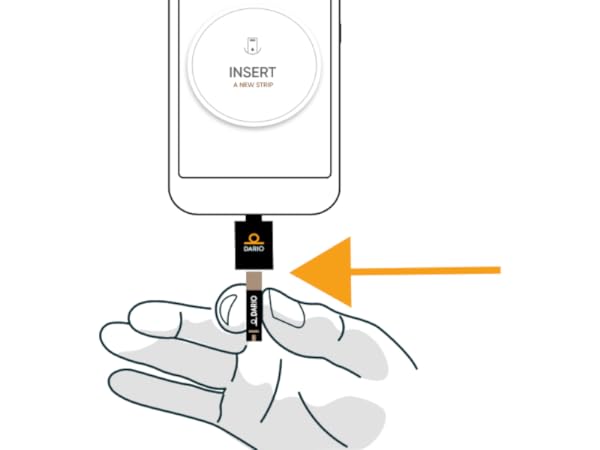
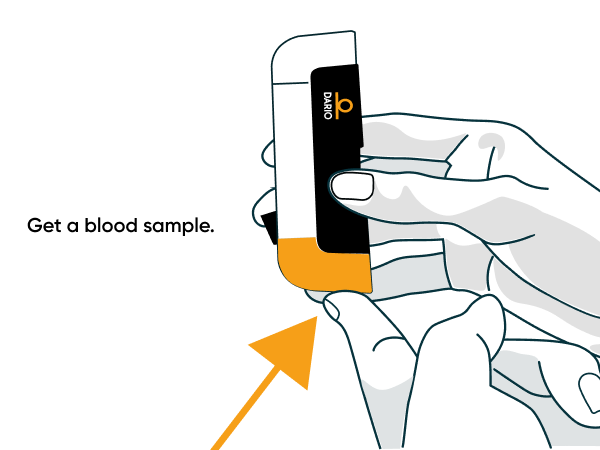
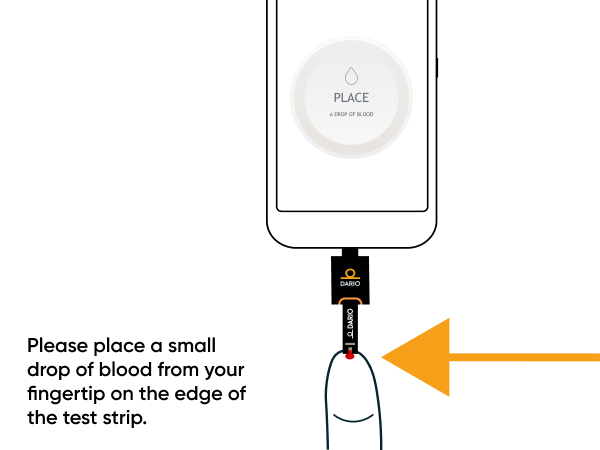
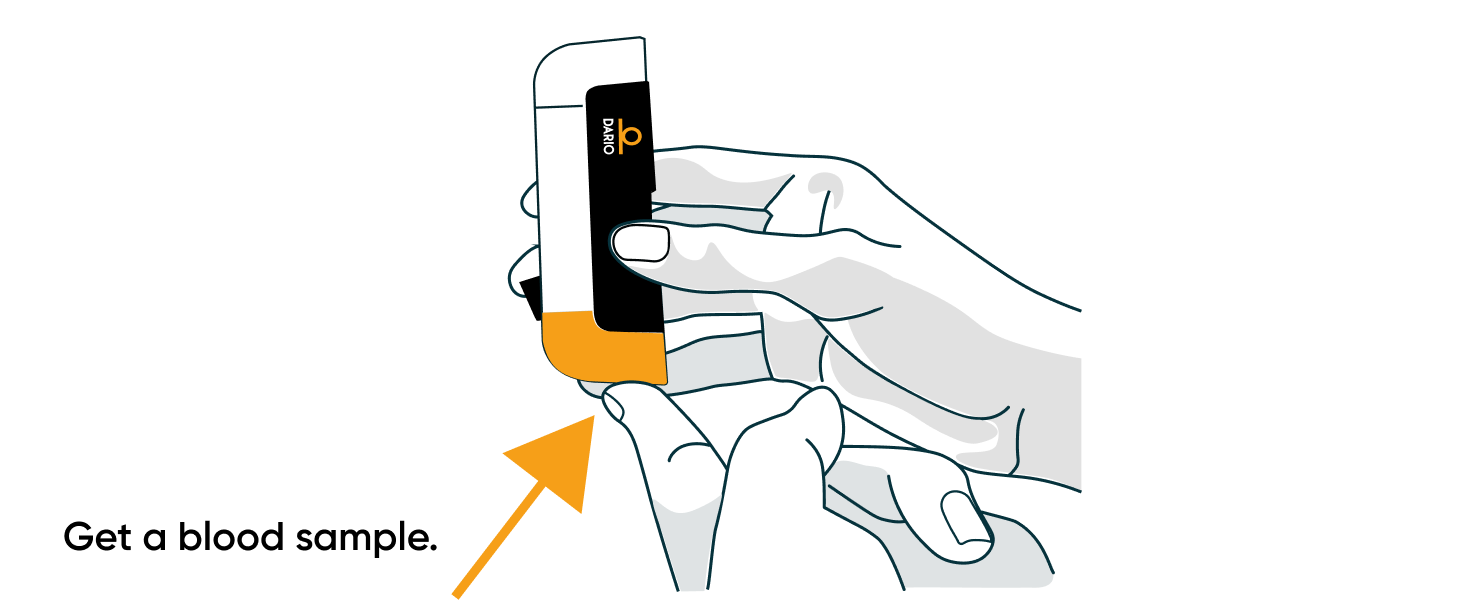
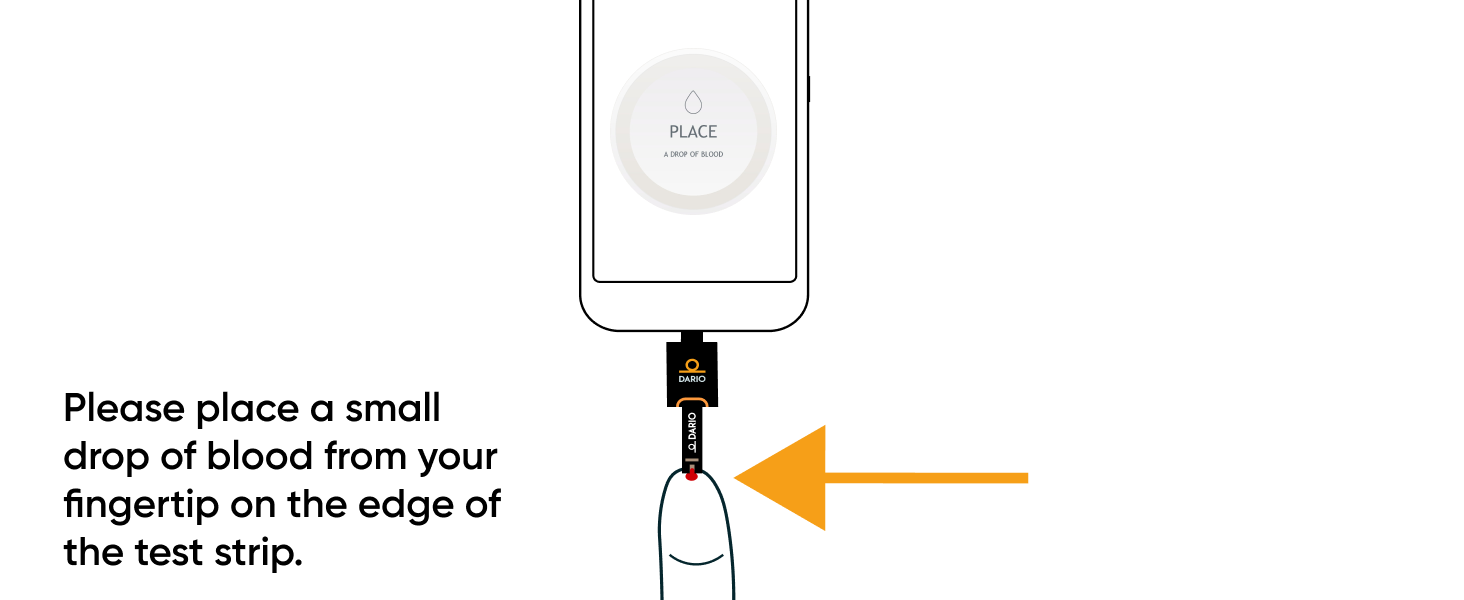
HOW TO MEASURE
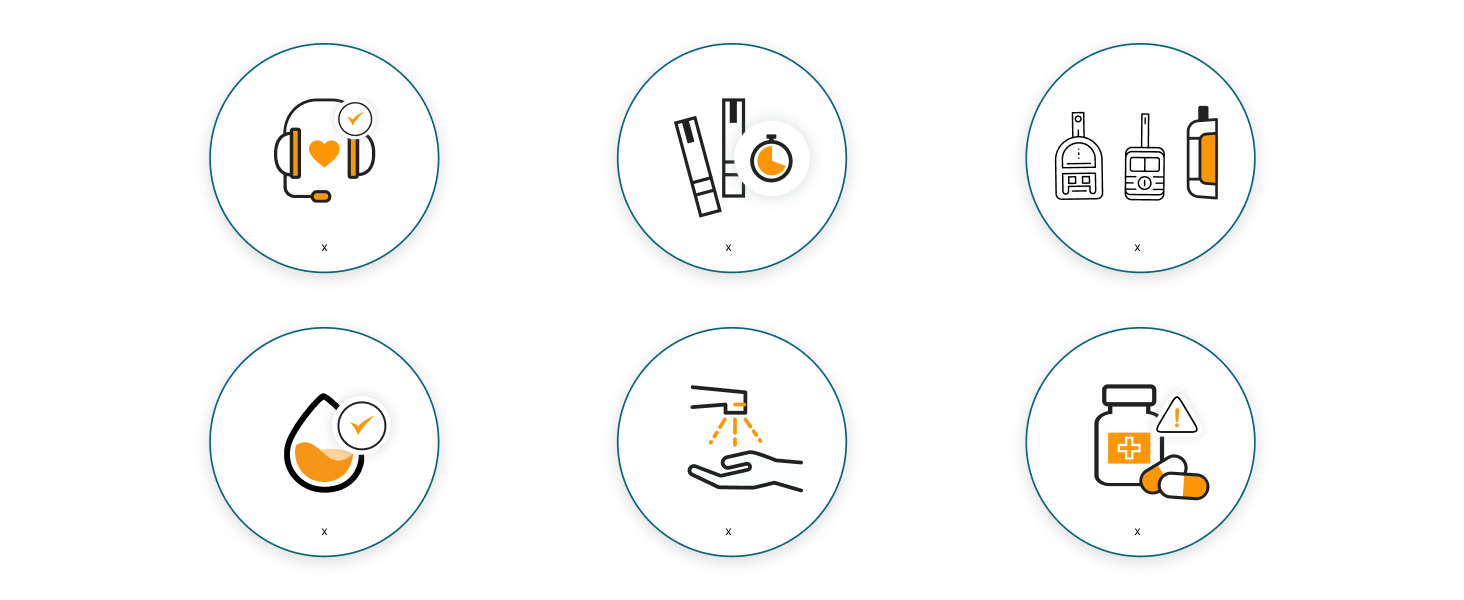
TIPS FOR ACCURATE READINGS
Get in Touch for Questions
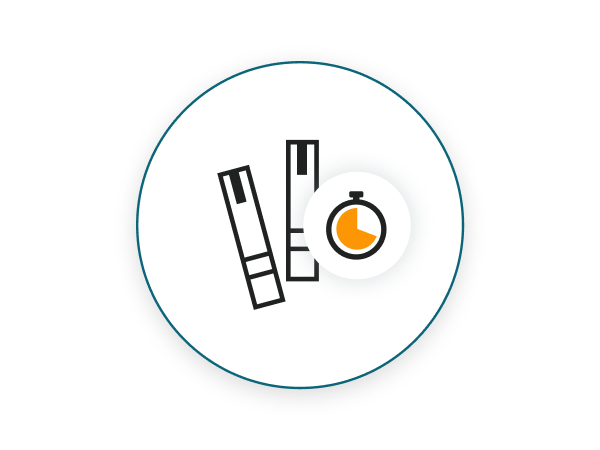
Once Opened Use Test Strips within One Month!
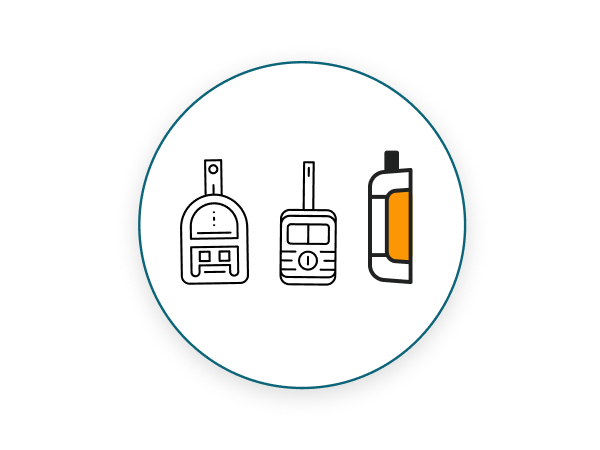
Different Reader = Different Readings
Don't Mix Old & New Test Strips
Wash Your Hands
If Taking Medication Check with your Doctor First
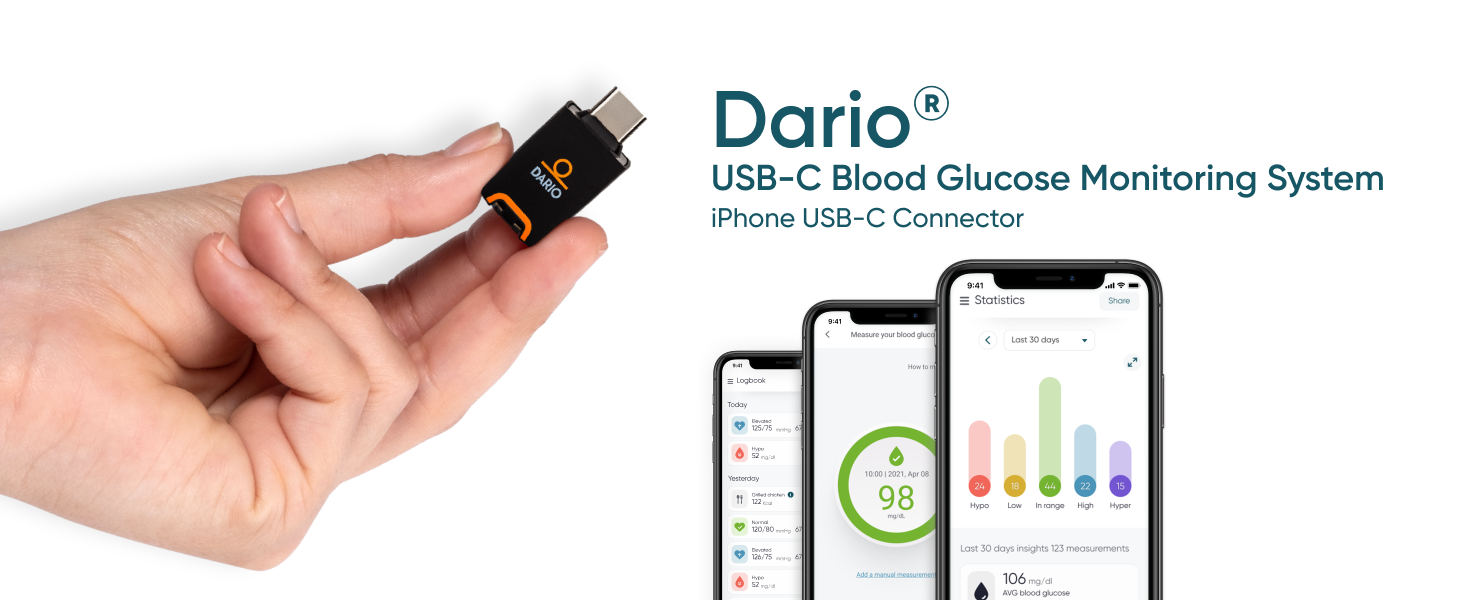
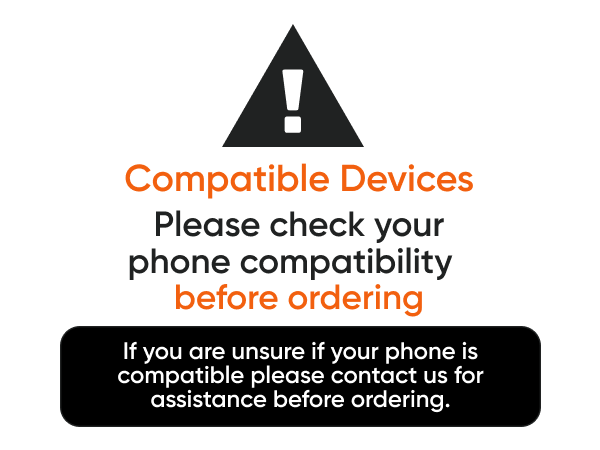
Is your Phone Compatible?
| iPhone USB-C Models | iPhone 15, 15 Pro, 15 pro max, 16, 16 pro, 16 pro-max |
|---|---|
| Other iPhone Models | NOT Compatible |
| Samsung Galaxy S Models | S8, S8+, S9, S9+, S10, S10 Plus, S10e, S10 5G, S20, S20+, S20Ultra, S20 FE 5G, S21, S21+, S21 Ultra, S22+, S22 Ultra, S23, S23+, S23Ultra, S24, S24 Ultra, S24+ |
| Samsung Galaxy A Models | A31, A32, A41, A50, A51, A51 5G, A51 5G UW, A52, A52 5G, A70, A71, A71 5G, A71 5G UW, A72 |
| Samsung Galaxy Note | 8, 9, 10, 10+, 20, 20 Ultra |
| Google Pixel | 3, 3 XL, 3a XL, 4, 4 XL, 5, 6, 6 Pro, 7, 7 Pro, 8, 8 Pro, 9, 9 XL Pro |
| LG | G6, G7, G8, G8s |
| iOS Operating Systems | 17, 18 |
| Android Operating Systems | 9, 10, 11, 12, 13, 14 |
| App Version | 5.11.0 |
Lancer insufficient in drawing blood.
After inserting the lancet, under the orange cap, move the dial to your desired depth, 1 is the shallowest and 4 is the deepest. It will allow you to draw enough blood to perform a test.
My blood sample hasn’t been detected by the Dario meter.
There could be several reasons for that, such as compromised test strips or wrong measurement method, among others. If you experience any errors or difficulties, please reach out to Dario’s support for assistance.
My Dario meter is not calibrated.
There is no need to calibrate your Dario.
Not sure if my Dario test strips provide accurate results.
The Dario Control Solution is used to confirm that the meter and test strips are performing as expected. To perform a test with Control Solution, from the Dario App MENU under the HELP & INFO section tap on CONTROL SOLUTION TEST.
Meter is not connecting to phone's port.
Connect the meter to your phone. If the message “Dario would like to communicate with the Dario Blood Glucose Monitoring System” appears, allow access.