









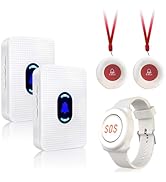


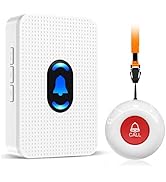
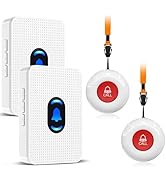
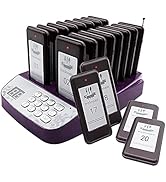

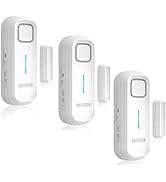
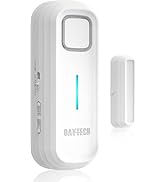
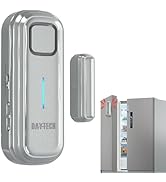

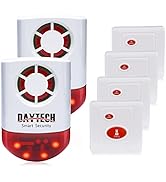
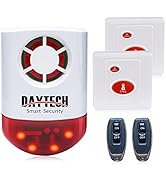


Daytech Caregiver Pager Wireless Call Button Life Alert Necklace Watch

TIPS: If you add more units to work with previous units, you need to pair them before using.
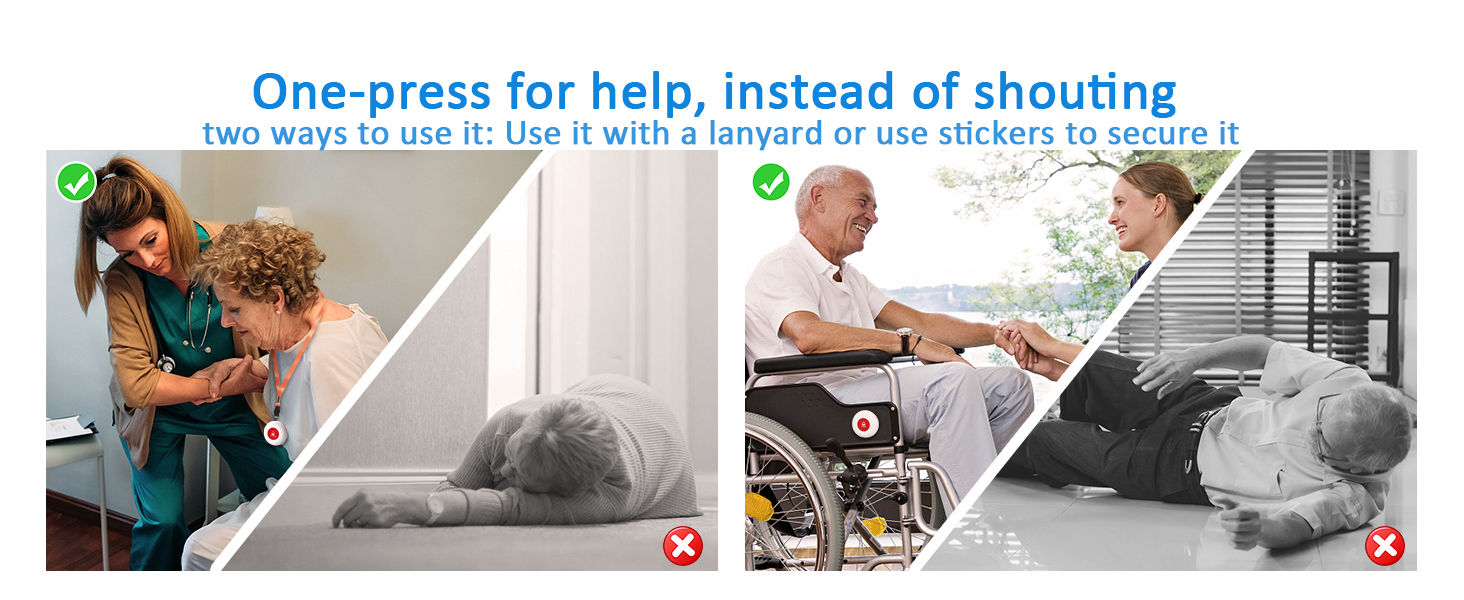

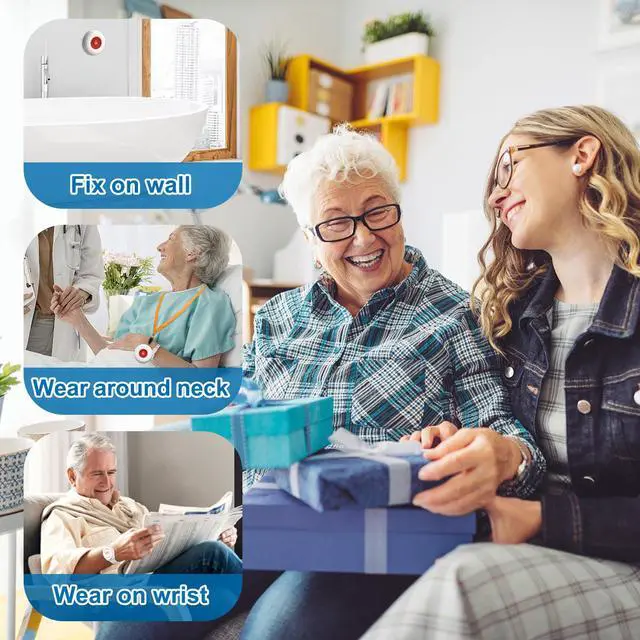
Room Monitors for Elderly
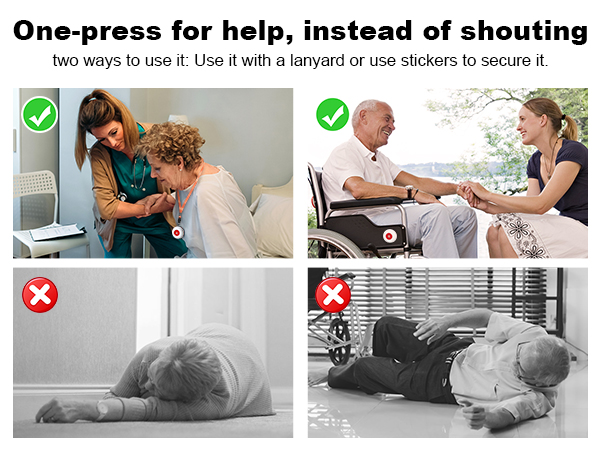
Designed for elderly needing a notification system
Seniors can get help quickly, whether it's a medical emergency, a fall, assistance with daily living

Caregiver Call Button
Call Bell for Patients at Home
Patients can get help, whether it's getting out of bed, using the restroom, or changing medication
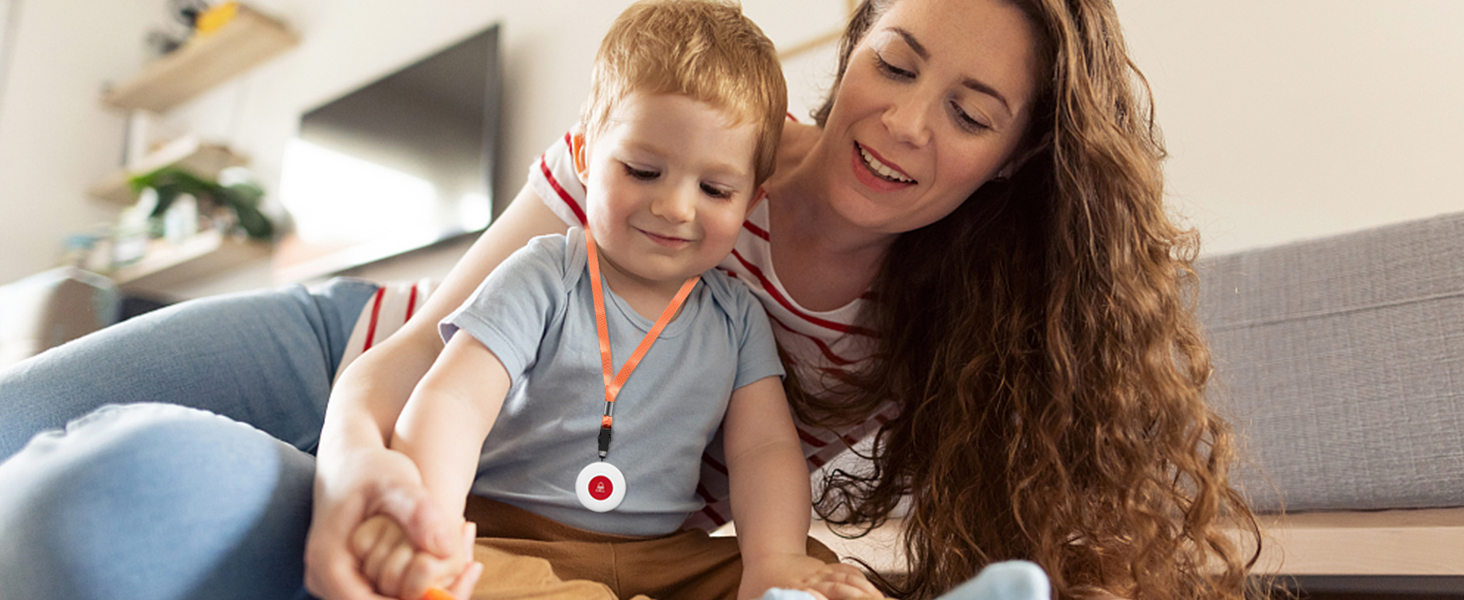
Caregiver Call Button
Just press the call button and they can get help
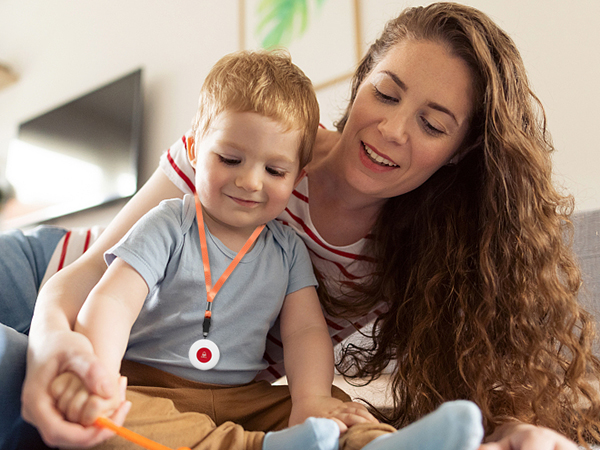
Parents can have peace of mind knowing that their child can reach out to them quickly and easily.
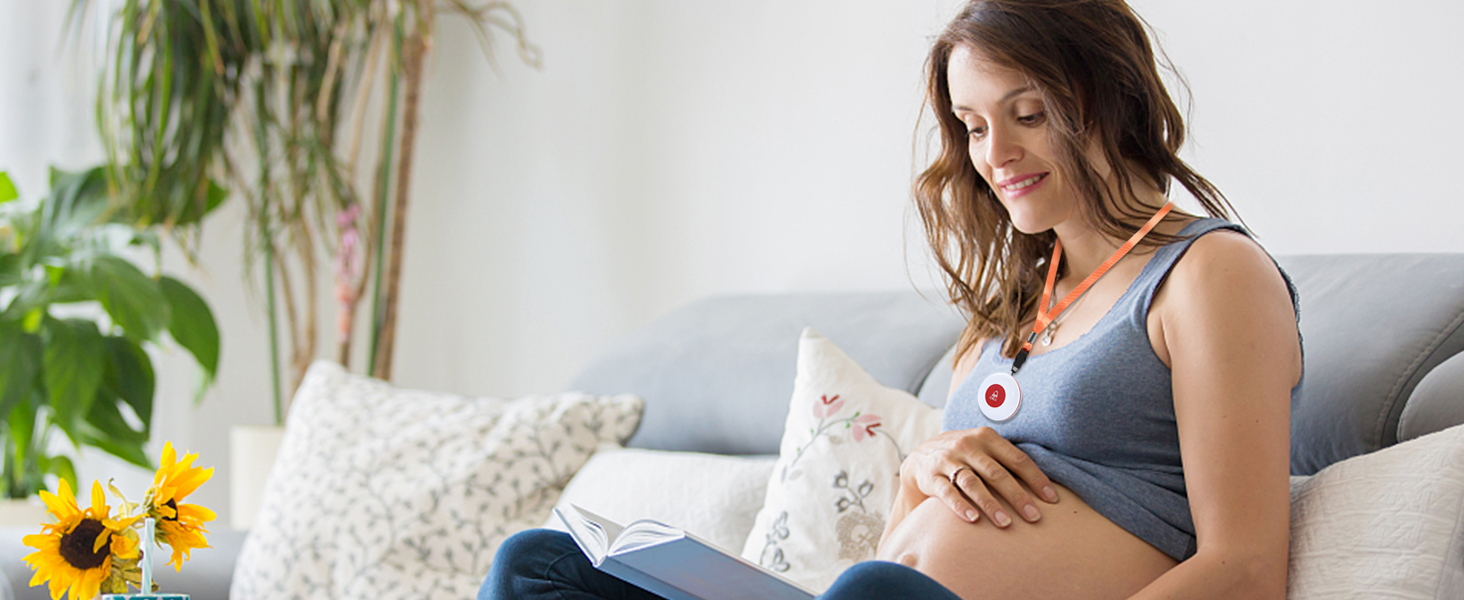
Daytech Caregiver Pager
Call buttons make it easier to call for help.
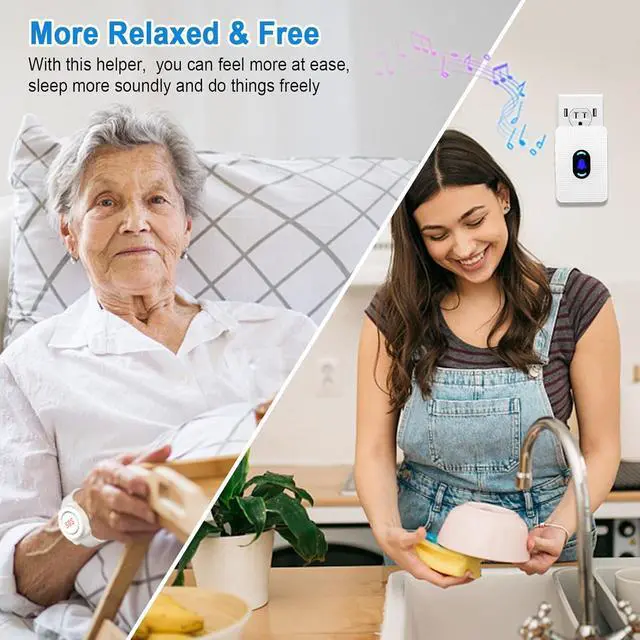
Press emergency button to notify you if they need help, so you can do other thing with peace of mind


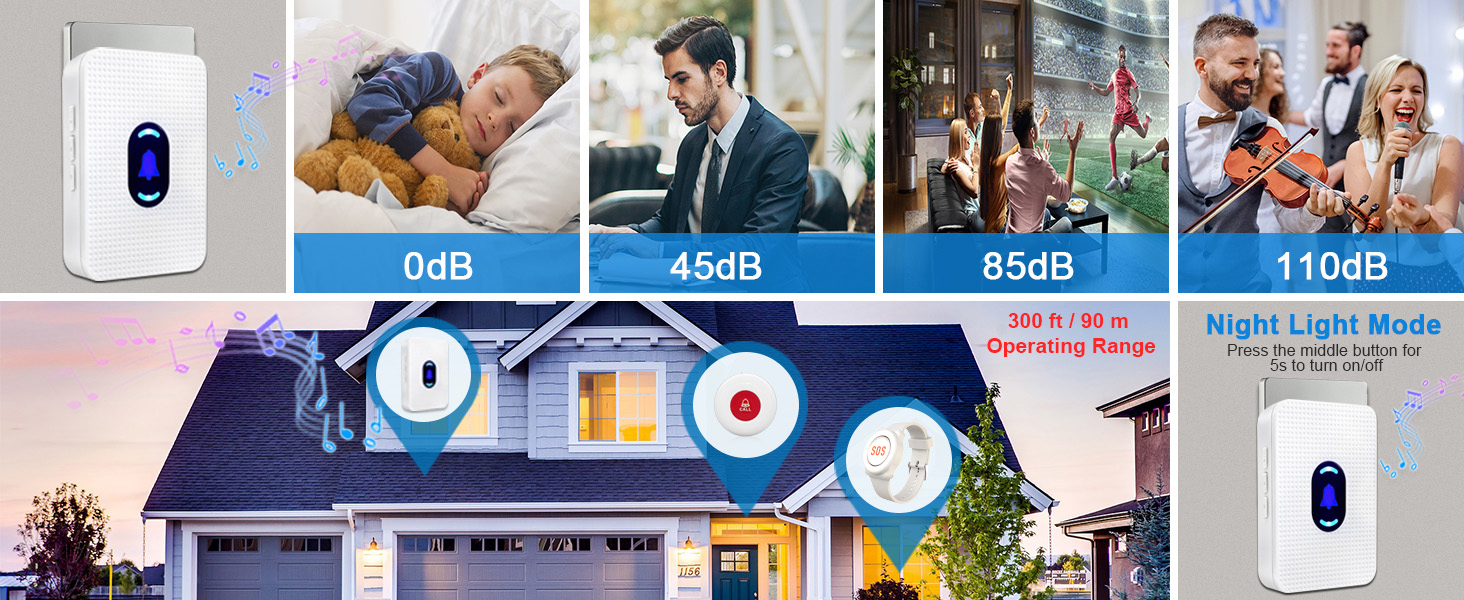

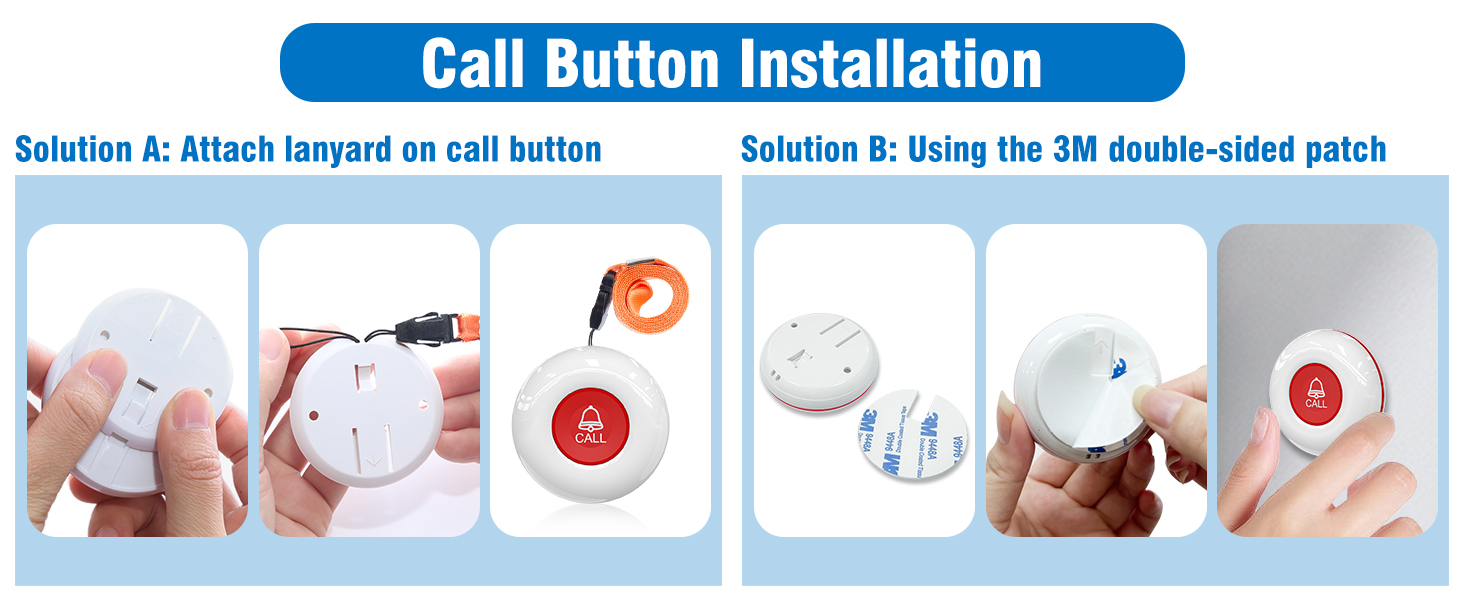
How To Change Ringtone & Pair The Pager?
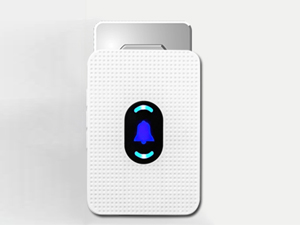
Step 1
Plug the receiver into the socket.
Step 2
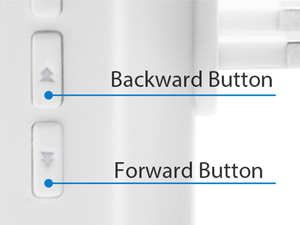
Press the forward or backward button to select your favorite ringtone.

Step 3
Press the volume control and hold it until hear a sound "ding-dong", it meand the receiver get into pairing mode.
Step 4
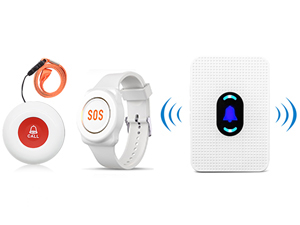
Press the call button/watch button, hear the receiver makes a sound "ding-dong" that means the receiver and the call button are paired.
Designed for you
 SOS Watch Button |  Caregiver Pager |  Door Bells Chimes |  Refrigerator Door Alarm |  Freezer Door Alarm |  Security Horns & Sirens |  Paging System | |
|---|---|---|---|---|---|---|---|
Customer Reviews | — | — | — | — | — | — | — |
Price | — | — | — | — | — | — | — |
Waterproof | ? | ? | ? | ? | ? | ? | ? |
Maximum Signal Range | 300 ft | 300 ft | 800 ft | — | — | 500 ft | 720 ft |
Volume | 5 Levels Volume | 5 Levels Volume | 5 Levels Volume | 5 Levels Volume | 5 Levels Volume | — | — |
Ringtones | 20 | 20 | 20 | CHIME/ALARM | CHIME/ALARM | — | — |
Plug-in Receiver | ? | ? | ? | ? | ? | ? | ? |
Daytech Caregiver Pager Wireless Call Button Life Alert Necklace Watch

TIPS: If you add more units to work with previous units, you need to pair them before using.
Room Monitors for Elderly
Designed for elderly needing a notification system
Seniors can get help quickly, whether it's a medical emergency, a fall, assistance with daily living
Caregiver Call Button
Call Bell for Patients at Home
Patients can get help, whether it's getting out of bed, using the restroom, or changing medication
Caregiver Call Button
Just press the call button and they can get help
Parents can have peace of mind knowing that their child can reach out to them quickly and easily.
Daytech Caregiver Pager
Call buttons make it easier to call for help.
Press emergency button to notify you if they need help, so you can do other thing with peace of mind






Caregiver Call Button Fall Alert Devices for Elderly


How To Change Ringtone & Pair The Pager?
Step 1
Plug the receiver into the socket.
Step 2
Press the forward or backward button to select your favorite ringtone.
Step 3
Press the volume control and hold it until hear a sound "ding-dong", it meand the receiver get into pairing mode.
Step 4
Press the call button/watch button, hear the receiver makes a sound "ding-dong" that means the receiver and the call button are paired.
How to use the lanyard
NOTE
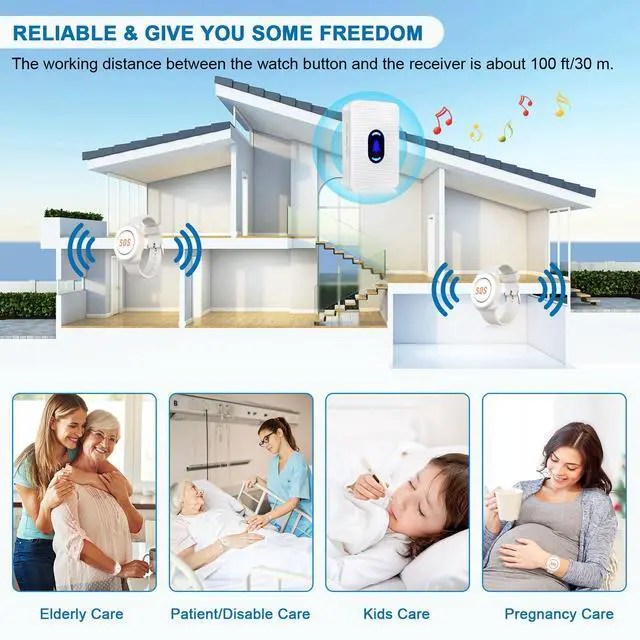
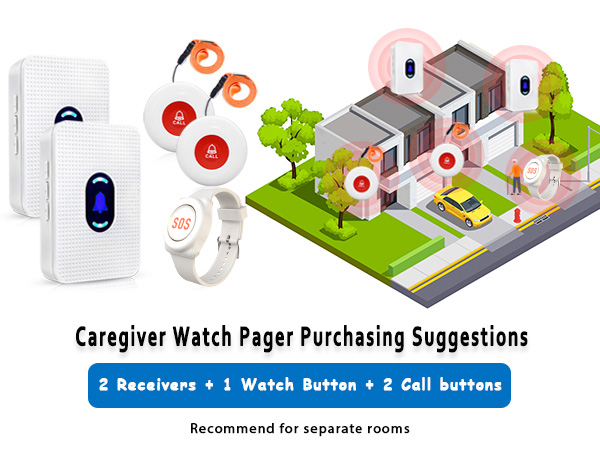
1. The working distance between the call button and the receiver is about 300 ft/90 m, and the working distance between the watch button and the receiver is about 100 ft/30 m.
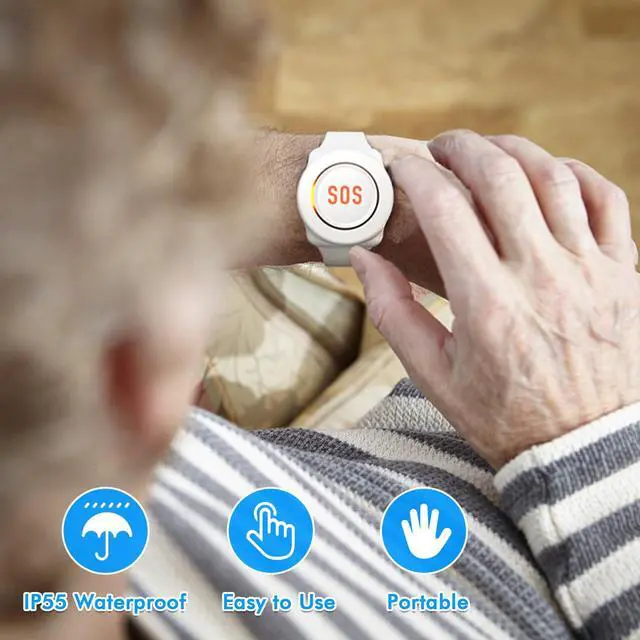
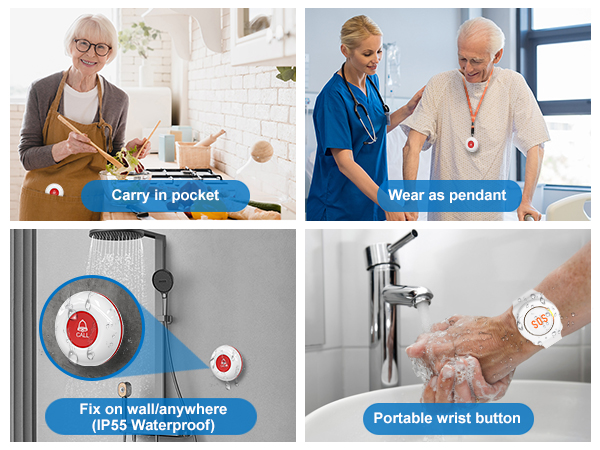
2. Call buttons and watch buttons can only be splash-proof, Not immersed in water.
3. When the receiver is restored after a power outage, the volume will be restored to the default setting. The default volume setting to maximum volume level ,that is 110dB.
How to Replace Battery
NOTE
1. The working distance between the call button and the receiver is about 300 ft/90 m, and the working distance between the watch button and the receiver is about 100 ft/30 m.
2. Call buttons and watch buttons can only be splash-proof, Not immersed in water.
3. When the receiver is restored after a power outage, the volume will be restored to the default setting. The default volume setting to maximum volume level ,that is 110dB.
Designed for you
SOS Watch Button | Caregiver Pager | Door Bells Chimes | Refrigerator Door Alarm | Freezer Door Alarm | Security Horns & Sirens | Paging System |
|---|---|---|---|---|---|---|
| Customer Reviews | ||||||
| — | — | — | — | — | — | — |
| Price | ||||||
| — | — | — | — | — | — | — |
| Waterproof | ||||||
| ? | ? | ? | ? | ? | ? | ? |
| Maximum Signal Range | ||||||
| 300 ft | 300 ft | 800 ft | — | — | 500 ft | 720 ft |
| Volume | ||||||
| 5 Levels Volume | 5 Levels Volume | 5 Levels Volume | 5 Levels Volume | 5 Levels Volume | — | — |
| Ringtones | ||||||
| 20 | 20 | 20 | CHIME/ALARM | CHIME/ALARM | — | — |
| Plug-in Receiver | ||||||
| ? | ? | ? | ? | ? | ? | ? |


Caregiver Pager Call Button
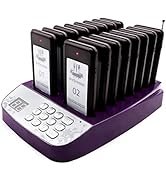
Pager System

Door Chime & Fridge Door Alarm


Strobe Siren Alarm


Other Recommended Products