




 here!
I’m your shopping assistant for PC builds, upgrades, and everything tech.
Got questions? Ask away!
Start a conversation
here!
I’m your shopping assistant for PC builds, upgrades, and everything tech.
Got questions? Ask away!
Start a conversation



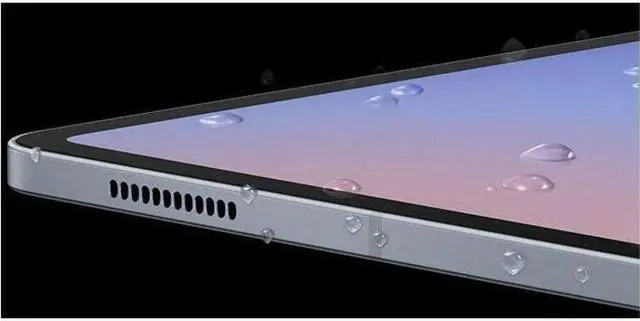
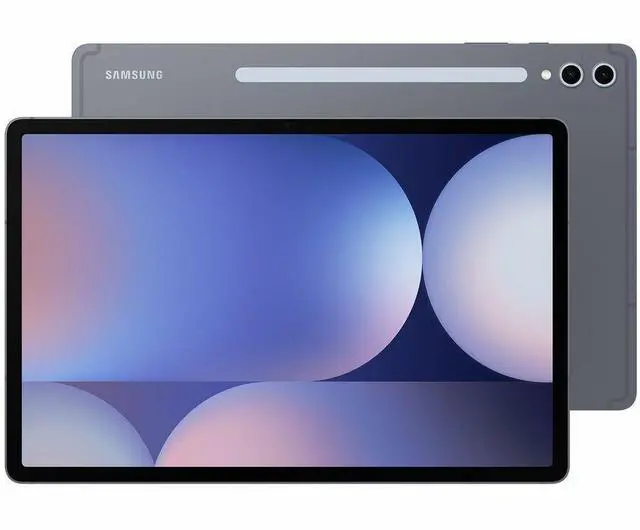
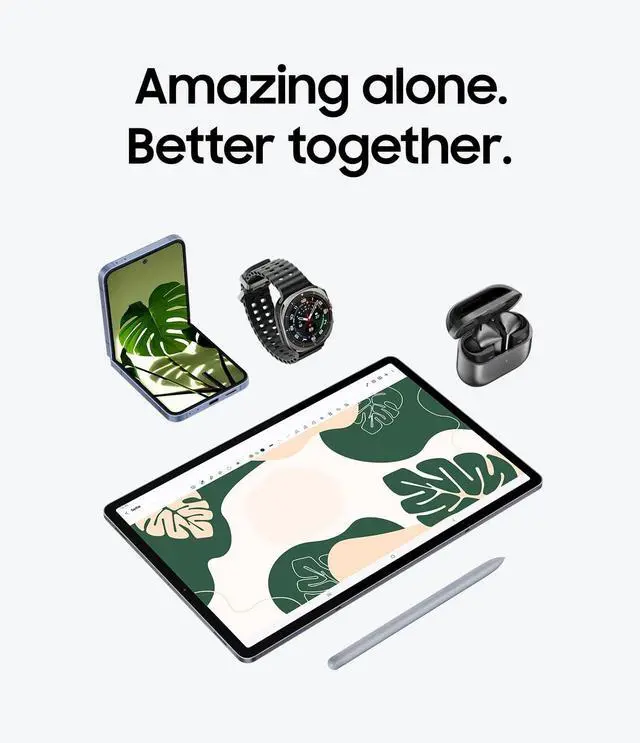
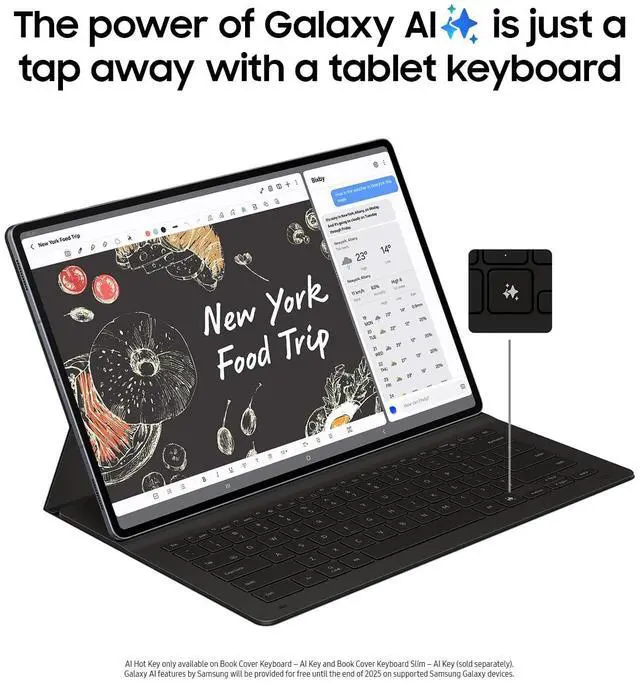




Any questions? Ask CelesteSM will help you find out quickly.
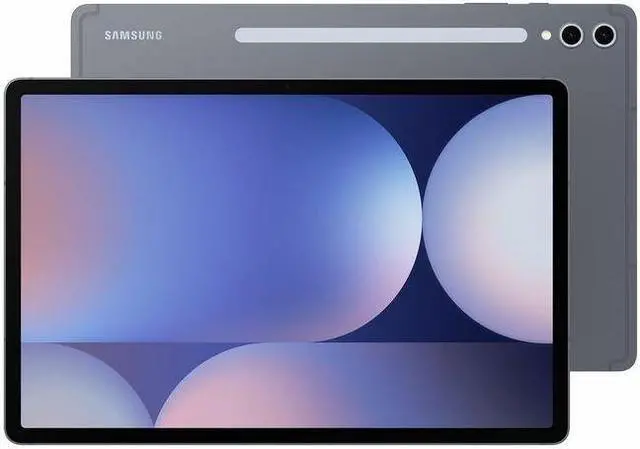
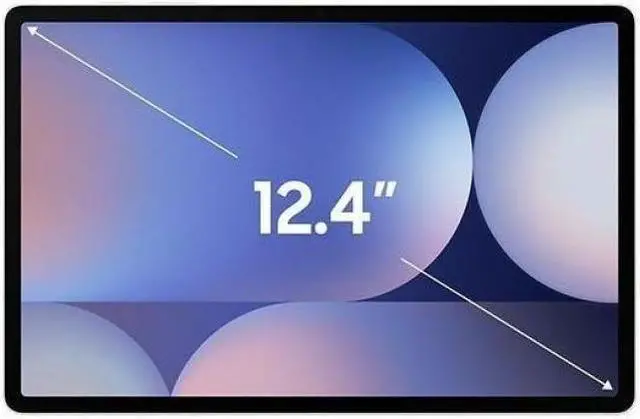
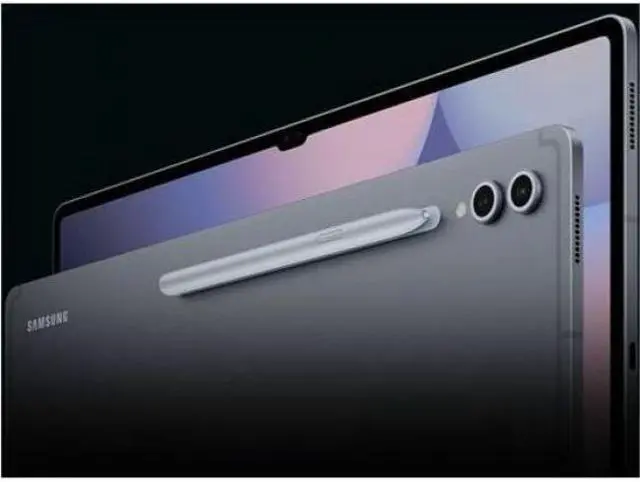
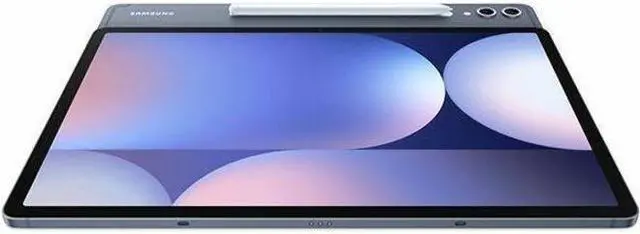
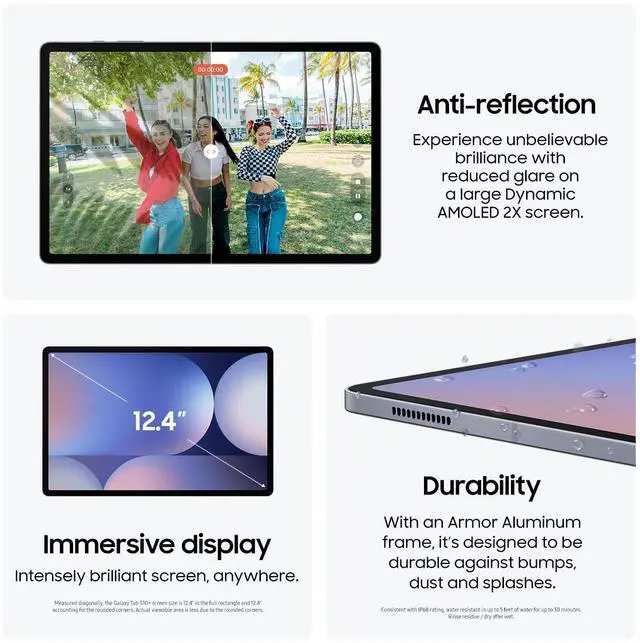
The Samsung Galaxy Tab S10+ is a premium 12.4-inch Android tablet with a 2800 x 1752 Dynamic AMOLED 2X display, 12GB RAM, 256GB storage, and an included S Pen, making it a strong fit for note-taking, creative work, streaming, and multitasking on the go.
| Attribute | Value |
|---|---|
| Best For | Users who want a large 12.4-inch Android tablet for media consumption and entertainment, note-taking and drawing with the included S Pen, on-the-go connectivity including 5G, and AI-powered features like Galaxy AI and Circle to Search |
| Display Spec | 12.4" Dynamic AMOLED 2X panel, WQXGA+ native 2800 x 1752 resolution, 120 Hz refresh rate, 16:9 aspect ratio |
| Processor And Clock Speeds | MediaTek Dimensity 9300+ (MT6989) mobile SoC with listed clock tiers 3.4 GHz / 2.8 GHz / 2.0 GHz |
| Memory Configuration | 12 GB RAM installed, single memory slot |
| Storage And Expansion | 256 GB built-in storage |
| Battery And Power | 10090 mAh battery (nonstandard battery type), up to 16 hours runtime (manufacturer claim), 1 battery included |
| Wired And Wireless Networking | Wi‑Fi 802.11a/b/g/n/ac/ax (2.4/5/6 GHz) with HE160, MIMO and 1024‑QAM, Bluetooth (v5.3), and 5G cellular support |
| Cameras And Video | Front and rear cameras (front: 12 MP; rear: 12 MP, single rear camera) with up to 4K UHD (2160p) video capture |
| Audio Setup | Speakers with Dolby Atmos audio support |
| Input And Accessories | Touchscreen with stylus support; includes S Pen (stylus) and is compatible with headphones |
| Ports And Expansion | One USB port with USB Host support |
| Dimensions And Weight | 11.24 x 7.3 x 0.22 inches (L x W x Thickness); weight 1.9 lbs |
| Model Identifiers | Samsung Galaxy Tab S10+ (Model Name: Tab S10+, Model/Part Number: SM-X820NZAAXAR), Series: Galaxy Tab, Sub Brand: Samsung, Manufacturer: SAMSUNG, Model Year: 2024, Generation: 10th Generation |
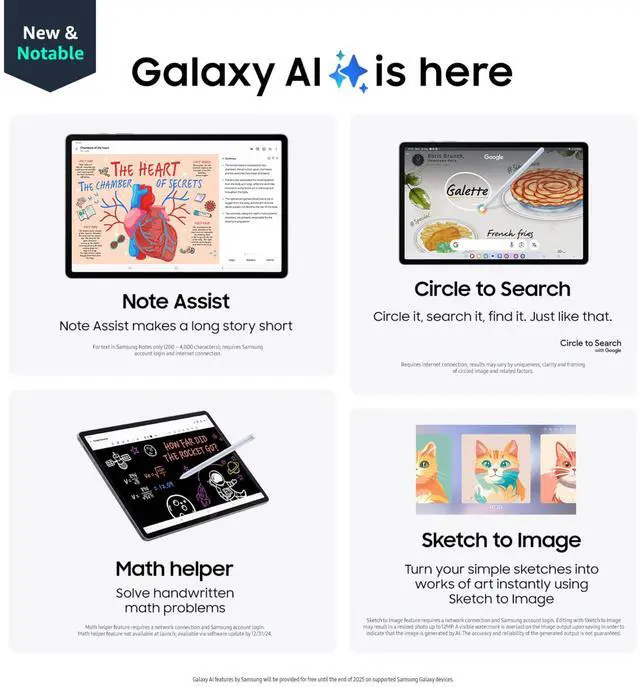
| Software And Features | Android 14 operating system with Galaxy AI tools and Circle to Search; USB Host and integrated graphics |
| Package Contents | Includes Galaxy Tab S10+, S Pen, data cable, ejection pin, and quick start guide |
Q: Should I buy the Samsung Galaxy Tab S10+ or the Galaxy Tab S9+?
A: Choose the Galaxy Tab S10+ if you want the newer Samsung software cycle, Galaxy AI features, and Samsung’s anti-reflective display treatment in a 12.4-inch premium Android tablet. Choose the Galaxy Tab S9+ if price matters more, because reviews and community comparisons often describe the generational hardware change as incremental rather than dramatic. In practice, the Tab S10+ is the better fit for buyers starting fresh, while the Tab S9+ remains a sensible value option when discounted.
Q: Is the Galaxy Tab S10+ better than the iPad Air for most buyers?
A: The Galaxy Tab S10+ is the better choice if you want a larger 12.4-inch OLED display, an included S Pen, Samsung DeX-style multitasking, and a premium Android tablet for media, note-taking, and split-screen work. The iPad Air is the better choice if you prioritize raw chip performance and the broader tablet app ecosystem. A practical rule is simple: pick the Tab S10+ if you prefer Android and display quality, and pick the iPad Air if you are already invested in Apple devices or want stronger app optimization.
Q: Should I get the Galaxy Tab S10+ or the Galaxy Tab S10 Ultra?
A: Choose the Galaxy Tab S10+ if you want the flagship Samsung tablet experience in a size that is easier to carry, hold, and use away from a desk. Choose the Galaxy Tab S10 Ultra if you want the biggest canvas for multitasking, drawing, and laptop-style use, and you are comfortable with a larger 14.6-inch device. Samsung positions the S10+ as the middle option in the range, while the Ultra is the larger, more workspace-focused model.
Q: Is the Galaxy Tab S10+ worth it over a cheaper Samsung tablet like the Tab S10 FE?
A: Buy the Galaxy Tab S10+ if you specifically want Samsung’s premium tablet hardware: AMOLED display, higher-end speakers, stronger multitasking headroom, and the overall flagship feel. A lower-tier model such as the Tab S10 FE makes more sense if you mainly browse, stream, read, and take occasional notes, because it covers the core tablet experience at a lower price. The S10+ is the better fit when display quality and heavier everyday use matter more than budget.
Q: Is the Galaxy Tab S10+ a good pick for portability, or should I choose a smaller tablet?
A: The Galaxy Tab S10+ is a strong choice if you want a balance of mobility and workspace, especially for note-taking, media, and multi-window use on a 12.4-inch screen. A smaller tablet is the better choice if one-hand comfort, lower carry weight, and casual travel use matter more than screen area. In short, the Tab S10+ favors productivity and viewing space, while smaller tablets favor convenience.
Q: Is the Galaxy Tab S10+ a good fit for note-taking, meetings, and office work?
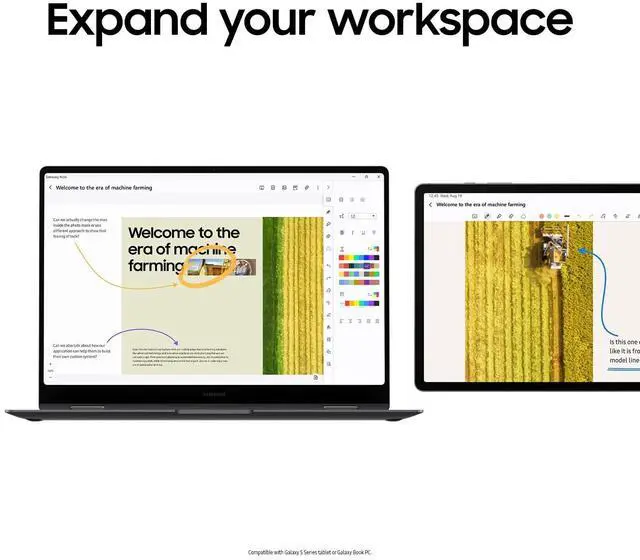
A: Yes, it is a strong fit for note-taking and general office tasks if you want a large screen Android tablet with pen input included. The 12.4-inch display gives more room for split-screen work, the S Pen is in the box, and 12GB RAM is enough for multitasking across notes, documents, email, and web meetings. The main limitation is laptop-style productivity: a keyboard is not included, so buyers who plan to do heavy typing should budget for a keyboard accessory.
Q: Is it worth buying as a travel work device?
A: It can work well for travel if your workflow is mostly email, documents, video calls, reading, and note-taking. The tablet is relatively light for its screen size, offers up to 16 hours of battery life, and includes Wi‑Fi 6E support for fast wireless connections. The trade-off is that this listed model is Wi‑Fi only and does not have a SIM tray, so it is less flexible for mobile work away from reliable hotspot or Wi‑Fi access.
Q: Do I need to buy a keyboard separately if I want to use it like a laptop?
A: Yes. The tablet includes an S Pen, but it does not include a keyboard. This is a common retail buyer question because many shoppers expect a 12-inch productivity tablet to ship as a complete laptop-style bundle. If your use case involves long typing sessions, the real purchase decision is the tablet plus keyboard cost, not the tablet alone.
Q: Who is the Galaxy Tab S10+ most suitable for?
A: It is most suitable for buyers who want a premium Android tablet for media, handwriting, multitasking, and light creative work. The large AMOLED display, included S Pen, 12GB RAM, and 256GB storage make it a better fit for students, professionals, and Samsung ecosystem users than for casual buyers who only need basic browsing or streaming. It is less suitable for buyers who need built-in cellular connectivity, a headphone jack, or a full laptop replacement out of the box.
Q: What are the main trade-offs versus an iPad or a 2-in-1 laptop?
A: The Galaxy Tab S10+ is strongest if you prefer Android, want S Pen support included, and value a large OLED screen for media and handwritten work. Compared with an iPad, the decision usually comes down to ecosystem preference, app habits, and accessory pricing. Compared with a 2-in-1 laptop, the trade-off is simpler: the Tab S10+ is lighter and better as a tablet, but a Windows 2-in-1 is usually better for full desktop software, file-heavy workflows, and long-form typing.
Q: Is the Galaxy Tab S10+ a good choice for note-taking, studying, and multitasking?
A: Yes. The Galaxy Tab S10+ is well suited for note-taking and study use because it includes an S Pen, has a large 12.4-inch 2800 x 1752 display, 12GB RAM, and 256GB storage. Based on repeated Reddit discussion, buyers commonly choose it for handwritten notes, split-screen use, PDF work, and school productivity. The main trade-off is size: the larger screen helps multitasking, but it is less convenient than a smaller tablet for handheld use.
Q: Can the Galaxy Tab S10+ replace a laptop for work?
A: It can replace a laptop for light to moderate work, but not for every workflow. Reddit discussions repeatedly frame it as good for web use, documents, media, notes, and general productivity, especially with a keyboard case. The limitation is software: tablet versions of apps such as Word and Excel are less capable than desktop versions, so it is a better fit for users who mainly work in browser-based tools, Android apps, or simple office tasks.
Q: Is the Galaxy Tab S10+ worth buying if your main use is media, reading, and everyday tablet use?
A: Usually yes, if you want a premium large-screen Android tablet. The 12.4-inch AMOLED display, 256GB storage, Wi‑Fi 6E support, and included S Pen make it a strong fit for streaming, reading, browsing, and casual gaming. The main trade-offs mentioned in Reddit discussions are price and size: it offers a better large-screen experience than cheaper models, but it can be harder to hold for long reading sessions and may feel excessive if you only want basic media use.
Q: Who is the Galaxy Tab S10+ best suited for?
A: The Galaxy Tab S10+ is best suited for buyers who want a large Android tablet for notes, multitasking, media, and pen input, without moving up to an even larger Ultra model. Reddit discussions repeatedly point to students, productivity users, and people who want more screen space for split-screen work. It is less suitable for people who want a very portable reading tablet or a full desktop-class work machine.
Q: What are the main trade-offs of choosing the Galaxy Tab S10+?
A: The main trade-offs are price, portability, and laptop-style limitations. Its large 12.4-inch display and 1.9 lb weight make it better for desk use, multitasking, and media than for one-handed reading or frequent handheld use. Reddit users also repeatedly question value when compared with cheaper Galaxy Tab options, and some note that keyboard-and-desktop workflows still feel less polished than a real laptop.


