




 here!
I’m your shopping assistant for PC builds, upgrades, and everything tech.
Got questions? Ask away!
Start a conversation
here!
I’m your shopping assistant for PC builds, upgrades, and everything tech.
Got questions? Ask away!
Start a conversation Hot Seller
 Top Rated






Any questions? Ask CelesteSM will help you find out quickly.
We want to ensure your holiday shopping this year is hassle-free. That’s why we’re automatically extending our return policies on almost every product! For purchases placed between November 1st, 2026 and December 31, 2026 you will have until January 31, 2027 to return your product.
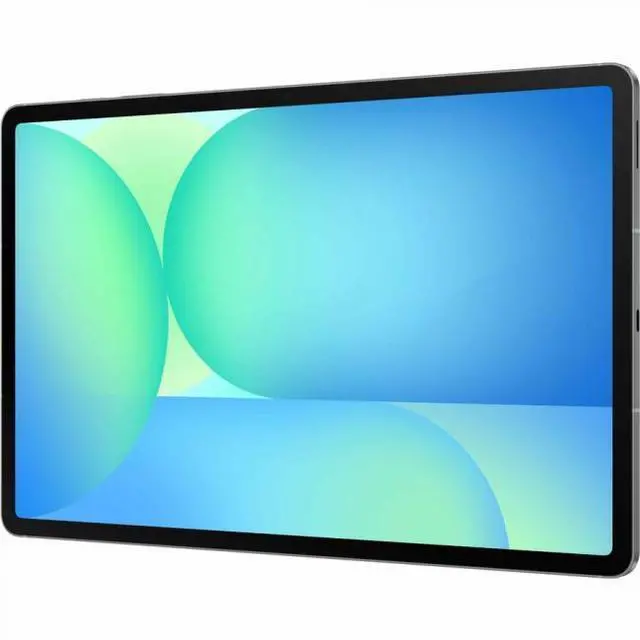
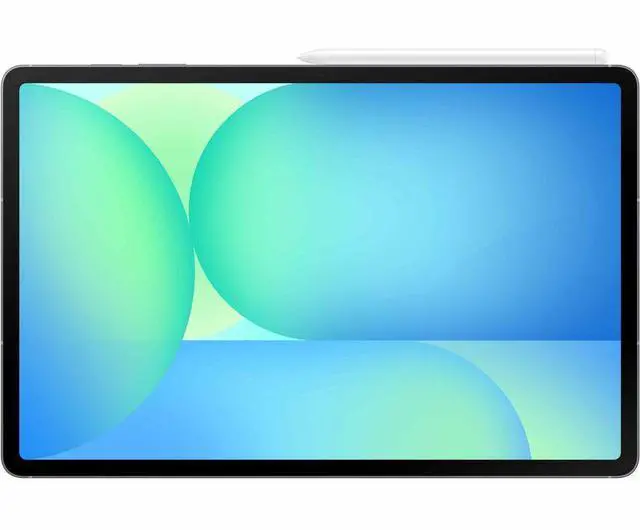
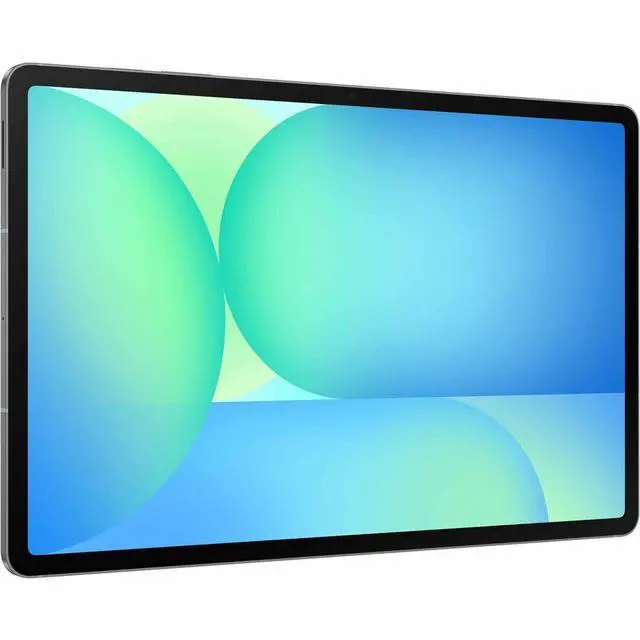
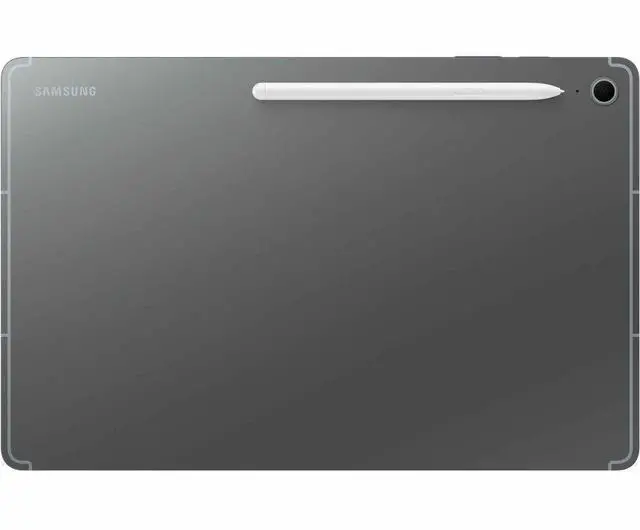
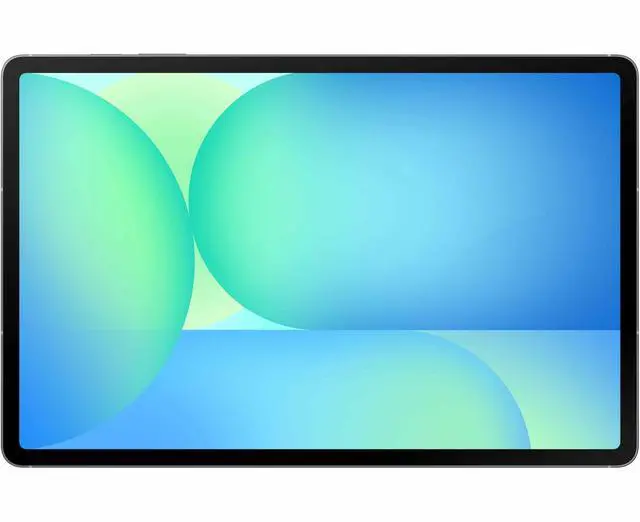
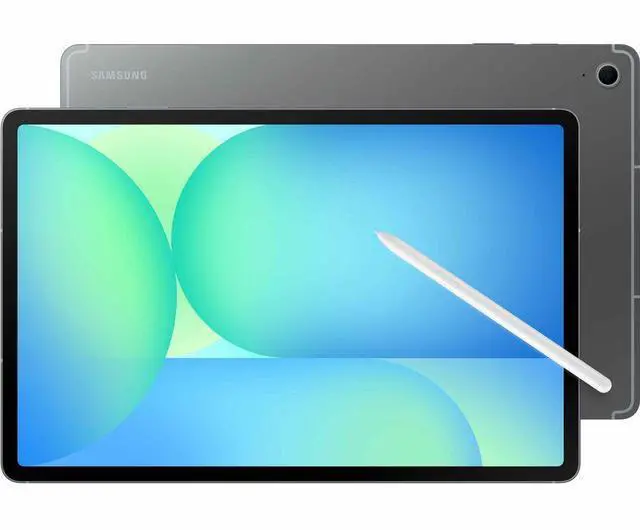
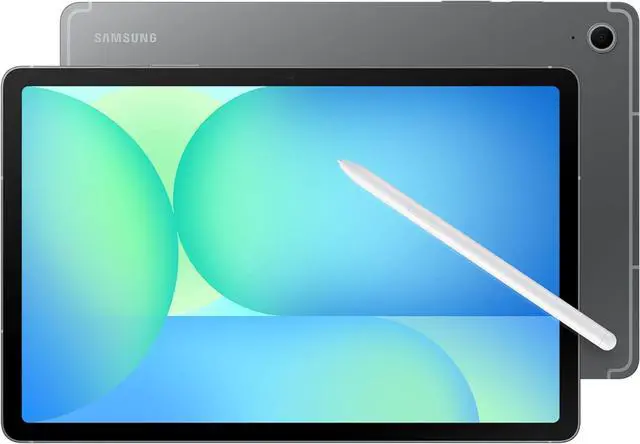
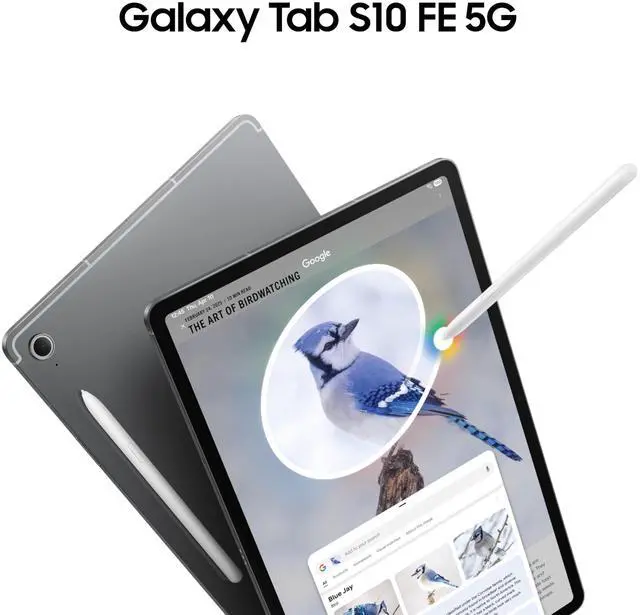
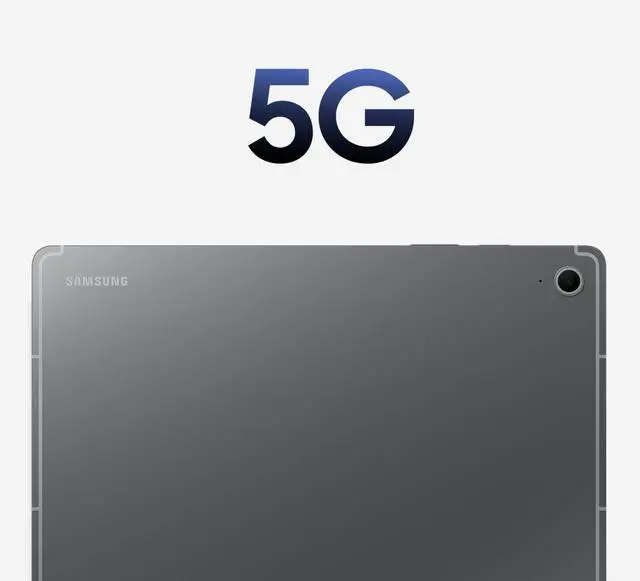
The Samsung Galaxy Tab S10 FE SM-X528U is a 10.9-inch Android 15 tablet with 5G, 8GB RAM, and 128GB storage, making it a strong fit for students, mobile professionals, and everyday users who want a portable device for streaming, browsing, note-taking, and on-the-go productivity.
| Attribute | Value |
|---|---|
| Best For | Users who want a 10.9-inch Android tablet with 5G cellular, included S Pen for stylus input, long battery runtime and Wi‑Fi 6 for on-the-go productivity and personal use |
| Display Spec | 10.9-inch LCD with 2304 x 1440 native resolution (16:10) and 90 Hz refresh rate |
| Processor And Core Count | Samsung Exynos 1580 (S5E8855) processor at 2.9 GHz |
| Memory Configuration | 8 GB RAM |
| Storage And Expansion | 128 GB internal storage with microSD (transflash) expansion supported |
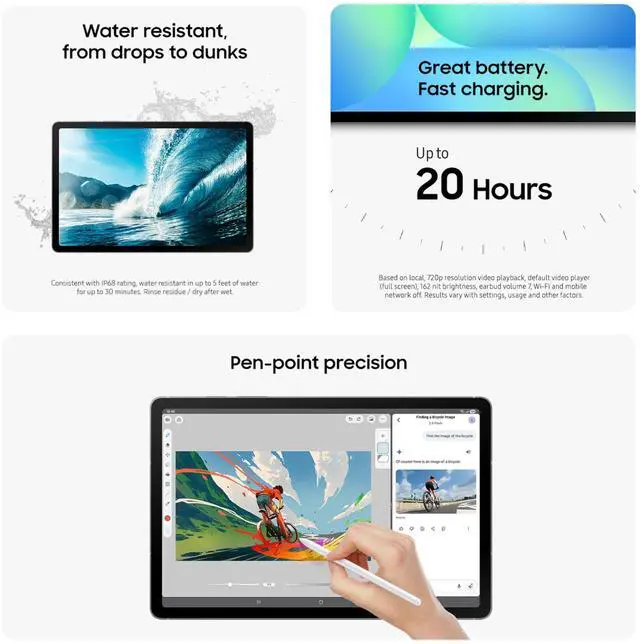
| Battery And Power | Installed rechargeable battery (1 cell) with 29.95 Wh energy content and an estimated ~20 hours runtime |
| Camera And Imaging | Front and rear cameras with a 13 MP photo sensor (rear 13 MP) and FHD 1080p video capture |
| Wireless And Cellular Connectivity | 5G cellular connectivity (Verizon network), Wi‑Fi 6 (802.11ax), Bluetooth and GPS-enabled |
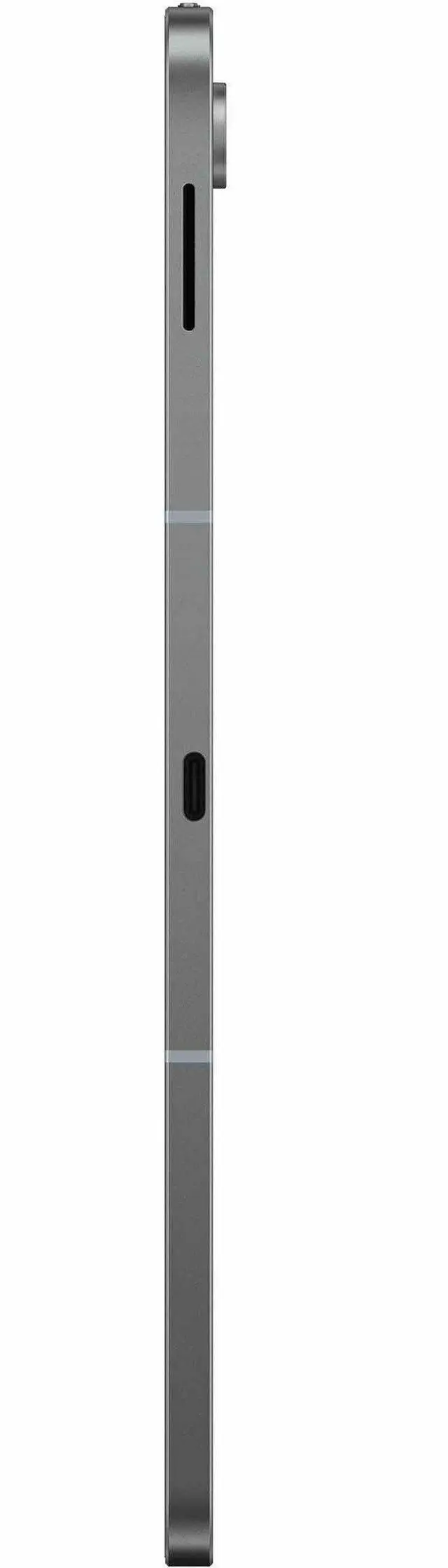
| Ports And Hardware Interface | USB‑C (DisplayPort listed), transflash/microSD interface and Bluetooth hardware support |
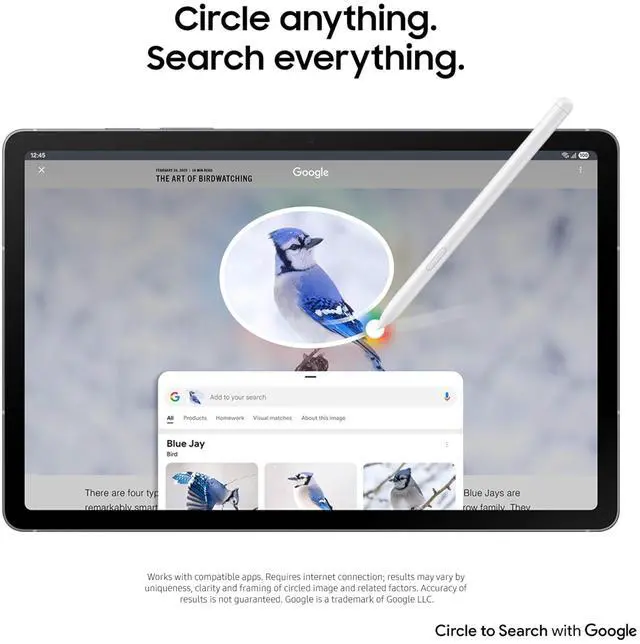
| Sensors And Input | Capacitive touchscreen with stylus support (S Pen compatible) and accelerometer |
| Graphics | Integrated Xclipse 540 graphics coprocessor |
| Dimensions And Weight | 10.01 x 6.53 x 0.24 inches; 1.09 pounds (item) |
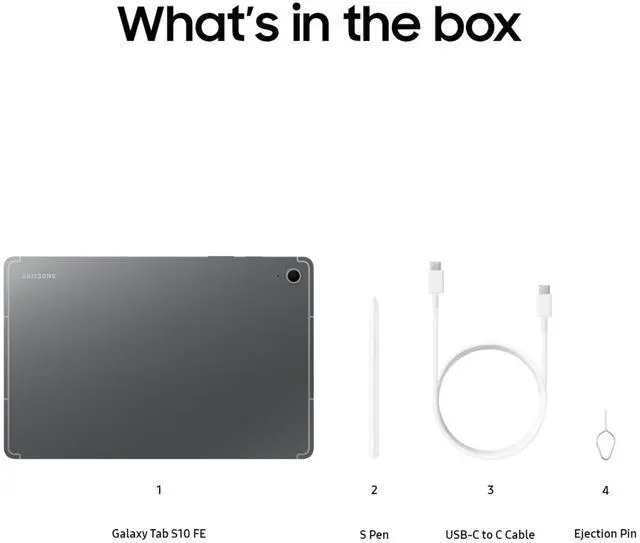
| Included Accessories | Includes S Pen, data cable and ejection pin; sold as a single tablet package (quantity 1) |
| Model Identifiers | Galaxy Tab S10 FE 5G — Model SM-X528UZAAVZW (Model Name: Galaxy Tab S10 FE 5G), Brand Samsung Commercial, Manufacturer Samsung, Version for Country: United States, Model Year 2025 |
| Additional Product Info | Generation listed as 10th Generation; intended for personal use; package contains one item |
Q: Should I buy the Galaxy Tab S10 FE or the Galaxy Tab S9 FE?
A: Choose the Galaxy Tab S10 FE if you want the newer FE model for everyday speed, longer software relevance, and the same core Samsung tablet experience in a 10.9-inch size. Official Samsung materials position the Tab S10 FE as the newer generation with Exynos 1580, a 10.9-inch 2304 x 1440 90Hz display, included S Pen support, and IP68 protection. Review coverage and user discussion consistently point to a noticeable responsiveness improvement over the Tab S9 FE, while the overall use case stays similar: note-taking, media, multitasking, and general Android tablet use. The Tab S9 FE still makes sense when priced meaningfully lower, but the Tab S10 FE is the more practical buy when the price gap is modest.
Q: Is the Galaxy Tab S10 FE a better buy than the 11-inch iPad Air?
A: Buy the Galaxy Tab S10 FE if your priorities are lower accessory cost, included pen support, Samsung ecosystem features, expandable-storage-oriented Android flexibility, and optional 5G in this exact configuration. Buy the 11-inch iPad Air if you want substantially more processing headroom and access to Apple's higher-tier tablet ecosystem. Apple positions the iPad Air as a more powerful M3-class device with support for Apple Pencil Pro, while Samsung positions the Tab S10 FE as a mid-range productivity tablet with S Pen included and IP68 durability. In real-world guidance, reviewers and community discussions generally treat the iPad Air as the stronger performance choice, while the Tab S10 FE is the easier value decision for note-taking, media, and Galaxy phone owners.
Q: Should I get the Galaxy Tab S10 FE or the regular 11-inch iPad?
A: Choose the Galaxy Tab S10 FE if you want a tablet mainly for handwritten notes, Android multitasking, and Samsung ecosystem use without adding a pen purchase. Choose the regular 11-inch iPad if you prefer iPadOS and want Apple's entry iPad platform first. Samsung's Tab S10 FE includes S Pen support in the box and adds IP68 protection, while Apple's 11-inch iPad uses the A16 chip and starts at 128GB but treats Apple Pencil as a separate accessory path. For school and general home use, the Tab S10 FE is often the more complete out-of-box package; the regular iPad is the better fit when the buyer already prefers Apple's software and app ecosystem.
Q: Should I step up from the Galaxy Tab S10 FE to a Galaxy Tab S10+?
A: Stay with the Galaxy Tab S10 FE if you want better portability, a lower buy-in, and a tablet focused on notes, streaming, browsing, and routine productivity. Step up to the Galaxy Tab S10+ if display quality and higher-end performance matter more than size and price. Samsung's broader tablet lineup places the FE models below the flagship Tab S10 line, and review/community comparisons typically frame this as a mid-range-versus-premium decision: the Tab S10 FE covers mainstream work and study use well, while the Tab S10+ is the stronger choice for heavier multitasking, more demanding apps, and buyers who specifically want Samsung's flagship-tier display and hardware.
Q: Is the Galaxy Tab S10 FE the right choice for portability and note-taking, or should I buy a more performance-first tablet?
A: The Galaxy Tab S10 FE is the better fit when portability, handwriting, battery life, and everyday productivity matter more than peak chipset performance. Reviews consistently describe it as strong for notes, sketching, multitasking, and media, while also noting that it is not aimed at top-tier gaming or flagship-class compute workloads. If your tablet will mostly be used for school, meetings, reading, travel, and Android app productivity, the Tab S10 FE fits well. If you expect sustained gaming, heavier creative apps, or more long-term performance headroom, a higher-tier tablet such as an iPad Air or Samsung flagship Tab is the better comparison path.
Q: Is the Galaxy Tab S10 FE 5G a good tablet for note-taking, meetings, and everyday office work?
A: Yes, it is a practical fit for note-taking, meetings, document editing, email, and browser-based office tasks. Retail Q&A for the Tab S10 FE repeatedly asks about editing Word files, using printers, and running business apps like QuickBooks Online, which signals that buyers see it as a work-capable tablet. For this 5G SM-X528U version, the main advantage over Wi-Fi-only models is mobile connectivity away from Wi-Fi. The main limitation is that it is still a tablet workflow, so it is best for light to moderate productivity rather than laptop replacement use with heavier desktop-style software.
Q: Is this worth buying as a travel tablet or mobile work device?
A: Yes, if you want a mid-size Android tablet that can stay connected away from Wi-Fi. The 10.9-inch size is portable enough for flights, commuting, and hotel use, and the 5G support makes this SM-X528U model more useful for travel than the Wi-Fi-only Tab S10 FE variants commonly discussed on retail sites. It is a better travel choice for users who need email, maps, messaging, video calls, and light work on the go, but it is less ideal if your trips require full desktop software or a larger screen for multitasking.
Q: Who is the Galaxy Tab S10 FE 5G best for?
A: It is best for buyers who want a mainstream Android tablet for study, travel, note-taking, streaming, light drawing, and everyday productivity, with the extra benefit of 5G. Retail questions around the Tab S10 FE frequently focus on drawing, document work, connectivity, and expandable storage, which suggests a broad buyer profile: students, field staff, travelers, and general users. It is less suited to buyers who need premium flagship performance, OLED-level display expectations, or a full laptop-class workflow.
Q: What are the main trade-offs versus a Wi-Fi-only Galaxy Tab S10 FE?
A: The main advantage of this SM-X528U model is 5G, which makes it more useful for remote work, travel, and use outside home or office Wi-Fi. The likely trade-offs are higher cost and the need for a carrier plan if you want mobile data. If you mainly use a tablet at home, school, or the office, a Wi-Fi-only Tab S10 FE is usually the better value. If you regularly work on the road or need always-on connectivity, the 5G version is the more practical choice.
Q: Is 128GB enough, or should buyers plan to rely on expandable storage?
A: 128GB is enough for many users doing web, video, note-taking, and office tasks, but it can feel limited if you store large media files, offline content, or many apps and files locally. Retail Q&A repeatedly asks whether the Tab S10 FE has a microSD slot and how much expansion it supports, which is a strong buying signal. For buyers who keep lots of files on-device, this model is more appealing because the platform supports storage expansion rather than locking you into the internal 128GB only.
Q: Is the Galaxy Tab S10 FE worth buying for study, browsing, and everyday use?
A: Yes for general use. Reddit discussions repeatedly frame the Tab S10 FE as a good fit for studying, note-taking, streaming, browsing, and light gaming, especially if you want Samsung software features and an included S Pen. The main trade-off is that it is a mid-range tablet, so it is less appealing if you want flagship-level speed or premium display quality.
Q: Is the Galaxy Tab S10 FE good for note-taking and school work?
A: Yes. Based on the product data and repeated Reddit discussion, the Tab S10 FE is well suited to note-taking, reading, document work, and multitasking for school. It has a 10.9-inch 2304 x 1440 display, 8 GB RAM, 128 GB storage, Android 15, and users frequently compare it favorably when a pen-first workflow matters. The trade-off is that heavy creative apps or demanding long-session multitasking may benefit from a higher-end model.
Q: Who is the Galaxy Tab S10 FE best suited for?
A: It is best suited for buyers who want a mid-range Android tablet for media, web use, handwritten notes, and portable work without paying flagship prices. The 10.9-inch size is often discussed as a practical middle ground for travel and everyday carrying. It is less suitable for buyers who prioritize maximum gaming performance, OLED-class display quality, or the fastest processor available.
Q: What are the main trade-offs of choosing the Galaxy Tab S10 FE instead of a higher-end tablet?
A: The main trade-off is value versus premium hardware. The Tab S10 FE gives you a sharp 10.9-inch display, 8 GB RAM, 128 GB storage, Android 15, and 5G in this configuration, which is enough for most daily tasks. But repeated community discussion highlights that buyers seeking stronger performance for demanding games, heavier productivity, or more premium display technology may prefer a non-FE or flagship alternative.


