




 here!
I’m your shopping assistant for PC builds, upgrades, and everything tech.
Got questions? Ask away!
Start a conversation
here!
I’m your shopping assistant for PC builds, upgrades, and everything tech.
Got questions? Ask away!
Start a conversation

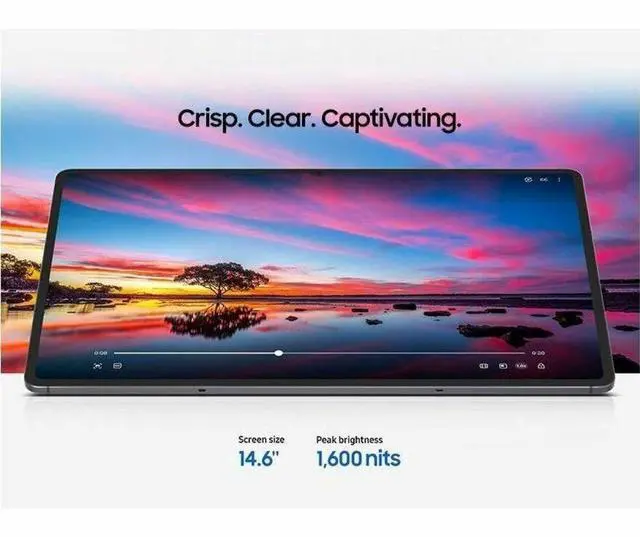
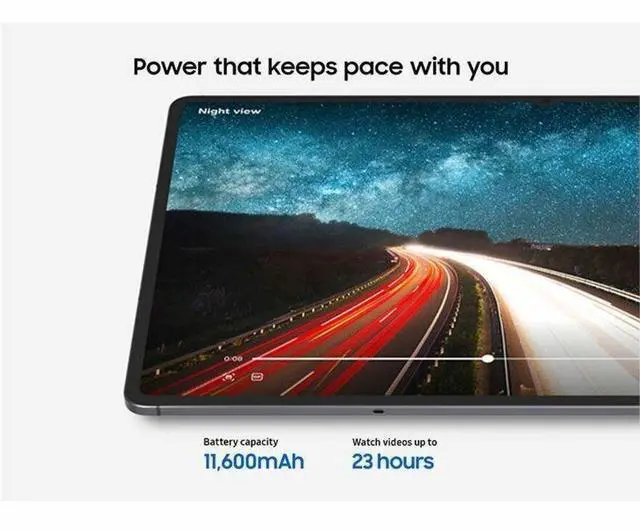
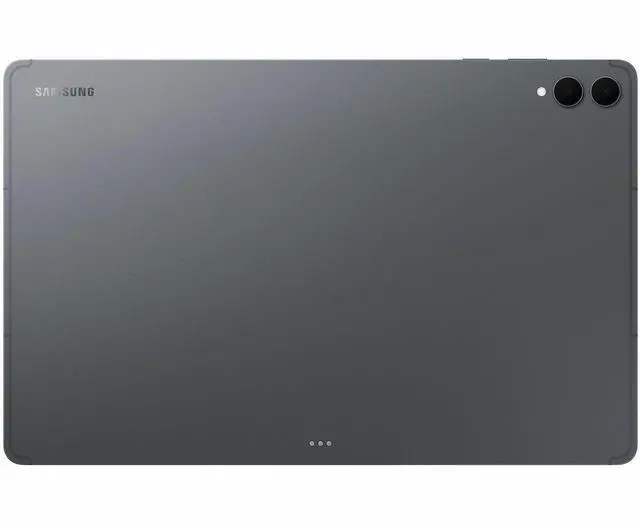
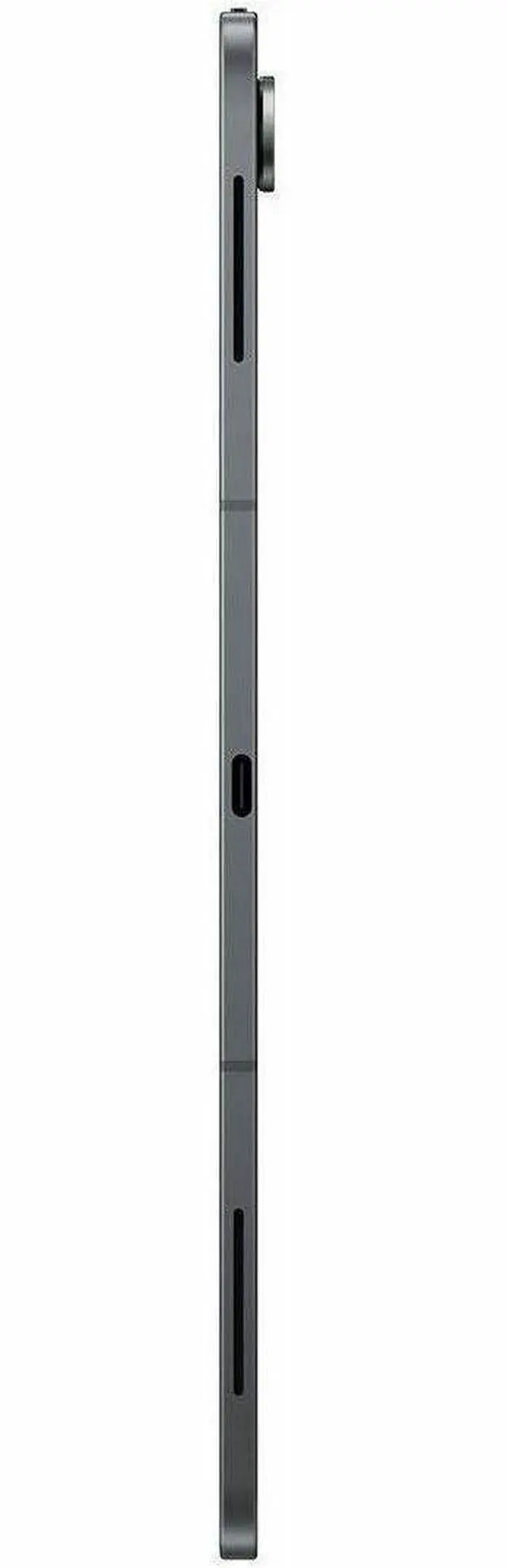



Any questions? Ask CelesteSM will help you find out quickly.
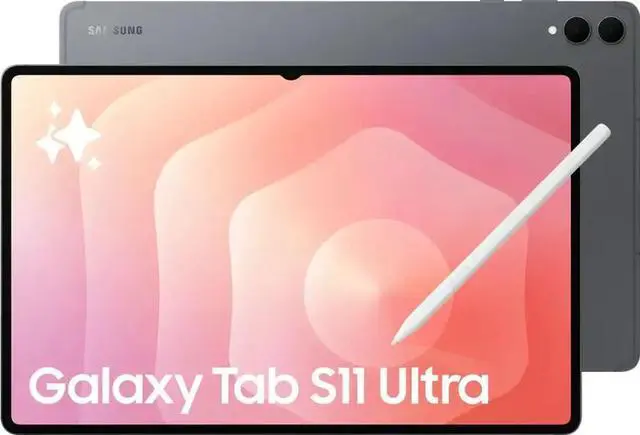
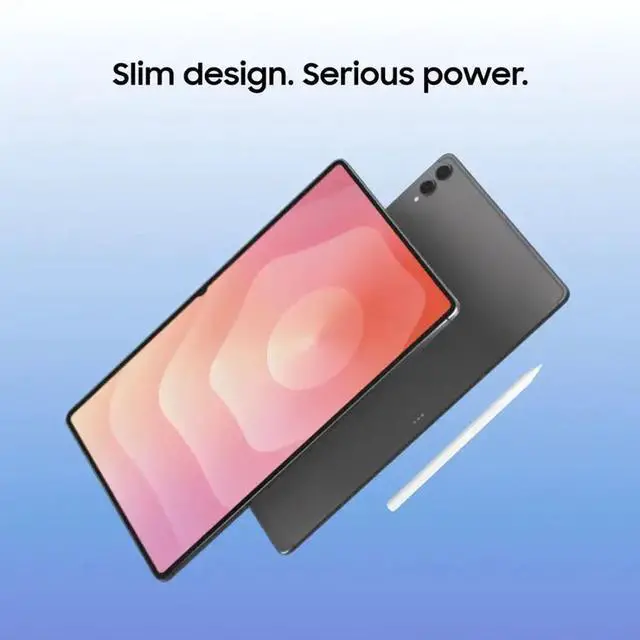
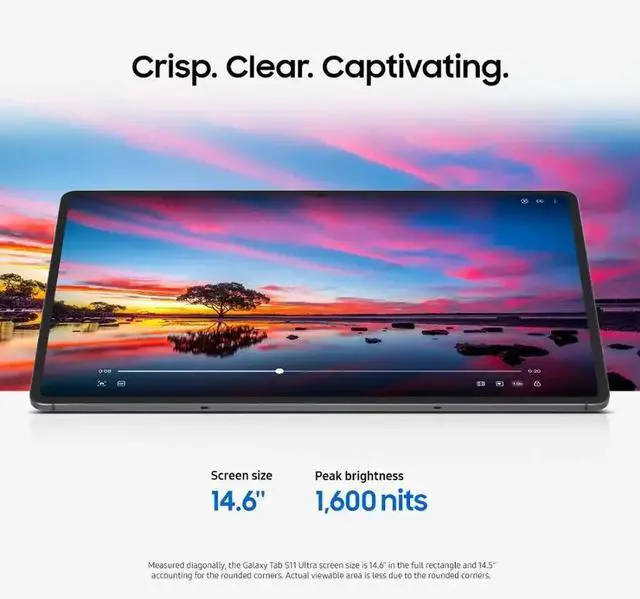
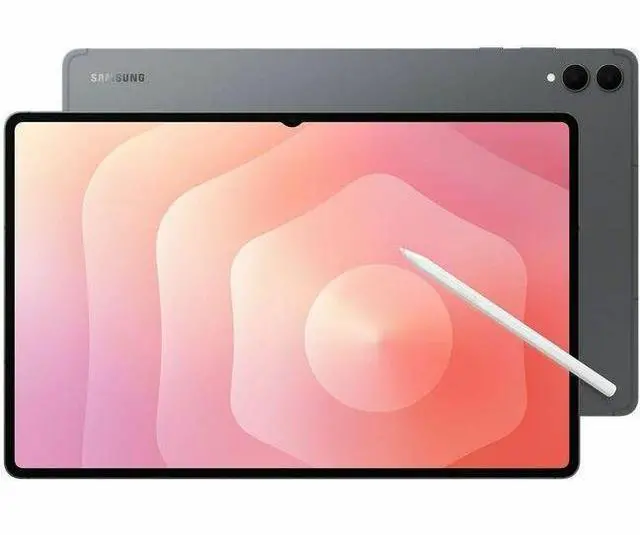
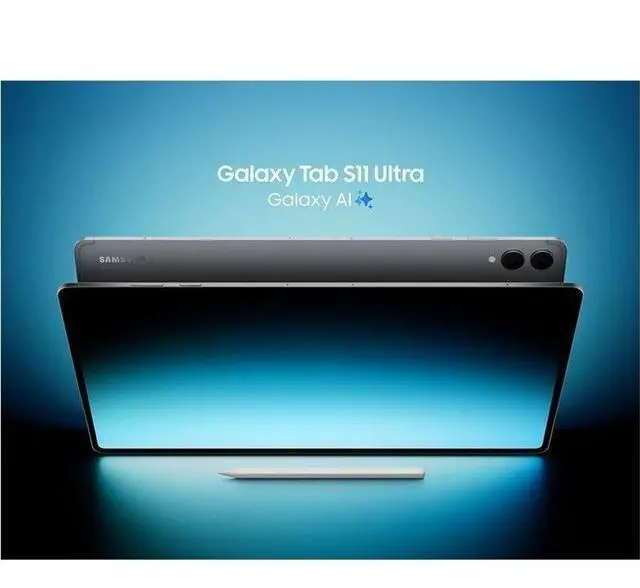
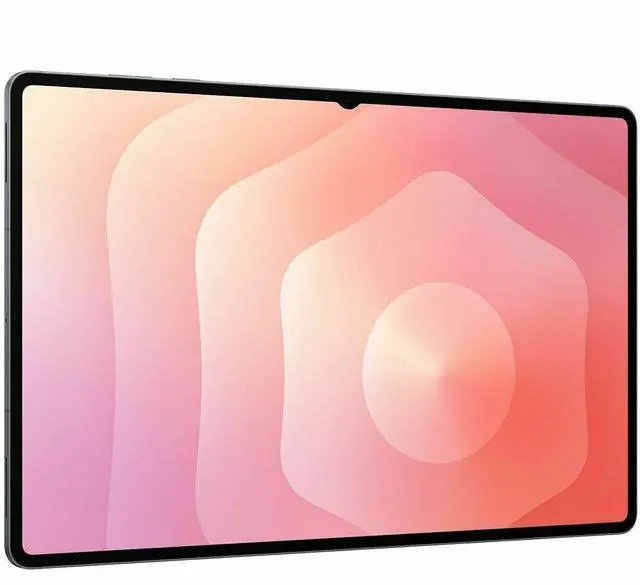
The Samsung Galaxy Tab S11 Ultra is a 14.6-inch Android 16 tablet built for users who want a large, high-resolution screen, strong everyday performance, and included S Pen support for work, note-taking, streaming, and creative tasks.
| Attribute | Value |
|---|---|
| Best For | Large-screen Android tablet users who want a 14.6" display with S Pen support for productivity, note-taking, and media consumption |
| Display Spec | 14.6" WQXGA+ touch screen with 2960 x 1848 resolution |
| Processor And Core Count | MediaTek Dimensity 9400+ (MT6991) processor (MediaTek) |
| Operating System | Android 16 |
| Model Identifiers | Samsung Galaxy Tab S11 Ultra — model SM-X930 (part number SM-X930NZAEXAR) |
| Package Contents | Includes Galaxy Tab S11 Ultra SM-X930 tablet, S Pen, USB-C to C cable, and ejection pin |
Q: Should I buy the Galaxy Tab S11 Ultra or the iPad Pro 13-inch?
A: Choose the Galaxy Tab S11 Ultra if you want a larger 14.6-inch AMOLED display, bundled S Pen support, and Android-style multitasking in the Samsung ecosystem. Choose the iPad Pro 13-inch if your priority is higher app optimization for creative work, stronger benchmark performance, and tighter integration with Apple devices. The practical trade-off most reviews highlight is screen size and bundled value on Samsung versus app ecosystem maturity and performance headroom on Apple.
Q: Is the Galaxy Tab S11 Ultra worth buying over the Galaxy Tab S10 Ultra?
A: Buy the Galaxy Tab S11 Ultra if you are purchasing new and want the newer platform, Android 16, and moderate CPU/GPU/NPU gains. Keep or buy the Tab S10 Ultra instead if price matters more than small generational changes, because multiple reviewers describe the overall experience as very similar. This is mainly a refresh decision, not a major form-factor change.
Q: Galaxy Tab S11 Ultra or OnePlus Pad 3: which is the better buy?
A: Choose the Galaxy Tab S11 Ultra if you want a much larger OLED display, Samsung DeX-style productivity features, and a more complete premium accessory and ecosystem story. Choose the OnePlus Pad 3 if your goal is stronger value and high-end performance at a lower price. Across reviews and community discussions, this comparison usually comes down to Samsung for big-screen productivity and media, versus OnePlus for cost-efficient performance.
Q: Should I get the Galaxy Tab S11 Ultra or a smaller tablet for portability?
A: Get the Galaxy Tab S11 Ultra if you plan to use your tablet like a laptop replacement for split-screen work, media viewing, drawing, or keyboard-based use. Choose a smaller tablet if you will hold it for long reading sessions, travel frequently, or want easier one-hand and bag-friendly portability. The S11 Ultra's 14.6-inch size is its main advantage and its main trade-off.
Q: Is the 12GB/512GB Galaxy Tab S11 Ultra worth it over a lower-storage configuration?
A: The 12GB/512GB version makes more sense if you expect to keep large media files, install many games, or use the tablet for heavier multitasking over time. A lower-storage configuration is the better fit if your use is mostly streaming, web, note-taking, and cloud storage. The decision is less about daily speed and more about how much local storage headroom you want for long-term use.
Q: Is this a good tablet for note-taking, meetings, and office work?
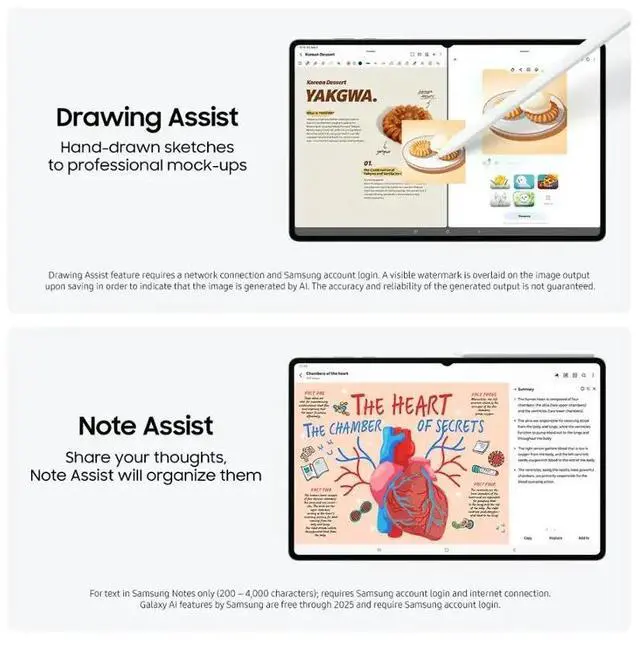
A: Yes, if you want a large Android tablet for handwriting, reading, multitasking, and light-to-moderate office work. The included S Pen, 14.6-inch display, and 12 GB RAM make it well suited for notes, split-screen apps, document review, and video meetings. The main trade-off is that Microsoft Office is supported, but full desktop-style productivity may still require separate app sign-in, a keyboard accessory, and comfort with Android rather than Windows or macOS.
Q: Is it worth buying as a travel work device?
A: It can work well for travel if you want one device for media, email, meetings, and document review, but it is not the most portable tablet in its class. The 14.6-inch screen is excellent for multitasking on the go, yet that same size makes it less convenient than a smaller tablet for cramped flights, handheld use, or minimalist packing. It fits travelers who value screen space more than compactness.
Q: Who is this tablet best suited for?
A: This model is best for users who specifically want a very large premium Android tablet: note-takers, students, frequent video callers, media-heavy users, and people who multitask across several apps. It is less ideal for buyers who mainly want a compact reading device, a low-cost tablet, or a full laptop replacement without accessory add-ons.
Q: Is it better than a smaller tablet or 2-in-1 for productivity?
A: It is better than a smaller tablet when your priority is on-screen workspace, handwriting room, and side-by-side apps. It is usually worse than a true laptop or 2-in-1 if your work depends on desktop software, heavy file management, or long keyboard sessions. In short: choose it for large-screen tablet productivity, not for full PC replacement expectations.
Q: Is 512 GB enough, or should buyers care more about expandable storage?
A: For most buyers, 512 GB is already generous for apps, documents, offline media, and note files. Expandable storage matters more if you keep large video files, game libraries, or long-term offline content on the device. For this category, expandable storage is a practical advantage because it reduces the need to overbuy internal storage up front.
Q: Is the Galaxy Tab S11 Ultra worth buying if I mainly want a large tablet for notes, media, and general productivity?
A: Yes, if your priority is a very large Android tablet for note-taking, split-screen work, and video viewing. The 14.6-inch 2960 x 1848 display, included S Pen, 12 GB RAM, and 512 GB storage make it a strong fit for study and multitasking. The main trade-off is size: it is less portable and less convenient for casual handheld use than smaller tablets.
Q: Is the Galaxy Tab S11 Ultra good for note-taking and school work?
A: Yes. It is well suited to note-taking and school use if you want a large writing canvas and room for multiple apps on screen. The included S Pen and 14.6-inch display support handwriting, document review, and side-by-side multitasking. The trade-off is that the Ultra size is better on a desk than in cramped lecture seating or frequent carry.
Q: Can the Galaxy Tab S11 Ultra replace a laptop for work?
A: It can replace a laptop for light to moderate work such as email, web apps, document review, note-taking, and external-monitor desk use. It is less ideal if your work depends on desktop-only software, heavy file workflows, or a traditional keyboard-and-trackpad setup. Buy it as a productivity tablet first, not as a full laptop substitute for every workload.
Q: What are the main trade-offs of choosing the Galaxy Tab S11 Ultra over smaller Galaxy tablets or a laptop?
A: The main trade-offs are portability, ergonomics, and value. The Ultra gives you a much larger display for media, writing, and multitasking, but it is harder to hold for long sessions and less travel-friendly than smaller tablets. Compared with a laptop, it is more touch- and pen-focused, but usually less practical for desktop-class software and some accessory workflows.
Q: Who is the Galaxy Tab S11 Ultra best suited for?
A: It is best suited for buyers who specifically want a premium large-screen Android tablet for media, handwritten notes, reading documents, and multitasking. It is a better fit for desk, couch, and campus use than for one-hand use or ultra-light travel. Buyers who want maximum portability may be better served by a smaller tablet.


