




 here!
I’m your shopping assistant for PC builds, upgrades, and everything tech.
Got questions? Ask away!
Start a conversation
here!
I’m your shopping assistant for PC builds, upgrades, and everything tech.
Got questions? Ask away!
Start a conversation




Any questions? Ask CelesteSM will help you find out quickly.
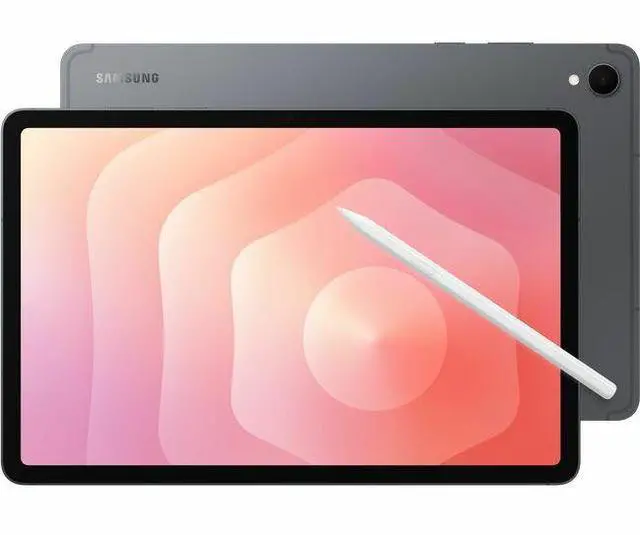
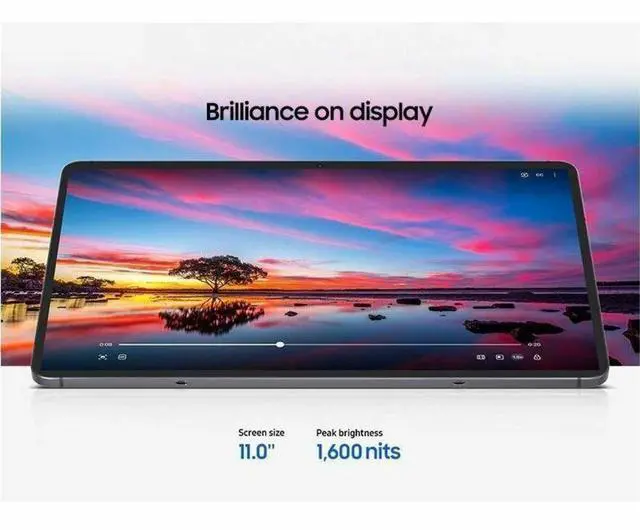
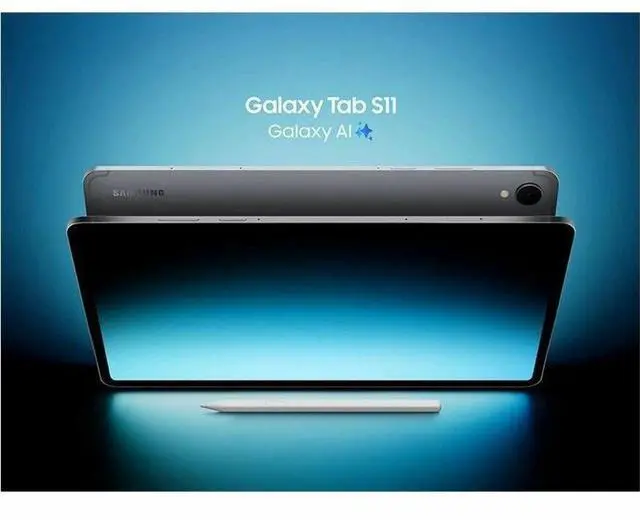
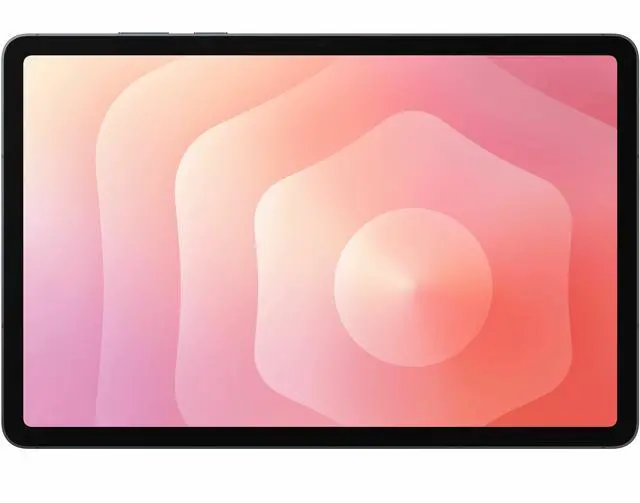
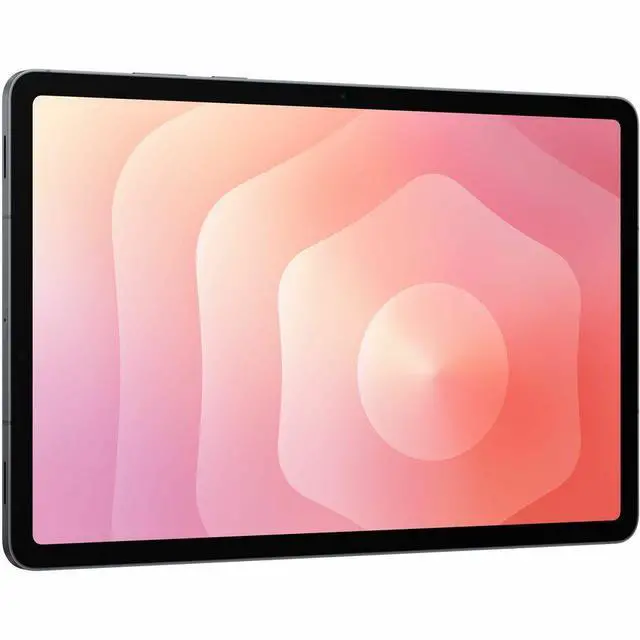
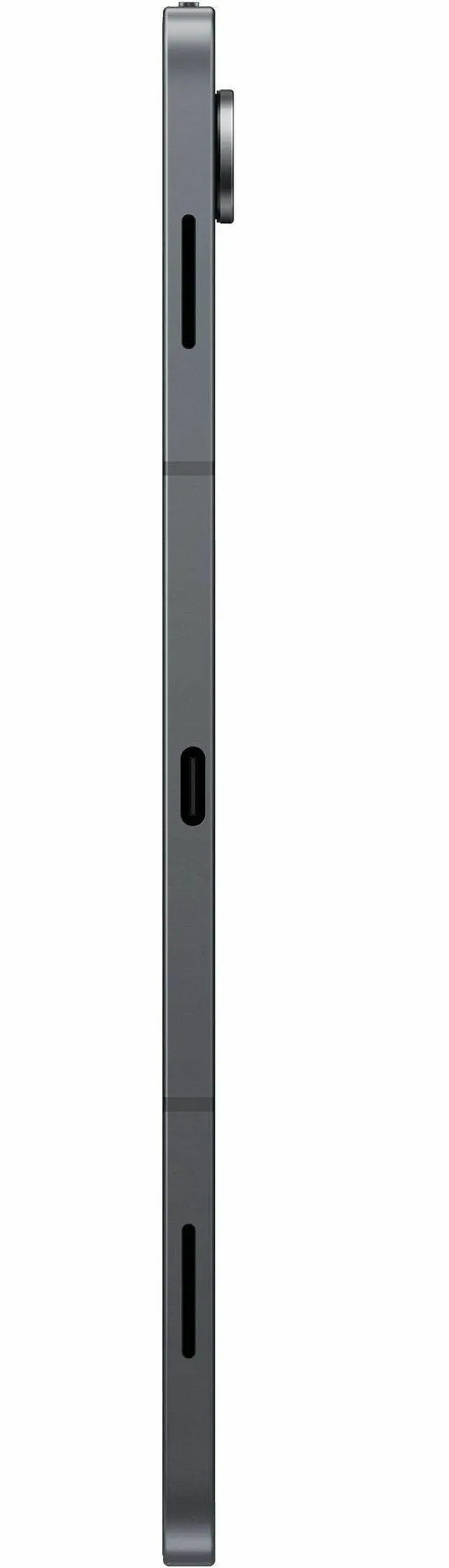
The Samsung Galaxy Tab S11 Enterprise Edition is an 11-inch Android tablet with a 2560 x 1600 display, 12GB of memory, 128GB of storage, and Wi‑Fi 6E, making it a strong fit for business users and professionals who want a portable device for multitasking, presentations, note-taking, and everyday productivity.
| Attribute | Value |
|---|---|
| Best For | Android tablet suited for mobile productivity, multitasking, and media consumption on an 11.0-inch 2560 x 1600 display with 12GB RAM and 802.11ax wireless connectivity |
| Display Spec | 11.0-inch display with 2560 x 1600 resolution for sharp text and high-resolution media |
| Memory Configuration | 12GB RAM to support heavier multitasking and larger apps |
| Operating System | Android operating system |
| Wired And Wireless Networking | 802.11ax wireless LAN (Wi‑Fi 6) and Bluetooth 5.3 for modern wireless connections |
| Model Identifiers | Samsung Galaxy Tab S11 Enterprise Edition (SM-X730NZAAN20), Gray |
Q: Should I buy the Samsung Galaxy Tab S11 Enterprise Edition or the Galaxy Tab S10 FE?
A: Choose the Galaxy Tab S11 Enterprise Edition if you want Samsung’s flagship 11-inch tablet experience with a higher-resolution 2560 x 1600 display, 12GB RAM, stronger multitasking, and the premium Galaxy Tab S positioning. Choose the Galaxy Tab S10 FE if lower upfront cost matters more than peak display quality and top-tier performance. Across Samsung’s lineup and community comparisons, the S10 FE is treated as the value option, while the Tab S11 is the better fit for heavier DeX use, longer-term productivity, and users who care more about display and responsiveness.
Q: Is the Galaxy Tab S11 Enterprise Edition worth it over the regular Galaxy Tab S11 256GB?
A: Buy the Enterprise Edition if your priority is fleet management, business rollout, or longer support planning rather than extra local storage. Samsung positions Enterprise Edition devices around business deployment and lifecycle support, while the standard Galaxy Tab S11 256GB is the simpler choice for individual buyers who mainly want more onboard storage. Performance should be similar for everyday use because both are part of the same Tab S11 family; the main difference is business packaging and storage capacity, not a different product tier.
Q: Should I get the Galaxy Tab S11 Enterprise Edition or the Galaxy Tab S11 Ultra?
A: Choose the Galaxy Tab S11 Enterprise Edition if you want better portability in Samsung’s premium tablet range and an easier 11-inch form factor for travel, handheld use, and note-taking. Choose the Galaxy Tab S11 Ultra if your priority is a larger canvas for split-screen work, desk use, media, or replacing more of your laptop workflow. Samsung positions the Ultra as the higher-tier model, and pricing reflects that, so the decision is mainly compact productivity versus maximum screen space.
Q: Is the Galaxy Tab S11 Enterprise Edition a good upgrade from the Galaxy Tab S9?
A: The Galaxy Tab S11 Enterprise Edition makes the most sense as an upgrade from the Tab S9 if you want more memory out of the box, newer platform support, and a current-generation Samsung business model without moving up to a larger tablet. If you already have a Tab S9 and your use is mostly browsing, streaming, and light note-taking, the upgrade is more incremental than transformational. Pricing between the two has been very close in Samsung’s business price lists, so the stronger case for the S11 is buying new rather than replacing a still-satisfactory Tab S9.
Q: Is this a good Samsung tablet for note-taking, meetings, and office work?
A: Yes for light to moderate work. An 11-inch 2560 x 1600 display and 12GB RAM are well suited to note-taking, web apps, email, video meetings, document review, and multitasking. It is a better fit for mobile productivity than for heavy laptop-class workloads, especially since a keyboard is typically a separate purchase.
Q: Is it worth buying as a travel work device?
A: Yes if you want a compact Android work tablet rather than a full laptop replacement. The 11-inch size, Wi‑Fi 6E, and 128GB storage make it practical for trips, meetings, cloud files, and media. The main trade-offs are Wi‑Fi-only connectivity in this listing and likely needing extra accessories such as a keyboard case for longer typing sessions.
Q: Who is this tablet most suitable for?
A: It is most suitable for business users, students, and professionals who want a premium Android tablet for note-taking, presentations, browsing, meetings, and everyday productivity. It is less suitable for buyers who need constant mobile data, desktop software, or a bundled keyboard-in-box experience.
Q: What are the main trade-offs versus an iPad or a Windows 2-in-1?
A: The main advantage is Android flexibility in a lighter tablet form, with strong multitasking potential for mobile work. The trade-offs are that it is still a tablet-first device, so buyers who need full desktop apps, heavier file workflows, or a laptop-style setup may be better served by a Windows 2-in-1. Versus an iPad, the choice usually comes down to OS preference, app ecosystem, and whether you prefer Samsung-style multitasking and accessories.
Q: Should you choose this over a cheaper Galaxy Tab FE model?
A: Choose this model if you want more memory headroom and a more premium configuration for multitasking and longer-term business use. A cheaper FE model is often enough for basic streaming, reading, and casual note-taking, but this 12GB configuration is the safer choice for heavier multitasking, larger documents, and professional daily use.
Q: Is the 11-inch Galaxy Tab S11 a good choice for note-taking and studying?
A: Yes for most students and general note-taking use. Reddit discussions repeatedly focus on the 11-inch Tab S11 as a strong fit for handwritten notes, PDFs, lectures, and split-screen study workflows. Based on the product data, its 11-inch 2560 x 1600 display and 12GB RAM make it a practical size for portable study use while still offering enough memory for multitasking. The main trade-off is screen space: it is easier to carry than larger models, but less roomy for side-by-side documents.
Q: Is the Galaxy Tab S11 worth buying for work and travel?
A: It looks suitable for mobile productivity if you want a compact Android tablet rather than a laptop replacement. Reddit users discussing the Tab S11 often mention travel, light office work, document handling, and note-taking. From the product data, the combination of 12GB RAM, Wi‑Fi 6E, and an 11-inch form factor supports that use case well. The trade-off is that it is better for portable work sessions than for full desktop-style workflows that benefit from a larger screen or laptop keyboard setup.
Q: Who is the Galaxy Tab S11 Enterprise Edition best suited for?
A: It is best suited for buyers who want a premium Android tablet for note-taking, media, and everyday productivity in a portable size. The product data points to a high-end configuration for this size class: 12GB RAM, 128GB storage, 2560 x 1600 resolution, Wi‑Fi 6E, and Android. Community discussion around the Tab S11 consistently centers on students, professionals doing light work, and users who prefer easier portability over the larger Plus or Ultra models.
Q: What are the main trade-offs of choosing the 11-inch Tab S11 instead of a larger Galaxy Tab?
A: The main trade-off is portability versus workspace. Reddit discussions repeatedly frame the 11-inch Tab S11 as easier to carry and use on the go, while larger models offer more room for multitasking, viewing documents, and keyboard use. Based on the product data, this model keeps a sharp 2560 x 1600 display and strong memory capacity, but buyers who plan to spend long periods in split-screen or laptop-style work may prefer a larger screen.


