




 here!
I’m your shopping assistant for PC builds, upgrades, and everything tech.
Got questions? Ask away!
Start a conversation
here!
I’m your shopping assistant for PC builds, upgrades, and everything tech.
Got questions? Ask away!
Start a conversation







Any questions? Ask CelesteSM will help you find out quickly.
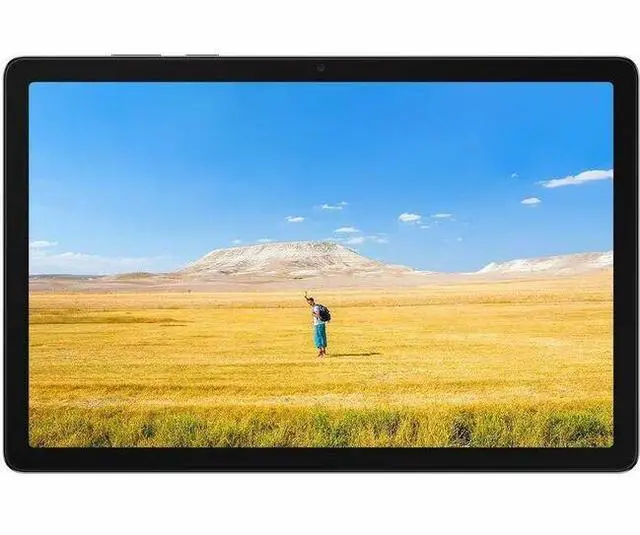
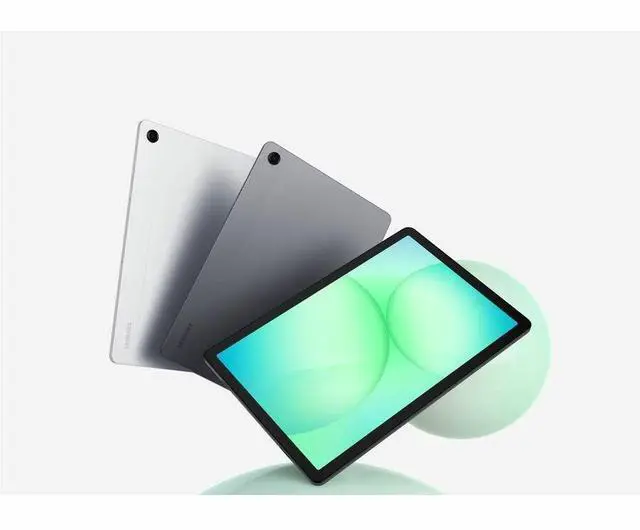
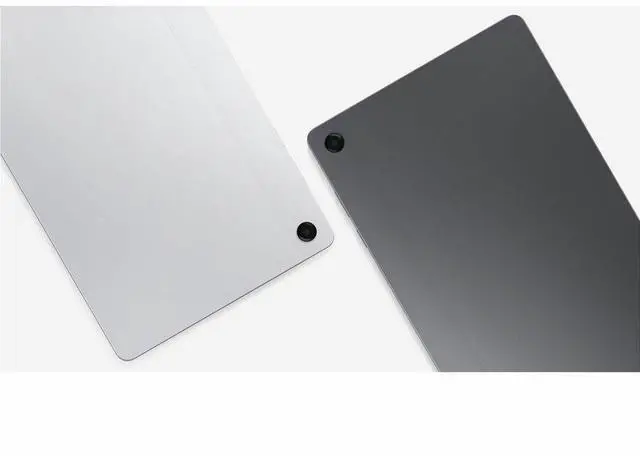
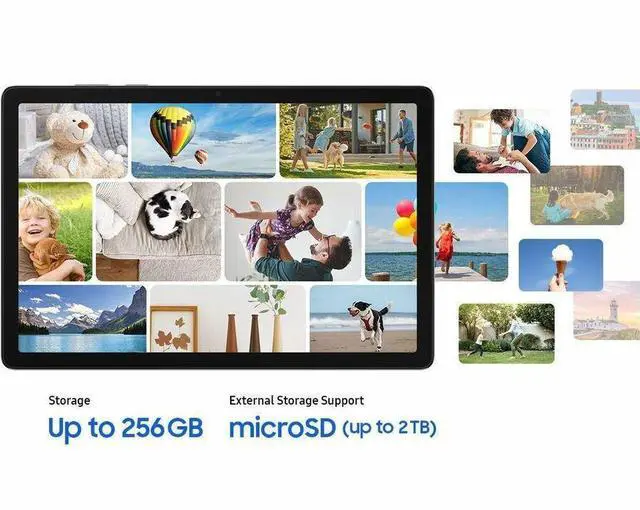
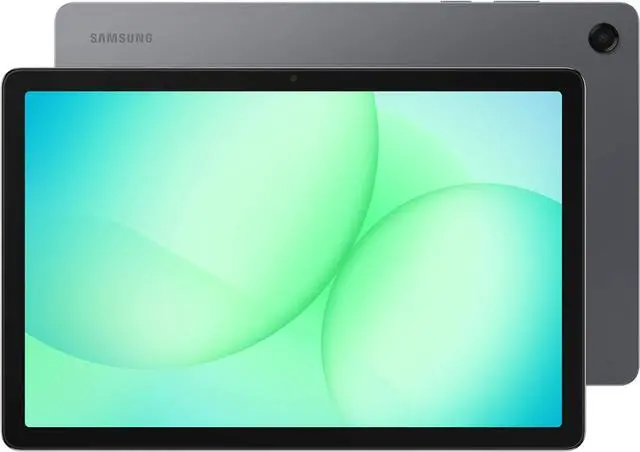
The Samsung Galaxy Tab A11+ is an 11-inch 5G Android tablet with a 1920 x 1200 WUXGA display, MediaTek Dimensity 7300 processor, 6GB memory, and 128GB storage, making it a strong fit for students, everyday users, and mobile professionals who want portable productivity, streaming, and fast connectivity with room for microSD expansion up to 2TB.
| Attribute | Value |
|---|---|
| Best For | Adults wanting an Android tablet for entertainment and everyday media/apps with 5G and Wi‑Fi connectivity |
| Display Spec | 11-inch LCD WUXGA 1920 x 1200 (16:10) display with 90 Hz refresh rate |
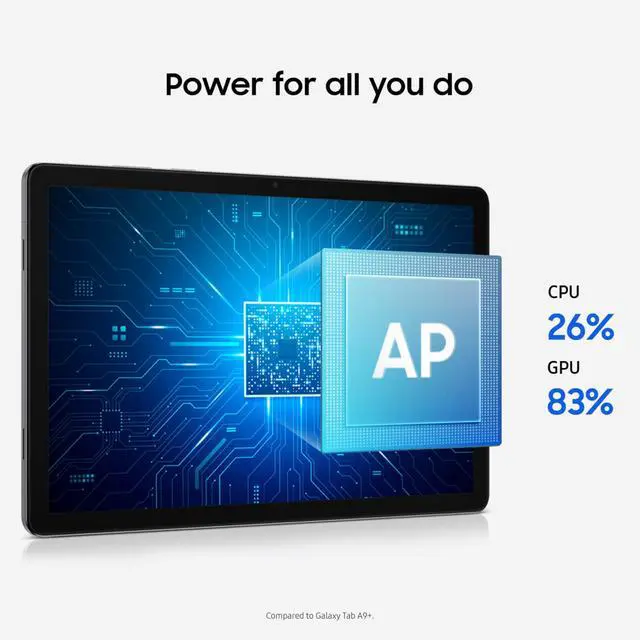
| Processor And Core Count | MediaTek MT8775 processor |
| Memory Configuration | 6 GB RAM |
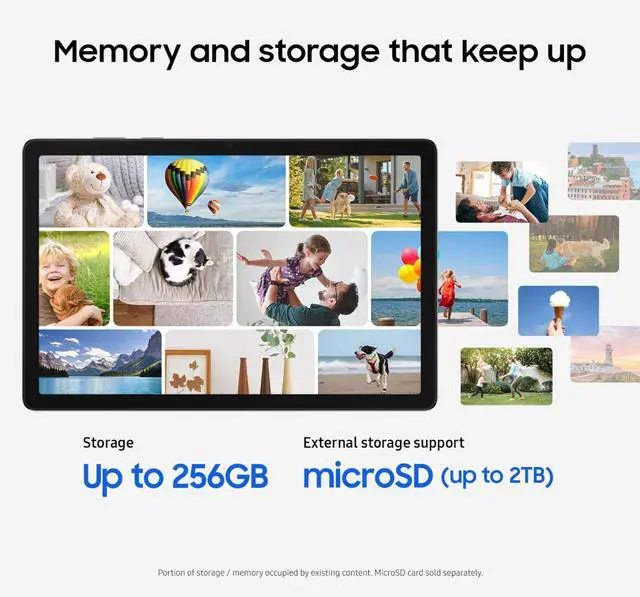
| Storage And Expansion | 128 GB internal storage; expandable storage supported |
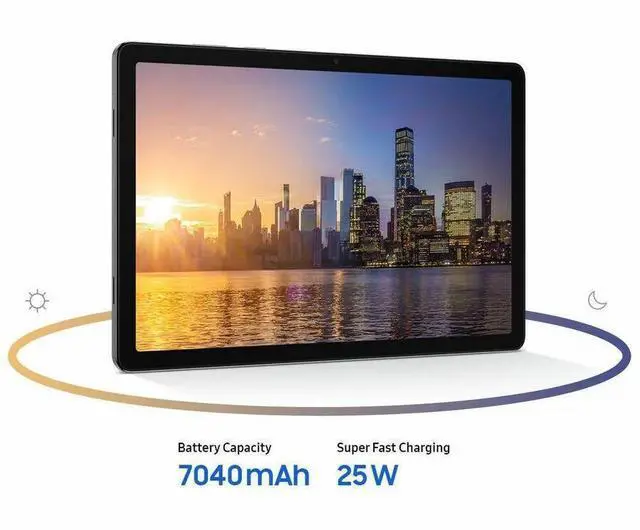
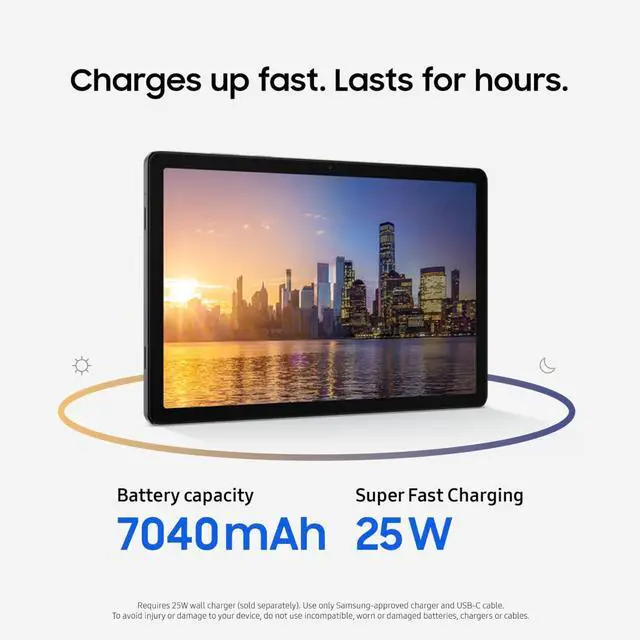
| Battery And Power | 7040 mAh lithium‑ion battery (2 cells) |
| Wired And Wireless Networking | 5G cellular plus Wi‑Fi (802.11ac) and Bluetooth connectivity |
| Ports And Expansion | Single USB-C port using a USB 2.0 interface |
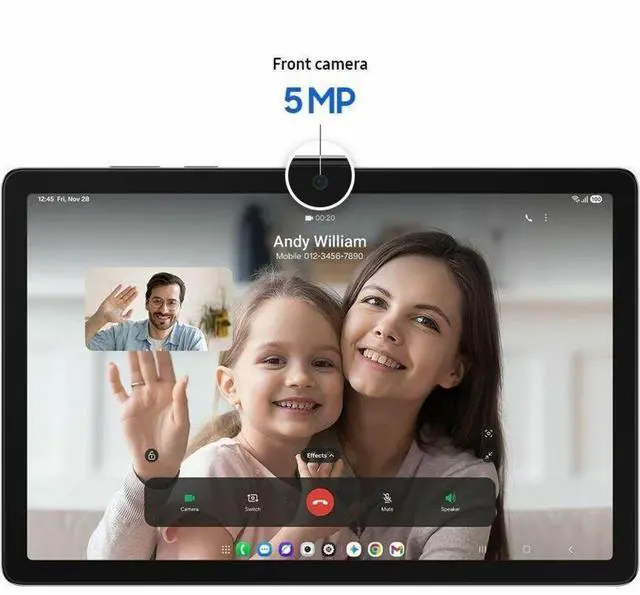
| Camera And Sensors | Built‑in front and rear cameras |
| Graphics And Video | Integrated ARM Mali G615 MC2 graphics |
| Operating System And Software | Android 16 operating system |
| Physical Dimensions And Weight | 10.12 × 6.64 × 0.27 inches; weight about 0.64 kg |
| Model Identifiers | Samsung Galaxy Tab A11+ 6+128GB — model/number SM-X238UZAAXAU; model name A11+; T‑Mobile network variant; 2026 model year, 7th generation |
| Accessories And Package | Includes data cable, ejection pin and quick start guide; single‑unit package |
| Other Features | Touchscreen with stylus support; Bluetooth and color screen; compatible with USB‑C devices |
Q: Should I buy the Galaxy Tab A11+ or the older Galaxy Tab A9+?
A: Buy the Galaxy Tab A11+ if you want the more current Samsung budget tablet with a clear step up in processor performance and the option for 5G in this configuration. Across review coverage, the A11+ is consistently positioned as the better upgrade for smoother multitasking and longer-term ownership, while the A9+ still makes sense mainly when price is the priority and the discount is meaningful.
Q: Is the Galaxy Tab A11+ worth it over the Wi-Fi version of the same tablet?
A: Choose this Galaxy Tab A11+ 5G model if you need mobile data away from Wi-Fi or want one tablet for commuting, travel, field work, or hotspot-free streaming. Choose the Wi-Fi version if you use the tablet mostly at home, school, or the office, because the core tablet experience is otherwise very similar and the Wi-Fi model usually costs less.
Q: Should I get the Galaxy Tab A11+ 6GB/128GB or move up to a higher Samsung tablet like the Tab S10 FE?
A: Get the Galaxy Tab A11+ if your main uses are streaming, browsing, reading, video calls, and light gaming, and you want to stay in the lower price tier. Move up to the Tab S10 FE if you care more about premium features and heavier use, because Samsung positions the FE line above the A-series and its pricing places it in a different class for buyers who want more than a basic media tablet.
Q: Is 6GB RAM enough on the Galaxy Tab A11+, or should I look for an 8GB model?
A: The 6GB/128GB Galaxy Tab A11+ is the practical choice for mainstream tablet use, including media, web, school apps, and everyday multitasking. Step up to an 8GB configuration only if you keep many apps open at once, use heavier games more often, or want extra headroom for longer ownership. Reviews of the A11+ generally point to the processor as the main upgrade, which means the 6GB model already captures most of the performance benefit for typical buyers.
Q: Is the Galaxy Tab A11+ better for portability-focused use or performance-first use?
A: The Galaxy Tab A11+ fits portability-focused use better than performance-first tablet buying. Its 11-inch size, 5G option, and budget-series positioning make it a strong fit for portable media, travel, casual work, and everyday apps. If your decision is centered on sustained gaming, advanced multitasking, or premium productivity features, a higher-tier Samsung tablet is the more appropriate comparison target.
Q: Is this a good tablet for travel, meetings, and light office work?
A: Yes for light productivity. Its 11-inch 1920 x 1200 display, 6 GB RAM, 128 GB storage, and 5G support make it suitable for email, web work, video meetings, document viewing, and basic Office tasks while traveling. The main trade-off is that it is still a tablet, not a laptop replacement, so long-form typing and heavier multitasking are better with a separate keyboard and a more productivity-focused device.
Q: Is it good for note-taking, classes, and general tablet use?
A: Yes for casual note-taking and everyday school use, but not ideal if you specifically want a bundled pen experience. Comparable Samsung retail Q&A for the Tab A9+ repeatedly asks about stylus support, and the common pattern is that a stylus is not included. For handwritten notes, annotations, reading, streaming, and web use, this type of 11-inch Samsung tablet fits well; for heavy pen-first workflows, a tablet line with stronger pen support is a better fit.
Q: Who is this tablet best suited for?
A: It is best suited for buyers who want a midrange Android tablet for media, browsing, travel, video calls, light work, and flexible connectivity. The 5G support and microSD expansion up to 2 TB make it especially practical for users who need mobile data and more local storage. It is less suitable for buyers looking for premium multitasking, advanced creative work, or a true laptop substitute.
Q: Is the 128 GB model enough, or should I plan on extra storage?
A: For many buyers, 128 GB is enough to start with, especially for apps, documents, and moderate offline media. The more important decision factor is that this model supports microSD expansion up to 2 TB, so you do not need to overpay upfront if your storage needs may grow later. If you download lots of video, large games, or work files, expandable storage is a meaningful advantage versus tablets with fixed storage only.
Q: Is this a better choice than a Wi‑Fi-only 11-inch tablet?
A: It is a better choice if you need connectivity away from Wi‑Fi. The main practical difference is the built-in 5G support on this model, which makes it more useful for travel, commuting, field work, and backup internet access. If you mostly use a tablet at home, school, or on reliable Wi‑Fi, a Wi‑Fi-only alternative can offer similar everyday tablet use at lower cost.
Q: Is the Galaxy Tab A11+ worth buying as a budget tablet?
A: It looks most suitable for buyers who want a lower-cost 11-inch Android tablet for streaming, web use, reading, light multitasking, and basic app use. Based on repeated Reddit discussion, the main reason to buy it is value, while the main reason not to buy it is if you expect premium speed, strong cameras, or a clear upgrade over older higher-tier tablets.
Q: Is the Galaxy Tab A11+ good for study, notes, PDFs, and everyday work?
A: For PDFs, browsing, video lessons, email, and general school or office use, yes. Its 11-inch 1920 x 1200 display, 6 GB RAM, and 128 GB storage fit everyday productivity better than very small or entry-level tablets. The trade-off is that it should be treated as a basic productivity tablet, not a laptop replacement for heavy multitasking or demanding creative work.
Q: Who is the Galaxy Tab A11+ best suited for?
A: It is best suited for students, casual home users, travelers, and buyers who want a large-screen Samsung tablet with optional 5G and microSD expansion up to 2 TB. It is less suitable for users who prioritize gaming performance, advanced note-taking accessories, professional creative apps, or flagship-level display and camera quality.
Q: Is the 5G version worth it, or is Wi-Fi enough?
A: The 5G version makes sense if you need mobile data away from Wi-Fi and do not want to rely on phone hotspot use. If most use is at home, school, or office, Wi-Fi is usually the simpler choice. Reddit discussion also suggests checking carrier compatibility before buying, because SIM behavior and activation can vary by market and plan.
Q: What are the main trade-offs of the Galaxy Tab A11+?
A: The main trade-offs are that it is designed as a value tablet, so buyers should expect compromises in camera quality, premium performance, and overall flagship feel. The product data points to a balanced midrange setup with 6 GB RAM, 128 GB storage, 11-inch WUXGA display, and 5G, but community discussion shows that some buyers still compare it unfavorably with older used premium tablets or competing value models.


