




 here!
here!
I’m your shopping assistant for PC builds, upgrades, and everything tech.
Got questions? Ask away!
Start a conversation
here!
I’m your shopping assistant for PC builds, upgrades, and everything tech.
Got questions? Ask away!
Start a conversation






Any questions? Ask CelesteSM will help you find out quickly.
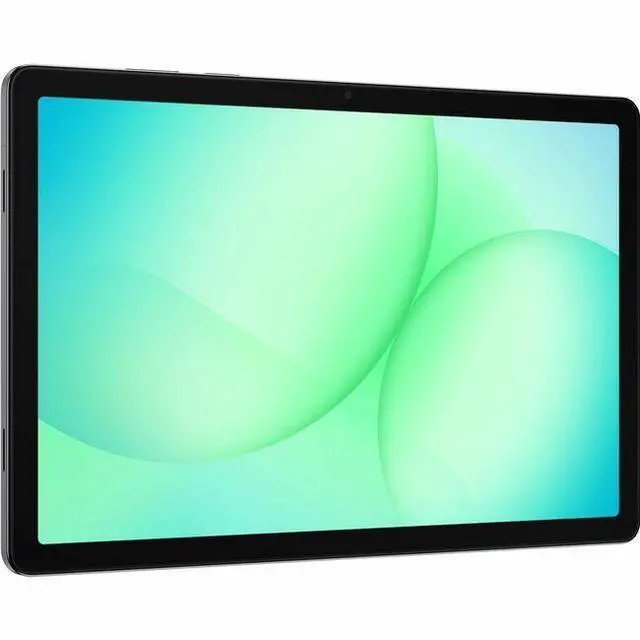
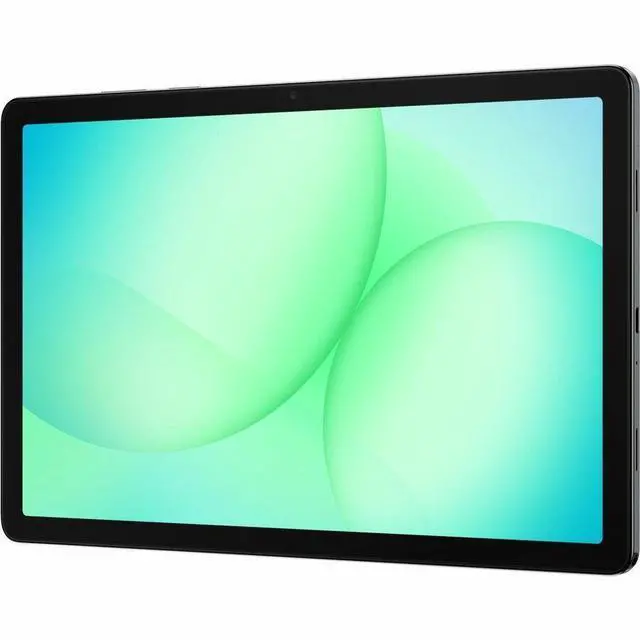
The Samsung Galaxy Tab A11+ is an 11-inch WUXGA Android tablet with 6GB RAM, 128GB storage, Verizon 5G, and a MediaTek Dimensity 7300 chip, making it a good fit for students, families, and mobile users who want a large screen and always-connected everyday performance.
| Attribute | Value |
|---|---|
| Best For | Adults who want an 11-inch Android tablet with Verizon 5G, 6 GB RAM and 128 GB internal storage for media, web and cellular-connected tasks; supports stylus input and expandable storage |
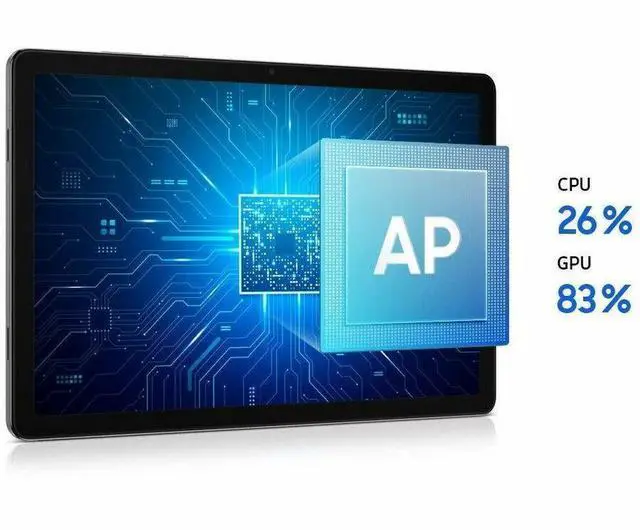
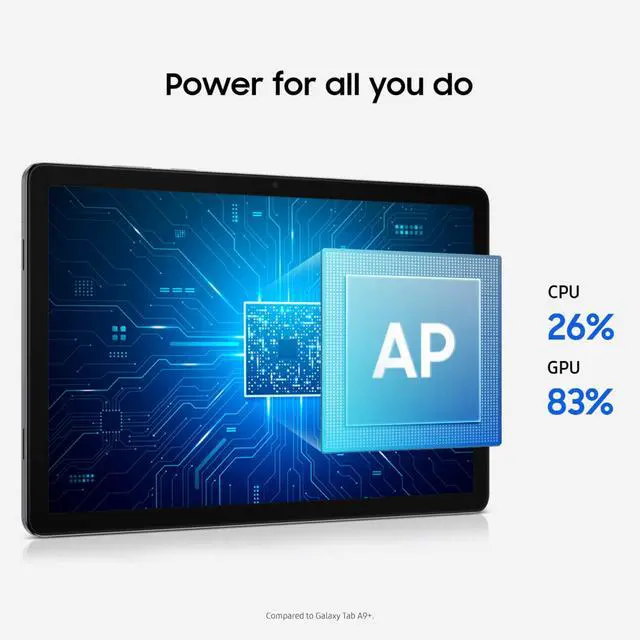
| Processor And Performance | MediaTek Dimensity 7300 (4 nm) processor up to 2.5 GHz with integrated Mali-G615 MC2 graphics |
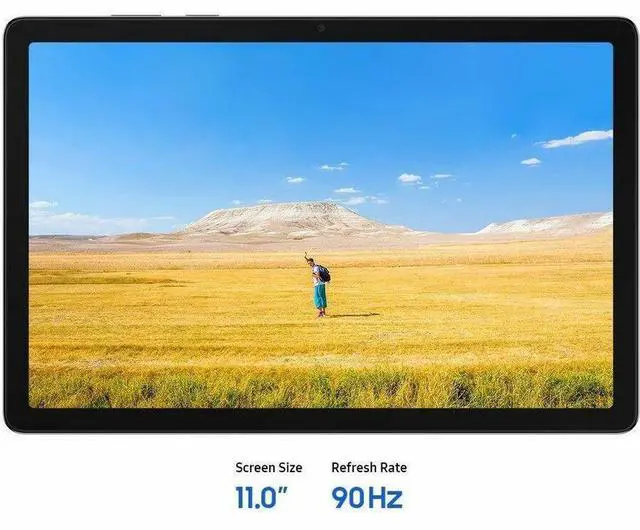
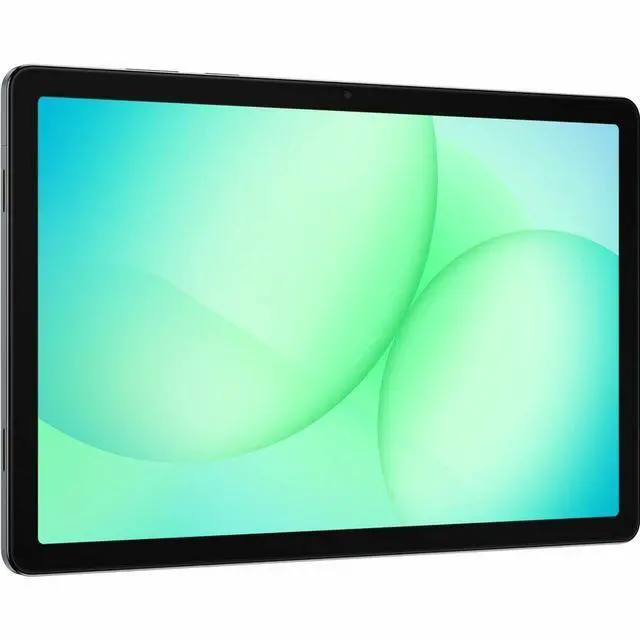
| Display Spec | 11-inch LCD, 1920 x 1200 (WUXGA) native resolution, 16:10 aspect ratio with 90 Hz refresh |
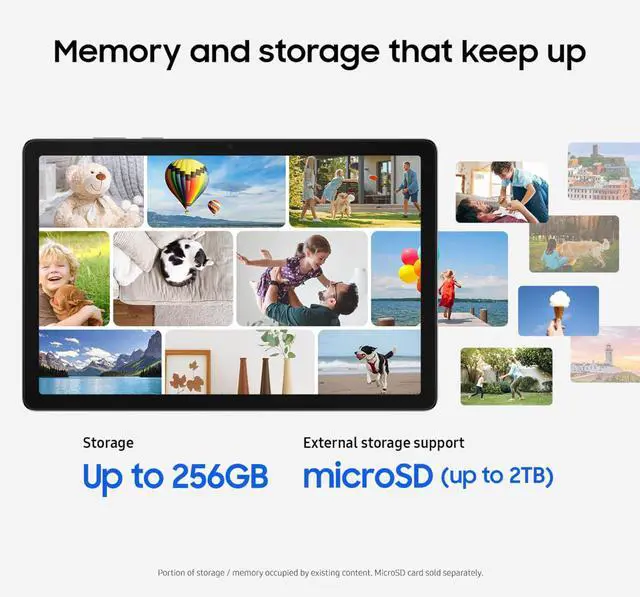
| Memory And Storage | 6 GB RAM with 128 GB internal flash storage and expandable storage (microSD) supported |
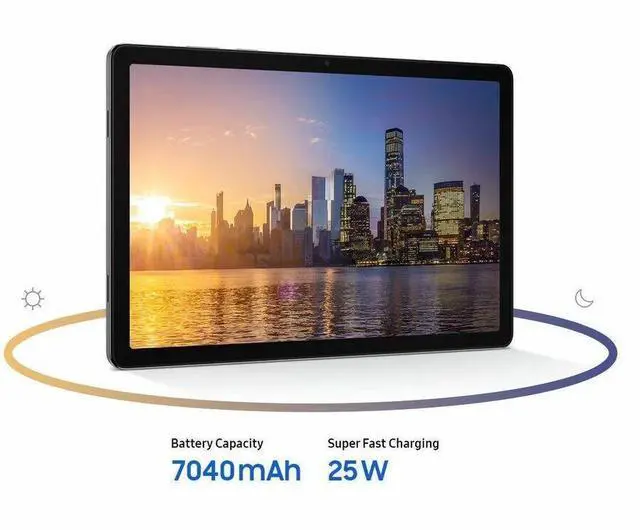
| Battery And Power | 7040 mAh lithium-ion battery (single cell, installed) with battery included |
| Connectivity & Wireless Networking | Verizon 5G cellular plus Wi‑Fi (802.11ac), Bluetooth and GPS |
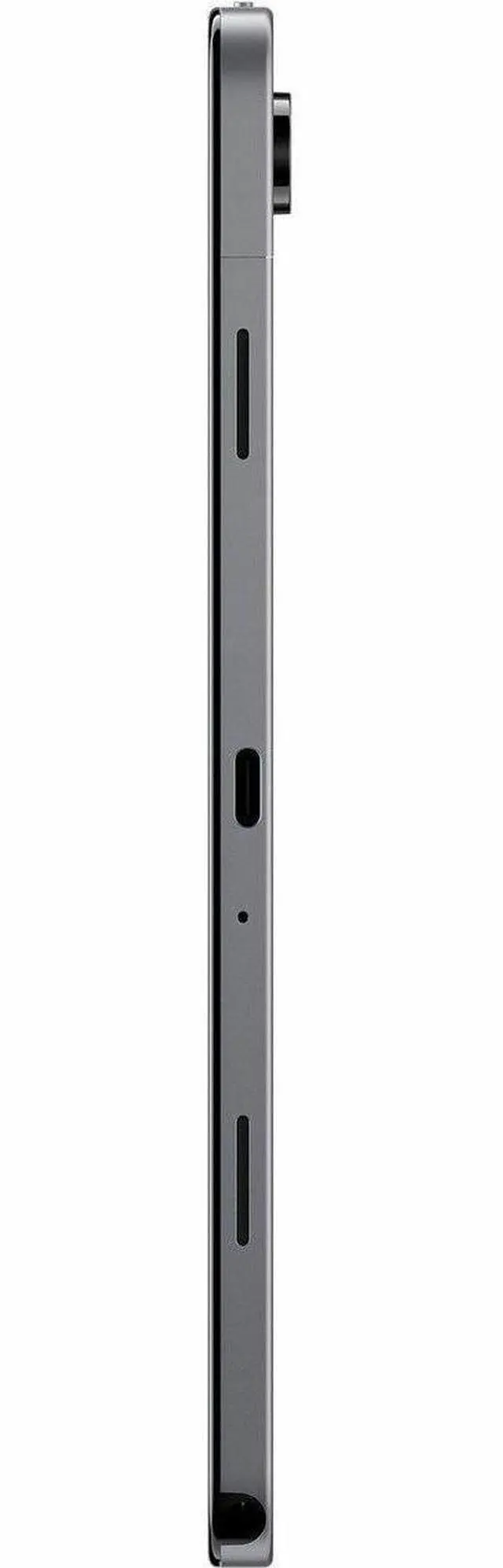
| Ports And Expansion | Single USB port (USB 2.0) compatible with USB‑C devices and expandable storage; package includes data cable and ejection pin |
| Cameras And Sensors | Front and rear cameras with rear camera listed as 8 MP; includes accelerometer |
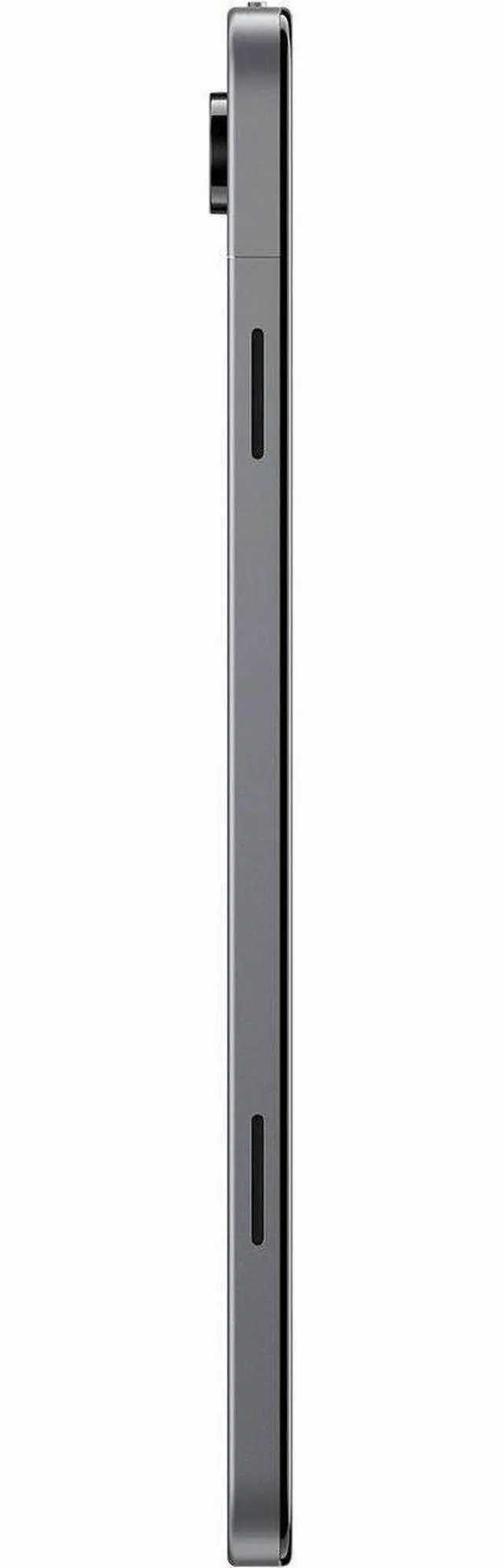
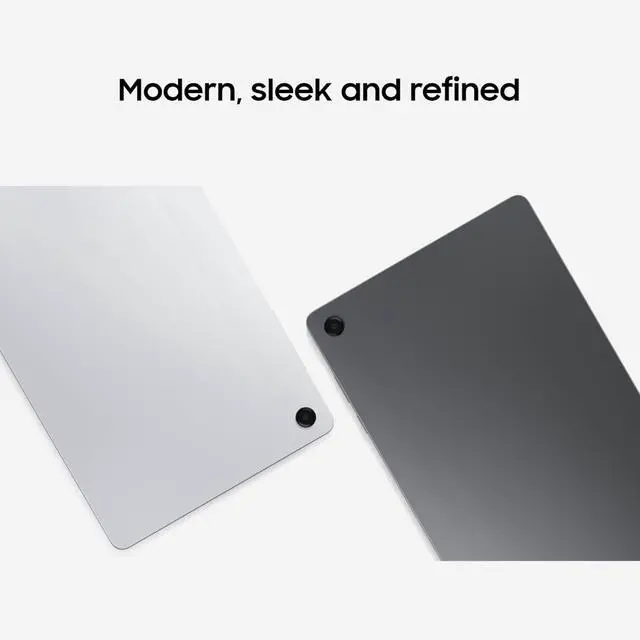
| Physical Dimensions & Color | Device dimensions 10.12 x 6.64 x 0.27 inches; color Gray; package weight 0.63 kg |
| Software And Compatibility | Android 16 OS with touchscreen and stylus support; U.S. version listed and compatible with USB‑C devices |
| Model Identifiers | Samsung Galaxy Tab A11+ (model SM-X238UZAAVZW, A11+ / Galaxy Tab A11+), FCC ID A3LSMX238U, 2026 model year, Verizon configuration |
Q: Should I buy the Samsung Galaxy Tab A11+ or the Galaxy Tab A9+?
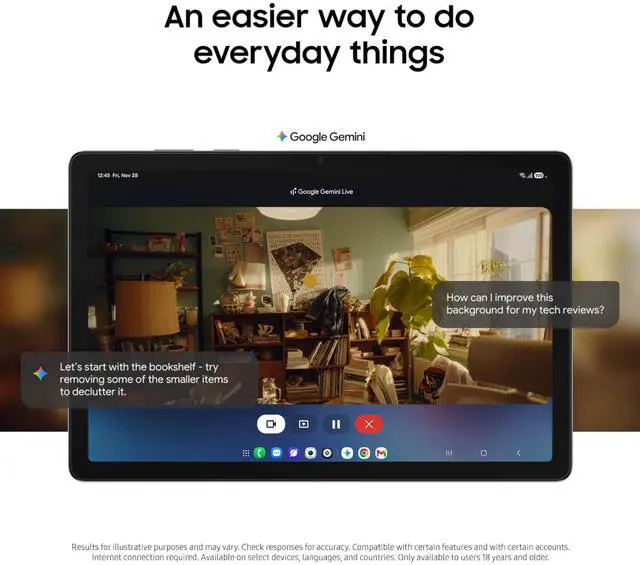
A: Choose the Galaxy Tab A11+ if you want a clearer upgrade in day-to-day speed, more future-proof base memory and storage, and optional 5G. Compared with the Tab A9+, the A11+ moves to a Dimensity 7300 chipset, starts at 6GB RAM and 128GB storage, supports up to 90Hz, and Samsung positions it as the successor to the A9+. It makes more sense for multitasking, gaming, and keeping more apps or media locally. The Tab A9+ still fits buyers who mainly want a lower-cost Samsung tablet for streaming, browsing, and light school or family use.
Q: Is the Galaxy Tab A11+ enough, or should I move up to the Galaxy Tab S10 FE?
A: Buy the Galaxy Tab A11+ if your priorities are value, 5G availability, casual entertainment, and general Android tablet use without paying for premium extras. Move up to the Galaxy Tab S10 FE if you want a sharper display, bundled S Pen support, and a more productivity-focused package for note-taking, drawing, or longer-term school use. The A11+ covers the mainstream budget tablet decision well, while the S10 FE is the better fit when pen input and a more refined overall experience matter more than upfront cost.
Q: Should I get the 6GB/128GB Galaxy Tab A11+ or pay more for the 8GB/256GB version?
A: The 6GB/128GB Galaxy Tab A11+ is the better choice for most buyers because it already starts above the usual entry-level tablet baseline and still supports microSD expansion up to 2TB. The 8GB/256GB version is the smarter pick if you expect heavier multitasking, larger offline media libraries, or longer ownership without relying on expandable storage. In short: 6GB/128GB suits mainstream tablet use, while 8GB/256GB is the better fit for users treating the tablet more like a light productivity device.
Q: Is the Galaxy Tab A11+ a better buy than older Samsung budget tablets?
A: Yes, the Galaxy Tab A11+ is the more practical choice if you are deciding between it and an older Samsung budget tablet such as the Tab A9+. External reviews and Samsung's own positioning point to a more modern baseline: faster Dimensity 7300 performance, 128GB starting storage, 6GB starting memory, optional 5G, and newer software-era features such as DeX support on the A11+ product materials. Older models still work for basic streaming and web use, but the A11+ is the safer buy for buyers who want smoother multitasking and a longer-feeling upgrade cycle.
Q: Should I choose the Galaxy Tab A11+ for portability and everyday use, or a higher-tier tablet for performance-first use?
A: Choose the Galaxy Tab A11+ if you want an 11-inch Samsung tablet mainly for video, browsing, social apps, travel, and everyday multitasking with optional cellular connectivity. Choose a higher-tier model such as the Galaxy Tab S10 FE if your workflow depends on pen input, a higher-resolution display, and a more premium productivity setup. The A11+ is the better match for balanced everyday use and budget control, while higher-tier tablets make more sense when creative work, handwritten notes, or classroom productivity are central to the purchase.
Q: Is this a good tablet for travel, streaming, and light work on the go?
A: Yes for travel and light productivity. An 11-inch 1920 x 1200 display, 128GB storage, 6GB RAM, optional Verizon 5G connectivity, and microSD expansion make it a practical device for video, email, web use, document review, and casual app use away from Wi-Fi. It is less ideal if your main goal is laptop-class multitasking or heavy creative work.
Q: Is it good for note-taking, meetings, and office work?
A: It is suitable for meetings, email, web apps, document viewing, and light office tasks, especially with a keyboard. It is not the best choice for handwriting-first note-taking because the comparable Galaxy Tab A-series buyer questions consistently focus on keyboard use and basic stylus use rather than full S Pen support. If handwritten notes are your priority, a higher-tier tablet with native pen support is a safer choice.
Q: Do I need a Verizon data plan, or can I use it on Wi‑Fi only?
A: You can use it on Wi‑Fi without relying on mobile data all the time, but this specific model is a Verizon 5G version, so its cellular features are designed around Verizon service. That makes it a better fit for buyers who want always-connected tablet access when traveling or working away from home, not for buyers who only need a basic Wi‑Fi tablet at the lowest cost.
Q: Who is this tablet best suited for?
A: It is best suited for buyers who want a midrange Android tablet for streaming, browsing, email, school portals, video calls, and light document work, with the added benefit of Verizon 5G connectivity and expandable storage. It is a weaker fit for users who need premium display quality, advanced gaming performance, or dedicated pen-first productivity.
Q: What is the main trade-off versus a more premium Samsung tablet like a Tab S FE model?
A: The main trade-off is productivity depth versus value. This model appears better positioned for everyday media use, connectivity, and basic work, while a Tab S FE-class alternative is usually the better pick for buyers who want stronger pen-focused workflows, more advanced work features, and a more creator-friendly setup. Choose this one if price, 5G access, and practical everyday use matter more than premium tablet features.
Q: Is the Galaxy Tab A11+ a good buy for everyday use and streaming?
A: Yes, if your main use is web browsing, YouTube, video streaming, reading, and general apps. Based on the listed specs, the 11-inch 1920x1200 display, 6GB RAM, 128GB storage, and 5G support make it more suitable for everyday media and light productivity than older entry-level tablets. It is a better fit for casual use than for demanding creative or pro workflows.
Q: Is the Galaxy Tab A11+ good for note-taking or handwritten class notes?
A: Not as a handwriting-first tablet. Reddit discussion repeatedly raises note-taking as a buying question, and the clearest limitation mentioned is stylus support. From the available product data, no pen or stylus support is listed, so it is safer to treat this model as better for typed notes, reading, and media than for handwritten note-taking.
Q: Who is the Galaxy Tab A11+ best suited for?
A: It is best suited for buyers who want a midrange Android tablet for streaming, reading, travel, web use, light multitasking, and optional mobile data on Verizon. The combination of an 11-inch screen, 6GB RAM, 128GB storage, and 5G makes it a practical fit for users replacing a phone for longer sessions or wanting a connected tablet away from Wi-Fi.
Q: Is the Galaxy Tab A11+ good for gaming?
A: It is reasonable for light gaming and better than many basic tablets, but it is not the safest choice if gaming is your main reason to buy. Reddit discussions often mention the Dimensity 7300 as strong for the price, especially versus older budget chips, but users also compare it against smoother or stronger alternatives for gaming-focused use. For mixed use, it makes sense; for gaming-first use, there are trade-offs.
Q: What are the main trade-offs of buying the Galaxy Tab A11+ instead of moving up to a higher-end Galaxy Tab?
A: The main trade-off is value versus tablet-specific features. The Tab A11+ gives you a large display, 5G connectivity, and usable midrange performance, but buyers comparing it with Samsung's higher-end tablets repeatedly question note-taking support, premium smoothness, and stronger long-term headroom. It is the more practical choice for basic to moderate use, not the better choice for advanced productivity or premium features.


