




 here!
I’m your shopping assistant for PC builds, upgrades, and everything tech.
Got questions? Ask away!
Start a conversation
here!
I’m your shopping assistant for PC builds, upgrades, and everything tech.
Got questions? Ask away!
Start a conversation

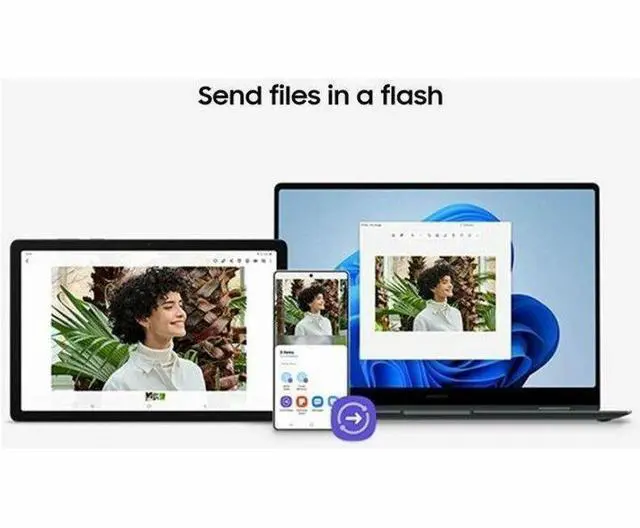



Any questions? Ask CelesteSM will help you find out quickly.
We want to ensure your holiday shopping this year is hassle-free. That’s why we’re automatically extending our return policies on almost every product! For purchases placed between November 1st, 2026 and December 31, 2026 you will have until January 31, 2027 to return your product.
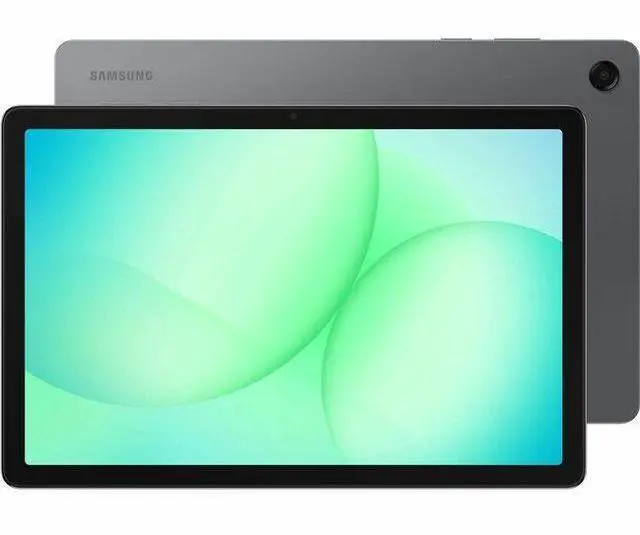
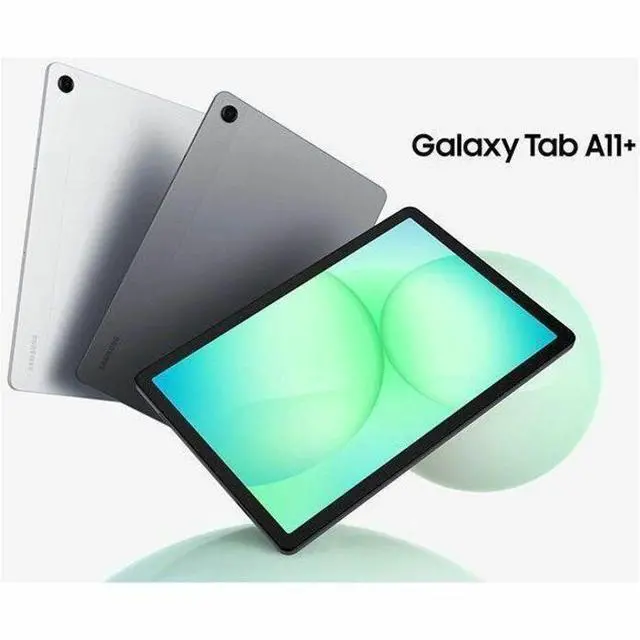
The Samsung Galaxy Tab A11+ is an 11-inch Android tablet with a 1920x1200 WUXGA display, MediaTek Dimensity 7300 processor, 6GB RAM, and 128GB storage, making it a strong fit for students, families, and everyday users who want smooth streaming, browsing, note-taking, and app use with room to expand storage up to 2TB.
| Attribute | Value |
|---|---|
| Best For | Everyday Android use—multimedia, web browsing, streaming and light multitasking on an 11" 1920 x 1200 display with a mid‑range MediaTek Dimensity 7300, 6 GB RAM and 128 GB storage |
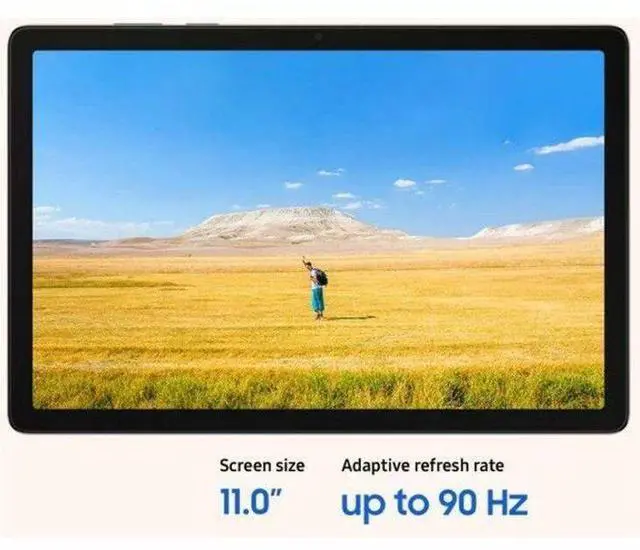
| Display Spec | 11" WUXGA (1920 x 1200) 16:10 LCD with a 90 Hz refresh rate |
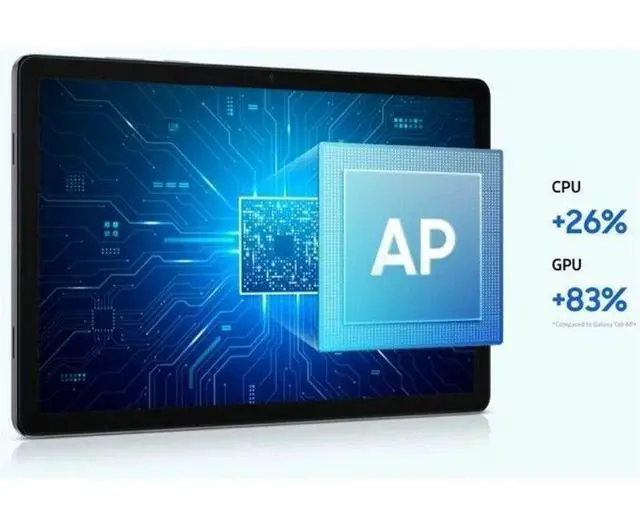
| Processor And Core Count | MediaTek Dimensity 7300 (4 nm) octa-core CPU, up to 2.5 GHz |
| Memory Configuration | 6 GB RAM |
| Storage And Expansion | 128 GB internal flash storage (installed); supports microSD (transflash) for expandable storage |
| Graphics | Integrated Mali-G615 MC2 GPU (ARM video/graphics) |
| Wired And Wireless Networking | Wi‑Fi (802.11ac) and Bluetooth connectivity, USB-C port and microSD (transflash) interface; GPS-enabled with GNSS support (GLONASS, Beidou, Galileo, QZSS) |
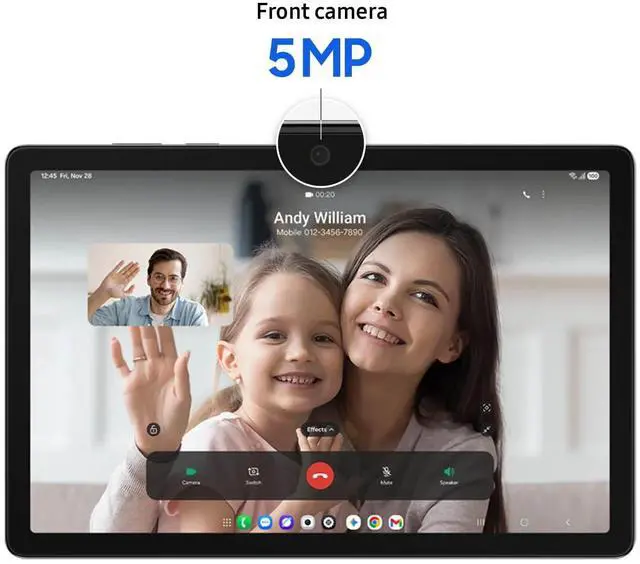
| Camera And Sensors | Front and rear cameras with the rear camera listed as 8 MP and HD 720p video capture; includes an accelerometer |
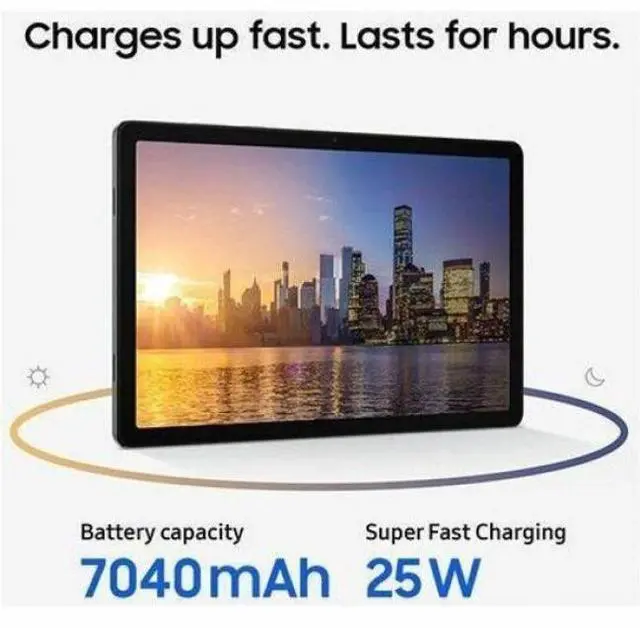
| Battery And Power | Battery capacity listed primarily as 7040 mAh (also appears as 3000 mAh in one entry); battery described both as Lithium Polymer and as lithium_ion, composed of 3 cells, average life listed ~10 hours, batteries included |
| Dimensions And Weight | Approximate device size 6.6 x 10.1 x 0.3 inches and weight about 1.4 pounds; packaged as a single unit (package weight ~0.64 kg) |
| Software And Compatibility | Runs Android (OS family Android); listed compatible with Google's Gemini AI and common USB-C and Bluetooth devices; US version, model year 2025 |
| Model Identifiers | Samsung Galaxy Tab A11+ — model SM-X230NZAIXAR / SM-X230, gray, manufacturer Samsung, 2025 model year |
Q: Should I buy the Samsung Galaxy Tab A11+ or the Galaxy Tab A9+?
A: Choose the Galaxy Tab A11+ if you want the newer Samsung budget tablet with a stronger default configuration, including 6GB RAM and 128GB storage in the listed version, plus newer platform features such as DeX and Samsung’s current long software-support window. Choose the Galaxy Tab A9+ if the lower purchase price matters more and your use is mainly streaming, browsing, reading, and light app use. For many buyers, the A11+ makes more sense as a longer-term buy, while the A9+ remains the value option when cost is the main priority.
Q: Is the Galaxy Tab A11+ enough, or should I step up to the Galaxy Tab S9 FE?
A: Buy the Galaxy Tab A11+ if you want a lower-cost 11-inch Samsung tablet for media, schoolwork, web use, and light multitasking. Step up to the Galaxy Tab S9 FE if you specifically want premium tablet features such as the included S Pen, higher-resolution 10.9-inch display, and IP68 water and dust resistance. The A11+ is the practical choice for general use and budget control; the S9 FE is the better fit for note-taking, drawing, and buyers who value durability and a more feature-rich display experience.
Q: Should I get the 6GB/128GB Galaxy Tab A11+ or move up to the 8GB/256GB version?
A: The 6GB/128GB Galaxy Tab A11+ is the better fit for most buyers because it already covers the typical tablet jobs this model is bought for: streaming, browsing, note viewing, video calls, and everyday multitasking. Move to the 8GB/256GB version if you expect to keep more large files on-device, run heavier games, use split-screen more often, or want more headroom over time. This is mainly a capacity and multitasking decision, not a different product experience.
Q: Is the Galaxy Tab A11+ a better buy than the iPad 11 for everyday tablet use?
A: Choose the Galaxy Tab A11+ if you want a more budget-focused Android tablet with expandable storage, Samsung DeX support, a 90Hz display, and easier fit with Google services and Android file handling. Choose the iPad 11 if you are already in Apple’s ecosystem or you want stronger app optimization and more performance headroom. For straightforward media use and general productivity at a lower cost, the A11+ is the more practical pick; for buyers prioritizing iPadOS apps and longer high-end performance, the iPad 11 is the clearer step up.
Q: Is this a good tablet for note-taking, PDFs, and meetings?
A: It is fine for light note-taking and document review, but it is not the best fit if handwritten notes are a priority. Based on closely comparable Galaxy Tab A9+ retail Q&A, Samsung Notes can import and annotate PDFs, and the tablet can run Zoom and Microsoft Office apps. The trade-off is pen input: the A-series model discussed in retail Q&A does not support Samsung S Pen, so writing precision and palm rejection are more limited than on pen-focused tablets such as the Galaxy Tab S9 FE. Choose this type of tablet for casual notes, reading, meetings, and Office access; choose an S Pen model if you want serious handwriting or class/work note-taking.
Q: Is it worth buying as a travel work tablet?
A: Yes for light travel work, no for laptop replacement. An 11-inch 1920 x 1200 tablet with 6 GB RAM and 128 GB storage is suitable for email, web apps, video calls, reading, streaming, and editing basic Office files on the go. Comparable retail Q&A also shows that Samsung's budget 11-inch tablet line supports Bluetooth or keyboard accessories, which helps with typing. The main limits for travel work are tablet-style productivity, likely Wi-Fi dependence on this class of model, and weaker note-taking if you need active pen support.
Q: Who is this tablet best suited for?
A: It is best for buyers who want a mid-size Android tablet for media, browsing, reading, school portals, light multitasking, and basic productivity without paying for premium pen features. The 11-inch WUXGA display, 6 GB RAM, and 128 GB storage make it a practical fit for everyday use, and the listed microSD expansion support is useful for downloaded content and files. It is less suitable for artists, heavy multitaskers, or users who specifically want S Pen note-taking.
Q: Is it better than a Galaxy Tab S9 FE or similar pen-focused alternative?
A: It is better if your priority is lower cost for everyday tablet use. It is worse if your priority is handwriting, drawing, or premium productivity features. Retail Q&A around the comparable A9+ repeatedly centers on accessories, Office use, and basic compatibility, while S9 FE retail pages emphasize included S Pen support. In practical terms, choose this tablet for value, streaming, browsing, and light work; choose the S9 FE class if you want a stronger note-taking and student/work setup.
Q: Is the Samsung Galaxy Tab A11+ worth buying for basic everyday use?
A: Yes, if your main use is web browsing, streaming, reading, light apps, and general home use. The 11-inch 1920 x 1200 display, 6 GB RAM, and 128 GB storage make it a practical mid-range option for everyday tasks. The main trade-off mentioned repeatedly in Reddit discussions is display quality: some users find the screen acceptable for casual use, while others think it looks weaker than competing tablets or older Samsung models.
Q: Is the Galaxy Tab A11+ good for studying, PDFs, YouTube, and light work?
A: Yes. Based on its 11-inch WUXGA screen, 6 GB RAM, and mid-range Dimensity 7300-class hardware, it is suitable for study tasks such as reading PDFs, watching lectures, note review, web research, and multitasking with light productivity apps. Community discussions repeatedly frame it as a sensible choice for school-style use, but not as a premium productivity tablet for heavier workflows.
Q: Is the Galaxy Tab A11+ good for gaming?
A: It is good for light to moderate gaming, but it is not a gaming-focused tablet. The octa-core MediaTek platform and 6 GB RAM should handle casual games and some 3D titles at reduced settings. Reddit owners specifically describe playable results in Minecraft, but not high-end performance. If gaming is a top priority, a stronger tablet in a higher tier would be a safer choice.
Q: Who is the Galaxy Tab A11+ best suited for?
A: It is best suited for buyers who want a Samsung tablet for media, browsing, school use, and general everyday apps without paying for a premium Tab S model. It fits users who value a familiar Samsung software experience and enough memory and storage for regular use. It is less suitable for buyers who care most about display quality, advanced stylus features, or flagship-level speed.
Q: What are the main trade-offs of choosing the Galaxy Tab A11+ over alternatives?
A: The main trade-off is that it appears stronger as a general-purpose Samsung tablet than as a best-spec-value tablet. Reddit discussions repeatedly point to the screen as the biggest compromise, especially versus rivals that offer better panels or stylus-focused features. In return, buyers may prefer Samsung's software environment, familiar interface, and balanced everyday performance.


