




 here!
here!
I’m your shopping assistant for PC builds, upgrades, and everything tech.
Got questions? Ask away!
Start a conversation
here!
I’m your shopping assistant for PC builds, upgrades, and everything tech.
Got questions? Ask away!
Start a conversation



Any questions? Ask CelesteSM will help you find out quickly.

Dear friend, Please Read the Following Information [1]
Please connect the power supply for the first startup. The power button provides power on and screen on/off functions. After turning off the screen, it is best to wait for about five seconds before turning it on. Please use the Windows shutdown program to shut down.
Our tablet Windows 11 Pro system has been activated and does not require reactivation. Please note that the Windows system key and Microsoft Office key are different, and we do not provide product keys for Microsoft Office.
The system of Windows tablet is not compatible with the Windows version of PC/laptop. If you need to reinstall the system, please contact us.
Windows tablets are different from Android or iPad. Long press the app icon and release your finger, and the app will appear Right click on the menu and select Open APP or other menu functions.
Dear friend, Please Read the Following Information [2]
In the Windows system, only apps downloaded from the Microsoft Store are supported. To avoid system malfunctions, please do not download or use apps from other systems (Apple/Google/Android).
After actual testing, when watching videos with maximum sound, the temperature on the back of the tablet is about [106 F] in the battery area and about [88 F] in other areas. During use, pay attention to charging the battery in a timely manner to avoid automatic shutdown in 0% state. Even if it shuts down automatically, please ensure that it is charged for 1 hour before normal startup and use.
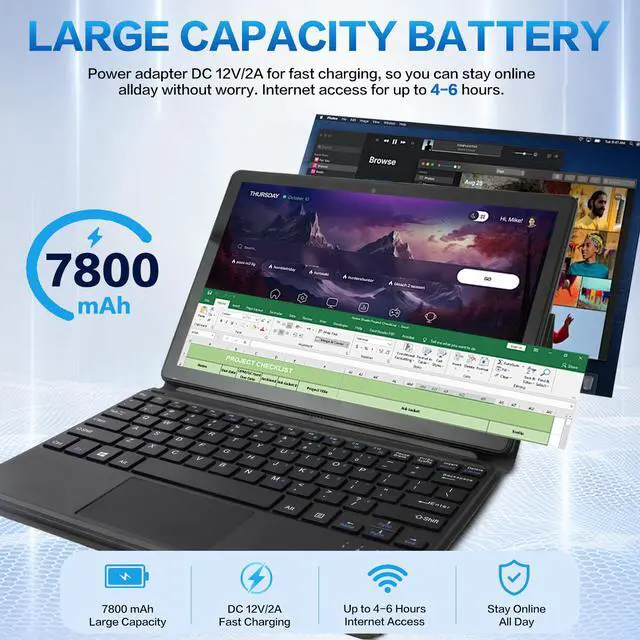
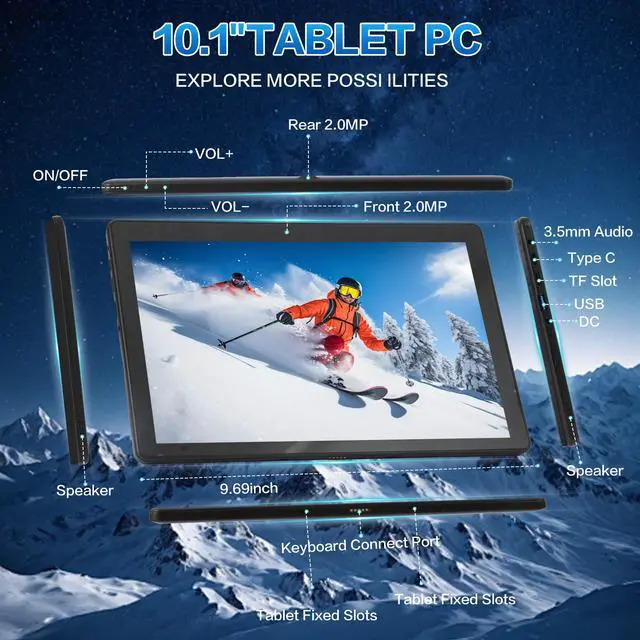
The 10.1Inch Windows 11 Pro tablet uses a DC 12V/2A power supply for charging, equipped with a dedicated AC to DC charger, and cannot be charged using USB or a power bank (Don't confuse DC port and 3.5mm Audio port).


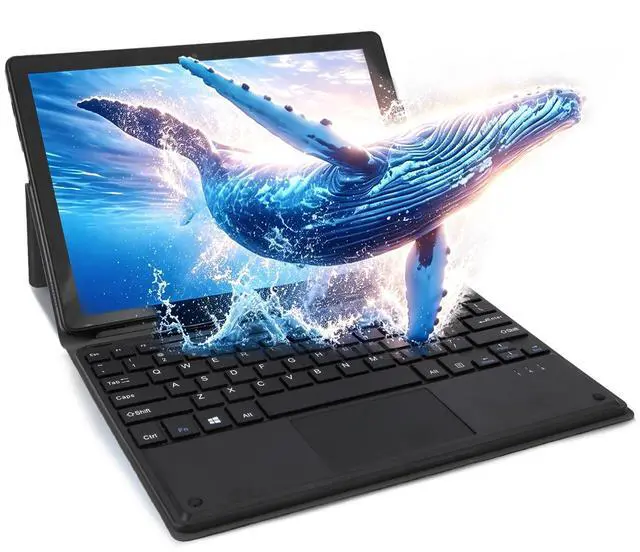
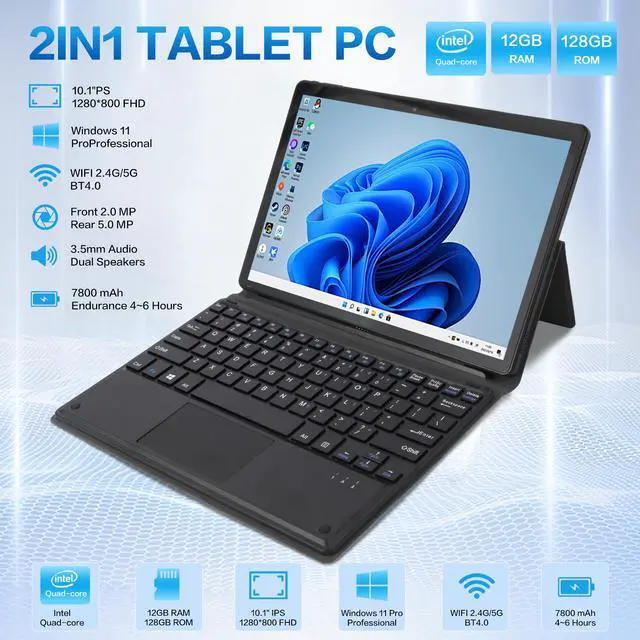
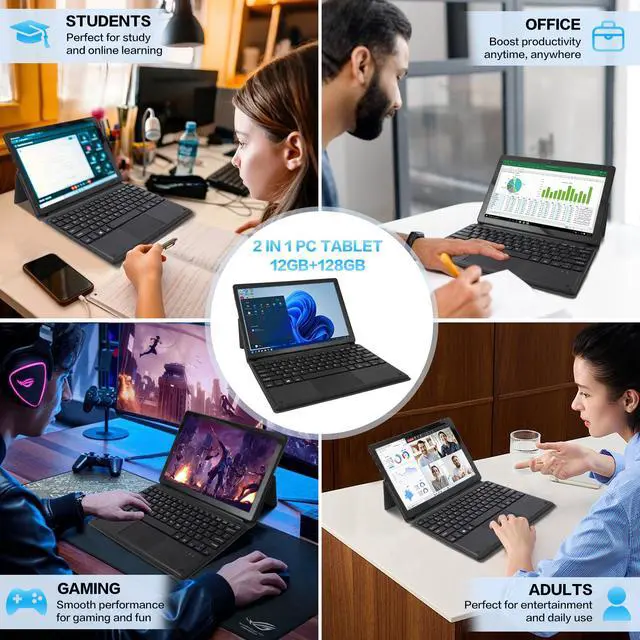
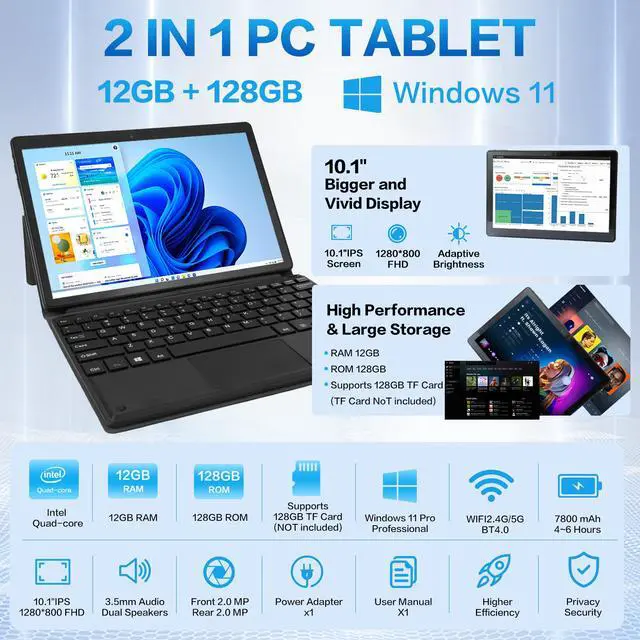
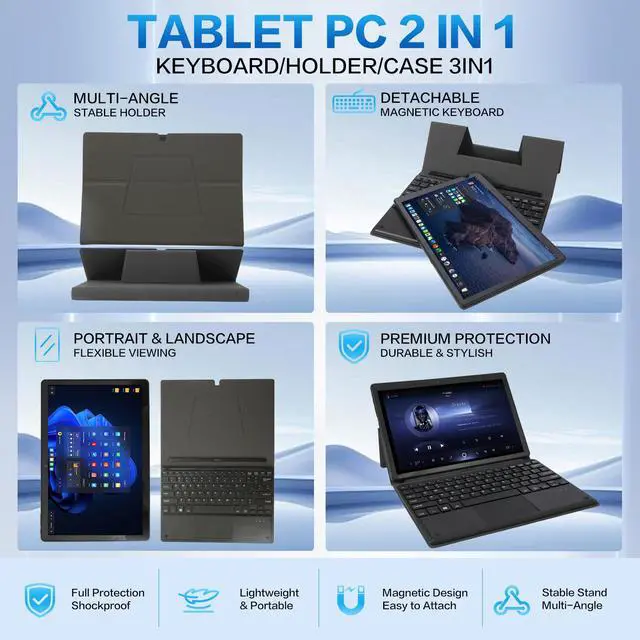
2-in-1 Windows 11 Pro Tablet combines practical office performance and portable entertainment experience, perfectly tailored for daily home use, school study and business office needs. Adopting 10.1-inch FHD IPS high-definition touch screen, it presents vivid colors and wide viewing angles, bringing comfortable visual enjoyment whether for document reading, online classes or video watching. Powered by efficient Intel Quad-Core processor, this Windows tablet ensures smooth daily operation. Equipped with 12GB RAM and 128GB high-speed SSD storage, it realizes quick system startup, fluent multi-task operation and sufficient space to store massive documents, photos and videos, greatly improving daily use efficiency. Built-in dual cameras support clear video calls, remote meetings and daily shooting demands, while dual stereo speakers restore rich sound quality to enrich your leisure entertainment time. It supports fast 5G WiFi and stable Bluetooth connection, equipped with complete interfaces including USB 3.0, Mini HDMI, Type-C and headphone jack, allowing you to freely connect external monitors, keyboards, flash drives and other peripherals to expand more usage functions. Comes with a lightweight detachable keyboard, you can effortlessly switch between tablet mode and laptop mode in seconds. Slim and portable body is easy to carry around, ideal for business trips, outdoor travel and daily commuting. We strictly control product quality with American standard production specifications, and provide professional customer service and simple after-sales support, letting every user shop without worries. This cost-effective all-round Windows tablet is an ideal daily companion for students, teachers and office workers.


