





Aux Bluetooth Adapter for Car
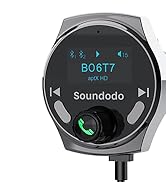
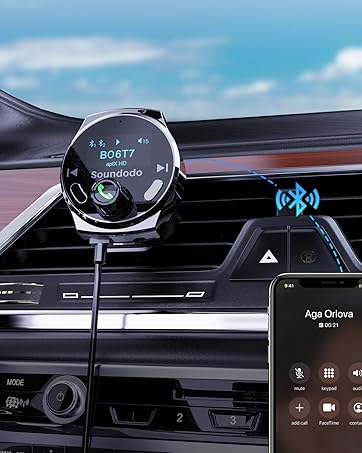
Soundodo B06T7
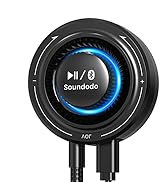
Soundodo T4S

Soundodo is a group of innovative, professional industrial designers, aesthetic elites, audio masters composed of the team
Our passion for sound and innovation drives us to create high quality headphone transmitters kits and Bluetooth car adapter Kits
Our team of experts ensures the highest standards of the product to ensure that it aligns with the brand's values and prioritizes user experience and technology.


Not suitable for cars without 3.5mm AUX Port


Set Up

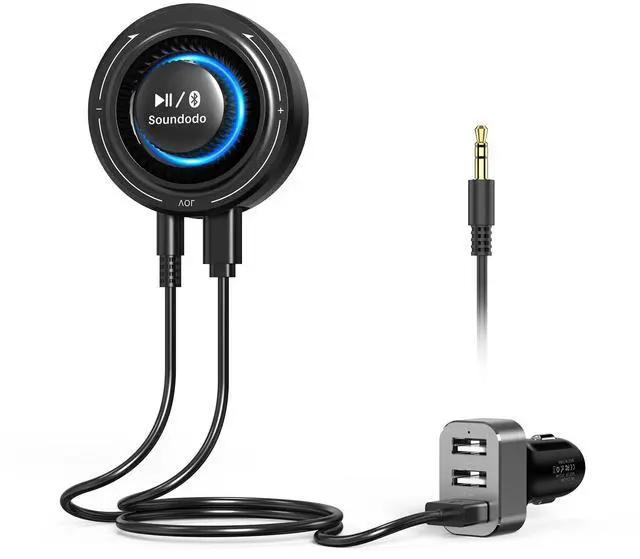
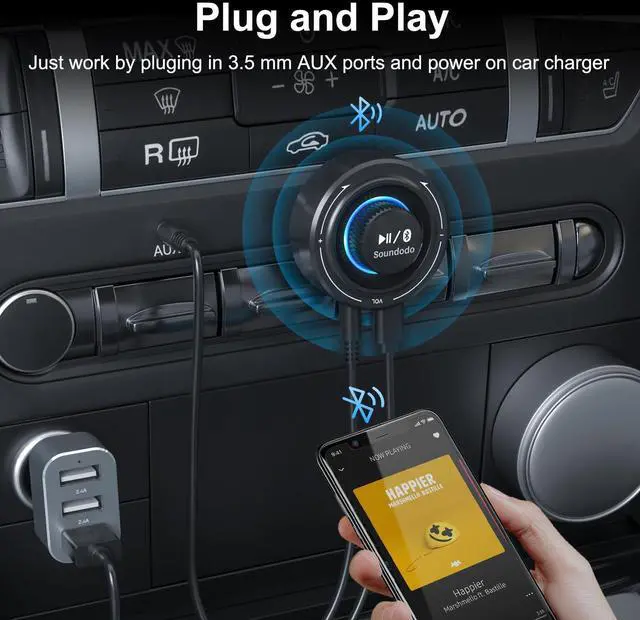
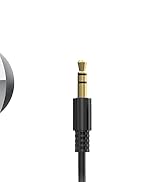
Plug the T4S to your car or speaker through 3.5 mm AUX cable packed in box

Power on--connect the T4S to the DC-5V interface with a power cable, and it will automatically turn on

1.Press the button for 2 seconds enter pair mode
2.Activate the Bluetooth of the mobile phone,click 'T4S' to connect,wait for the pairing to succeed

Enjoy yourself in dirving
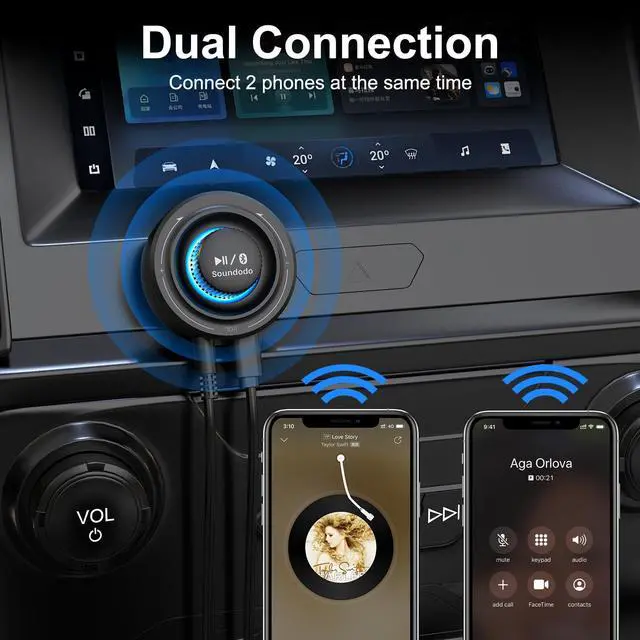
How to connect 2 bluetooth device at a time?
1. After connecting the first device, re-enter the pairing mode to connect the second device
2. After successfully connecting the second device, click "T4S" in the Bluetooth list of the first device
3. T4S is now connected to 2 devices
How to reset the device?
Press and hould the button for 10 seconds until the light flash purple quickly about 3 times. That means the device has been reseted
How to enter pairing mode?
Press the button for 2 seconds, while LED light flashing between red and blue, T4S enter into pair mode


Not suitable for cars without 3.5mm AUX Port


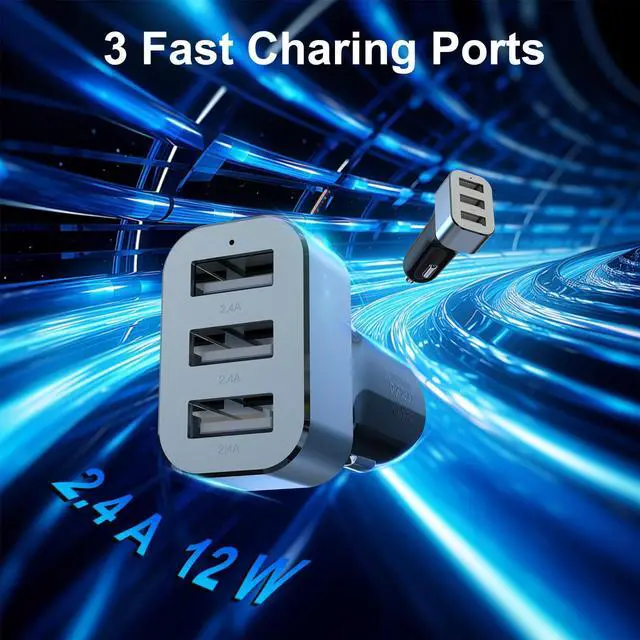
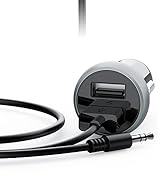
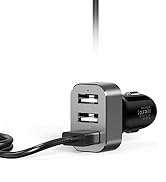
Note: There are 3 USB A on the car cigarette lighter
Just insert in power ports and the blue light will automatically turn on
With this installation method, the product can be easily fixed to the appropriate position
Set Up
Plug the T4S to your car or speaker through 3.5 mm AUX cable packed in box
Power on--connect the T4S to the DC-5V interface with a power cable, and it will automatically turn on
1.Press the button for 2 seconds enter pair mode
2.Activate the Bluetooth of the mobile phone,click 'T4S' to connect,wait for the pairing to succeed
Enjoy yourself in dirving
How to connect 2 bluetooth device at a time?
1. After connecting the first device, re-enter the pairing mode to connect the second device
2. After successfully connecting the second device, click "T4S" in the Bluetooth list of the first device
3. T4S is now connected to 2 devices
How to reset the device?
Press and hould the button for 10 seconds until the light flash purple quickly about 3 times. That means the device has been reseted
How to enter pairing mode?
Press the button for 2 seconds, while LED light flashing between red and blue, T4S enter into pair mode
Aux Bluetooth Adapter for Car
Soundodo B06T7
Soundodo T4S
Soundodo is a group of innovative, professional industrial designers, aesthetic elites, audio masters composed of the team
Our passion for sound and innovation drives us to create high quality headphone transmitters kits and Bluetooth car adapter Kits
Our team of experts ensures the highest standards of the product to ensure that it aligns with the brand's values and prioritizes user experience and technology.