





wireless carplay adapter
Merchant Video
Why Choose CZOCPOS Wireless CarPlay Adapter?
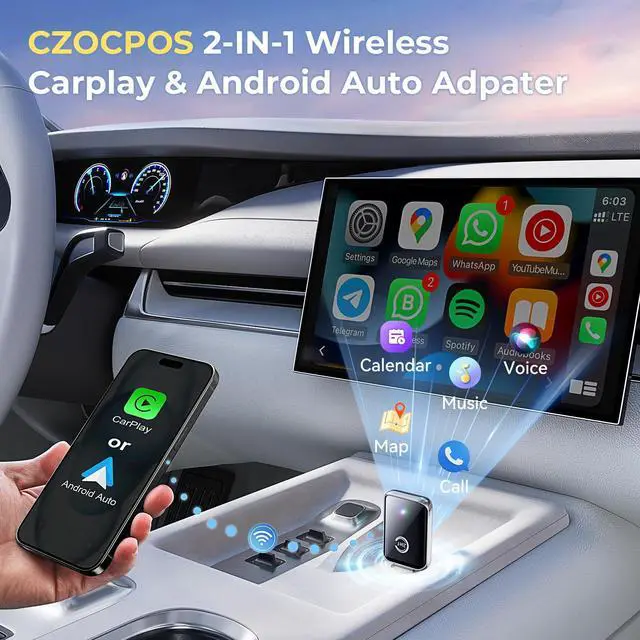
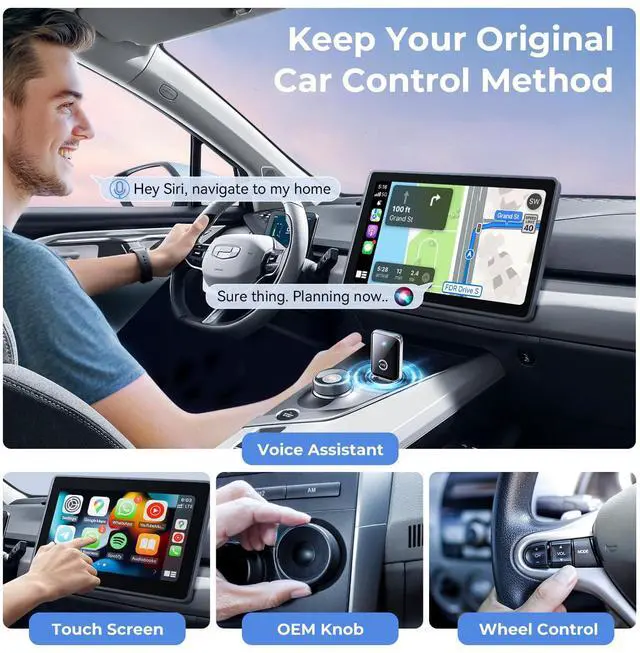
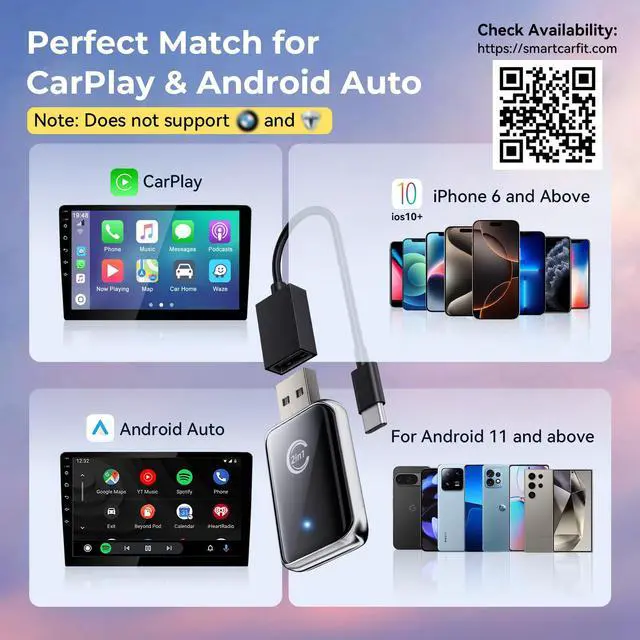
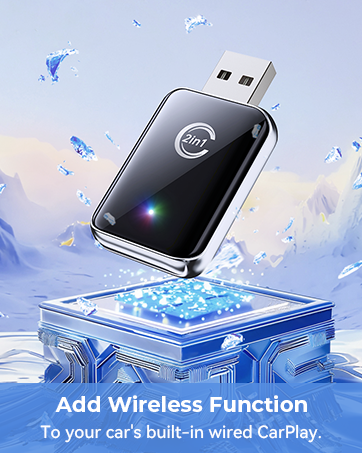
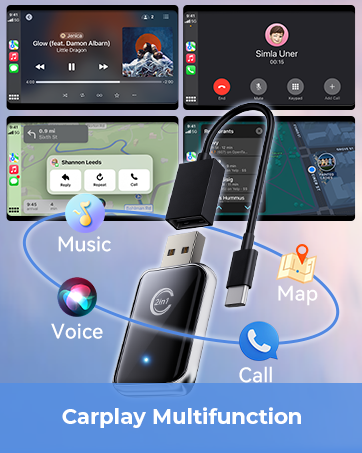
- Wireless Convenience: Say goodbye to tangled wires! The CZOCPOS CarPlay adapter allows you to wirelessly connect your iPhone or Android device to your car, providing direct access to navigation, music, calls, and messaging on your car’s display.
- Universal Compatibility: This wireless carplay adapter supports both Apple CarPlay and Android Auto, making it work on a wide range of vehicles and smartphones. Check vehicle compatibility here: smartcarfit.com
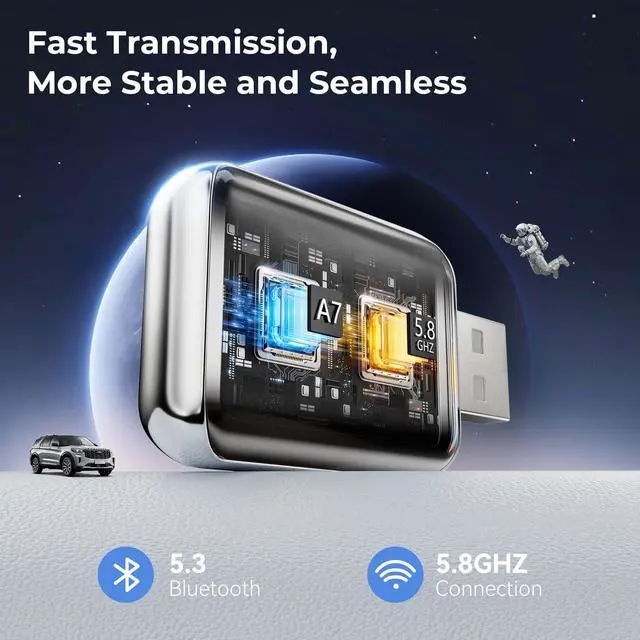
- Superior Audio & Performance: Enjoy crisp audio and seamless performance with minimal delay, thanks to advanced dual-core technology. The wireless apple carplay adapter enhances your in-car entertainment experience while maintaining safety.
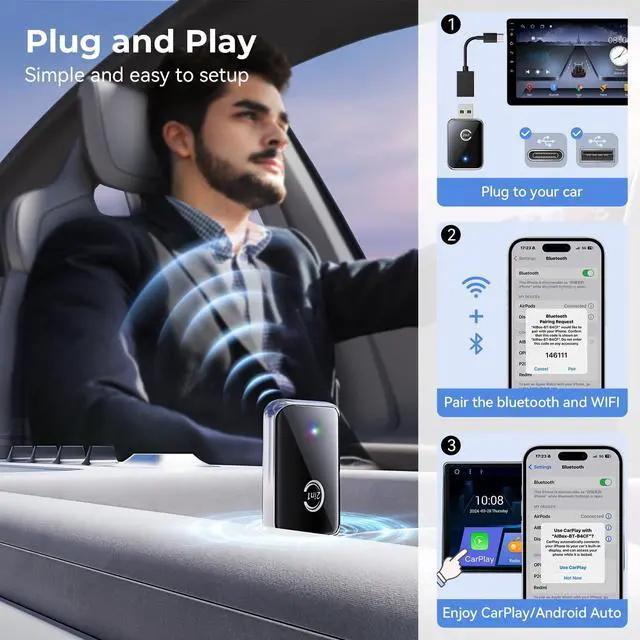
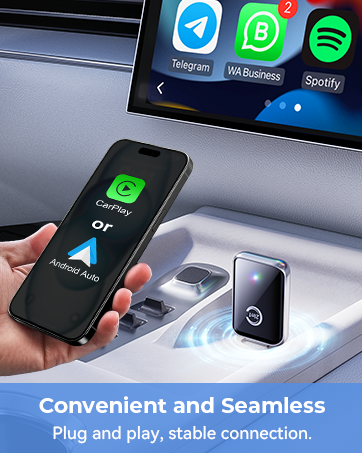
- Effortless Setup: Installation is quick and easy—just plug it in, pair it with your phone, and you’re ready to go. Once set up, the wireless carplay adapter for iphone will automatically reconnect every time you start your car.
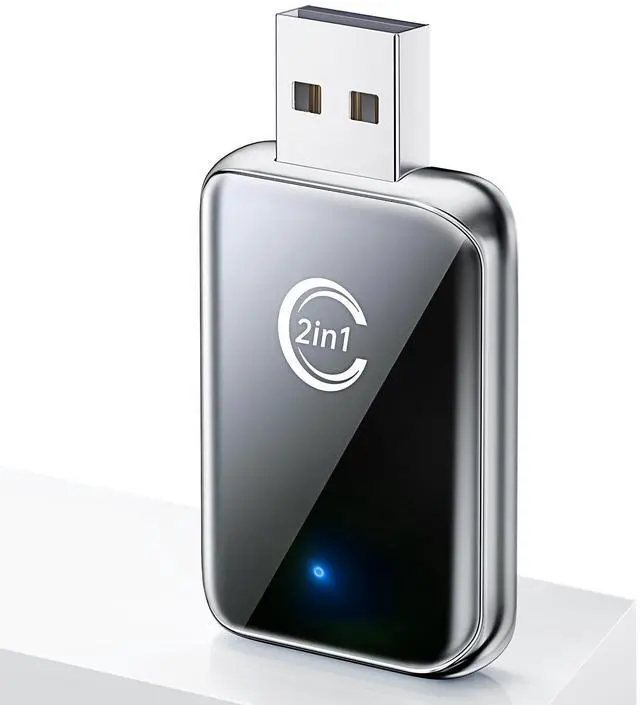
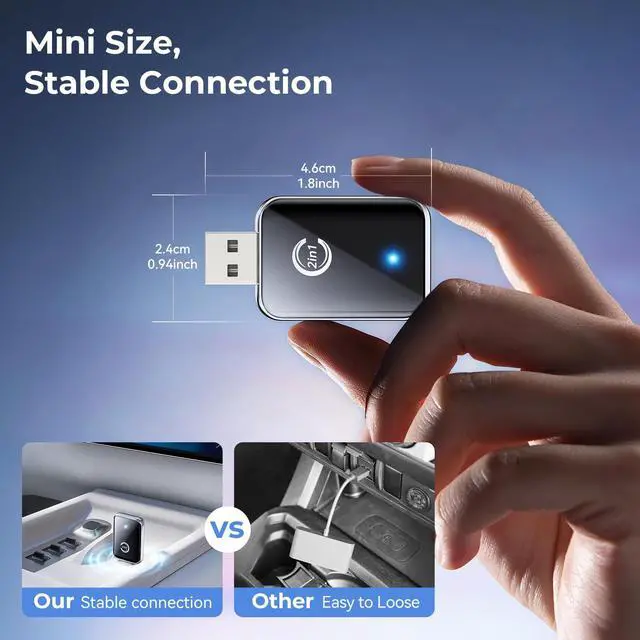
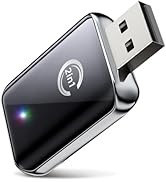
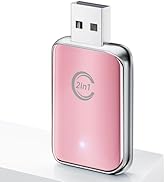
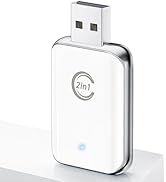
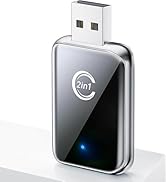
- Compact Design: Built with heat-dissipating metal edges and a lightweight, compact design, this carplay wireless adapter is both durable and portable, taking up minimal space in your vehicle.
- Reliable Support: We offer 24-hours customer-support, ensuring that any questions or issues are addressed promptly. We're committed to helping you make the most of your CarPlay adapter.


Why is my CarPlay adapter having connection issues or frequently dropping Bluetooth?
Connection problems can be caused by Bluetooth compatibility or signal interference. To resolve this, make sure the wireless adapter is within range and that your car system supports the latest Bluetooth version.
My apple CarPlay adapter seems to have poor sound quality and disconnections. What should I do?
Interference can occur due to nearby Bluetooth devices or other wireless signals. To improve performance, try moving the apple carplay adapter closer to your device and minimize other wireless devices nearby.
Why do I have to shake the android auto wireless adapter for it to work properly?
If you experience this, it could be due to a loose connection or a cable issue. Ensure all connections are securely plugged in, and if the problem persists, please contact customer-support for further assistance or replacement.
My car play adapter stopped working after a short period. Why is that happening?
This could be due to connection or power issues. Make sure the wireless adapter is fully inserted and that CarPlay is enabled in your car settings. You can also try resetting the car play wireless adapter to fix any temporary issues.
How to switch between CarPlay and Android Auto?
Just turn off the Bluetooth and WiFi on the connected phone, then connect the other. If fails, restart the car system may help. After switching, you need to reconnect manually each time. (Note: Your car should support both Carplay and Andrid Anto)


wireless carplay adapter
Merchant Video
Why Choose CZOCPOS Wireless CarPlay Adapter?
- Wireless Convenience: Say goodbye to tangled wires! The CZOCPOS CarPlay adapter allows you to wirelessly connect your iPhone or Android device to your car, providing direct access to navigation, music, calls, and messaging on your car’s display.
- Universal Compatibility: This wireless carplay adapter supports both Apple CarPlay and Android Auto, making it work on a wide range of vehicles and smartphones. Check vehicle compatibility here: smartcarfit.com
- Superior Audio & Performance: Enjoy crisp audio and seamless performance with minimal delay, thanks to advanced dual-core technology. The wireless apple carplay adapter enhances your in-car entertainment experience while maintaining safety.
- Effortless Setup: Installation is quick and easy—just plug it in, pair it with your phone, and you’re ready to go. Once set up, the wireless carplay adapter for iphone will automatically reconnect every time you start your car.
- Compact Design: Built with heat-dissipating metal edges and a lightweight, compact design, this carplay wireless adapter is both durable and portable, taking up minimal space in your vehicle.
- Reliable Support: We offer 24-hours customer-support, ensuring that any questions or issues are addressed promptly. We're committed to helping you make the most of your CarPlay adapter.


Why is my CarPlay adapter having connection issues or frequently dropping Bluetooth?
Connection problems can be caused by Bluetooth compatibility or signal interference. To resolve this, make sure the wireless adapter is within range and that your car system supports the latest Bluetooth version.
My apple CarPlay adapter seems to have poor sound quality and disconnections. What should I do?
Interference can occur due to nearby Bluetooth devices or other wireless signals. To improve performance, try moving the apple carplay adapter closer to your device and minimize other wireless devices nearby.
Why do I have to shake the android auto wireless adapter for it to work properly?
If you experience this, it could be due to a loose connection or a cable issue. Ensure all connections are securely plugged in, and if the problem persists, please contact customer-support for further assistance or replacement.
My car play adapter stopped working after a short period. Why is that happening?
This could be due to connection or power issues. Make sure the wireless adapter is fully inserted and that CarPlay is enabled in your car settings. You can also try resetting the car play wireless adapter to fix any temporary issues.
How to switch between CarPlay and Android Auto?
Just turn off the Bluetooth and WiFi on the connected phone, then connect the other. If fails, restart the car system may help. After switching, you need to reconnect manually each time. (Note: Your car should support both Carplay and Andrid Anto)
Wireless Carplay Adapter