



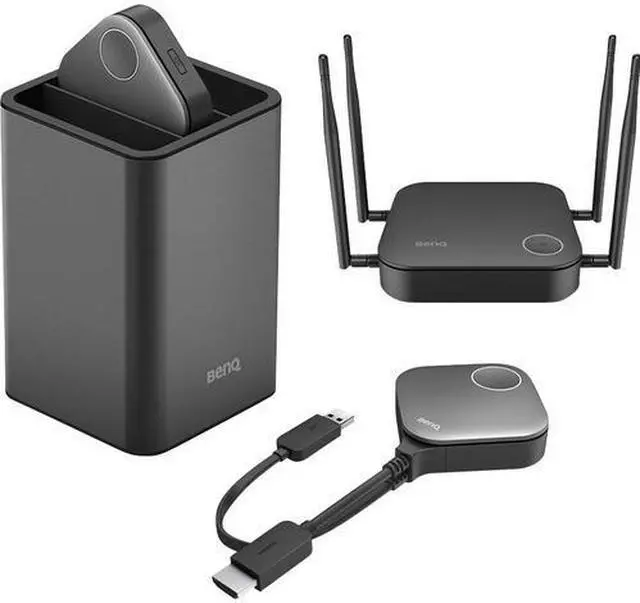
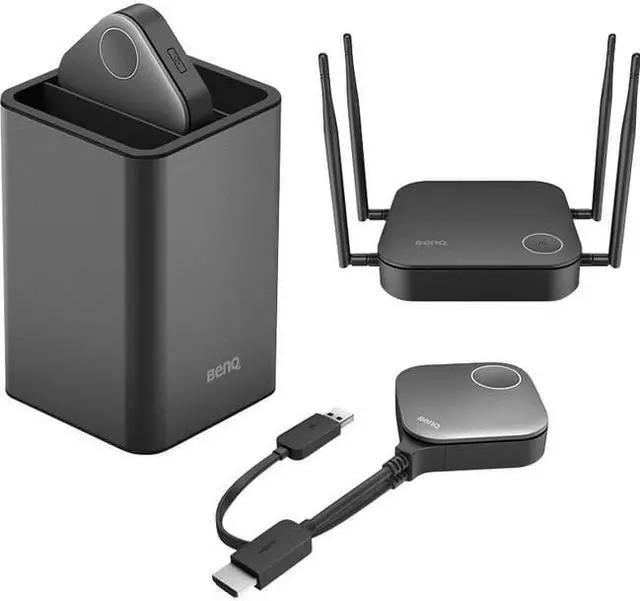


InstaShow™ WDC20 for Wireless Presentation & Collaboration

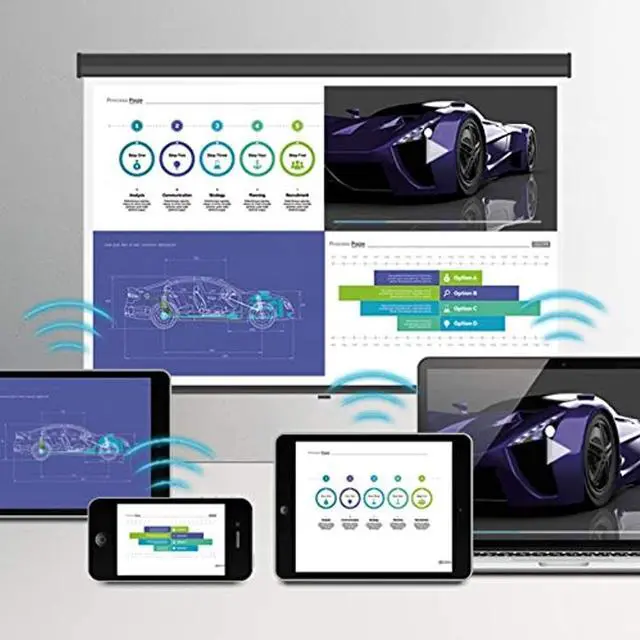
Instant Screen Mirroring and Collaboration
InstaShow S has zero learning curve, so you can use it in your daily routine and start sharing immediately with your own mobile devices. InstaShow S also allows employees and visitors to enjoy setup-free wireless presenting, leading to instant teamwork and immediate results. Morever, InstaShow S’s advanced security features can protect the hard-won intellectual property that is essential to your company’s bottom line.

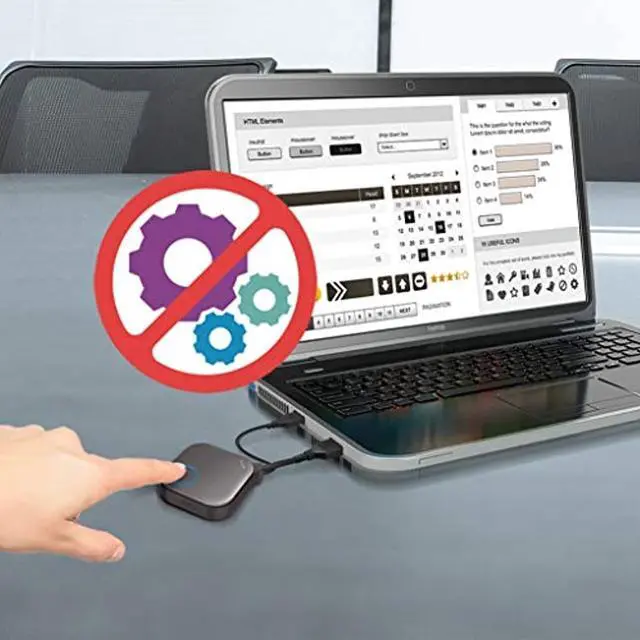
Intuitive Design
Just plug-n-play and no driver needed. Click the button to project an image directly.

Flexible Presentations
Customized modes for versatile and uninterrupted presentations to boost meeting efficiency.

Smooth Video Play
A router-level chipset supports higher network bandwidth which delivers reliable and stable video streaming.

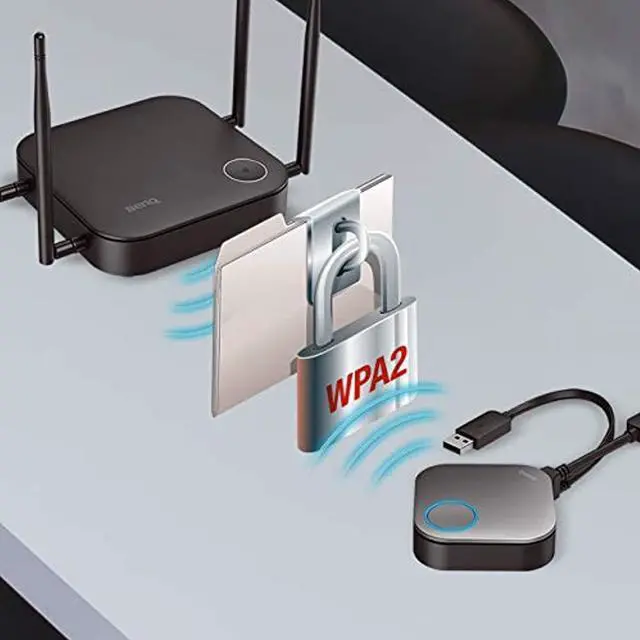
Overall Security
AES 128-bit with the WPA2 and the internal connection channels isolation reach elevated level of security.
How Can InstaShow Improve Your Meeting? Watch The Video To Find Out!

Industry-leading Intuitive Design

One Button to Start
With no driver needed, InstaShow ensures that its users can start the meeting by plug-n-play. Click the button to project an image directly and provide a considerate LED design to show connection status.

Powerful Compatibility on Any Platform
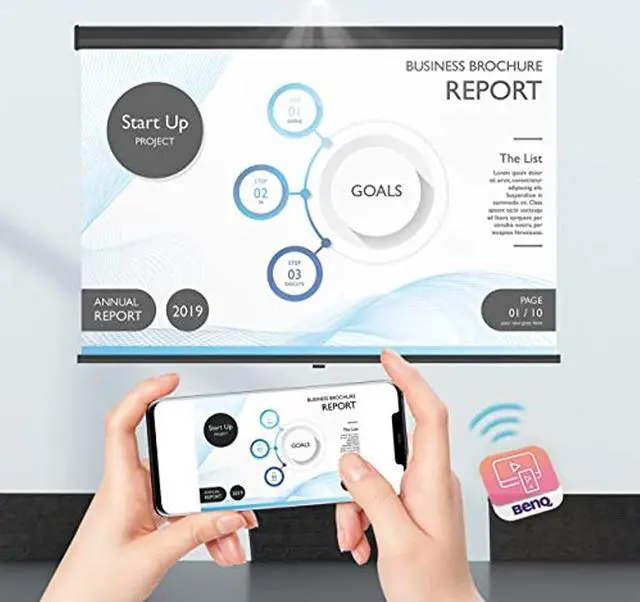
Invite your guest to join the meeting with his own mobile devices. Present with any impromptu materials to win any negotiation.

Advanced Algorithms for Smooth Video Play

Router-level Chipset Inside
Qualcomm Technologies offer higher network bandwidth for smooth video streaming.

Wi-Fi 5 (802.11ac) Standard
High-throughput to ensure smooth wireless FHD video streaming for no stuttering.

Low latency Performance
InstaShow S offers 1080P and up to 60 FPS makes it especially fit to play high resolution slides and Full HD videos smoothly.

Agile Collaboration With Various Devices

Share With One Click
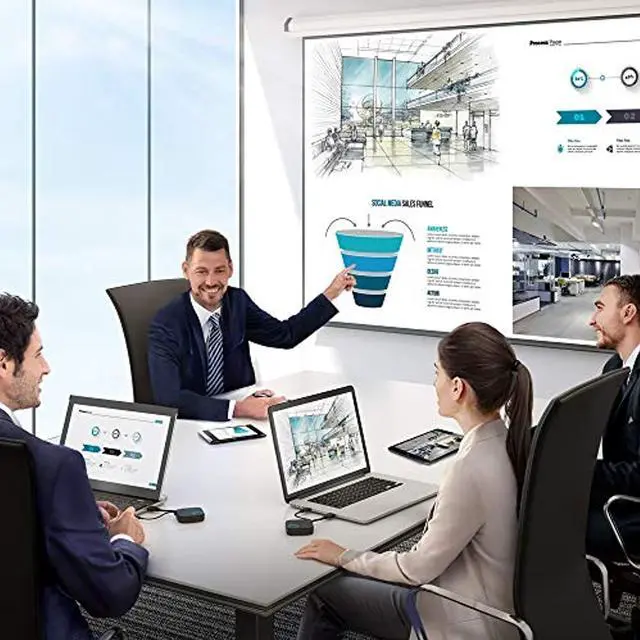
Streamline a collaborative meeting by clicking the Button and you can have your teammates jump in to contribute to the discussion without moving cables around the room.

Split Screen to Conduct Sync-Up Discussions
Sync-up discussions are made possible for up to 4 presenters to share content on one screen. Accelerate decision making and shorten meetings.

Touch Back to Manage the Meeting
Touch the screen and you can manage your presentation and impress your audience at the same time. Via a touch screen, you can hold your audience’s attention without switching back and forth between the display and your laptop.

Premium Security and Efficiency
InstaShow passed CVSS 3.0 standards tested by an ISO27001 & ISO17025 certified security lab to protect info-security. A black box approach is executed to simulate an external hacking or cyber-attacks, ensuring your corporate intelligent properties will be well safeguarded.

All-hardware Solution
InstaShow S starts with the core concept of an all-hardware solution. With the industry-leading technology which requires no software* for installation and no driver for execution, InstaShow S blocks potential routes of malware, viruses, or external threats.
* InstaShare app required for split screen and mobile device projection.

HDCP Adoption
Using HDMI protocol channel to deliver HDCP-encrypted content, InstaShow S makes it secure to prevent any transmitted digital content from being copied. Presenters can thus connect their own devices to the HDCP-compatible InstaShow S without security issues.

Elevated-level Security Protection
AES 128-bit security encryption and the WPA2 authentication protocol ensure that any intellectual properties remain private and safe from tampering or unintended disclosure, guaranteeing that presentations are absolutely secure.

Autonomous Network
InstaShow S offers a standalone network which can transmit data securely even without connecting to your company intranet. This design will prevent traffic flowing over Wi-Fi from being intercepted and valuable data from being stolen in an insecure Wi-Fi environment. Your guest speakers can bring their own devices to present without security concerns.

Industry-Leading Connection Quality Testing

Angle
InstaShow tests connection retention from any relative position.

Distance
Quality stable transmission over varied distances.

Durability
Product durability guaranteed over extended lifetime.

Interference
Ensures smooth connections with no crosstalk disruption.