




 here!
I’m your shopping assistant for PC builds, upgrades, and everything tech.
Got questions? Ask away!
Start a conversation
here!
I’m your shopping assistant for PC builds, upgrades, and everything tech.
Got questions? Ask away!
Start a conversation Top Rated Top Rated
 Hot Seller

Make informed decisions with expert advice. Learn More





Any questions? Ask CelesteSM will help you find out quickly.
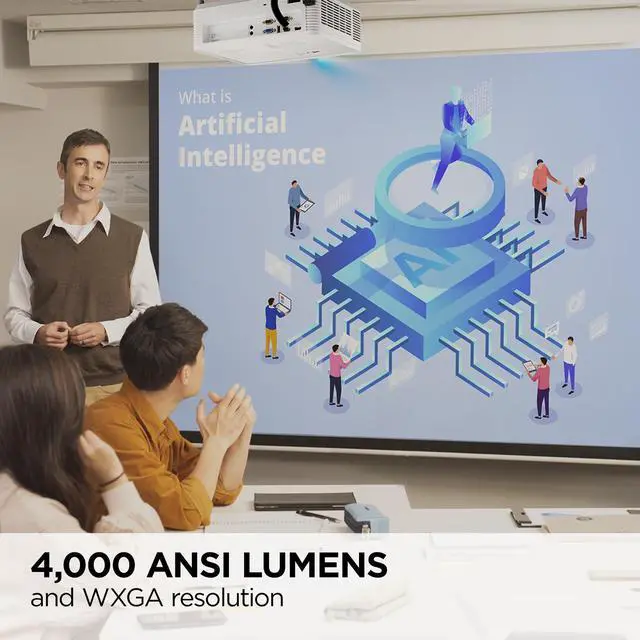
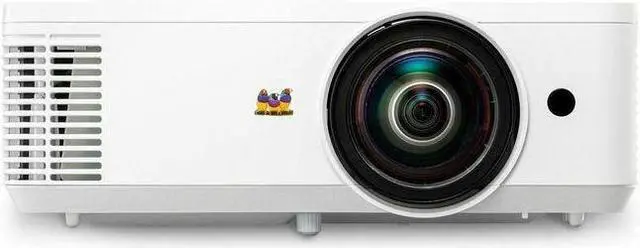
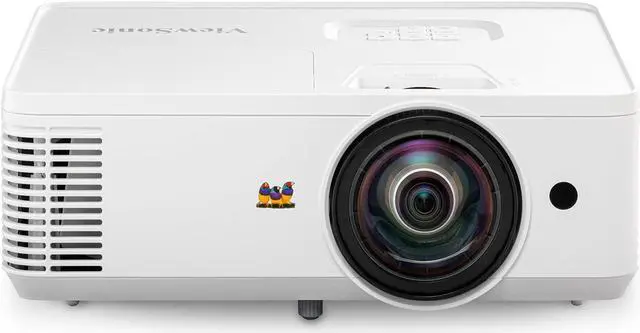
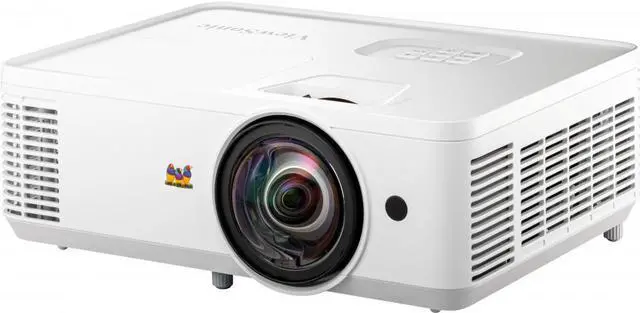
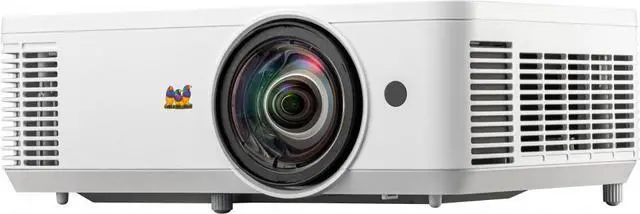
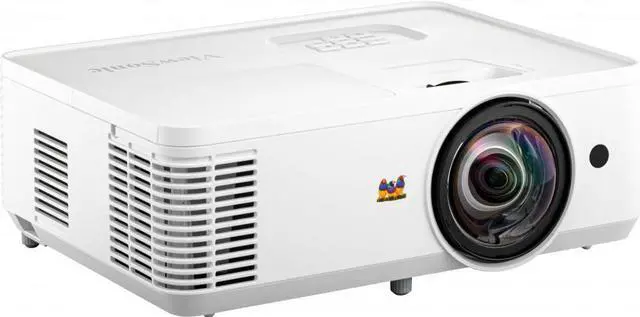
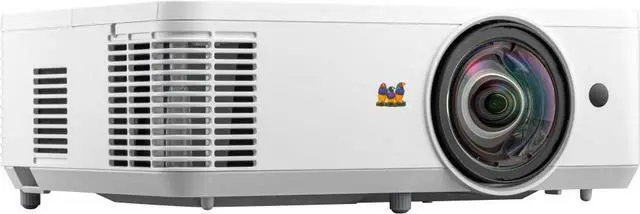
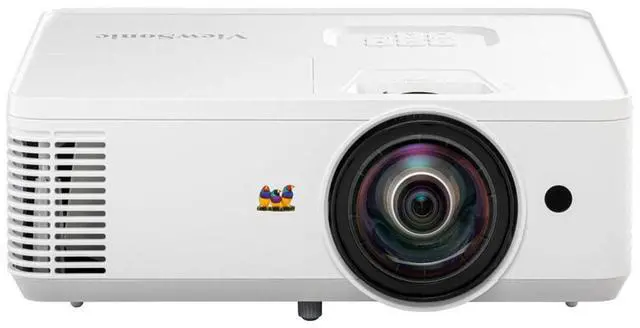
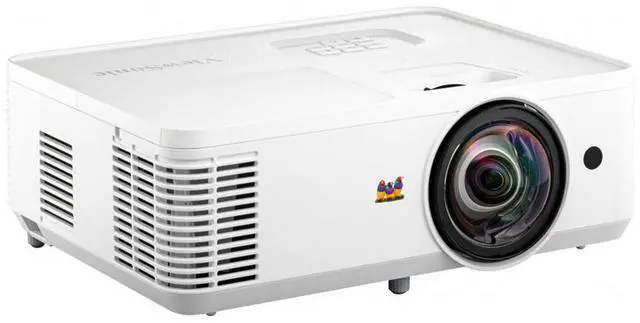
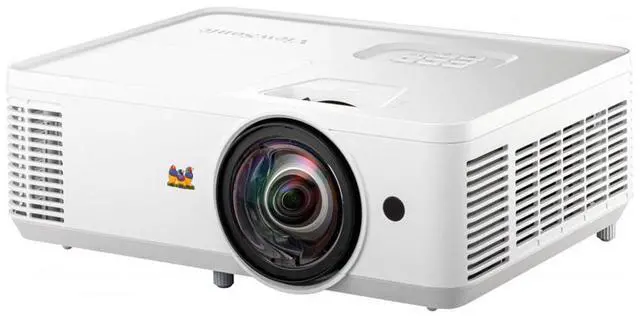
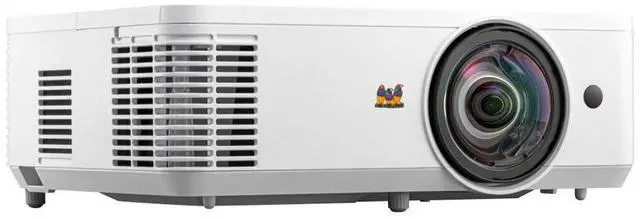
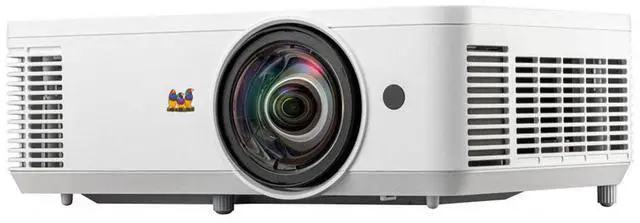
The ViewSonic PS502W is a 4,000-lumen WXGA short-throw projector for classrooms and meeting rooms, combining a 0.52 throw ratio with vertical keystone adjustment to help simplify setup in space-conscious environments.
| Attribute | Value |
|---|---|
| Best For | Education and personal projection, with short-throw placement suited to classrooms and other smaller spaces |
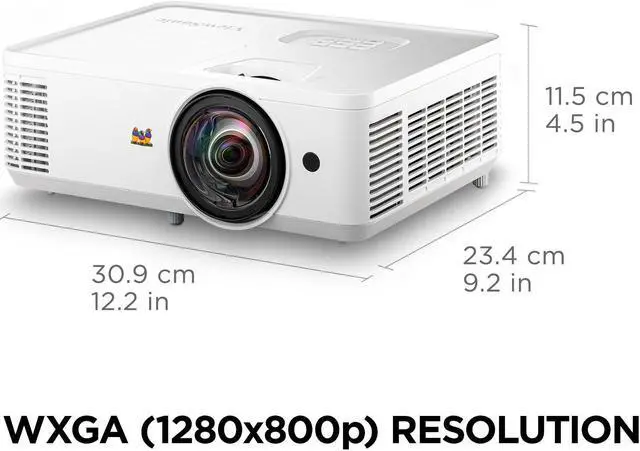
| Image And Display | DLP projection with WXGA 1280 × 800 resolution, 16:10 aspect ratio, 15,000:1 dynamic contrast, SuperColor enhancement, and 1.07 billion display colors |
| Brightness And Refresh Rate | 4000 ANSI lumens with a 120 Hz refresh rate |
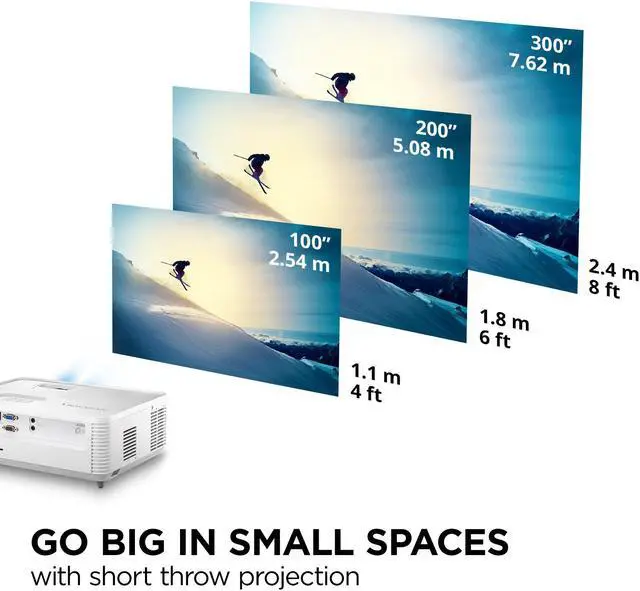
| Projection Range | 0.52 throw ratio; supports 60–300-inch images from 0.75–3.76 meters |
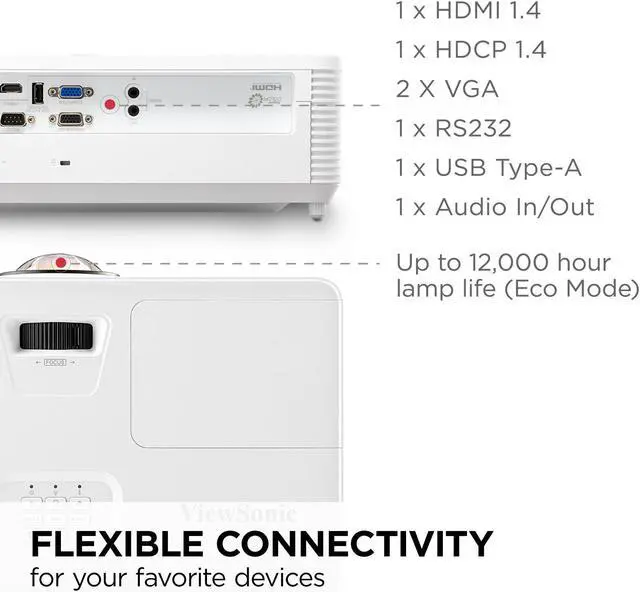
| Connectivity And Compatibility | Dual HDMI, USB Type-A, VGA, and 3.5 mm audio connectivity; compatible with laptops |
| Lamp And Power | Lamp life up to 12,000 hours; 240 W lamp and 295 W projector power, with 100–240 VAC, 50/60 Hz power supply |
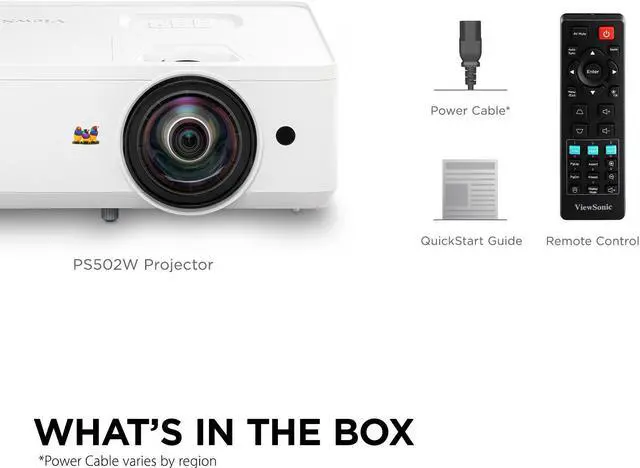
| Audio And Controls | Built-in speakers with button and remote control |
| Installation And Portability | Stationary tabletop form factor; 12.2 × 9.2 × 4.5 inches and 6.3 pounds |
| Model Identifiers | ViewSonic PS502W, black |
Q: ViewSonic PS502W or PS502X for widescreen classroom presentations?
A: Choose the PS502W for widescreen presentations: it has native WXGA resolution (1280 × 800), a 16:10 aspect ratio, and a 0.52 throw ratio. The PS502X has native XGA resolution (1024 × 768) and a 4:3 aspect ratio, making it the option for a 4:3 image format. Both are rated at 4,000 ANSI lumens.
Q: Should I choose the PS502W or the ViewSonic LS740HD for a larger, higher-resolution image?
A: Choose the LS740HD when native Full HD (1920 × 1080), a laser light source, and 5,000 ANSI lumens are priorities. Choose the PS502W for WXGA (1280 × 800) projection from a short distance: its 0.52 throw ratio is designed for close placement, compared with the LS740HD’s 1.13–1.47 throw ratio.
Q: PS502W or PS600W for a network-connected classroom projector?
A: Choose the PS600W when built-in Ethernet networking and up to 15,000 hours of lamp life in SuperEco mode are priorities. Choose the PS502W when you want 4,000 ANSI lumens and a 0.52 short-throw ratio; it shares the PS600W’s native WXGA resolution, while the PS600W is rated at 3,700 lumens with a 0.61 throw ratio.
Q: How close does the PS502W need to be to project a large image?
A: Its 0.52 throw ratio is designed for short-distance placement. A 100-inch image requires about 1.1 m (3.6 ft) from the screen; the exact distance varies with image size and setup.
Q: Can I connect a laptop or Mac for presentations?
A: Yes. Connect a laptop or Mac through one of the projector’s two HDMI inputs. The PS502W has native WXGA resolution (1280 × 800), so it is suited to presentations and general computer display, not native 1080p output.
Q: Is it bright enough for a classroom or meeting room with the lights on?
A: The 4,000-lumen rating makes it a practical choice for presentations in rooms with some ambient light. Brightness alone cannot guarantee a clear image in strong daylight; dimming the room can improve visibility.
Q: Does it have a built-in speaker, or do I need external audio?
A: The PS502W includes a built-in speaker, so external audio is not required for basic use. The provided specifications do not state its output power, so consider separate audio if the room or audience is large.
Q: Is the PS502W a good replacement for an older short-throw projector?
A: It may suit a replacement where brightness and short-throw placement matter more than resolution. The PS502W is native WXGA (1280 × 800); Reddit users comparing it with older projectors note that it is not a 1080p or HDR replacement.
Q: Is the PS502W suitable for home theater?
A: It can project movies, but it is a business-and-education model with native WXGA resolution and a 16:10 aspect ratio. Reddit discussion cautions that it is not aimed at a high-detail home-theater experience; consider another projector if 1080p or HDR is a priority.
Q: Will the PS502W fit my existing projector position and screen?
A: Check the required throw distance before mounting: its 0.52 throw ratio determines image size from projector distance. Reddit users discussing installations describe placement and alignment constraints, so do not assume an existing mount will produce the desired image size or position.
Q: Is the PS502W a reasonable option for a golf simulator?
A: It is a candidate for a simulator setup when short throw and brightness are priorities, but its native resolution is WXGA rather than 1080p. Reddit discussions also show that room lighting and screen geometry affect results, so check the throw distance and expected image resolution for your setup.


