

Your Browsing History

Meet Your Seller

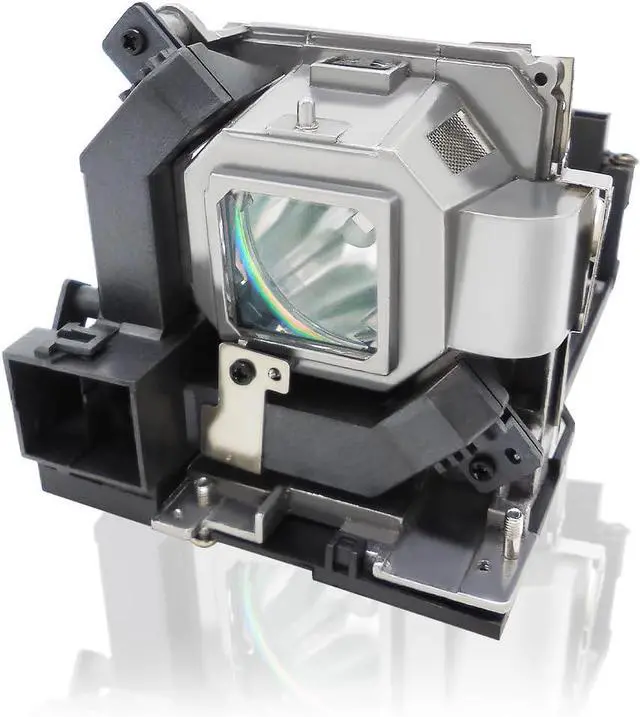
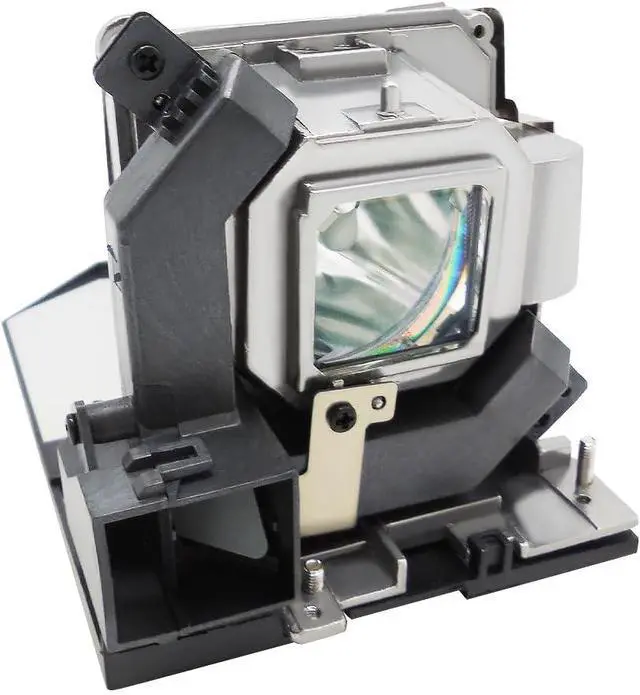
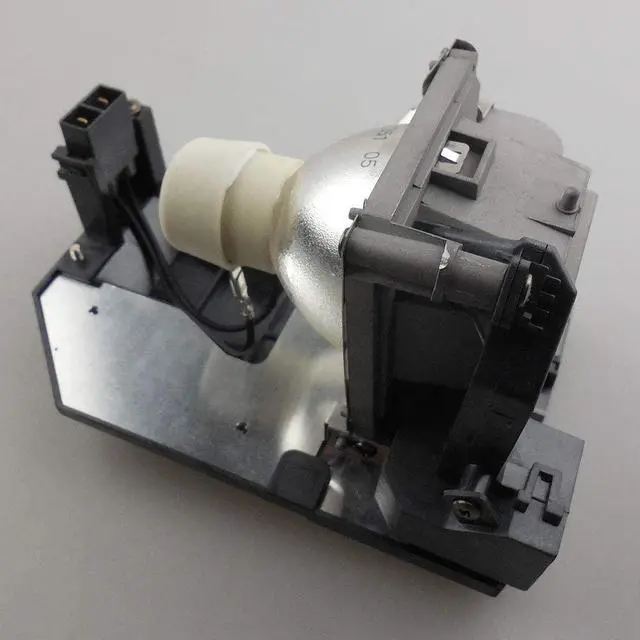
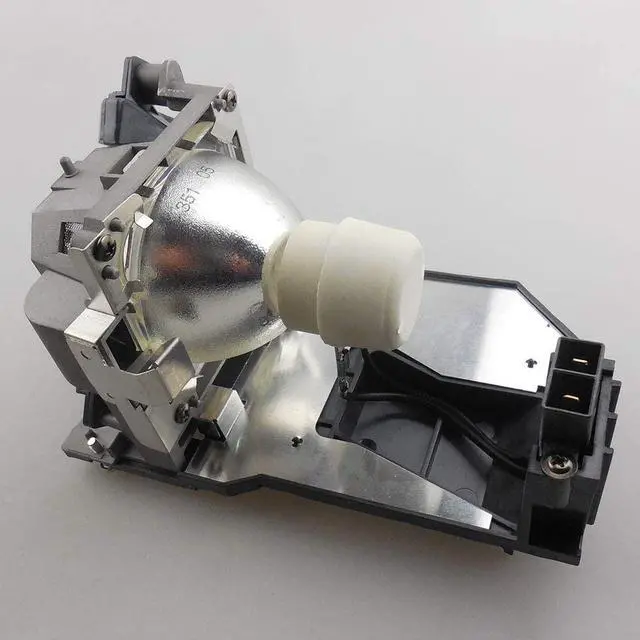
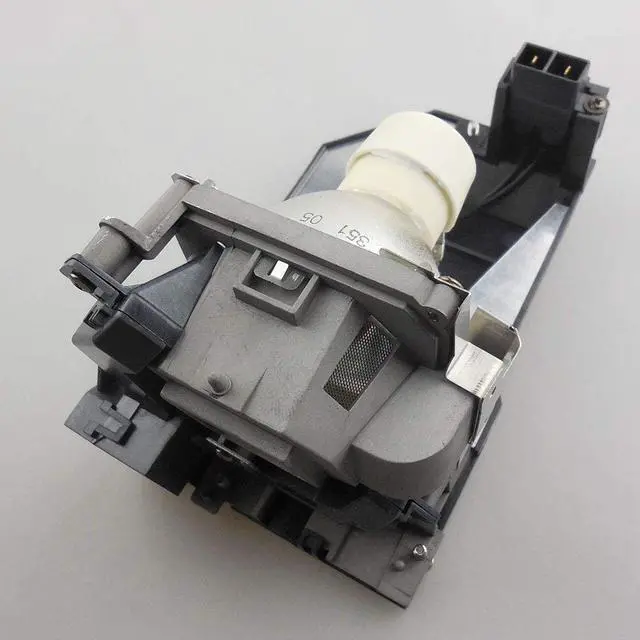
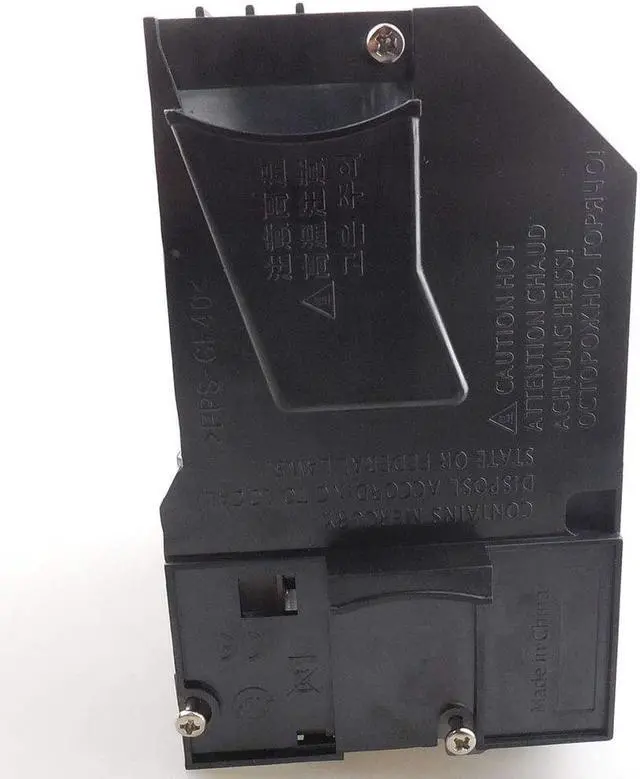


NP28LP / 100013541 Replacement Lamp NP28LP / 100013541 Compatible Bulb with Housing Compatible with NEC M302WS M303WS M322W M322X M323W M323X Projector
- Type: Compatible lamp with Housing
- Part number: NP28LP / 100013541
- Model number: Compatible with NEC M302WS / M303WS / M322W / M322X / M323W / M323X.
- Wattage & Lifespan: 225 Watts ; Up to 2500 (normal) 3000(economy) hours Life
- Guarantee: 30 days Refund & 150 days Warranty; professional customer service support. Any other problems with the projector lamp, please contact us
+
+
Overview
Reviews

Any questions? Our AI beta will help you find out quickly.
Try me now
CTLAMP was born from an extreme pursuit of light and shadow art. Every projection should be a visual feast. We specialize in the research, development, and manufacturing of projector bulbs, and are committed to providing the brightest, longest-lasting, and most reliable light source solutions.
CTLAMP focuses on high-quality products and aims to provide a great user experience. If you encounter any issues with your purchase, please reach out to us through the official platform messaging system. Our team is dedicated to finding a satisfactory solution for you, ensuring you have a positive experience with our products.
1.Loosen the projector lamp coverscrews and remove the cover
2.Loosen the bulb securing screwand remove the old bulb
3.Place the new bulb in the samedirection as the old one and tightenthe securing screws
4.Place the projector lamp cover onand tighten the screws
Illuminating every moment, clarity without boundaries Product quality and after-sales service Maintenance recommendations Installation steps
CTLAMP focuses on high-quality products and aims to provide a great user experience. If you encounter any issues with your purchase, please reach out to us through the official platform messaging system. Our team is dedicated to finding a satisfactory solution for you, ensuring you have a positive experience with our products.
1.Loosen the projector lamp coverscrews and remove the cover
2.Loosen the bulb securing screwand remove the old bulb
3.Place the new bulb in the samedirection as the old one and tightenthe securing screws
4.Place the projector lamp cover onand tighten the screws
Illuminating every moment, clarity without boundaries Product quality and after-sales service Maintenance recommendations Installation steps
Warranty & Returns
Warranty, Returns, And Additional Information
Warranty
- Please contact the Seller directly for warranty information. Warranty information may also be found on the Manufacturer's website.
- CONTACT
Return Policies
- Return for refund within: 30 days
- Return for replacement within: 30 days
- This item is covered by Cloud Sail Return Policy
Manufacturer Contact Info
- For a directory of all our manufacturers, please click below.
- Manufacturers Directory
LOADING...