Your Browsing History
Meet Your Seller
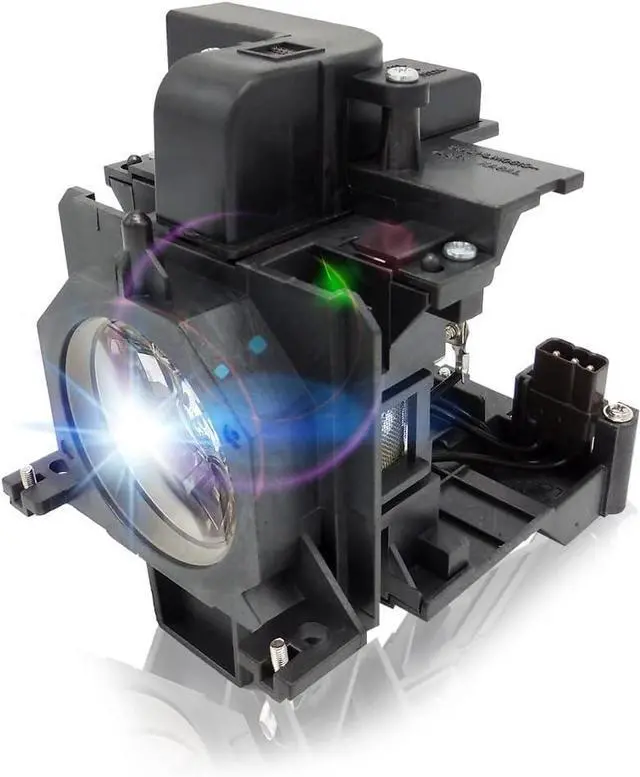
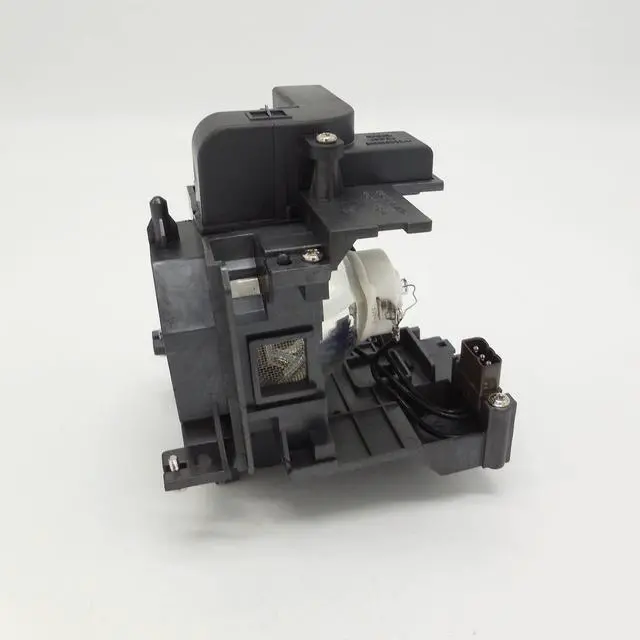
A+ Quality 003-120507-01 Professional Replacement Projector Lamp Bulbs with Housing Compatible with Christie LW555 LWU505 LX605 projectors
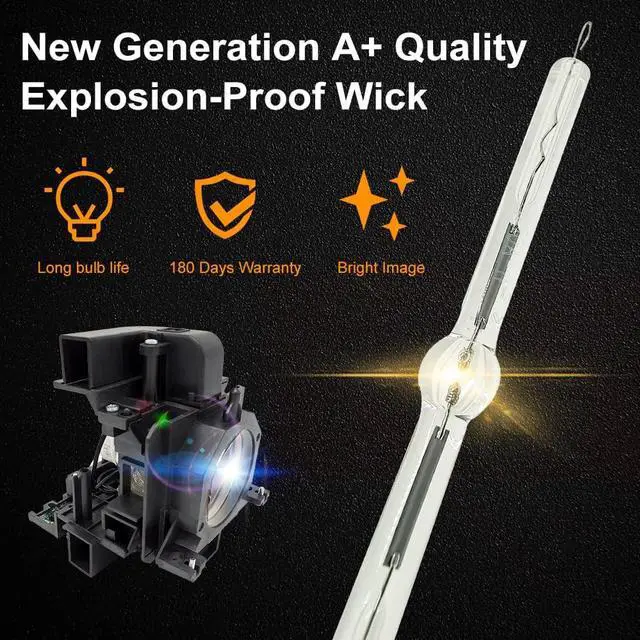
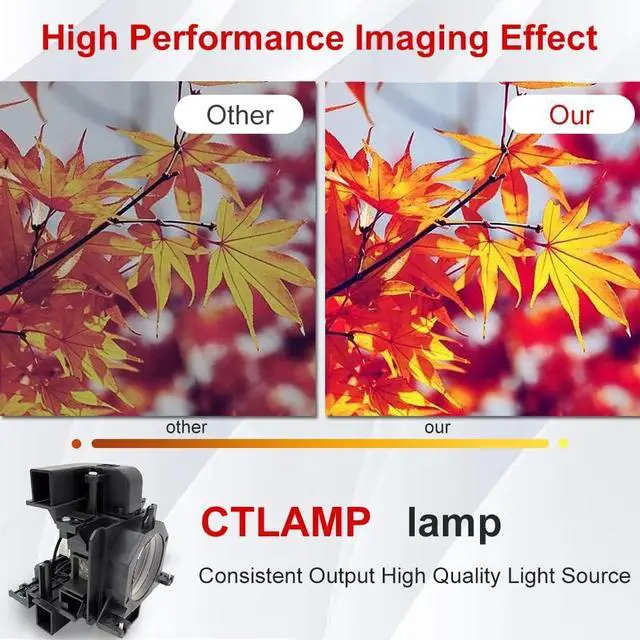
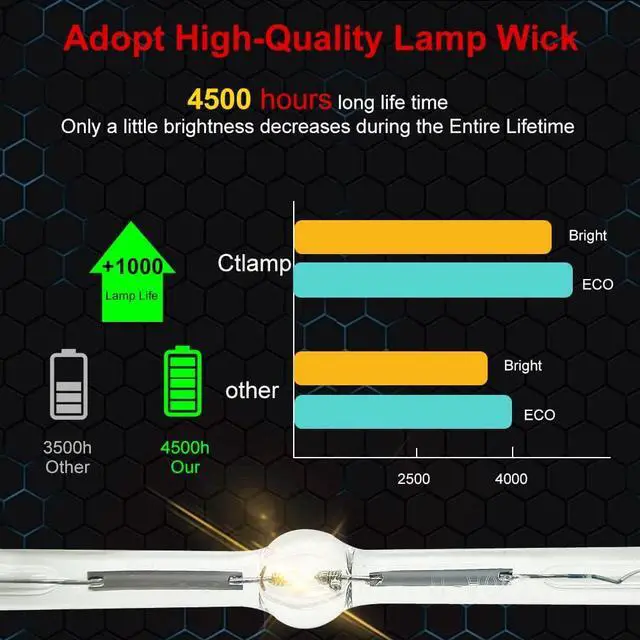
- High-Quality Lampwick : Use A+ quality lampwick, 330 Watts long-term stable light output, 4500 hours long time lifetime, Only a little brightness decreases during the Entire Lifetime, continuously provide bright, clear picture.
- Part number & Compatible Modules: Part number 003-120507-01, Compatible with Christie LX605 / LWU505 / LW555.
- Convenient Installation: Only have a few parts and have detailed installation instructions, You needn't worry about installation, we will include a pair of gloves to prevent the lamp from falling out during installation. if you have any questions you can ask our professional after-sales team, they will happy to help you!
- Quality Control: We are very concerned about the quality of our products and customer's shopping experience, All lamps we will test before delivery, If there have damage to shipped, we will resend the product to ensure the customers receive high quality products.
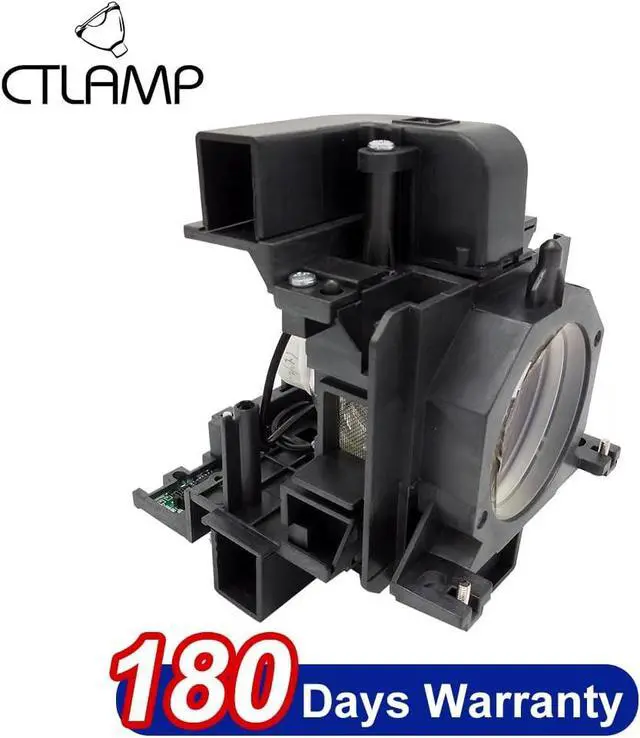
- Guarantee: 30 days free Refund & 180 days Warranty, If you have a
+
+
Overview
Specs
Reviews
Any questions? Ask CelesteSM will help you find out quickly.
Try me now
CTLAMP was born from an extreme pursuit of light and shadow art. Every projection should be a visual feast. We specialize in the research, development, and manufacturing of projector bulbs, and are committed to providing the brightest, longest-lasting, and most reliable light source solutions.
CTLAMP focuses on high-quality products and aims to provide a great user experience. If you encounter any issues with your purchase, please reach out to us through the official platform messaging system. Our team is dedicated to finding a satisfactory solution for you, ensuring you have a positive experience with our products.
1.Loosen the projector lamp coverscrews and remove the cover
2.Loosen the bulb securing screwand remove the old bulb
3.Place the new bulb in the samedirection as the old one and tightenthe securing screws
4.Place the projector lamp cover onand tighten the screws
How do I know if this projector lamp fits my projector?
Check your projector model and original lamp part number before ordering. Matching both the projector model and replacement lamp number is the best way to confirm compatibility.
Do I need professional tools to install this replacement lamp?
No special professional equipment is normally required. Turn off and unplug the projector, allow it to cool completely, then follow your projector manual when replacing the lamp.
Will this projector bulb help restore picture brightness?
A worn projector lamp can gradually become dimmer over time. Replacing an aged lamp can help restore a brighter, clearer projection when the projector itself is working properly.
Why is matching the lamp part number important?
Projector lamps can look very similar but use different housings, connectors or electrical specifications. Matching the correct lamp number helps prevent ordering an incompatible replacement.
When should I replace my projector lamp?
Consider replacement if the image becomes noticeably dim, colors appear weaker, the projector displays a lamp warning, or the existing lamp has reached a high number of operating hours.
Can this projector lamp improve a dim projector image?
If the dim image is caused by an aging lamp, replacing the projector bulb may improve brightness. Image quality can also be affected by projector settings, filters, optics and room lighting.
How should I handle the projector bulb during installation?
Handle the lamp carefully and avoid unnecessary contact with the bulb area. Make sure the projector is unplugged and completely cool before removing or installing the lamp module.
Can I install the lamp immediately after turning off the projector?
No. Projector lamps can remain very hot after use. Turn off the projector, unplug it and allow sufficient cooling time before opening the lamp compartment or removing the old lamp.
What if the projector does not turn on after replacing the lamp?
Check that the lamp module is fully seated, the connector is secure and the lamp cover is properly closed. Some projectors will not start if the lamp cover safety switch is not engaged.
How can I help extend the life of my replacement projector lamp?
Keep projector vents and filters clean, provide adequate airflow, avoid blocking ventilation and allow the projector to complete its normal cooling cycle after use.
Can I frequently turn the projector on and off?
Frequent short power cycles can place additional stress on a projector lamp. When possible, use the projector normally and allow it to complete its full startup and shutdown cooling cycles.
Does ECO mode affect projector lamp life?
On projectors that support ECO mode, reduced lamp output may lower operating temperature and help extend lamp service life. Available settings depend on your projector model.
What types of environments can this projector la
Warranty & Returns
Warranty, Returns, And Additional Information
Warranty
- Please contact the Seller directly for warranty information. Warranty information may also be found on the Manufacturer's website.
- CONTACT
Return Policies
- Return for refund within: 30 days
- Return for replacement within: 30 days
- This item is covered by Cloudless Clear Return Policy
Manufacturer Contact Info
- For a directory of all our manufacturers, please click below.
- Manufacturers Directory
LOADING...