

Your Browsing History
- Free 30-day Returns
$1,170.99

Meet Your Seller


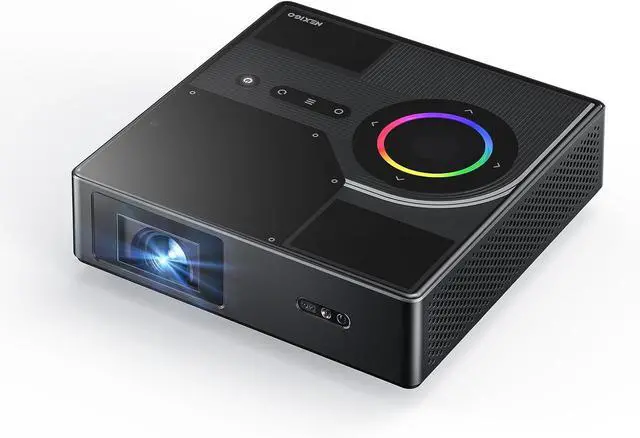
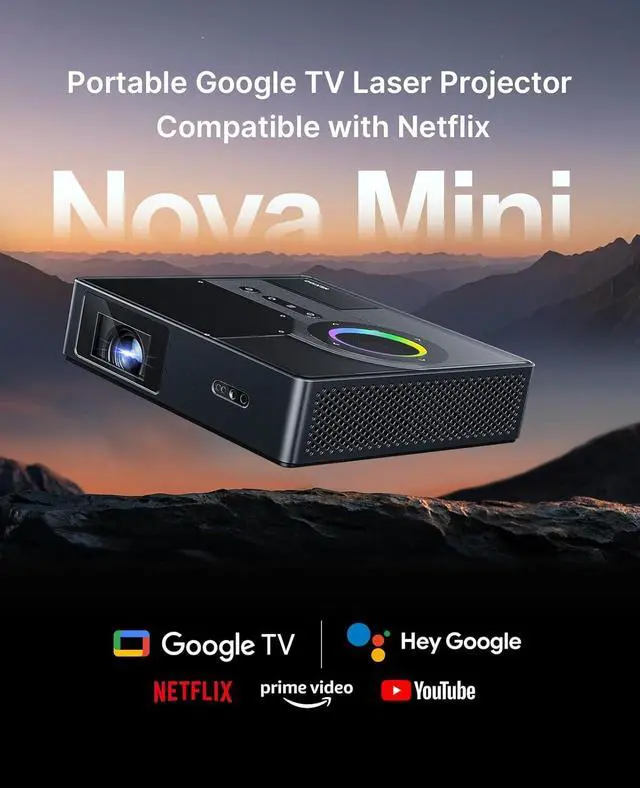
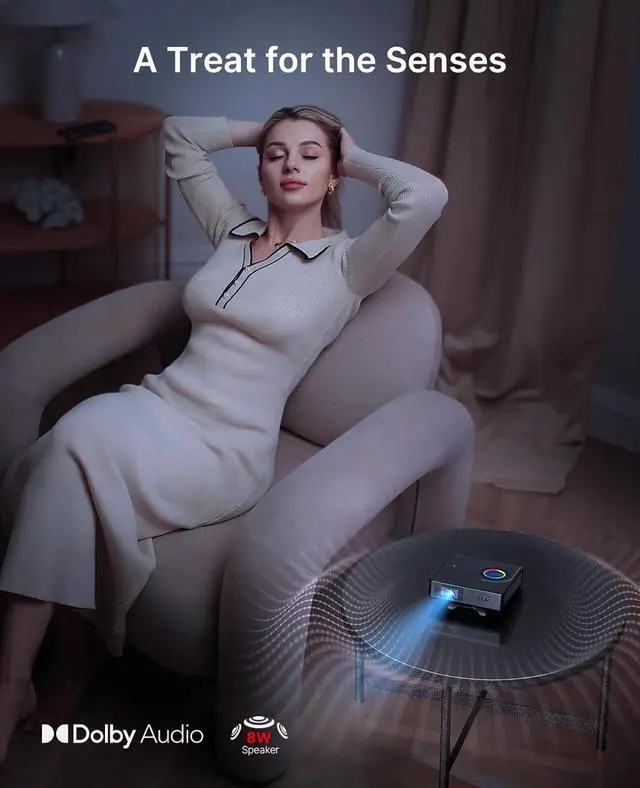


NexiGo Nova Mini, Portable Laser Projector, Google TV w/Netflix, 1080p FHD, 1200 Lumens, 15000:1 Contrast w/SAE, 3D, Auto Setup, 150" Display, 8W Dolby Audio, Portable for Home & Outdoor
- Google TVAccess all your favorite content in one place with Google TV. Browse over 10,000 apps and 800+ free channels via Google Play. Enjoy an extensive library of top streaming services including Netflix, YouTube, Prime Video, Hulu, Disney+, and more, all from the intuitive remote with voice control built-in. With Google Cast, stream effortlessly and enjoy a theater-like experience on a screen up to 150" across.
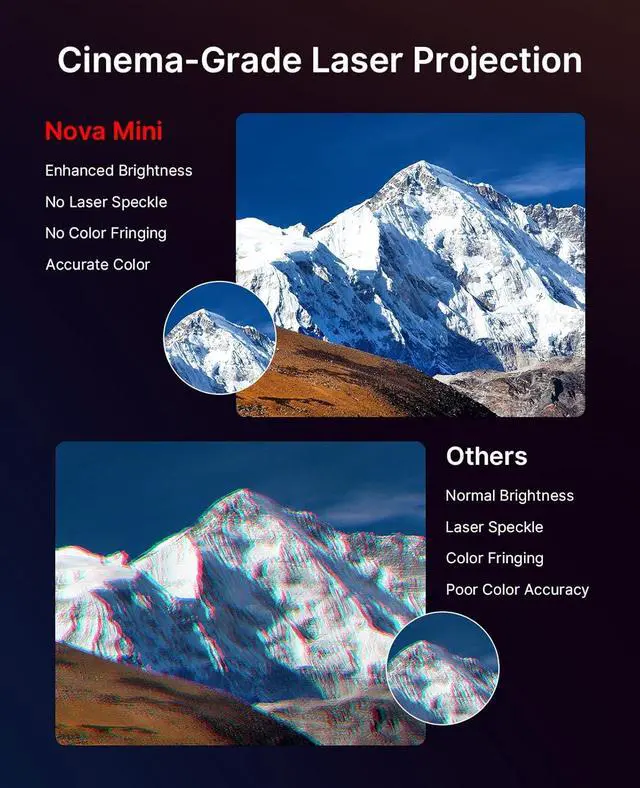
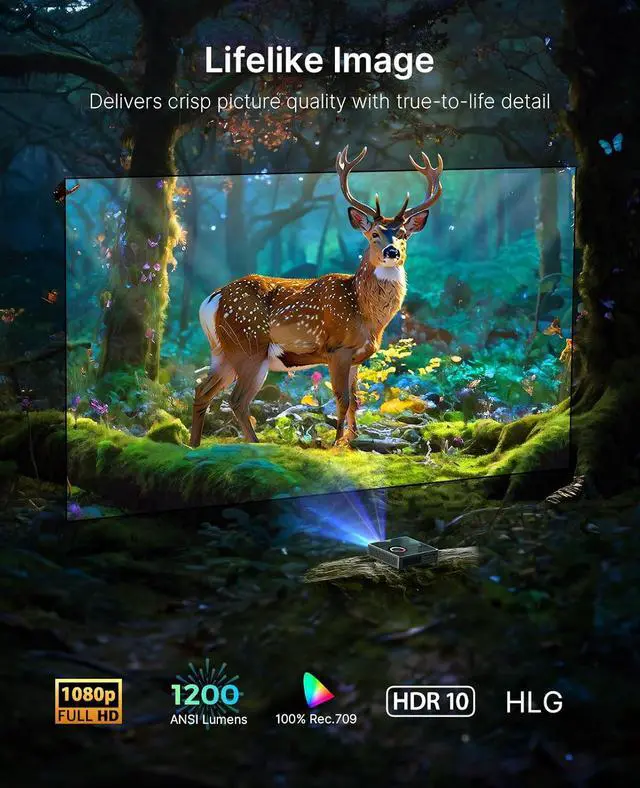
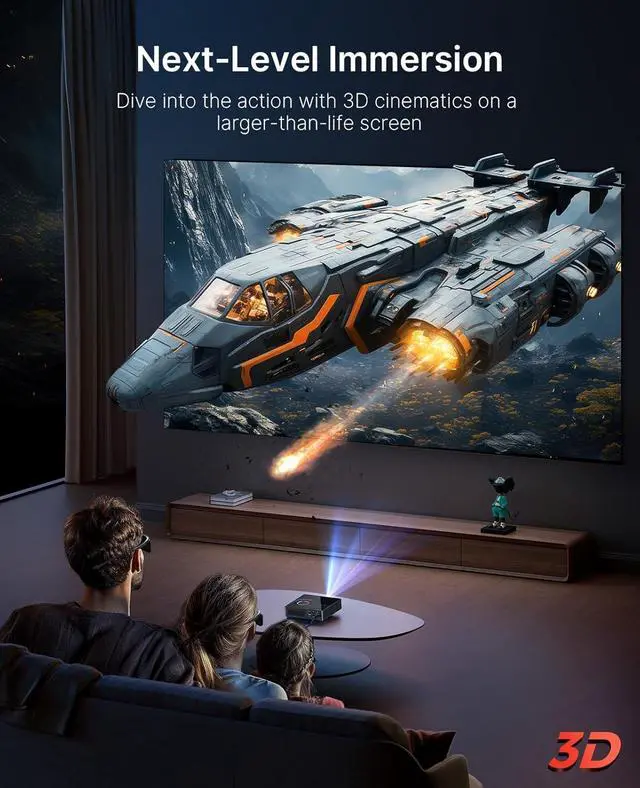
- Laser-Powered BrillianceEnjoy immersive visuals any time, anywhere. The Nova Mini Movie Projector casts a clear and vibrant picture with 1200 Lumens brightness and 1080p resolution. Its 100% Rec.709 color gamut coverage is enhanced by HDR10 and HLG for true-to-life color and deeper contrast. With Active 3D support, the Nova Mini takes home entertainment to new heights.
- Scene Adapt EngineThe Scene Adapt Engine (SAE) is a new image processing technology that dramatically improves the contrast and detail of the visuals. With the SAE, the Nova Mini delivers ultra-deep bl
+
+
Overview
Reviews

Any questions? Our AI mode will help you find out quickly.
Try me now
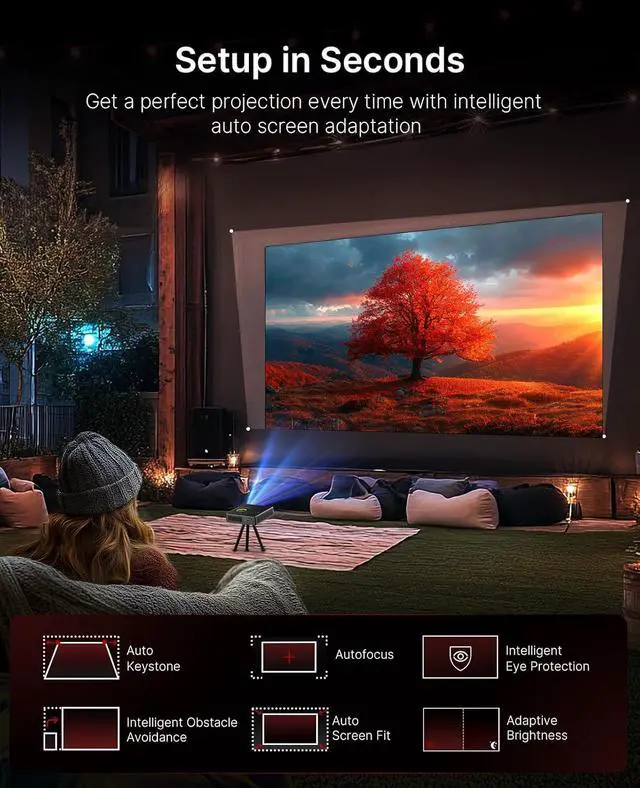
1Google TV2Voice Control3Multiple User Profiles4Chromecast Built-in5150" Supersized Screen1AI Screen Adaptation2Dynamic 3D3Superior Dolby Audio4Lag-Free Entertainment5Seamless Connectivity1Key Features2Bright Yet Compact3Charging On the Go4Portable Design5 Low Power Consumption How do I play media files from a USB drive?
Install an app such as VLC, KODI, MX Player, or File Manager. Insert a USB drive (up to 256GB) formatted as FAT32 into the Nova Mini. Open the app, grant file access, browse the USB drive, and select files to play.
How do I enable Apple AirPlay?
Connect your device and projector to the same Wi-Fi. Install the AirScreen app on the Nova Mini. Open the app, follow instructions, and select PJ08/Nova Mini from the device list to start mirroring.
How do I enable the Scene Adapt Engine (SAE)?
Go to Settings > All settings > Projector > Brightness Mode > SAE. SAE enhances contrast while preserving detail, giving ultra-deep blacks and bright highlights with a contrast ratio over 15,000:1.
How to play a 3D movie on the Nova Mini?
Connect a 3D-capable HDMI device to the projector. Press Source button and select HDMI input. Make sure Brightness Mode is not SAE (All Settings > Projector). Then go to Settings > Picture > Advanced > 3D Settings to choose your 3D format.
Nova Mini Commercial Video How do I play media files from a USB drive?
How do I enable Apple AirPlay?
How do I enable the Scene Adapt Engine (SAE)?
How to play a 3D movie on the Nova Mini?
Install an app such as VLC, KODI, MX Player, or File Manager. Insert a USB drive (up to 256GB) formatted as FAT32 into the Nova Mini. Open the app, grant file access, browse the USB drive, and select files to play.
How do I enable Apple AirPlay?
Connect your device and projector to the same Wi-Fi. Install the AirScreen app on the Nova Mini. Open the app, follow instructions, and select PJ08/Nova Mini from the device list to start mirroring.
How do I enable the Scene Adapt Engine (SAE)?
Go to Settings > All settings > Projector > Brightness Mode > SAE. SAE enhances contrast while preserving detail, giving ultra-deep blacks and bright highlights with a contrast ratio over 15,000:1.
How to play a 3D movie on the Nova Mini?
Connect a 3D-capable HDMI device to the projector. Press Source button and select HDMI input. Make sure Brightness Mode is not SAE (All Settings > Projector). Then go to Settings > Picture > Advanced > 3D Settings to choose your 3D format.
Nova Mini Commercial Video How do I play media files from a USB drive?
How do I enable Apple AirPlay?
How do I enable the Scene Adapt Engine (SAE)?
How to play a 3D movie on the Nova Mini?
Warranty & Returns
Warranty, Returns, And Additional Information
Warranty
- Please contact the Seller directly for warranty information. Warranty information may also be found on the Manufacturer's website.
- CONTACT
Return Policies
- Return for refund within: 30 days
- Return for replacement within: 30 days
- This item is covered by Zhanfu Technology Co., Limited Return Policy
Manufacturer Contact Info
- For a directory of all our manufacturers, please click below.
- Manufacturers Directory
LOADING...