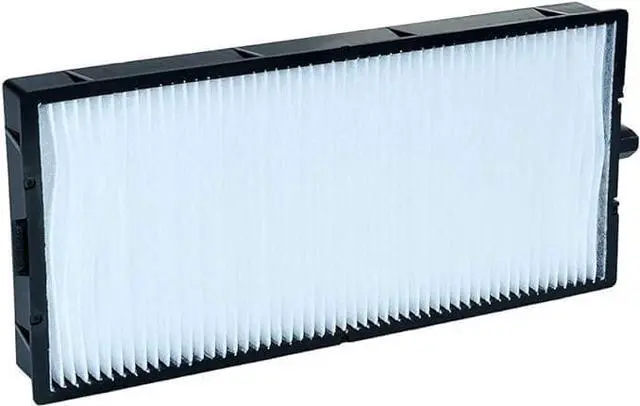
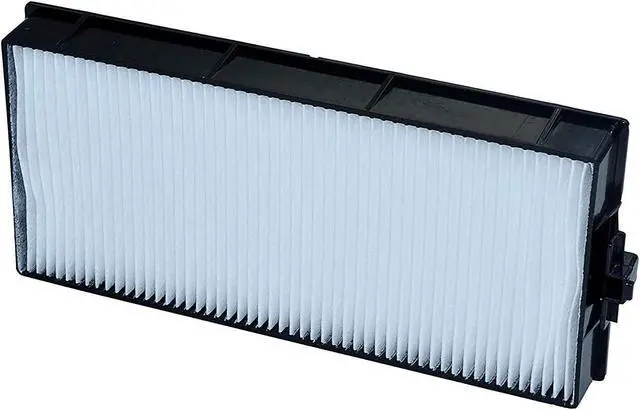
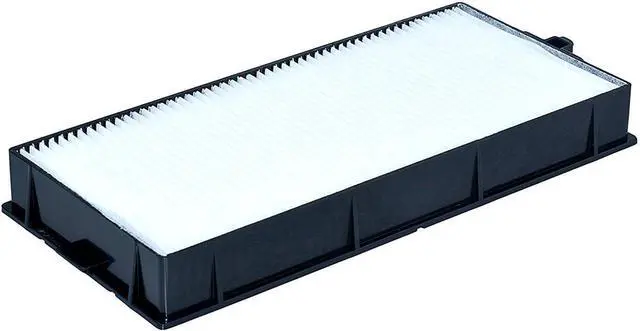
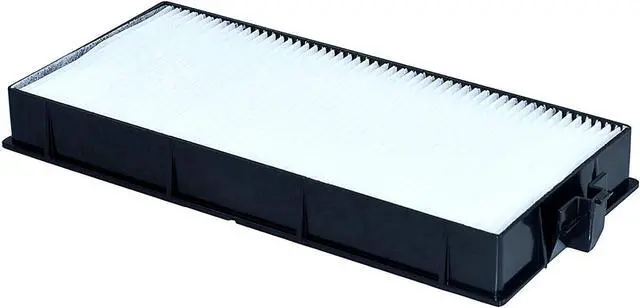
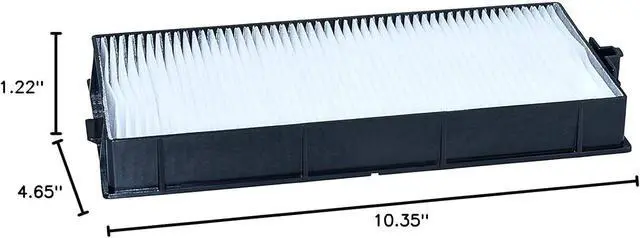
CHNPOFNT RFE300 Air Filter
Projector filterAir inletfilter, dust screen
Applies toPANASONIC ET-LAE300PT-EW540,PT-EW550L,PT-EW640,PT-EW650L,PT-EW730ZL,PT-EX520,PT-EX610,PT-EX620L,PT-EX800Z,PT-EZ800ZL,PT-EZ580,PT-EZ770ZL
Type: Replacement Projector Filter
Condition: New
Warranty: 100 days warranty
Package: Durable, waterproof, andshockproof solid box
Apply to: For Museums/Exhibition Halls /EntertainmentVenues/Offices/ Education
Filter features
1. Fine workmanship, multiplefilters, tough frame, not easy to deform.
2. Effectively remove impuritiesto prevent them from adsorbing the motherboard IC and burning the machine.
3. Low wind resistance, highefficiency filtration, quality assurance, can improve the brightness of thebulb and extend the life of the machine
Filter replacement steps:
1. Turn off the projector and unplug thepower cord.
2. Open the air filter cover. (Release thelatch and pull the cover upwards.)
3. Remove dust from the filter or replaceit with a new one. Do not rinse it.
4. Insert the new air filter and gentlypush it into the solid clip (with the groove facing to the right duringinstallation)
5. Close the air filter cover.
Attention:
Please maintain your projector regularly.The reason why the projector has a filter warning is that the filter is toodusty and needs to be replaced or cleaned. If the filter is not replaced intime, the dust will block the air inlet, affecting the heat from the internalbulb of the machine and preventing it from being effectively dissipated,causing the internal temperature to be too high, which will seriously shortenthe service life of the projector and the projector bulb.





 here!
here!