

Your Browsing History

Meet Your Seller

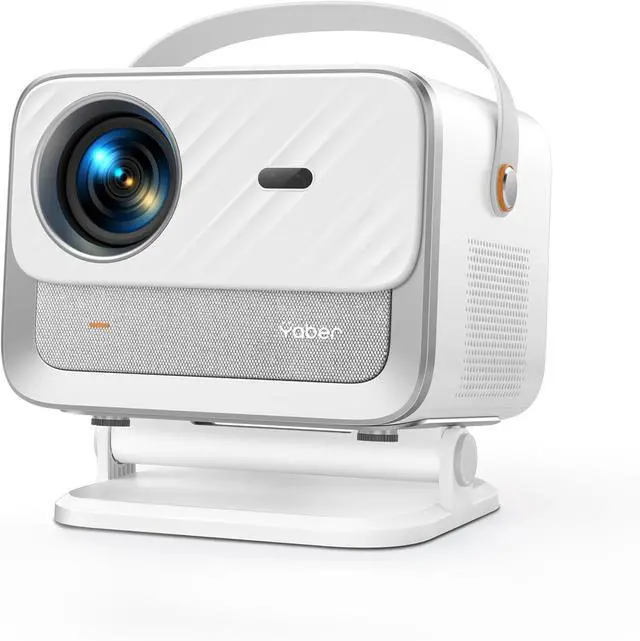


Official Neflix & Dolby AudioProjector, Yaber Auto Focus&Keystone Portable Projector, WiFi6 Bluetooth FHD 1080P Smart Video Projector for Home Cinema, Outdoor,400 ISO Lumens
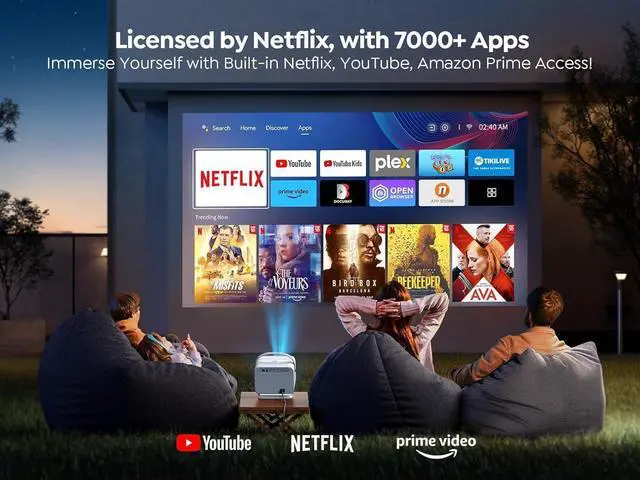
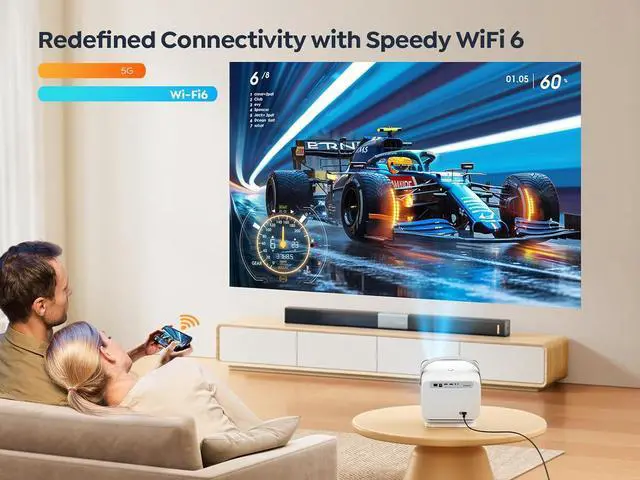
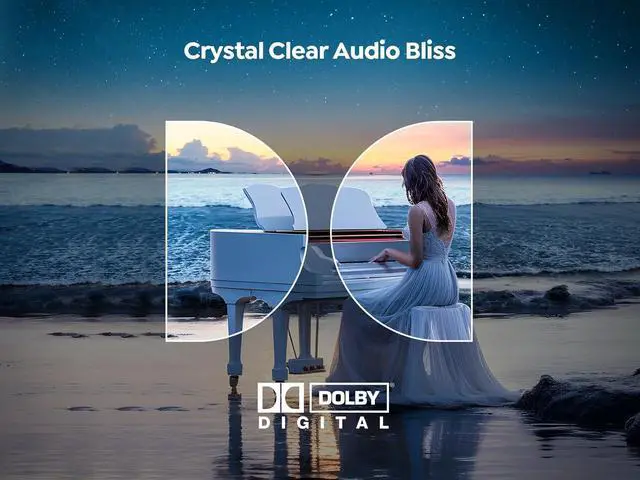
- Official Neflix & Dolby Audio & Sleep TimerThis projector runs on an official Linux system, providing easy access to popular streaming apps like Neflix, YouTube, and Prime Video right from startup. With its built-in apps, the smart projector offers extensive streaming options. For services like Hulu, Disney+, and others, we recommend using a TV stick (not included) for the best performance. Equipped with Dolby Audio, this projector enhances sound quality with Dolby Digitals advanced 5.1-channel audio for an immersive experience.
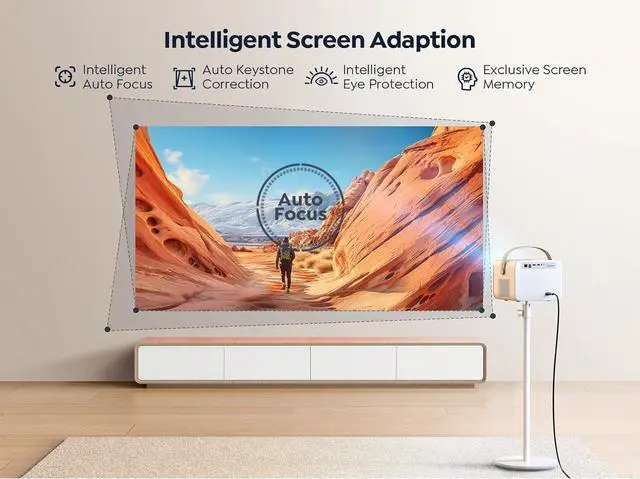
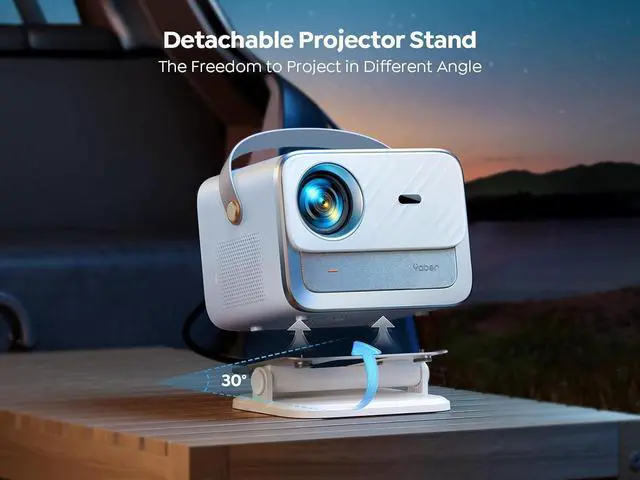
- Auto Focus & Auto Keystone Correction &50%-100% Zoom This home projector utilizes an AI focus algorithm and 9 directional gyroscopes for instant autofocus, It also offers electric focus and keystone correction through a remote control. Supports front, rear, side, and ceiling mounting with a clear rectangular image at any angle (vertical &°horizontal ±45°). With a throw ratio of 1.36:1, yaber movie projector can project images ranging from 40 to 300 in,
+
+
Overview
Reviews

Any questions? Our AI mode will help you find out quickly.
Try me now
1Netflix Licensed2High-quality Image3Multi-Port Connectivity1Auto Screen Adaption2Dolby Audio Supported1Two-way Bluetooth 5.22E nclosed
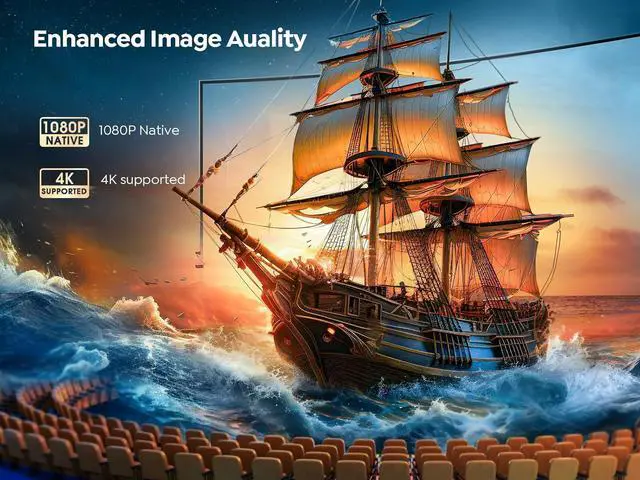
Optical Engine Resolution1920x1080PThrow Ratio 1.36: 1 (For better clarity and brightness, it is recommended to place the projector approximately 2 meters away from the screen. )Speaker20WDolby Audio SupportedYesWiFiWiFi 6 Dual-band 2.5 /5GHzBluetoothTwo-way Bluetooth 5.2 (Besides connecting to external speakers, you can also use the projector as a Bluetooth speaker. )HDMI CEC & HDMI ARCYesFocus & KeystoneAuto/EletricMirroring Display iOS Cast/ Miracast (For using iOS cast, you need to download "ScreenShare" from APP Assitant first. After downloading, you need to go back to the previous page and then click on "ScreenShare". For help, please tell us at anytime. )Why is the picture blurry? 1) Select "Restore Factory" in settings; 2) Check if projection distance is within 4.5 - 16.4 feet; 3) Ensure projector is placed close to the edge of table to avoid tabletop reflections; 4) Ensure theres no obstructions in front of the projector; 5) Check if projector directly face the screen. Any angle of offset will cause blurriness on one side; 6) If the position is correct, disable the auto-keystone and focus options in settings, use the remote control's F+ and F- keys to adjust focus.
How to cast iOS device? 1) Connect your iOS device and projector to the same WiFi; 2) Go to Homepage >>My Apps >>App Assistant >>Download "ScreenShare"; 3) Back to My Apps and Click "ScreenShare" (Stay on this page till connected); 4) Slide and Click "Screen Mirroring" on your phone; 5) Choose "Smart_Proejctor"Can I download other apps? You can only download apps from My Apps >> App Assistant, and cannot download other apps from the browser. About Other Apps Except Netflix, YouTube, and Prime Video, other apps like Disney+, Hulu downloaded through the "app assistant" may have a slightly inferior user experience due to version limitations. Those apps will be operated using a mouse-shaped tool on the screen. About Auto Focus & Keystone When the projector is facing the wall at an angle of no more than 15 degrees in any direction, the auto-focus and auto-keystone functions work best. Conversely, greater angles may affect the performance. (If the angle of deviation is too large, we recommend using the electric focus and 4P keystone correction for adjustment. )About the Projector Gimbal The maximum adjustment angle for the gimbal is ±30°, but for optimal auto-focus and auto-keystone effects, we recommend using angles within ±15°.
Outdoor Moment Specification
Optical Engine Resolution1920x1080PThrow Ratio 1.36: 1 (For better clarity and brightness, it is recommended to place the projector approximately 2 meters away from the screen. )Speaker20WDolby Audio SupportedYesWiFiWiFi 6 Dual-band 2.5 /5GHzBluetoothTwo-way Bluetooth 5.2 (Besides connecting to external speakers, you can also use the projector as a Bluetooth speaker. )HDMI CEC & HDMI ARCYesFocus & KeystoneAuto/EletricMirroring Display iOS Cast/ Miracast (For using iOS cast, you need to download "ScreenShare" from APP Assitant first. After downloading, you need to go back to the previous page and then click on "ScreenShare". For help, please tell us at anytime. )Why is the picture blurry? 1) Select "Restore Factory" in settings; 2) Check if projection distance is within 4.5 - 16.4 feet; 3) Ensure projector is placed close to the edge of table to avoid tabletop reflections; 4) Ensure theres no obstructions in front of the projector; 5) Check if projector directly face the screen. Any angle of offset will cause blurriness on one side; 6) If the position is correct, disable the auto-keystone and focus options in settings, use the remote control's F+ and F- keys to adjust focus.
How to cast iOS device? 1) Connect your iOS device and projector to the same WiFi; 2) Go to Homepage >>My Apps >>App Assistant >>Download "ScreenShare"; 3) Back to My Apps and Click "ScreenShare" (Stay on this page till connected); 4) Slide and Click "Screen Mirroring" on your phone; 5) Choose "Smart_Proejctor"Can I download other apps? You can only download apps from My Apps >> App Assistant, and cannot download other apps from the browser. About Other Apps Except Netflix, YouTube, and Prime Video, other apps like Disney+, Hulu downloaded through the "app assistant" may have a slightly inferior user experience due to version limitations. Those apps will be operated using a mouse-shaped tool on the screen. About Auto Focus & Keystone When the projector is facing the wall at an angle of no more than 15 degrees in any direction, the auto-focus and auto-keystone functions work best. Conversely, greater angles may affect the performance. (If the angle of deviation is too large, we recommend using the electric focus and 4P keystone correction for adjustment. )About the Projector Gimbal The maximum adjustment angle for the gimbal is ±30°, but for optimal auto-focus and auto-keystone effects, we recommend using angles within ±15°.
Outdoor Moment Specification
Warranty & Returns
Warranty, Returns, And Additional Information
Warranty
- Please contact the Seller directly for warranty information. Warranty information may also be found on the Manufacturer's website.
- Read full details
- CONTACT
Return Policies
- Return for refund within: 30 days
- Return for replacement within: 30 days
- This item is covered by HAITAO CROSS BORDER E-COMMERCE LIMITED Return Policy
Manufacturer Contact Info
- For a directory of all our manufacturers, please click below.
- Manufacturers Directory
LOADING...