Your Browsing History
Meet Your Seller
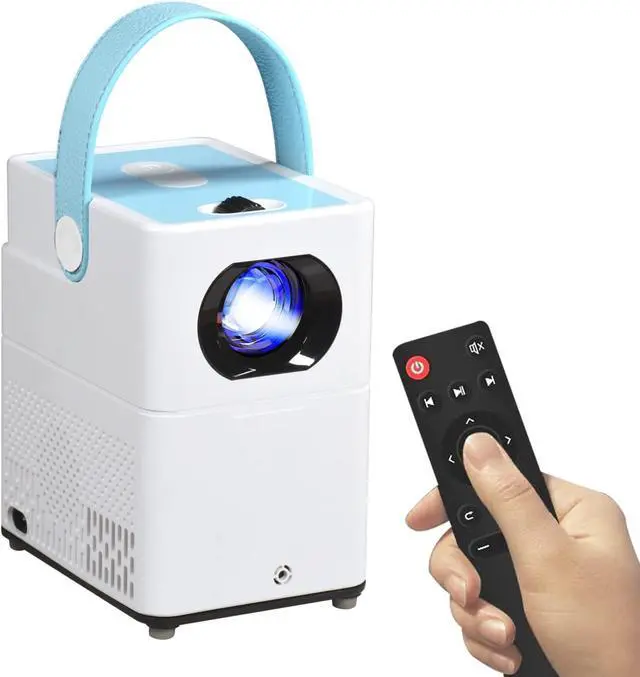
Portable Projector 1080P 720P Home Projector Video
- Small Projector for TV Stick/Laptops/PC/HDMI/USB, with Remote Control, Connect to Computer/Smartphone
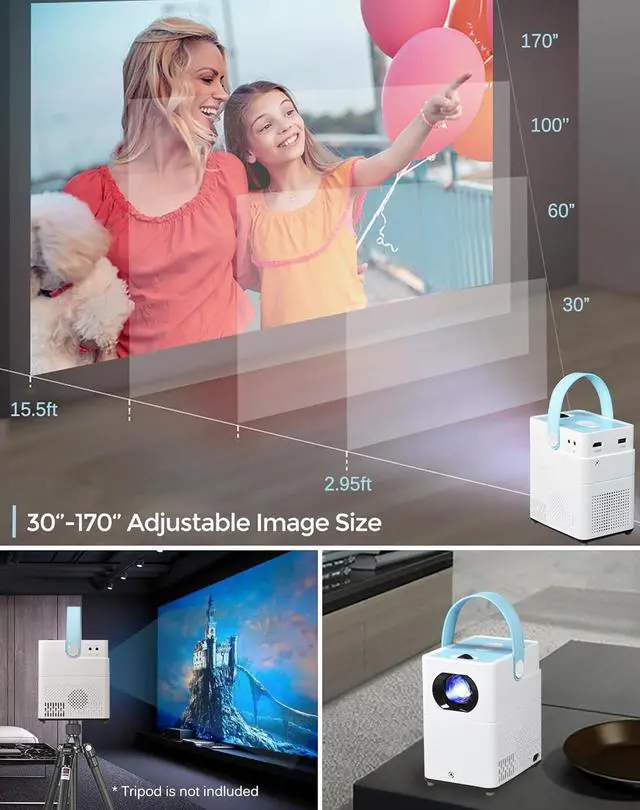
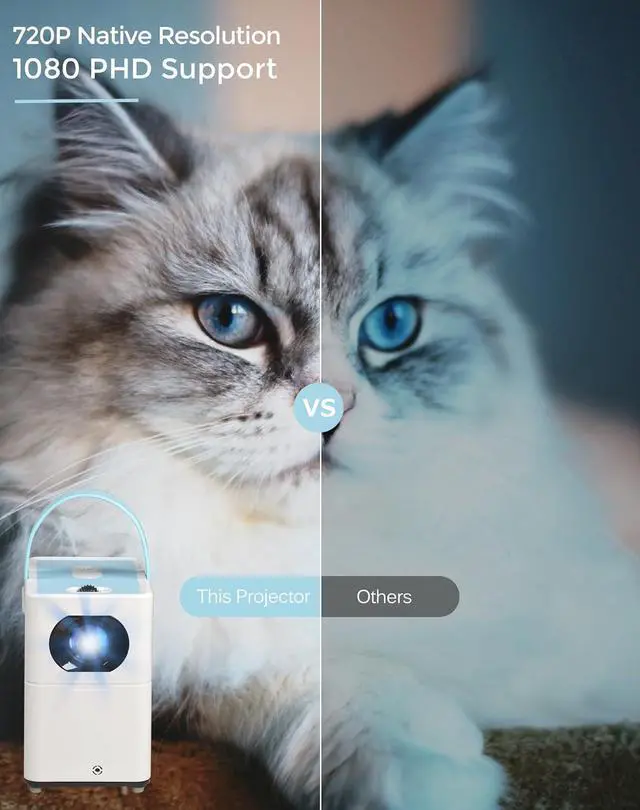
- [HD Home Projector] - Supporting 1080P Full HD with 1280*720p native resolution, the mini projector with 120 ANSI lumens, provides brighter and clearer images, the image size from 36'' to 150'' with the distance between 3FT and 14FT, which is perfectly competent for the work of home cinema.
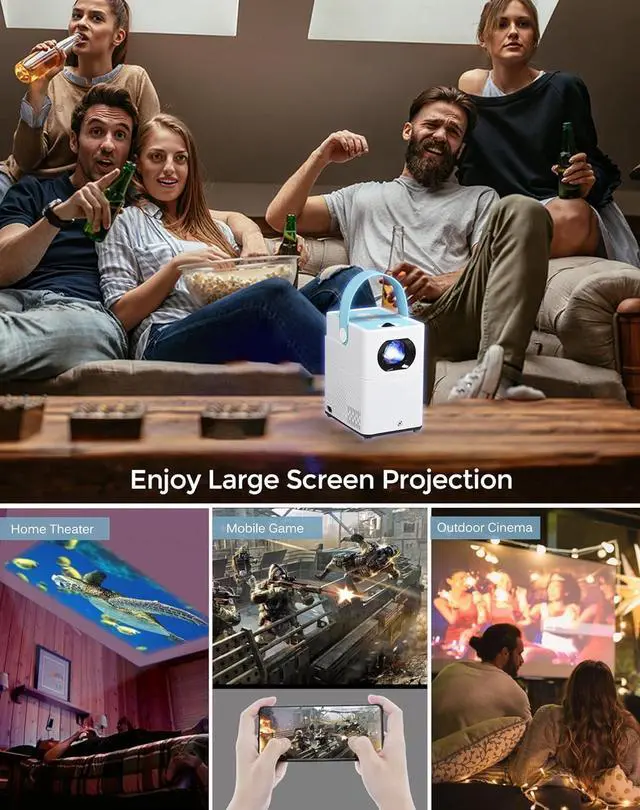
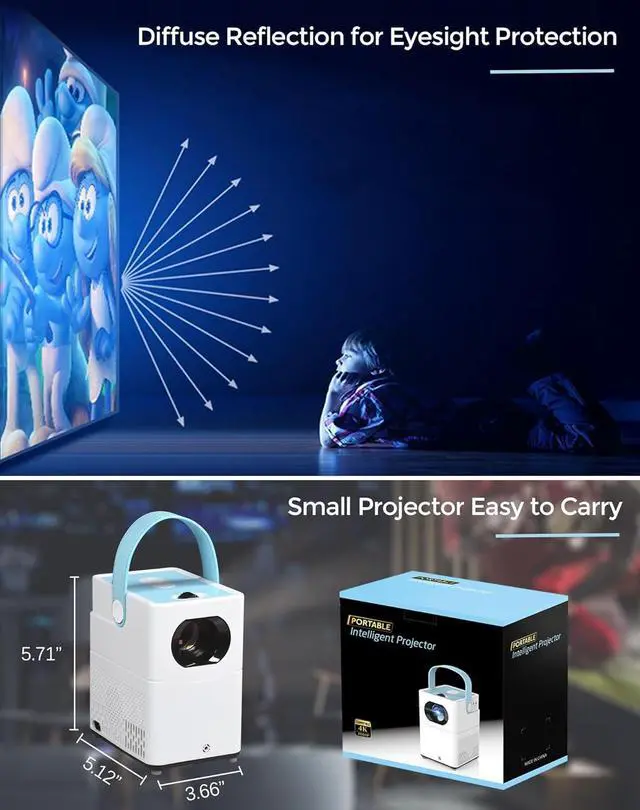
- [Excellent Design Movie Projector] - The LED projector is 5.7 x 5.2 x 3.7inches, 2 pounds heavy, compared to normal projectors, it is a real portable projector. The unique leather handle design is comfortable to carry, you can enjoy a great time with your families and friends anytime and anywhere, ideal for home theater and entertainment.
- [360° Stereo Speaker] - This mini projector equiped with high definition stereo speakers delivering powerful, crystal-like sound for a better stereo sound effect, which makes people enjoy superior sound anytime,anywhere. You can also connect the video projector
+
+
Overview
Specs
Reviews
Any questions? Ask CelesteSM will help you find out quickly.
Try me now
How to connect to your computer?
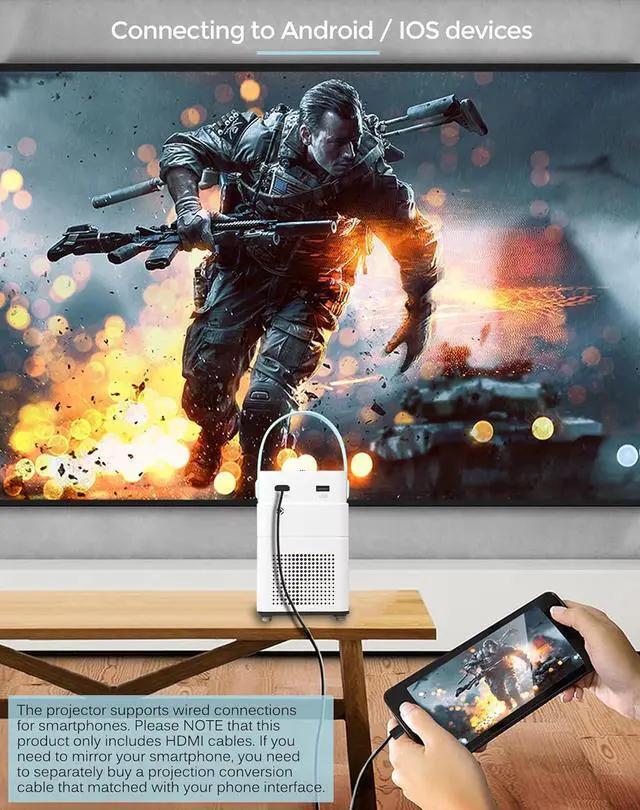
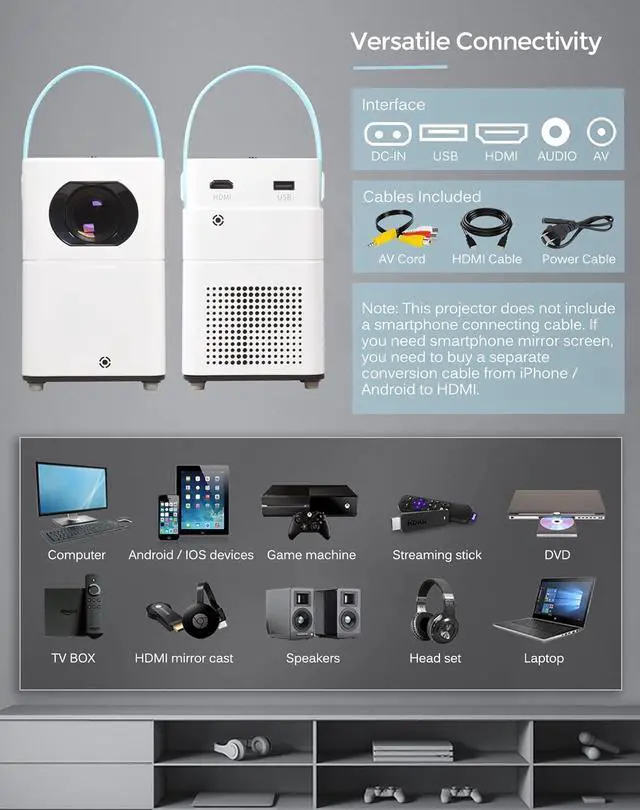
If your computer has HDMI port, just simply connect to the projector with equipped HDMI cable.If your computer without HDMI port, you need to buy an adapter or conversion cable that meet with your computer interface. How to connect to your Smartphone?
Be sure your smartphone support wired screen mirroring.You need to buy an adapter or conversion cable that meet with your smartphone interface, for example if it is a Android phone with USB C interface, then need to buy a USB C to HDMI cable, connecting to the projector with this USB C to HDMI cable. The small projector is portable and very suitable for home use. It is recommend to use it in dark environment to have a clearer displayed image.
Please use in a dust-free environment and keep the lens clean.When the projector is working, do not look directly at the lens to avoid eye damage from strong light.For any question, please feel free to contact the seller. 1 x Projector 1 x Remote Controller (battery buy separately) 1 x Power Cord 1 x HDMI Cable 1 x AV cable 1 x User Manual Remote Control Built-in Speaker Portable & Easy to Install Available to connect to a computer or smartphone with HDMI cable Portable Home Projector Warm Tips What's in the box
Warranty & Returns
Warranty, Returns, And Additional Information
Warranty
- Please contact the Seller directly for warranty information. Warranty information may also be found on the Manufacturer's website.
- CONTACT
Return Policies
- Return for refund within: 30 days
- Return for replacement within: 30 days
- This item is covered by Cloudless Clear Return Policy
Manufacturer Contact Info
- For a directory of all our manufacturers, please click below.
- Manufacturers Directory
LOADING...