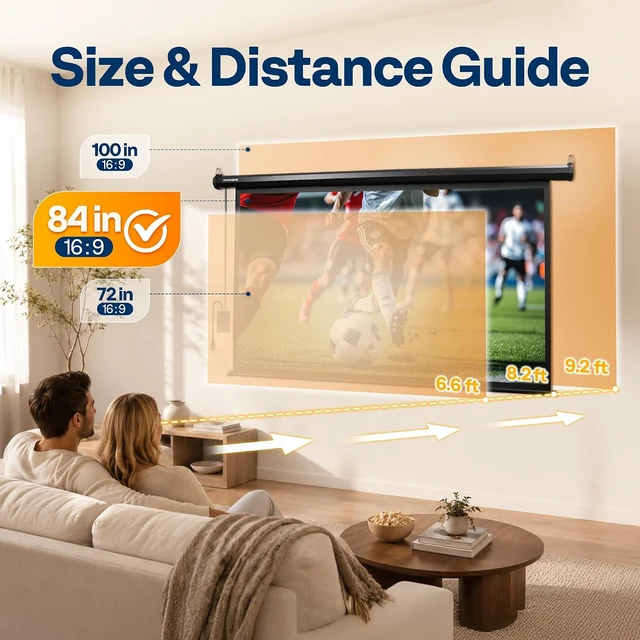
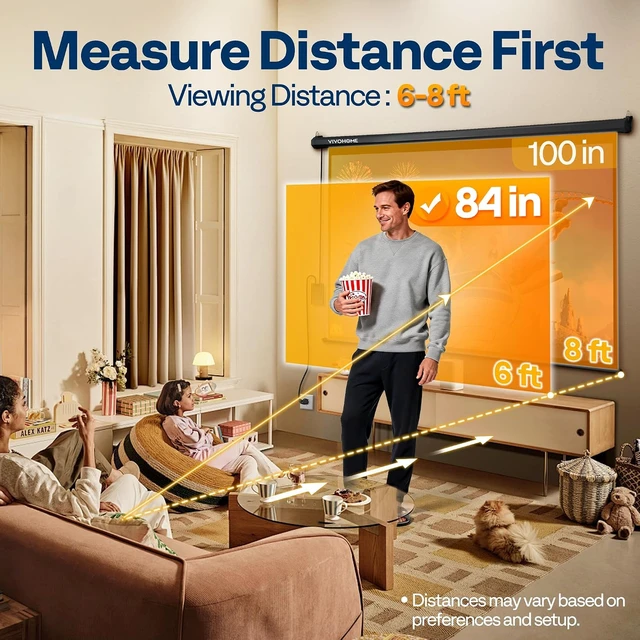
1Tap to Control2Easy Storage What is the recommended distance for viewing?
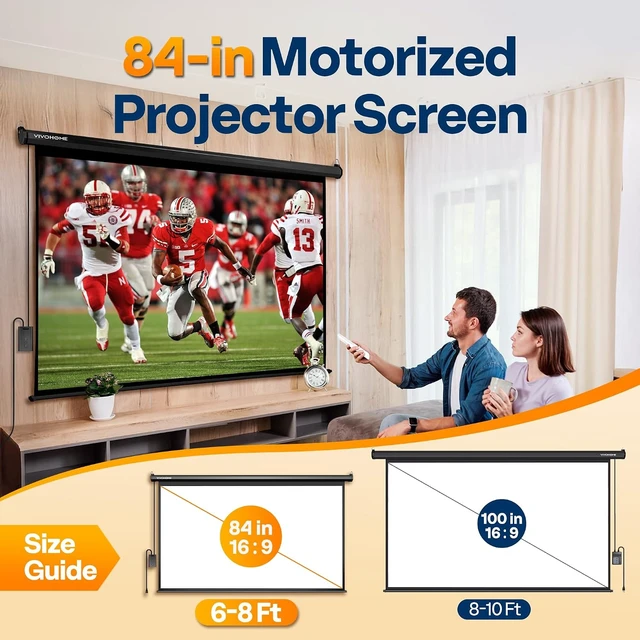
Recommended viewing distance: 8.2 ft from the 84 in projector screen (160° viewing angle).
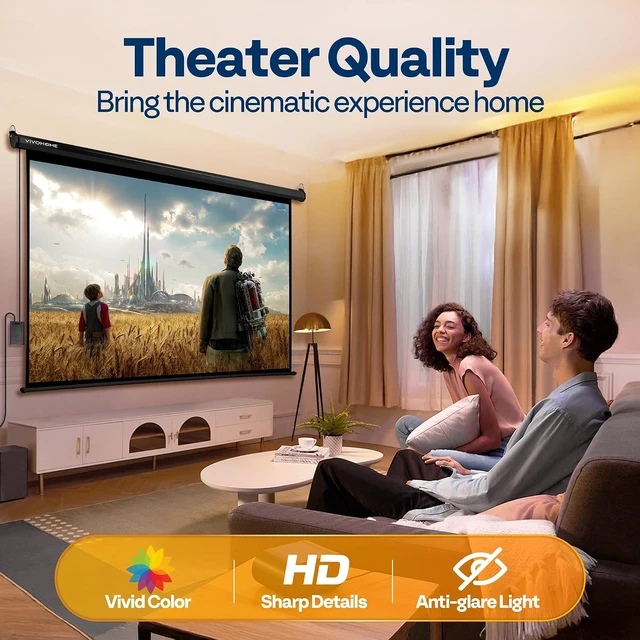
Great for home theater, living rooms, or bedroom movie nights bright, clear, no glare.
How to mount by wall type?
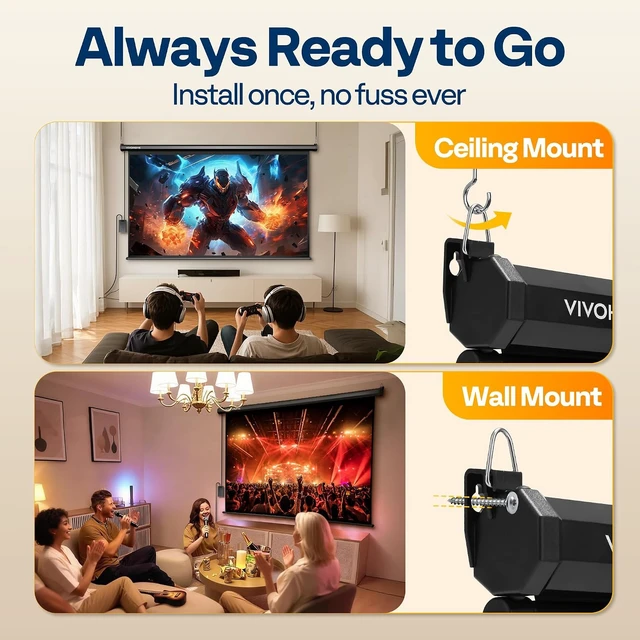
Concrete walls: Use 0.4" metal expansion screws (ceiling or side wall).
Wood walls: Use 0.2'' x 1.6" wood screws (side wall only, no anchor).
Soft walls: Use 0.2'' x 1.6"" wood screws + 0.3'' plastic anchor (preinstall anchor, side wall).
Can the remote be mounted on the wall?
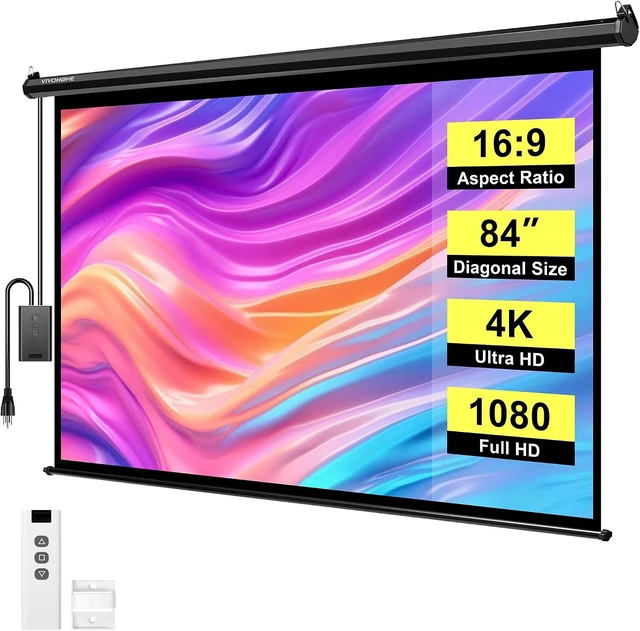
Yes. The remote includes a wall-mount bracket for fixed installation. It uses an A23 12V battery (not included) and works from up to 82 ft away, allowing convenient control of the screen from your seating area.
Can I use manual controls?
No. Manual pulling may damage the motor and rolling system. Vivohome recommends using the wireless or wall-mounted remote for smooth, controlled operation. If the remote fails, please do not attempt manual adjustment.
Why does the screen have a smell?
The smell is normal and harmless, coming from the PVC material and manufacturing process.
It typically fades within 27 days with normal airing out. Open windows or use an air purifier to speed it up.
The product meets safety standards (CE, ROHS).
[1] Size Guide [2] Distance Guide [3] Better Viewing [4] Easy Setup [1] Clear [2] Panoramic [3] No Crease [4] Durable [1] Specifications [2] Wide Applications What is the recommended distance for viewing?
How to mount by wall type?
Can the remote be mounted on the wall?
Can I use manual controls?
Why does the screen have a smell?
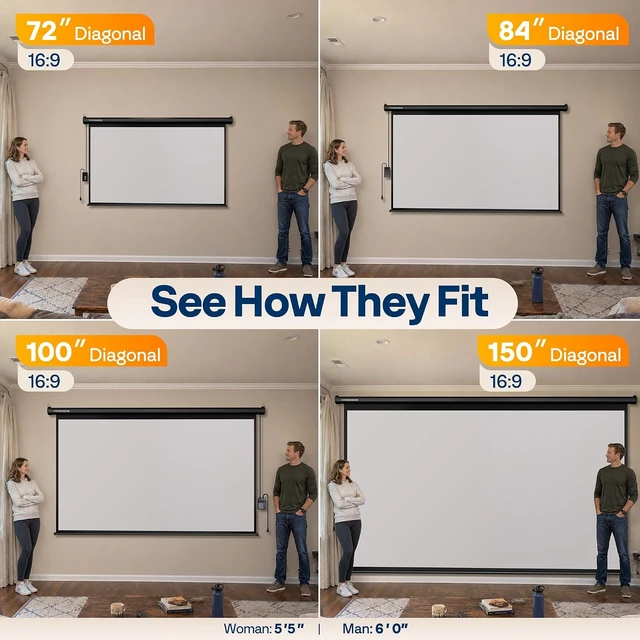
Vivohome Projector Screen Black Frame Color Black Remote/Wired Control Method Remote/Wired 84 in Diagnol Size 100 in 73.2''W x 41.1''H Display Dimensions 87"W x 48.8"H 16 : 9 Aspect Ratio 16 : 9 160° Viewing Angle 160° Living Room Intended Use Living/ Media Room Black Frame Color Black Remote/Wired Control Method Manual 84 in Diagnol Size 120 in 73.2''W x 41.1''H Display Dimensions 83.9"W x 83.9"H 16 : 9 Aspect Ratio 1 : 1 160° Viewing Angle 160° Living Room Intended Use Conference Room Black Frame Color Black Remote/Wired Control Method Manual 84 in Diagnol Size 100 in 73.2''W x 41.1''H Display Dimensions 87"W x 49.2"H 16 : 9 Aspect Ratio 16 : 9 160° Viewing Angle 160° Living Room Intended Use Living/ Media Room Black Frame Color Black Remote/Wired Control Method Remote/Wired 84 in Diagnol Size 72 in 73.2''W x 41.1''H Display Dimensions 63.0''W × 35.4''H 16 : 9 Aspect Ratio 16 : 9 160° Viewing Angle 160° Living Room Intended Use Bedroom/Apartment




 here!