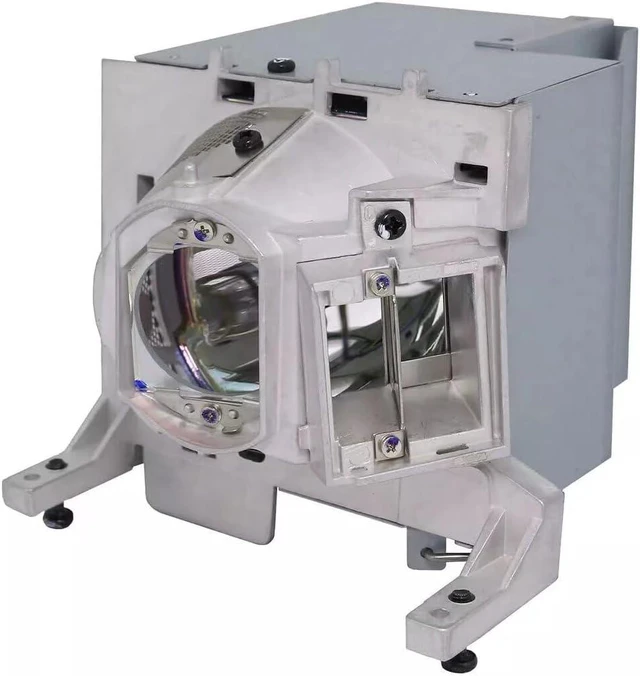
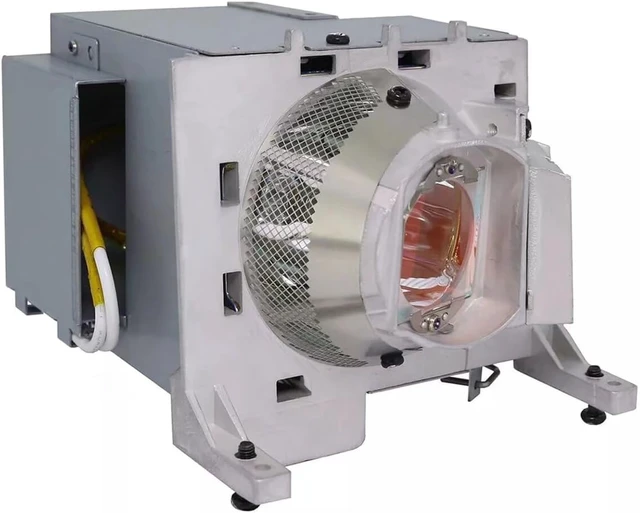
CNTUOHAI Lamps: Ultra High Efficiency Replacement Projector Lamps,New Generation A+ Lampwick.
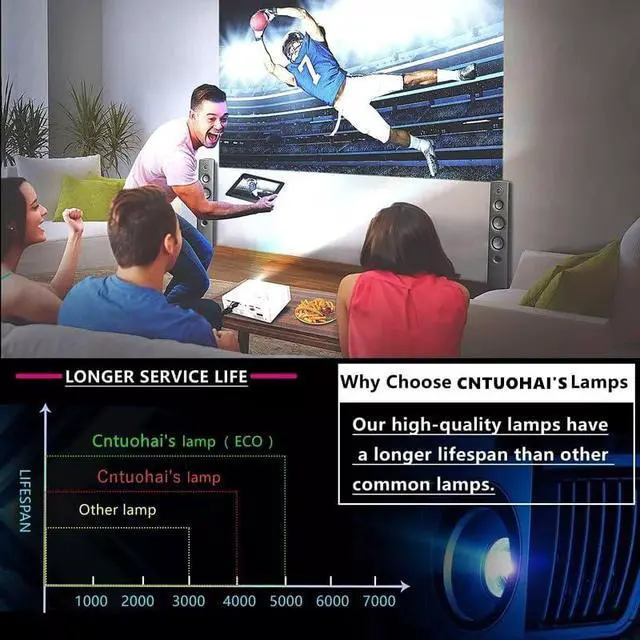
CNTUOHAI has been specialized in projector lamps for more than 10 years, all the lamps are designed accurately matching your original lamps. The CNTUOHAI lamps use optimized very short arc and high internal pressure lamp wick, with precision coated reflectors,
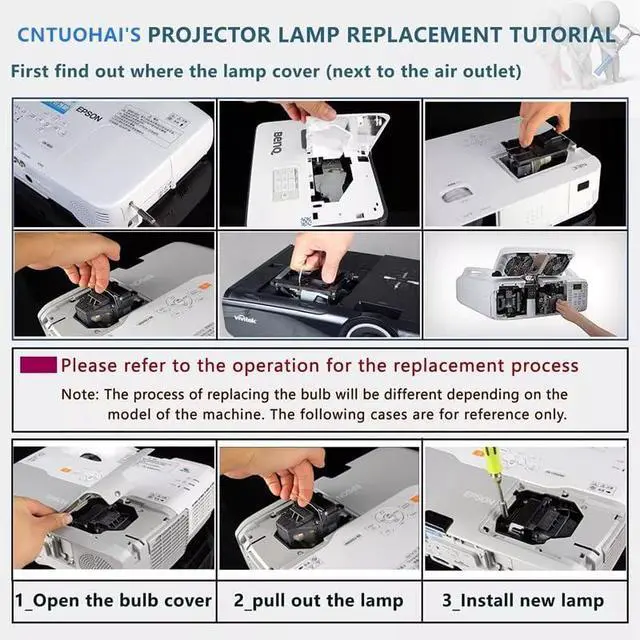
Easy To Replace the Lamp
CNTUOHAI lamps are designed accurately matching your original lamps, our lamp instructions will help you replacing it easily.
Warning:
1). Before you replace the lamp, let the projector cool down for at least one hour to let the lamp fully cool before replacing it to avoid injury.
2). Do not touch any glass on the lamp assembly to avoid premature lamp failure.
How To Extended Lamp Life
1). Turn off this product when not in use to prolong the lamp life.
2). Dont operate the projector non-stop or for too much long time.
3). Do not unplug the power line before the cooling fan stop working, and also do not disconnect the power directly on the working projector.
4). After turning off the projector, wait at least 60 minutes to reboot the projector.
5). ECO mode will help you extend the lamp life.
6). Clean the air filters, fan, and the projector inside every 3 months, otherwise the elevated temperature will cause the projector shut down automatically.
7). Please ensure there are no obstacles around the projector to allow the projector to dissipating heat normally.
Note: Lamp life will vary depending upon mode selected, environmental conditions, and usage. Brightness decreases over time.
Important reminder: When you replace the light bulb with a new one but the red light still flashes, it is not a problem with the bulb. You need to adjust the timer of the projector to zero




 here!