Your Browsing History
Meet Your Seller
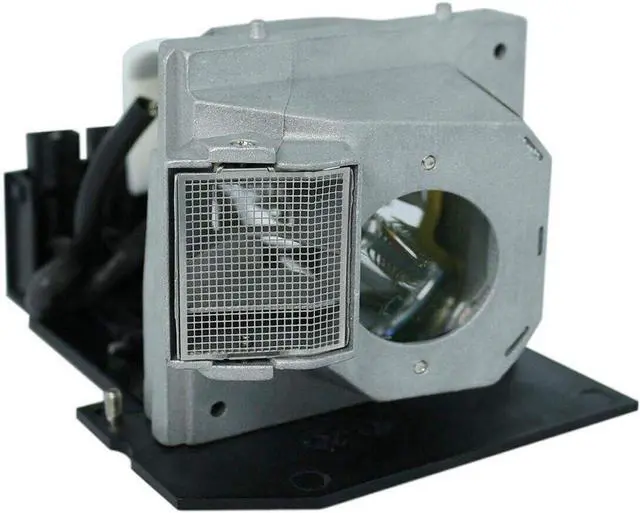
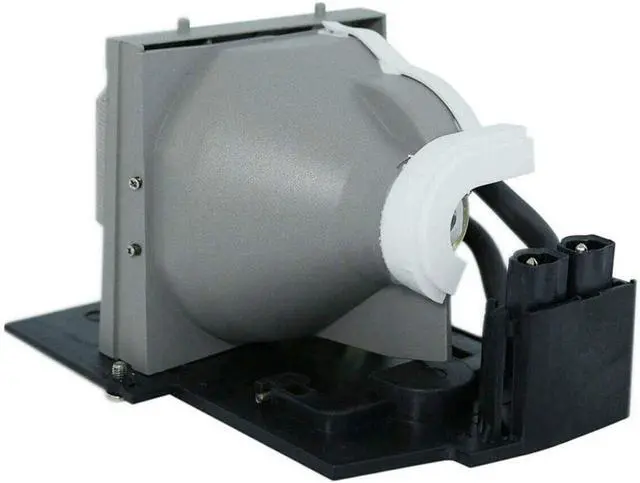
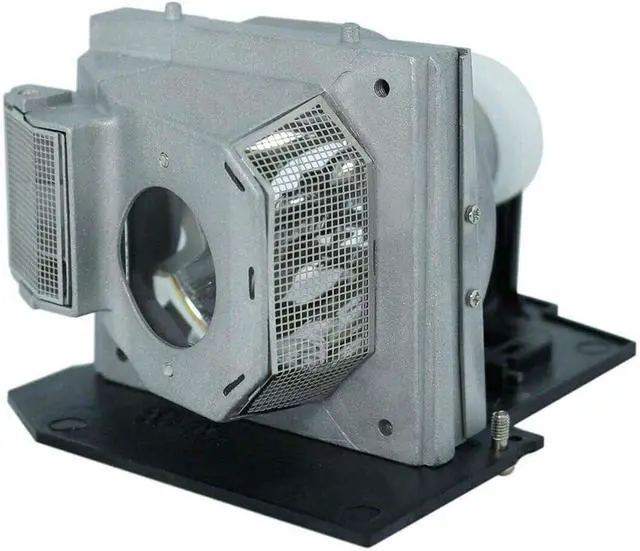
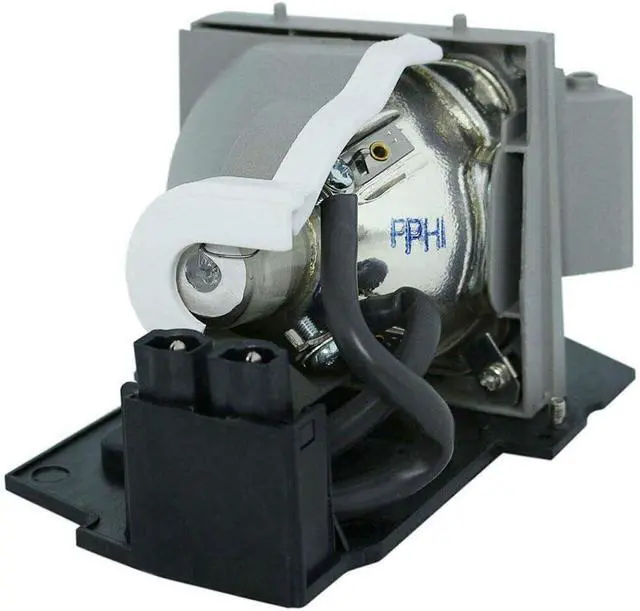
BL-FS300B Replacement Projector Lamp with Housing for Optoma HD8000LV HD800X HD800XLV HD803 HD803LV HD806 HD806ISF HD80LV HD81 HD81LV HD930 HD980 HT1080 HT1200 Projectors
- 1.The lamp provides 300 watts of power and an average life of 3000 hours.
- 2.Our high quality replacement lamps last much longer than the imitations and provide a brighter, cleaner light source.
- 3.Easy for installation, no technician needed, It's an easy process that can be completed in just a few minutes!
- 5.Compatible ModelsFor Optoma HD8000LV HD800X HD800XLV HD803 HD803LV HD806 HD806ISF HD80LV HD81 HD81LV HD930 HD980 HT1080 HT1200 Projectors
+
+
Overview
Reviews
Any questions? Ask CelesteSM will help you find out quickly.
Try me now
Description:
BRAND NEW replacement lamp with genuine bulb inside directly from our own factory .
Part Number: BL-FS300B
Wattage:300W Lamp
Projector Lamp Type: Projector lamp with Housing
Average Life (hrs):3000 hours
Application: Business&Education&Home&School
Package: 1*bulb with housing
Compatible with Projector models: For Optoma HD8000LV HD800X HD800XLV HD803 HD803LV HD806 HD806ISF HD80LV HD81 HD81LV HD930 HD980 HT1080 HT1200 Projectors
Installing a Projector Lamp
To install a projector lamp with the housing, just follow the easy steps below:
1. Make sure the projector is unplugged and sitting on a flat surface
2. Loosen the screw holding the projector lamp module cover in place and remove the panel
3. Unplug the old projector lamp and remove it from the projector
4. Plug the new projector lamp securely into place
5. Attach the panel back onto the projector and tighten the screw
Warranty & Returns
Warranty, Returns, And Additional Information
Warranty
- Please contact the Seller directly for warranty information. Warranty information may also be found on the Manufacturer's website.
- CONTACT
Return Policies
- Return for refund within: 30 days
- Return for replacement within: 30 days
- This item is covered by Cloudless Clear Return Policy
Manufacturer Contact Info
- For a directory of all our manufacturers, please click below.
- Manufacturers Directory
LOADING...