• $77.99
  • Free 30-day Returns
  • Ships from China.

    Shipped by Cloudless Clear

    Price alert
    Shop it at NeweggBusiness.

    Meet Your Seller

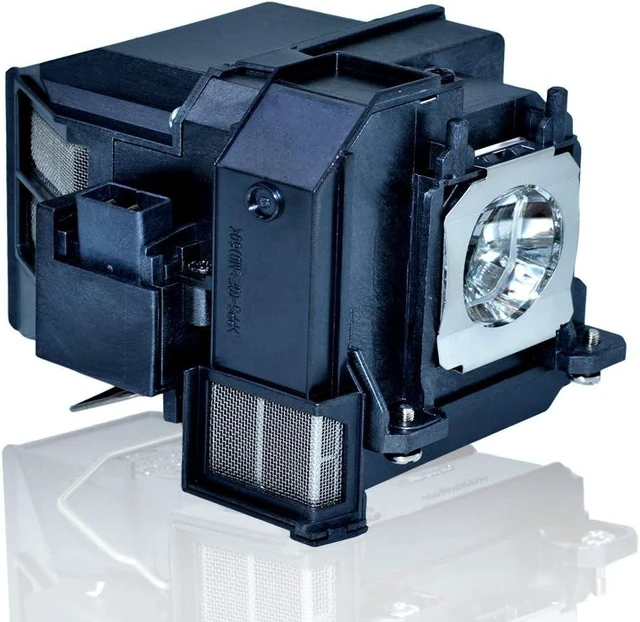
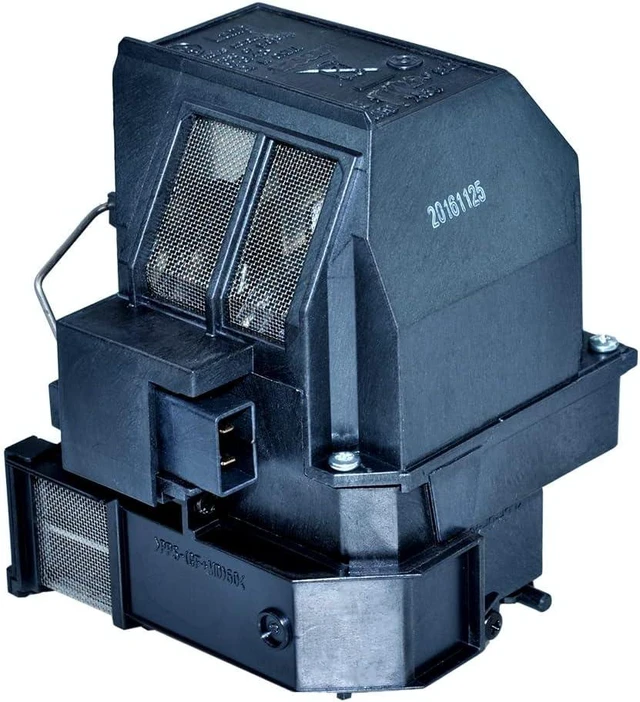
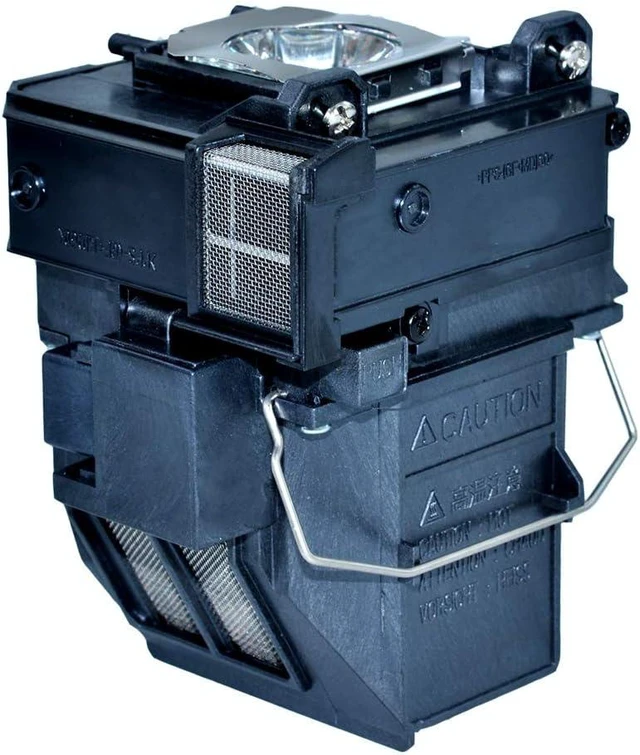
    EB-685Wi Replacement Projector Lamp Bulb V13H010L91 with Housing

    • Fit for ELPLP91 BrightLink 685Wi BrightLink 695Wi EB-680 EB-680S EB-685W EB-685WS EB-695Wi PowerLite 680 PowerLite 685W
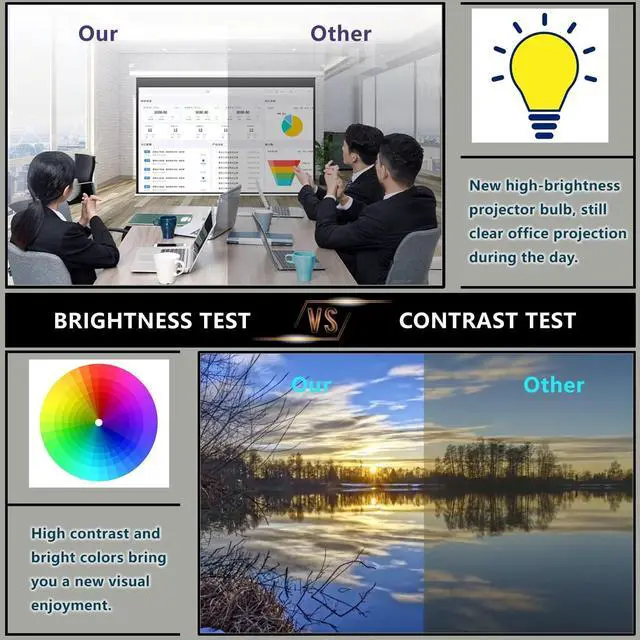
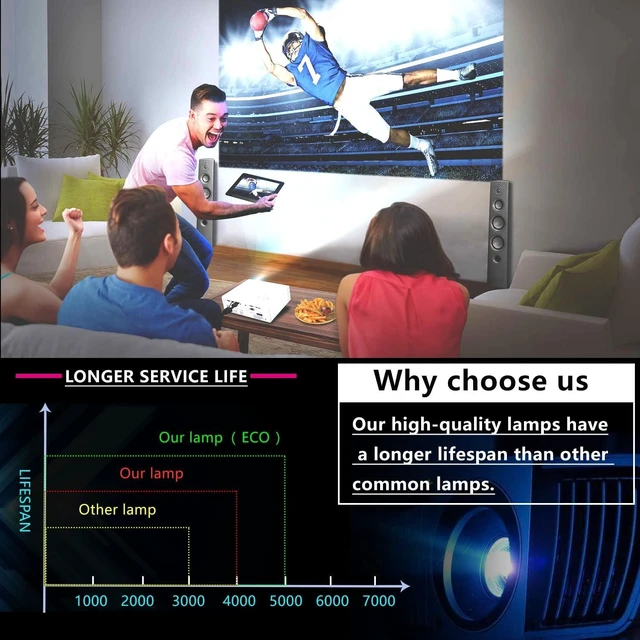
    • SW-LAMP Professional solutions is a QUALITY replacement lamp V13H010L91 / LP91 that provides the best picture quality, brightness, and lifespan.
    • Fit For ELPLP91 Replacement Lamp Bulb with Housing Compatible with BrightLink 685Wi BrightLink 695Wi EB-680 EB-680S EB-685W EB-685Wi EB-685WS EB-695Wi PowerLite 680 PowerLite 685w
    • Fast speed of shipping, quality water-proof and shake-proof packaging, ease of installation to make you worry free
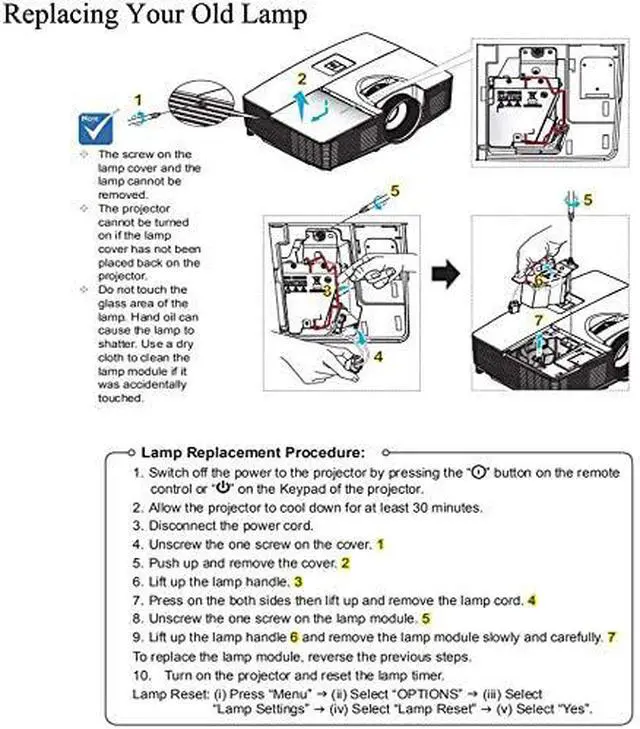
    • Installation and Security: You will find it is quite easy to install it into your projector as the ways you are taking out your old lamp. Be aware of the connector make sure it connected well. It is not electric, shut down your projector when you install it
    • Quality assured, Professional lamps with housing come with a 30 day refund warranty or a 180 day replacement warranty Refundable issue,please contacts our 24 hours/7 days cust
    +
    +
    Overview
    Reviews

    Any questions? Ask CelesteSM will help you find out quickly.


    SW-LAMP is a professional projection lamp manufacturer, founded in 2002.We have been providing cost-effective projection lamp products.Happy shopping experience for customer
    Lamp Model :Compatible Replacement Lamp Bulb V13H010L91 / LP91 with Housing
    Compatible with following projectors:
    BrightLink 685Wi BrightLink 695Wi EB-680 EB-680S EB-685W EB-685Wi EB-685WS EB-695Wi PowerLite 680 PowerLite 685w
    Warranty: 180 days Long Warranty
    Steps to Replacement Your Old Projector Lamp:
    1- Turn off the power before replacing the lamp.
    2- Clean the fan and surrounding dust before replacing the lamp to avoid abnormal temperature and cause the projector to malfunction.
    3- After replacing the new lamp, clear the lamp usage time.
    4- After turning off the projector, wait for the cooling to complete before unplugging the power cord.
    5- Avoid other objects blocking the projector, which will cause abnormal heat dissipation, so as not to affect the life of the lamp and other faults.

    Warranty & Returns

    Warranty, Returns, And Additional Information

    Warranty

    • Please contact the Seller directly for warranty information. Warranty information may also be found on the Manufacturer's website.
    • CONTACT

    Return Policies

    Manufacturer Contact Info

    LOADING...