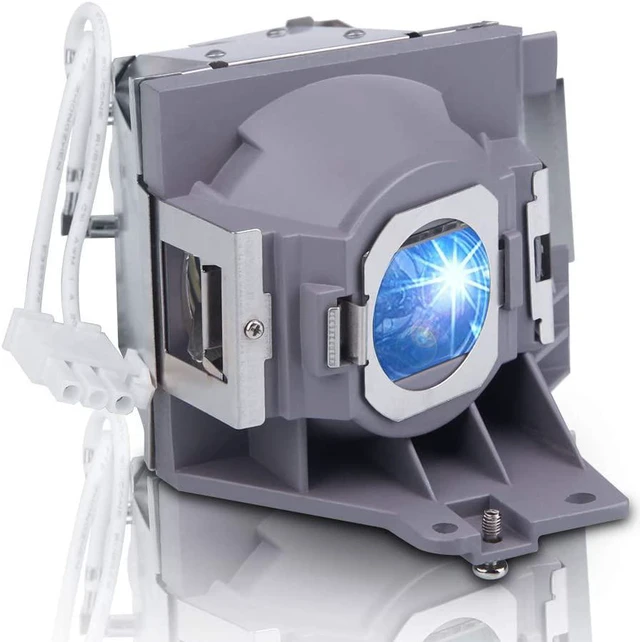
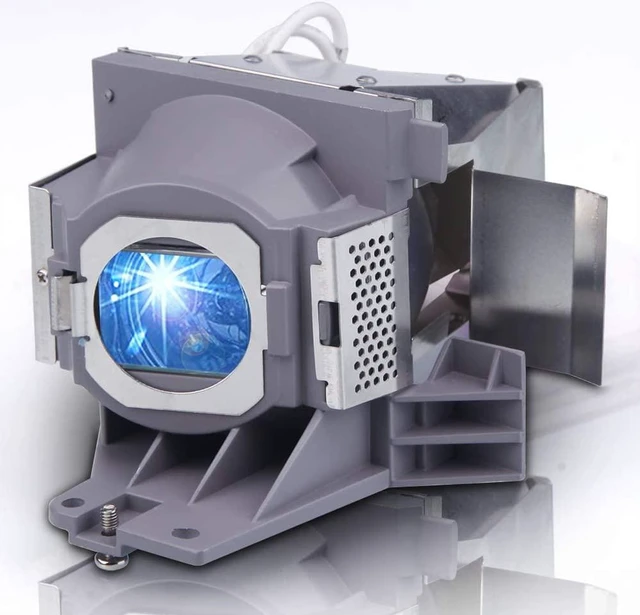
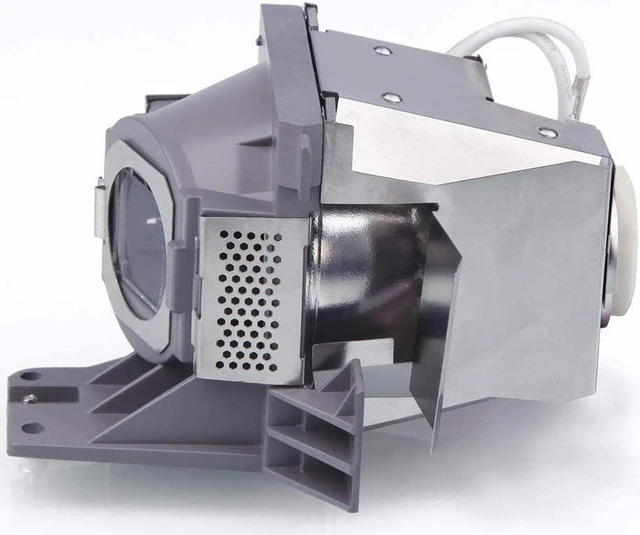
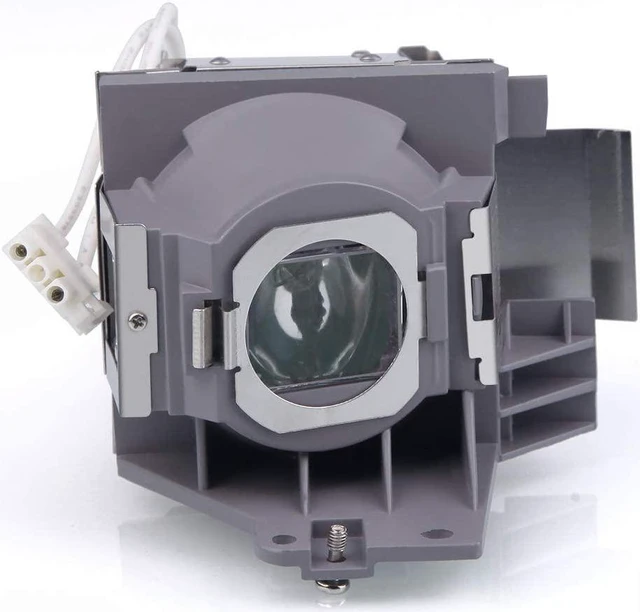
Projector Lamp Type: Projector lamp with Housing/Cage
Wattage:for P-VIP240W
Specification:E20.9n
Compatible with Benq Projector models: HT2050,HT2150ST,HT3050,W1110,W1120,W1210ST,W2000,W2000+ Projectors
Package Included
1* Projector Bare Lamp Bulb with Housing/Cage
Step 1. Unplug the power cord from your projector and let the lamp cool down.
Step 2. Locate the lamp access panel on your projector and remove the screws and access panel.
Step 3. Remove any screws holding the lamp housing into the projector.
Step 4. Reach in and firmly pull the lamp housing out of the projector.
Step 5. Place the new lamp housing into the projector in the same orientation as you removed the old lamp.
Step 6. Wiggle the lamp into place and make sure full contact is made inside of the projector.
Step 7. Replace the lamp mounting screws to secure the lamp into the projector.
Step 8. Replace the lamp access panel and secure the screws.
Step 9. Plug in your projector and power it on.
Step 10. Reset the lamp counter. Some lamps will reset the lamp counter automatically when a new lamp is placed in.
A projector lamp can be found by locating a square or rectangular plastic plate somewhere on the outside of the projector; the plate is usually on the bottom of the projector, but can sometimes be found on the top or sides.
This cover is usually secured by two screws; undo these screws and lift the plate off to reveal the bottom of the plastic housing (the module) that holds the projector lamp in place in your projector.
This plastic housing usually has a handle attached to it. Pull gently on this handle to remove the projector lamp from your projector.
* Picture has become dull and lacks brightness.
* There is an obvious decline in picture clarity and sharpness.
* Your lamp is flickering.
* There is difficulty or a delay when turning the machine on.
* A light comes on that warns you that it may be time to change your lamp.
1. Let the lamp cool down before replacing it.
If the lamp breaks, handle the shards
carefully to avoid injury.
2. Do not touch the glass portion of
the lamp assembly. Touching the glass
could result in premature lamp failure.
3. Be sure to seat the lamp fully and
secure the lamp cover. If the lamp is
not properly installed or the cover
is loose, the lamp will not turn on.
High Quality Projector Lamps with Housing Where is My Projector Lamp Located It is time to replace the lamp when: Note:




 here!