• $270.99
  • Free 30-day Returns
  • Ships from China.

    Shipped by Cloudless Clear

    Price alert
    Shop it at NeweggBusiness.

    Meet Your Seller

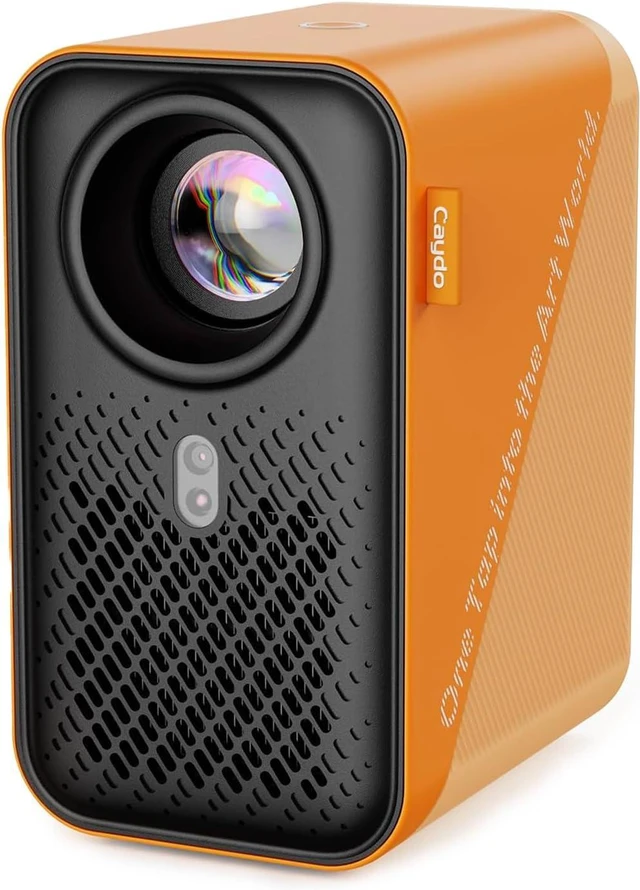
    Caydo P1 Art Projector with Drawing App for Artists

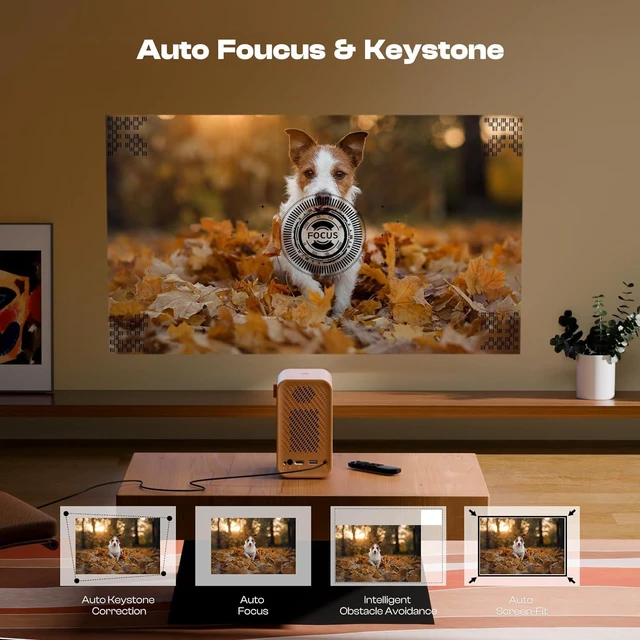
    • Auto Focus & Keystone, Auto Screen-Fit, 30''-100 Projection Size, Sealed Optical Engine, Dual-band WiFi & Bluetooth 5.0
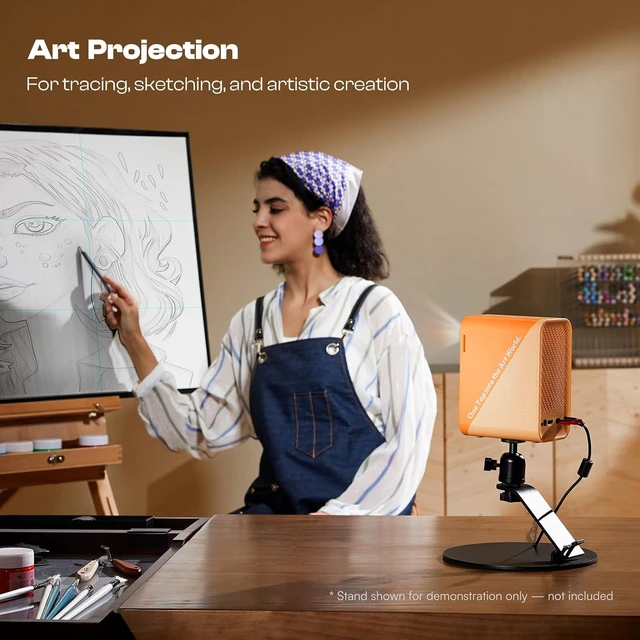
    • ART PROJECTOR FOR DRAWING: Effortlessly project images, designs, and photos onto various surfaces, including walls, easels, blackboards, and whiteboards. Suitable for tracing, sketching, and artistic creation, this art projector caters to the needs of painting enthusiasts, professionals, designers, and artists alike. Take off the lens cover before using
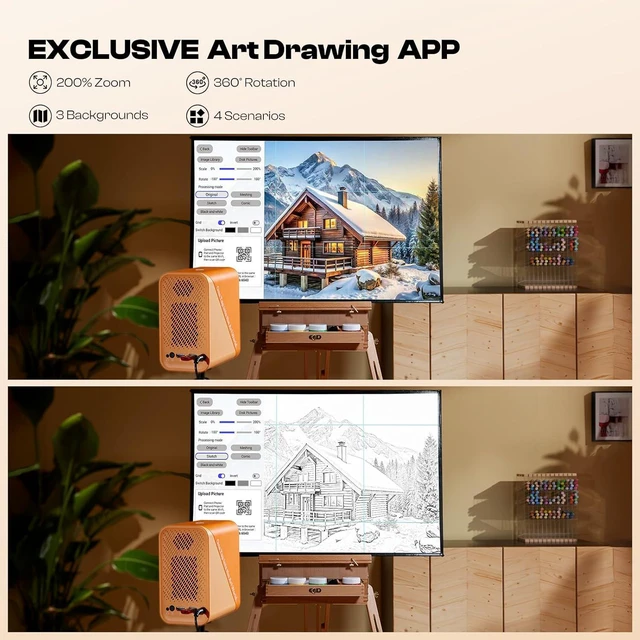
    • EXCLUSIVE DRAWING ASSISTANT: The built-in art software features tools like zooming, 360° rotation, and 3x3 grids. Our drawing app is designed to make your artistic process smoother and more intuitive. Select from 3 background colors and 4 unique artistic modes (Gridify, Sketchify, Comicize, and Monochromize) to adapt the drawing projector to your style and workflow
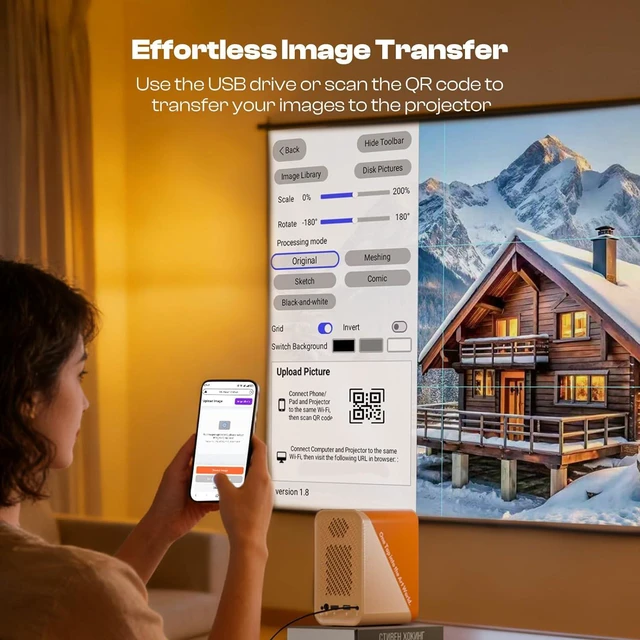
    • EFFORTLESS IMAGE TRANSFER: Simply scan the QR code within the app or use a USB drive to easily transfer your images to the projector. This allows you
    +
    +
    Overview
    Reviews

    Any questions? Ask CelesteSM will help you find out quickly.

    How do I upgrade the drawing app on the projector? Do I need to pay for the new version?
    App upgrades are pushed automaticallyjust agree when notified. You can also check manually in Settings > System > Upgrade. All new features remain free. No download or payment is needed.
    What are the 4 drawing modes in the drawing app for?
    The 4 drawing modes are designed to intelligently process your original image by removing any irrelevant elements and transforming it into various styles. Each mode offers unique effects to help you achieve your artwork.
    Is a PC required to transfer images?
    No, now you can quickly transfer images from your phone to the projector by simply scanning the screen-on code within the drawing app.
    How to transfer images without internet?
    If you're in a location with no internet, simply save your images to a USB drive in advance, plug it into the projector, and you can access them directly from the built-in drawing app.
    Can I trace without using the app?
    Yes, if you don't need image processing features, you can use screen mirroring to project images onto your surface for quick tracing.
    S2 Art Projector

    Warranty & Returns

    Warranty, Returns, And Additional Information

    Warranty

    • Please contact the Seller directly for warranty information. Warranty information may also be found on the Manufacturer's website.
    • CONTACT

    Return Policies

    Manufacturer Contact Info

    LOADING...