Your Browsing History
Meet Your Seller
Mini Projector with WiFi and Bluetooth, Portable Movie Projector
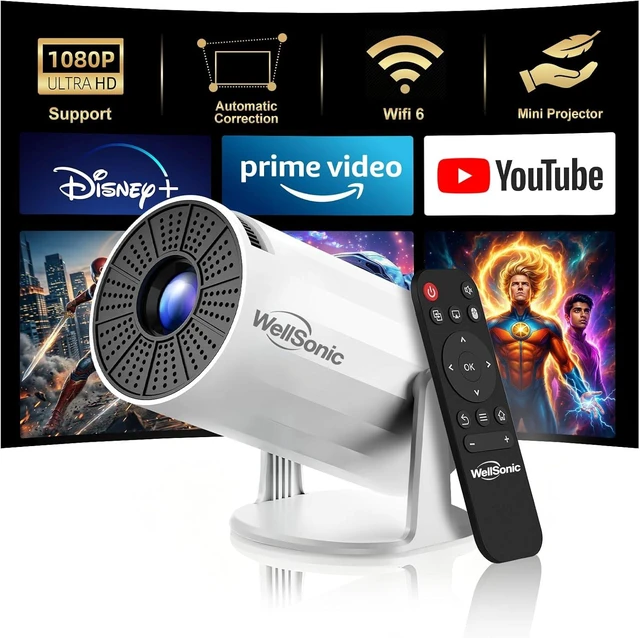
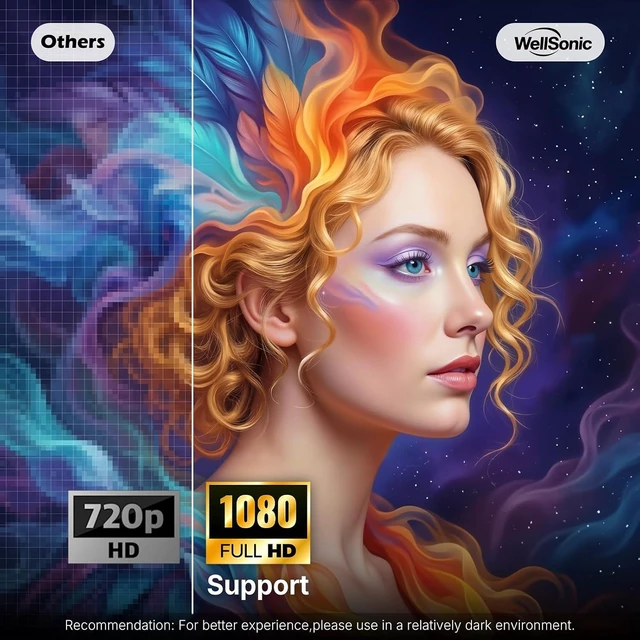
- Support 1080P, Auto Keystone,210° Rotation, Smart Projector for Bedroom,Compatible with HDMI
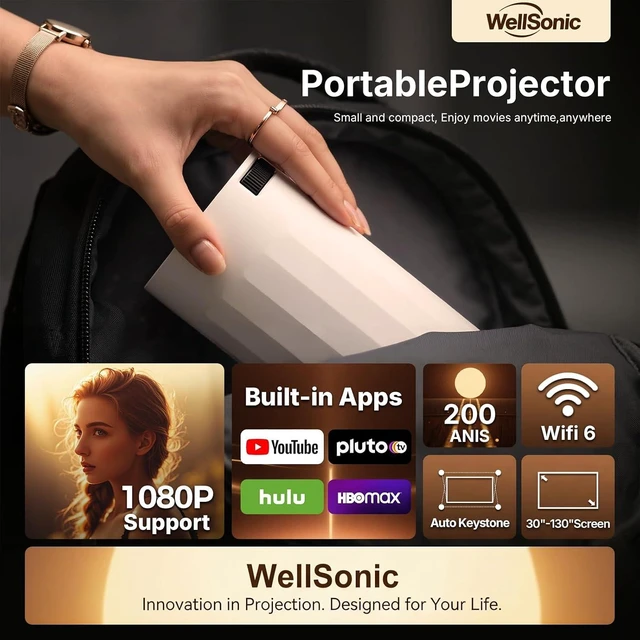
- Smart projector with built-in Apps: This mini smart projector is powered by Android 11 and a high-performance H713 chip, giving you direct access to Prime Video, YouTube, and other popular platformsno extra streaming device required. Enjoy over 1,000,000 movies and TV shows anytime, anywhere
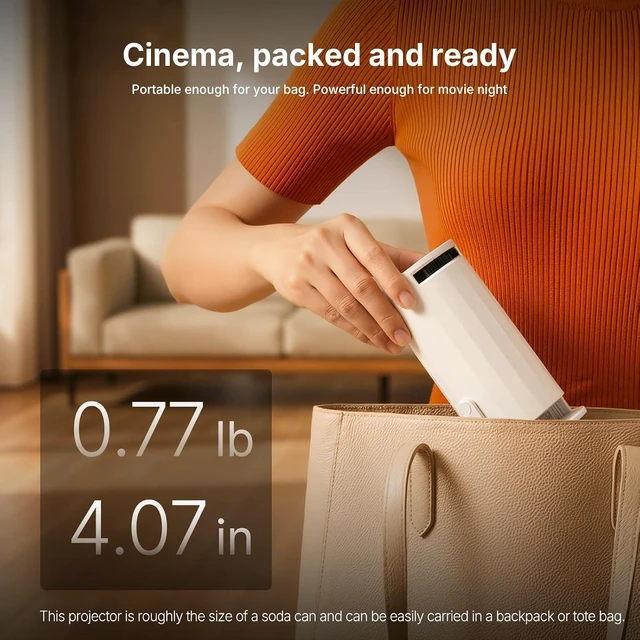
- Pocket-Sized & Ultra-Portable: Measuring just 5.11 × 3.26 inches and weighing only 0.88 lbs, this portable projector fits easily into your bag. Take the big screen anywherebackyard parties, camping trips, or hotel staysand transform any wall into your personal cinema
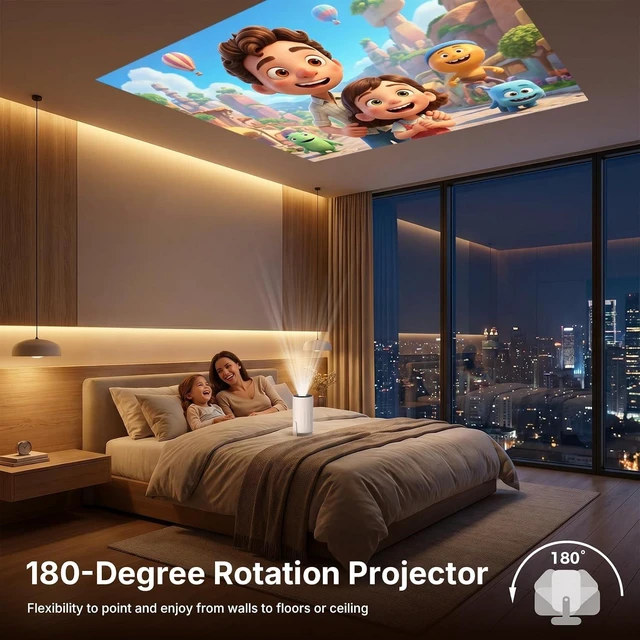
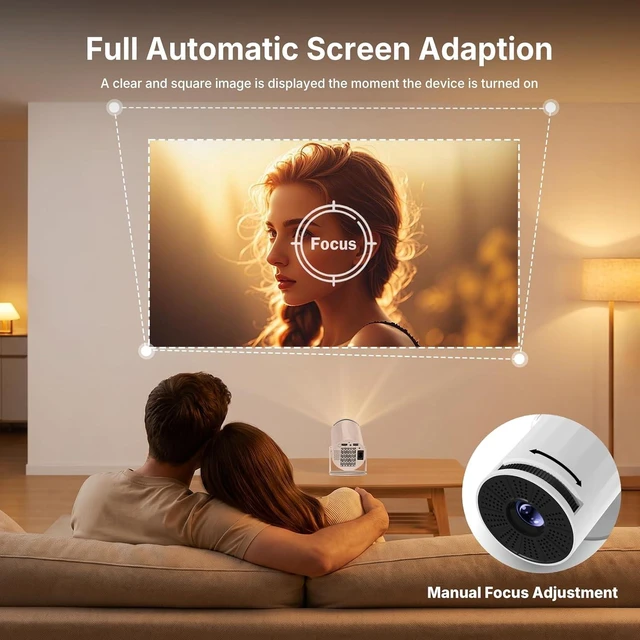
- Perfect Picture in Seconds: This home projector get the ideal view every time with auto keystone correction to instantly straighten the image, manual focus for razor-sharp clarity, and a 210° rotating design that lets you project onto walls, ceilings, or any you want surface
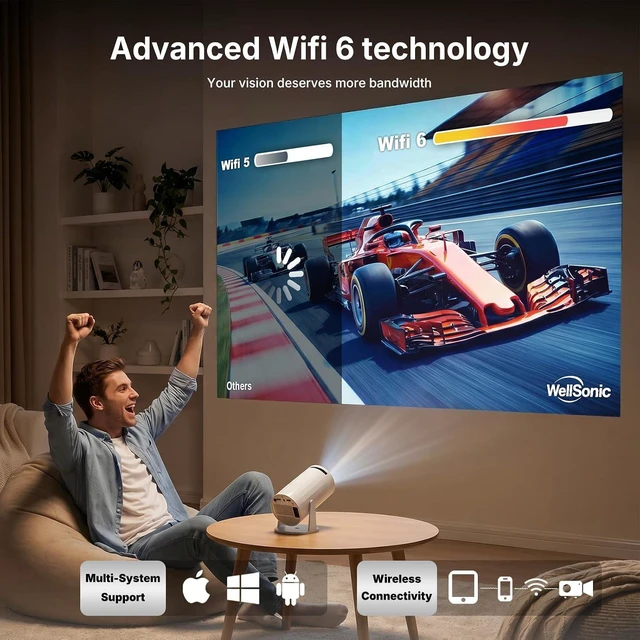
- Lag-Free Streaming: Equipped with the latest WiFi 6 technology
+
+
Overview
Specs
Reviews
Any questions? Ask CelesteSM will help you find out quickly.
Try me now
1A Night in the Courtyard2Home Theater Night3Yoga Night4Bedroom What should I do if the remote control for the projector doesn't work?
The sensor of the remote control is located on the back of the product (just above the power port). Please align it with the position of the sensor. Keep a distance of 1 to 2 meters, then press it and it will start working!
Does our projector need to be connected to an electrical cord?
Yes, our projector needs to be connected to an electrical power cord for use, not a wireless projector!
How to connect a projector to an iPhone?
1. Ensure that the machine and the mobile phone are connected to the same network. 2. Open airpin-> airplay in the projector. 3. Open the mobile phone image to connect(You can refer to the manual for more information.)
What if Netflix and other streaming services are unavailable?
If you encounter a situation where the projector cannot use apps such as youtube or Netflix, it might be due to software limitations. Please send us a private message, we will solve this problem for you.
What should I do if the remote control for the projector doesn't work?
Does our projector need to be connected to an electrical cord?
How to connect a projector to an iPhone?
What if Netflix and other streaming services are unavailable?
Warranty & Returns
Warranty, Returns, And Additional Information
Warranty
- Please contact the Seller directly for warranty information. Warranty information may also be found on the Manufacturer's website.
- CONTACT
Return Policies
- Return for refund within: 30 days
- Return for replacement within: 30 days
- This item is covered by Cloudless Clear Return Policy
Manufacturer Contact Info
- For a directory of all our manufacturers, please click below.
- Manufacturers Directory
LOADING...