Your Browsing History
Meet Your Seller
3Dhologramfan, 52cm 3Dhologramfan Projector HD LED Holographic Christmas Tree Advertising Display with Remote Bluetooth WiFi,1500 Video Library for Business,Bar,Halloween Missyou 20.5 Inch
- Discover A New Era Of Visual Presentation With The Missyou 20.5 Inch m. This Exceptional 3d Holographic Display Employs 624 High-Brightness Led Beads, Crafting A Stunning 3d Led Fan Display That Brings Your Content To Life With Vivid Colors, High Clarity, And Excellent Fidelity. Whether For A Trade Show, Exhibition, Or Holiday Decorations, The Led Holographic Fan Will Surely Make A Lasting Impression, Transforming Any Event Into An Unforgettable Experience 3Dhologramfan cube.
- The Missyou 3Dhologramfan Projector Stands Out With Its User-Friendly App, Offering Easy Content Change On Your 3Dhologramfan Display Via Wifi Connectivity. Compatible With Both Android And Ios, This 3d Wifi 3Dhologramfan Display Led Fan Wifi Provides A Seamless Experience Of Switching Your Video Materials. Additionally, Remote Control Is Included For Simple Power On-Off And Video Sequence Control, Making This Holographic Advertising Display A Breeze To Use.
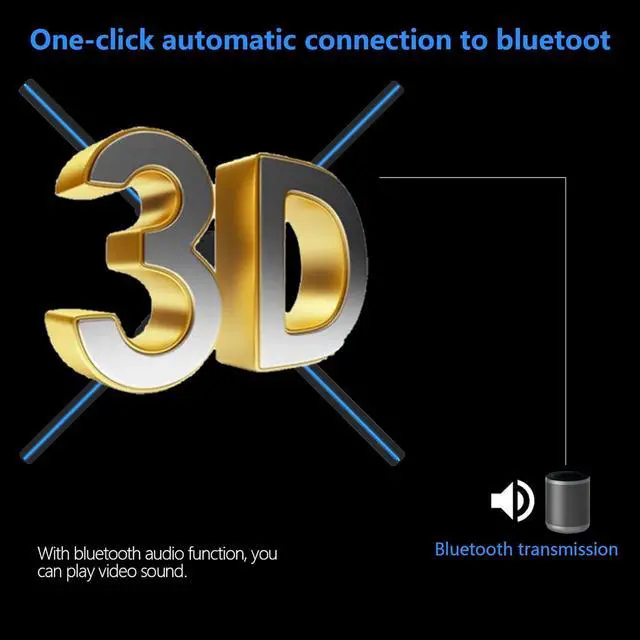
- Our 3dHologramFan Incorporates Cutting-Edge Bluetooth
+
+
Overview
Specs
Reviews
Any questions? Ask CelesteSM will help you find out quickly.
Try me now
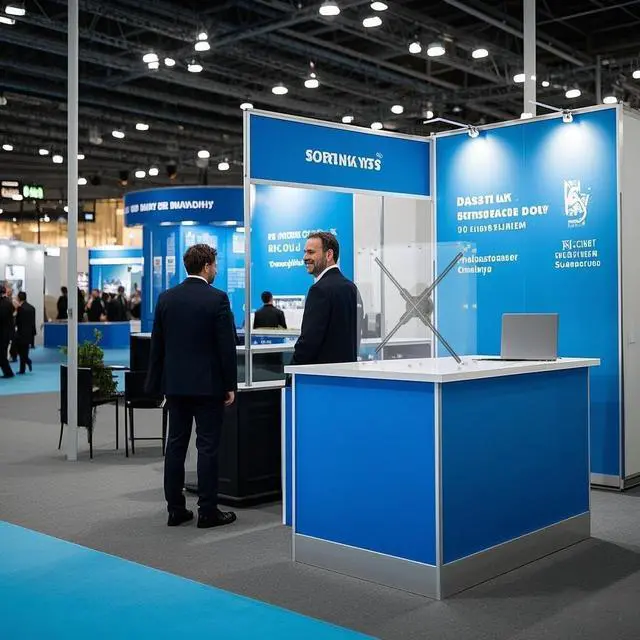
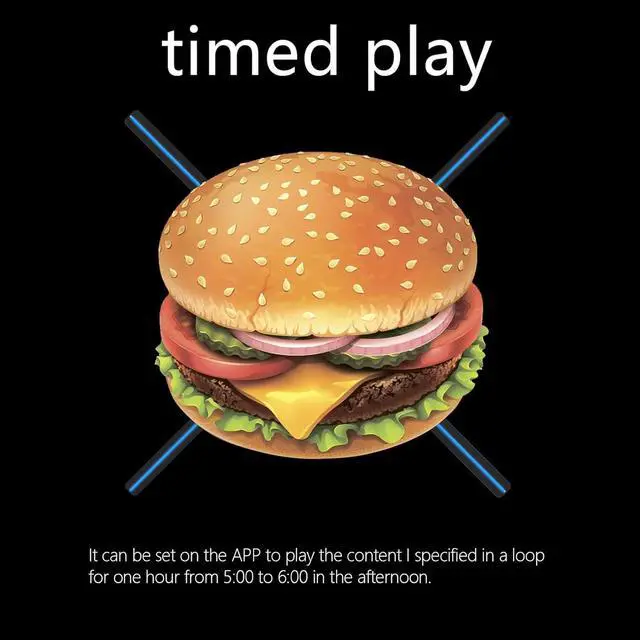
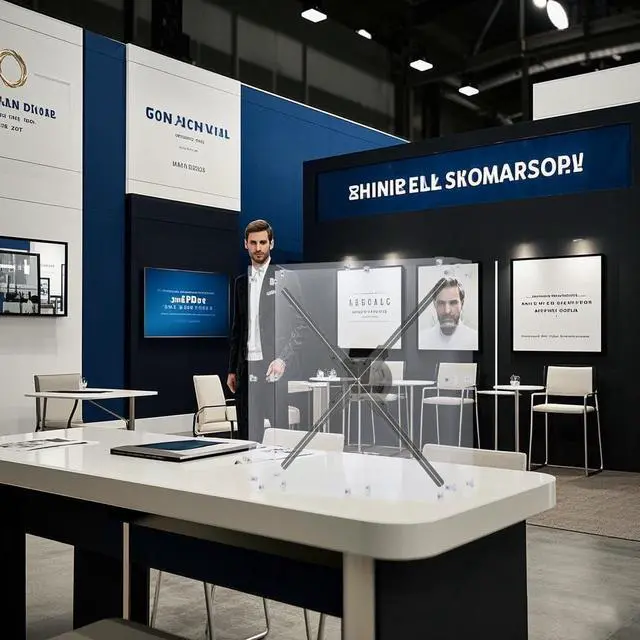
Create an indoor retail presentation with your own product images, MP4 videos or app-created text. Use HoloMissYou to upload and change the message. The hamburger artwork and scene are illustrative composites, not actual display or installation photographs.
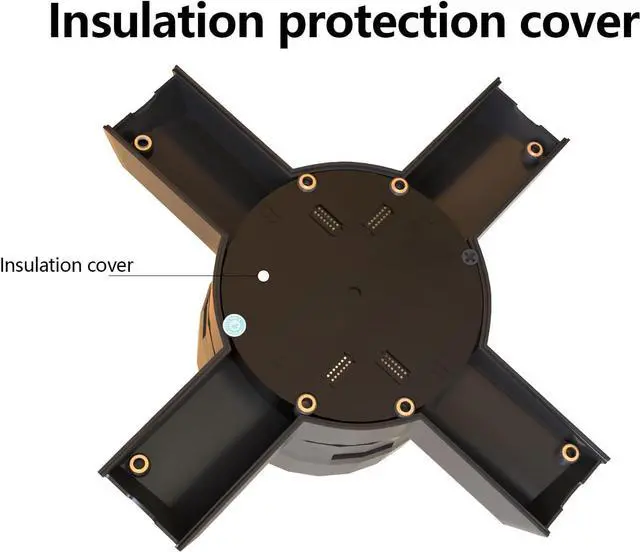
For indoor retail, prepare your own product graphics or promotional text. For an indoor trade show, prepare brand images or product highlights. These are suggested uses. Plan mounting and blade clearance; use a protective cover below 2.9 m. Scene items are not included.
Use a product JPG, a brand graphic, or text created in HoloMissYou. MP4 video upload is also supported. Prepare square 1:1 files and follow the black-background video requirements. Shown artwork is an illustrative example, not a supplied media library or actual playback.
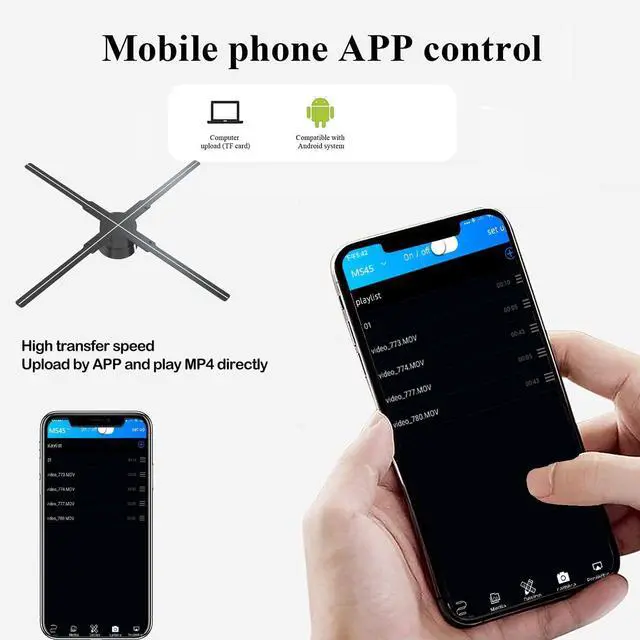
Prepare square 1:1 MP4 or JPG files; follow the guide's black-background video requirements. Turn off mobile data, connect to the fan Wi-Fi and open Control Devices. Fit artwork inside the dotted circle, send it and stay until 100%. Internet is needed for app installation and cloud downloads.
52 cm (approx. 20.5 in) is the maximum rotating blade diameter, not image size. This 576-LED version needs extra clearance. Plan secure mounting and keep people clear. Some Android devices may not fully support HoloMissYou. Diagram is schematic; viewing distance and clearance are not specified.
Compact remote included; protective covers and desktop stands sold separately. Prepare a compatible phone and your own media or text. Install at least 2.9 m high, or use a protective cover below that height. Check model-specific mounting, fit and clearance. Not a complete box-contents list.
Can I display my own content?
Yes. Upload MP4 videos or JPG images with HoloMissYou, or edit text in the app, send it and play it. Prepare square 1:1 files and follow the guide's black-background video requirements.
Is 52 cm the displayed image size?
No. It is the maximum rotating blade diameter (approximately 20.5 in). Extra installation clearance is needed.
Are the protective cover and desktop stand included?
They are sold separately. Check fit and mounting requirements for this model.
Will the app work on every Android phone?
Some Android devices may not fully support HoloMissYou. Check compatibility with your phone before planning the workflow.
When is internet access needed?
Internet access is needed for app installation and cloud downloads. For device uploads, turn off mobile data and connect to the fan Wi-Fi.
Bring Your Own Content to Your Space Choose the Content for Your Space Three Ways to Make the Message Yours Your Content. Three Steps. Plan the Space, Not Just the Diameter Prepare the Essentials Before You Buy Can I display my own content?
Is 52 cm the displayed image size?
Are the protective cover and desktop stand included?
Will the app work on every Android phone?
When is internet access needed?
Warranty & Returns
Warranty, Returns, And Additional Information
Warranty
- Please contact the Seller directly for warranty information. Warranty information may also be found on the Manufacturer's website.
- CONTACT
Return Policies
- Return for refund within: 30 days
- Return for replacement within: 30 days
- This item is covered by Cloudless Clear Return Policy
Manufacturer Contact Info
- For a directory of all our manufacturers, please click below.
- Manufacturers Directory
LOADING...