Your Browsing History
Meet Your Seller
Short Throw Projector 1200ANSI 3 Year Protection
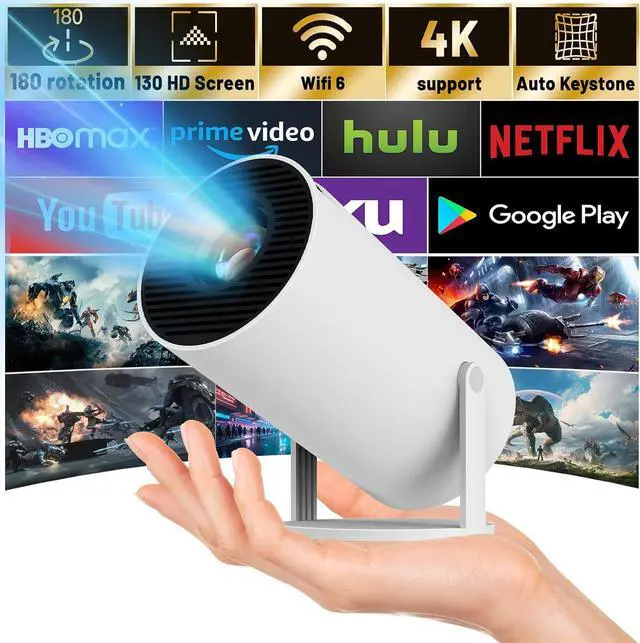
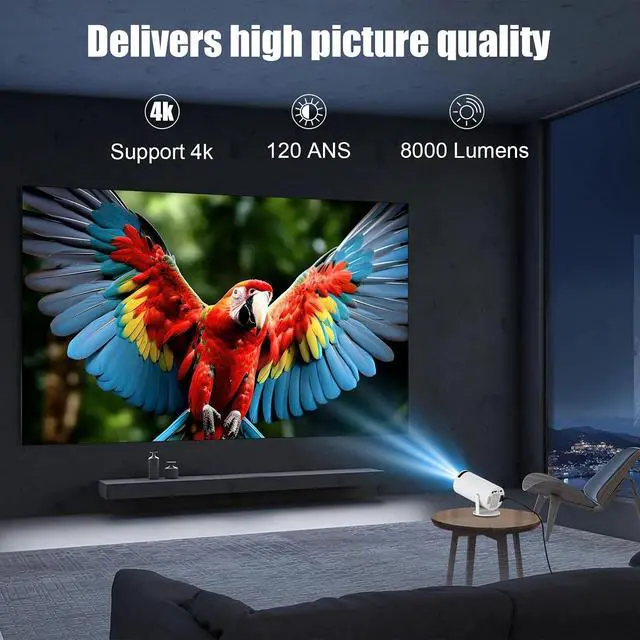
- Native 1080P | 600 ANSI Lumens | 4K & HDR10 SupportMaypug P7 4K Projector features native 1080P resolution and 600 ANSI lumens, the Maypug P7 delivers stunning clarity even in well-lit rooms. With 4K decoding capability and advanced HDR10 technology, it boasts a 20,000:1 contrast ratio for deeper blacks, brighter whites, and 30% more accurate color reproduction. The 60Hz refresh rate ensures smooth motion in action scenes and gaming, while its theater-quality visuals transform any space into a premium home cinema.
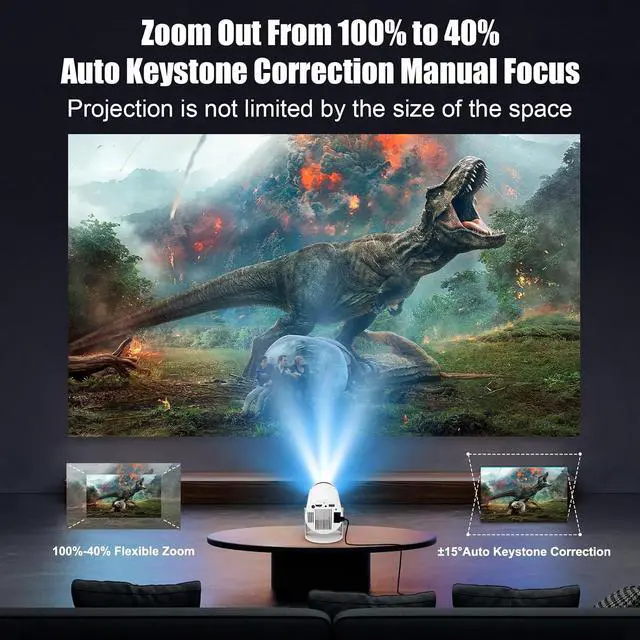
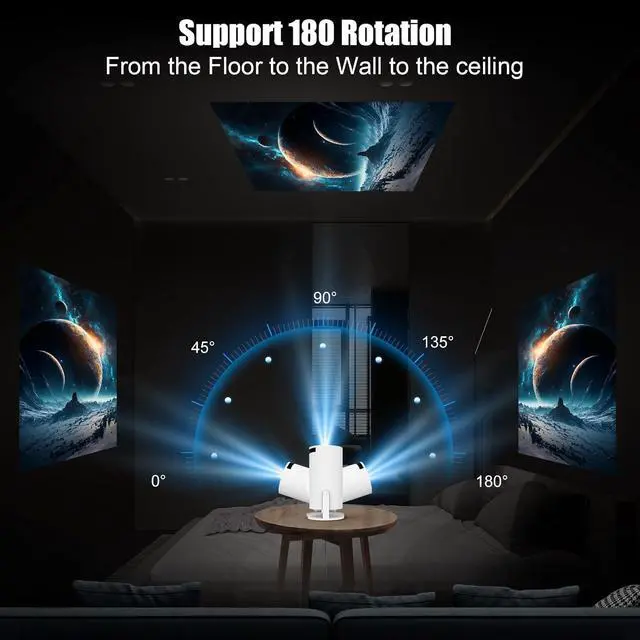
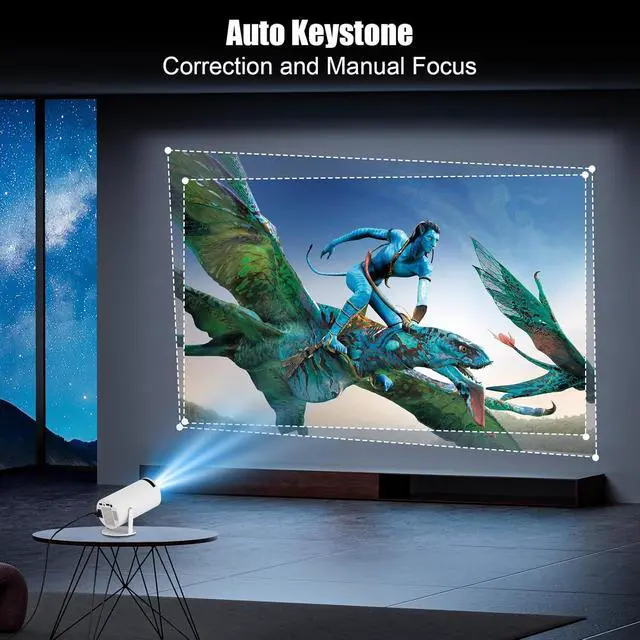
- US-Tuned OS | Preinstalled Apps | No Extra DevicesMaypug P7 short-throw projector features self-developed Lilac OS with officially certified streaming apps: Miracast (Android) and AumiCast (Android/iOS). Access Netflix, Prime Video, YouTube, and millions of videos without extra devices. Preloaded with Google Play and TV Store, download thousands of apps effortlessly. Bluetooth remote control for easy navigation. Its short-throw design breaks space limits, ideal for
+
+
Overview
Specs
Reviews
Any questions? Ask CelesteSM will help you find out quickly.
Try me now
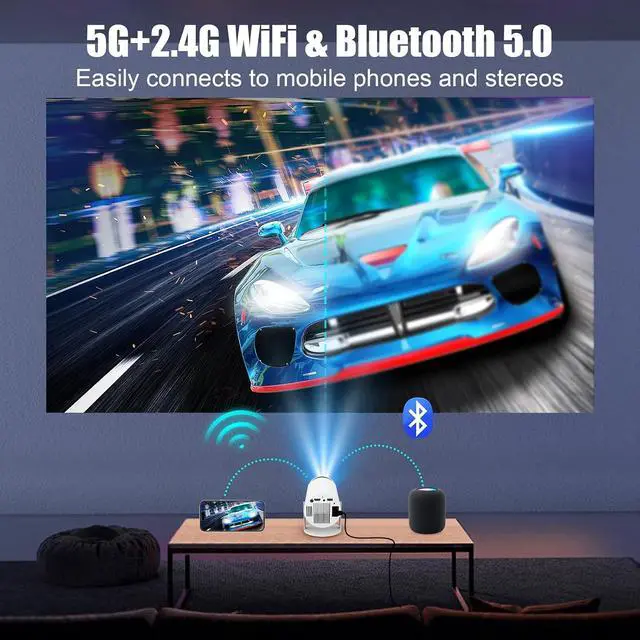
How to mirror the screen of a mobile device and cast it onto the projector
Ensure both the projector and the mobile device are connected to the same wireless router. For iOS/Mac OS devices, use TVCasting. For Android devices, use Miracast Receiver
How to solve the problem of no display via HDM?
Replace the HDMl cable
Change the display output resolution. Recommended:1280x720@60Hz.
lf using an adapter, ensure the adapter is functional.Note: Some adapters, such as those used with the Nintendo Switch, may require additional power.
If the images are blur, what should i do?
1 Remove the lens protective flm before use.
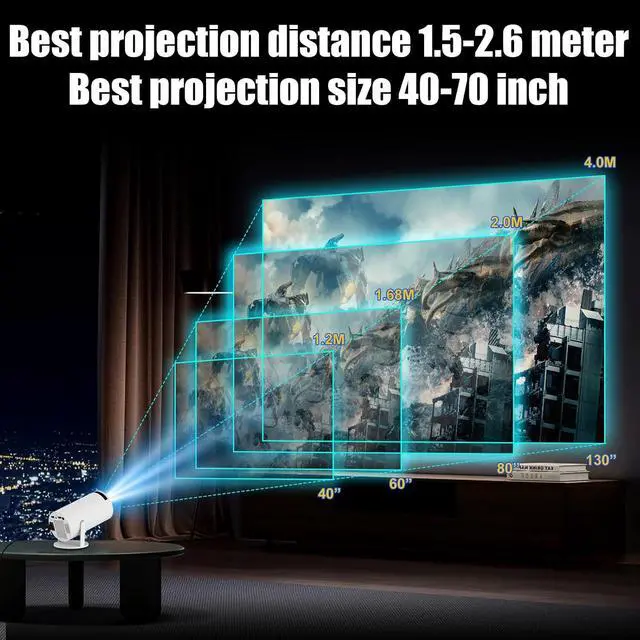
2 Adjust the focus ring for a clear image. Recommendedviewing distance: 1.2~4 meters.
How to mirror the screen of a mobile device and cast it onto the projector
How to solve the problem of no display via HDM?
If the images are blur, what should i do?
Warranty & Returns
Warranty, Returns, And Additional Information
Warranty
- Please contact the Seller directly for warranty information. Warranty information may also be found on the Manufacturer's website.
- CONTACT
Return Policies
- Return for refund within: 30 days
- Return for replacement within: 30 days
- This item is covered by Cloudless Clear Return Policy
Manufacturer Contact Info
- For a directory of all our manufacturers, please click below.
- Manufacturers Directory
LOADING...