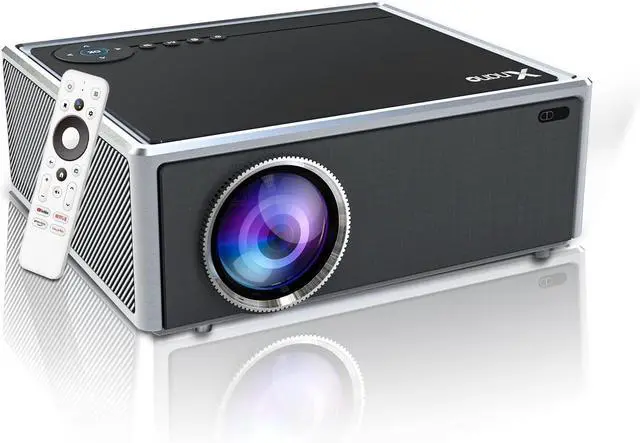
XNANO 5G WiFi and Bluetooth Movie Projector with Android 11.0 GTV
To switch from the GTV UI to the SimpleLauncher UI
Press the [Input Source] button on the remote control and select [SimpleLauncher] to return to the SimpleLauncher interface.
Note: Installing apps via APK package download is not supported in the simplelauncher interface.
To switch from the SimpleLauncher UI to GTV UI
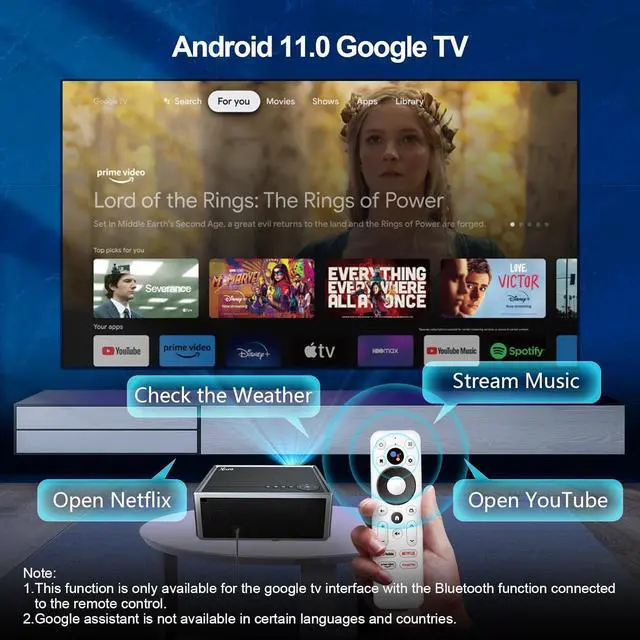
On your remote control, press the [Home] button to go to GTV.
Note: The device will boot into the GTV UI by default. For the initial setup, GTV activation is required. Follow the on-screen instructions to complete the activation process.
Voice Assistant Built-in
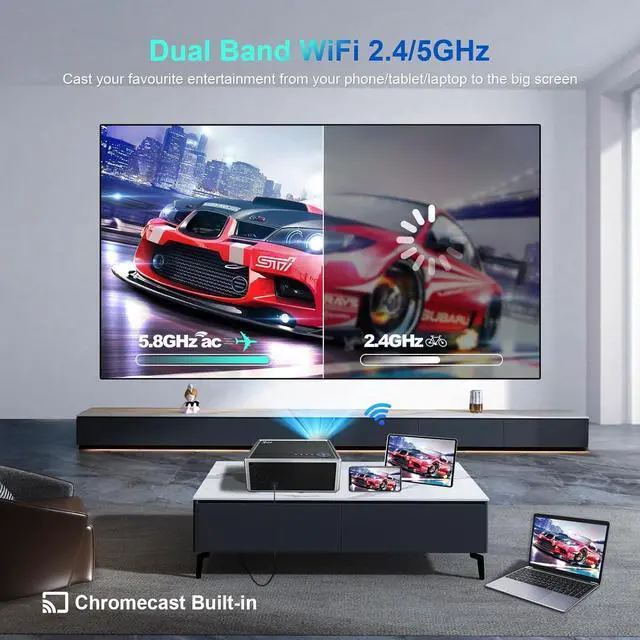
Chromecast Built-in
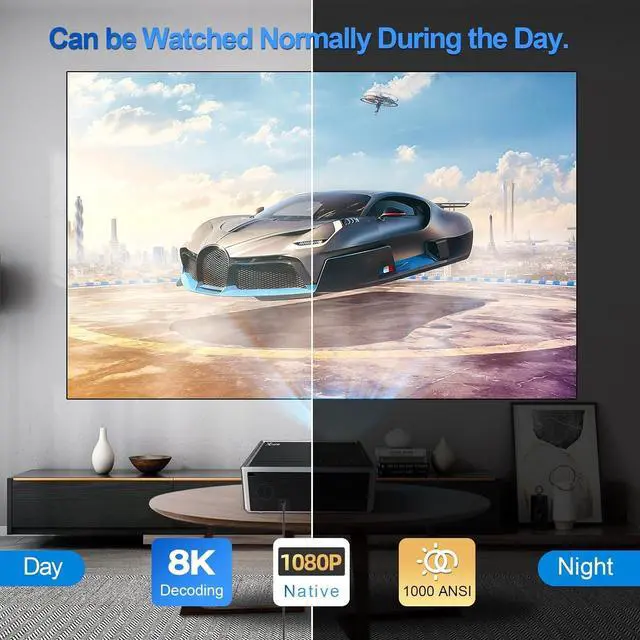
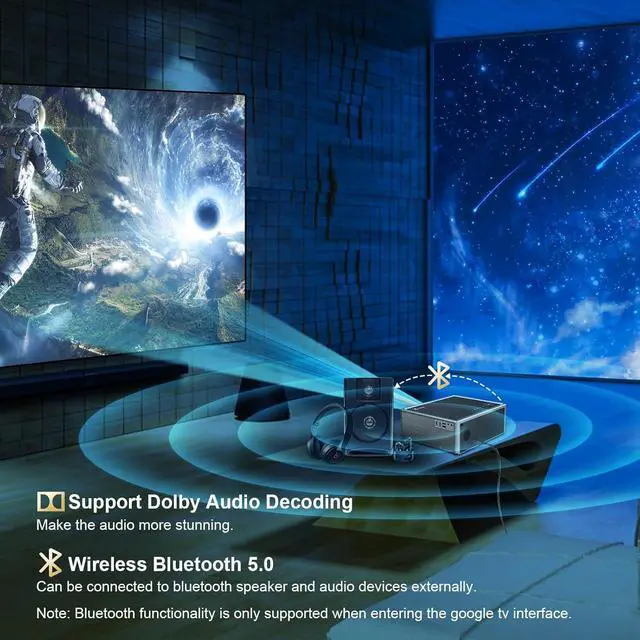
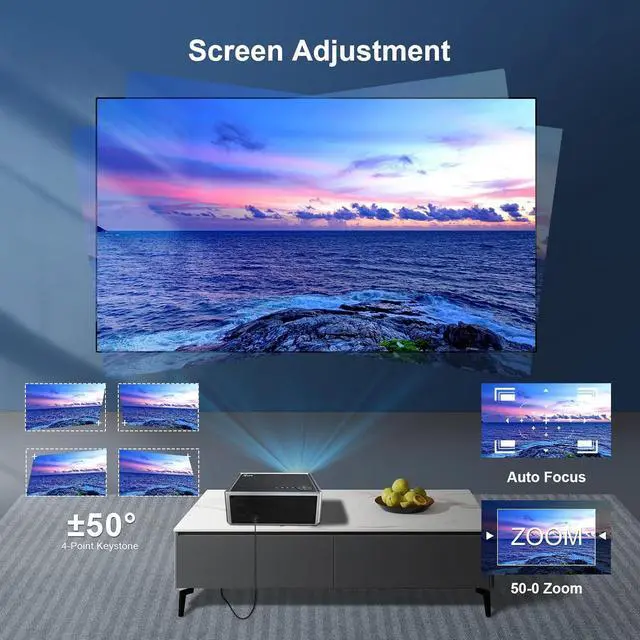
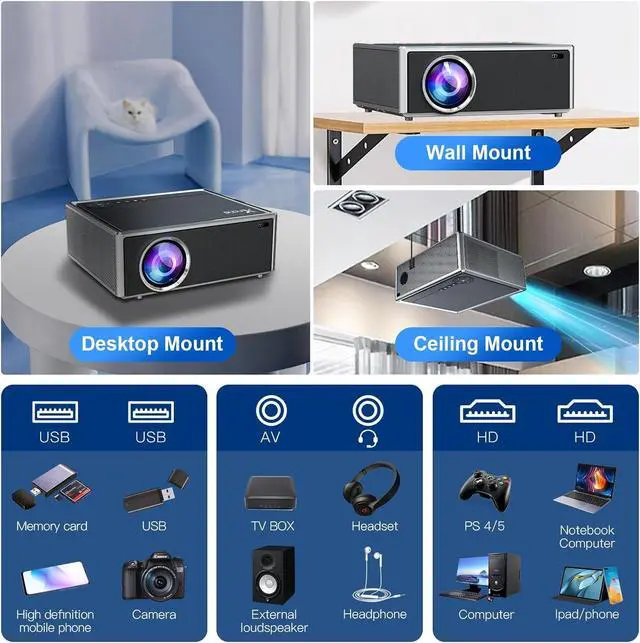
CPU Amlogic T972-B Quad-core ARM Cortex-A55 CPU GPU ARM Mali-G31 MP2 RAM 2GB ROM 16GB Brightness 1000 ANSI Display Full HD 1920*1080, Support 8K/4K Decoding Technology LCD + LED technology Speaker 5W*2 Light Source LED LCD Size 5.8 inch Power Voltage AC 110-240V Power consumption 180W Unit packing weight 7.94 lb Packing size 13.54×13.27×6.46 in Ports 3.5mm Audio Port/2*USB Port/2*HDMI IN Port/1*AV Port Accessories 1*Projector/1*User manual/1*HDMI cable/1*Power cable /1*Remote control/1*Height screw 1.How to switch between SimpleLauncher UI or GTV UI interfaces?
From the SimpleLauncher UI to GTV UI
On your remote control, press the [Home] or [TV] button to go to GTV UI.
From the GTV UI to the SimpleLauncher UI
Press the [Input Source] button on the remote control and select [SimpleLauncher]
2.Why is the sound so low when I'm watching a video on GTV but the volume is already set to maximum?
1.Check if the volume on the streaming player is adjusted.
2.To the SimpleLauncher UI and adjust the volume of the projector machine.
3.If an external speaker device is connected, also check if the volume on the external speaker has been adjusted.
3.Why is the remote control is insensitive or unresponsive?
* Do not cover lR receiver;
* ln IR mode, make sure remote points at lR receiver directly;
* The batteries are out of power or the battery is not installed correctly;
* Pair the Bluetooth remote control and make sure it is working within 5m;
4.Can I cast YouTube videos from my phone to a projector on the GTV UI?
Yes, of course, the GTV supports chromecast technology, you only need to connect the devices in the same network environment and you can cast videos streamed from your phone/tablet/ laptop to the big screen.
5.How can I download the apps on the GTV UI?
You can use Voice Assistant on Bluetooth remote to search on "Play Store" or press "Play Store" on remote control, and then access the "Play Store" app to download the apps you want.
SimpleLauncher UI GTV UI 1.How to switch between SimpleLauncher UI or GTV UI interfaces?
2.Why is the sound so low when I'm watching a video on GTV but the volume is already set to maximum?
3.Why is the remote control is insensitive or unresponsive?
4.Can I cast YouTube videos from my phone to a projector on the GTV UI?
5.How can I download the apps on the GTV UI?




 here!