

Your Browsing History

Meet Your Seller


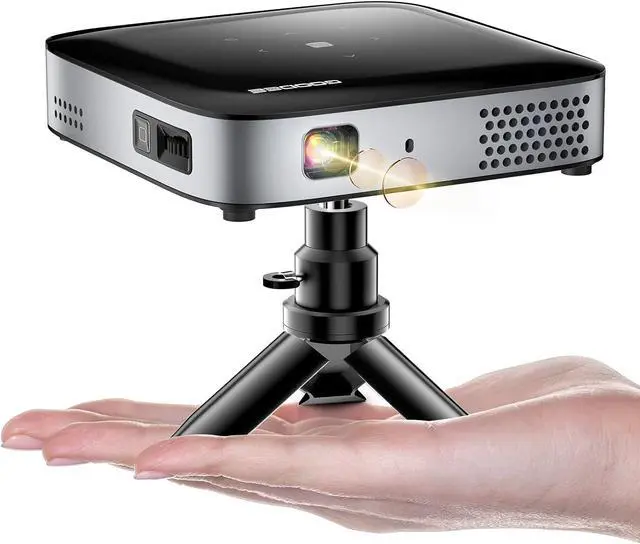
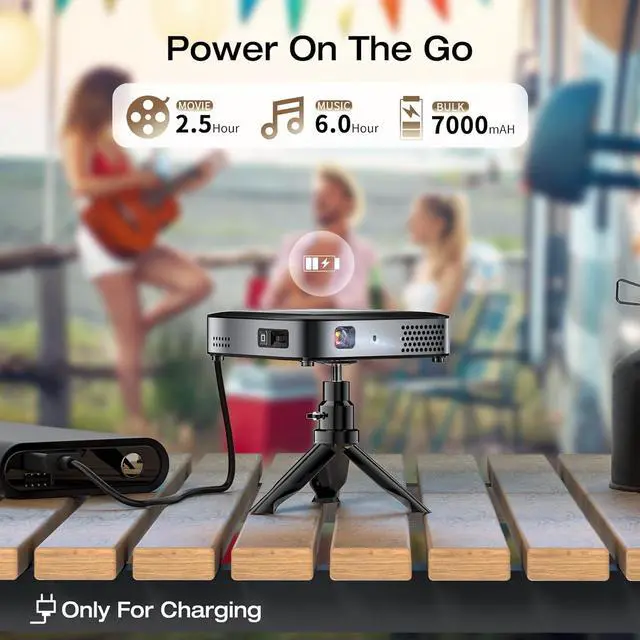


GooDee WiFi Bluetooth Mini Projector - 4K DLP Projector 1080P Support Pocket Pico Movie Projector with Tripod, Outdoor Video Portable Rechargeable Battery Short Throw for iPhone/Android
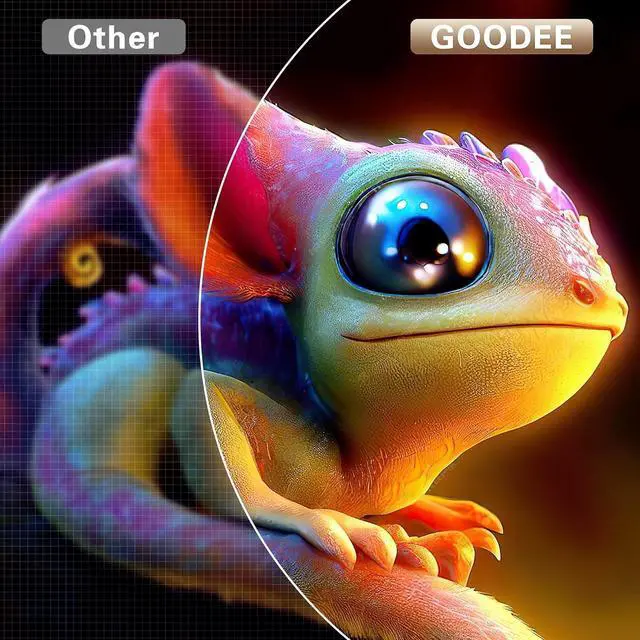
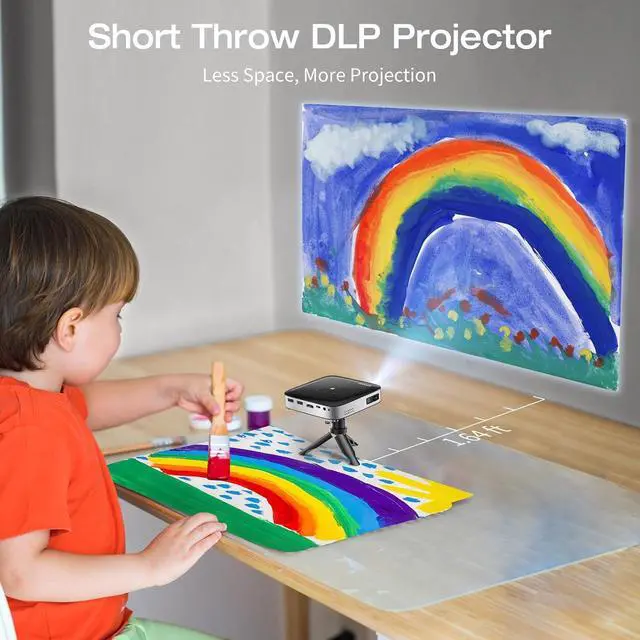
- 4K DLP Projector-GooDee DLP projector incorporates the latest Breakthrough Digital Light Processing Technology, delivering exceptional light efficiency and precise color control, resulting in an incredibly vibrant 500 ANSI lumen image. With a recommended projection distance ranging from 1.64 to 9.85 feet (with 10 to 100 inches being optimal), and the ability to project up to 150 inches, this versatile movie projector is perfectly suited for a multitude of environments. Recommended for use in darker environments.
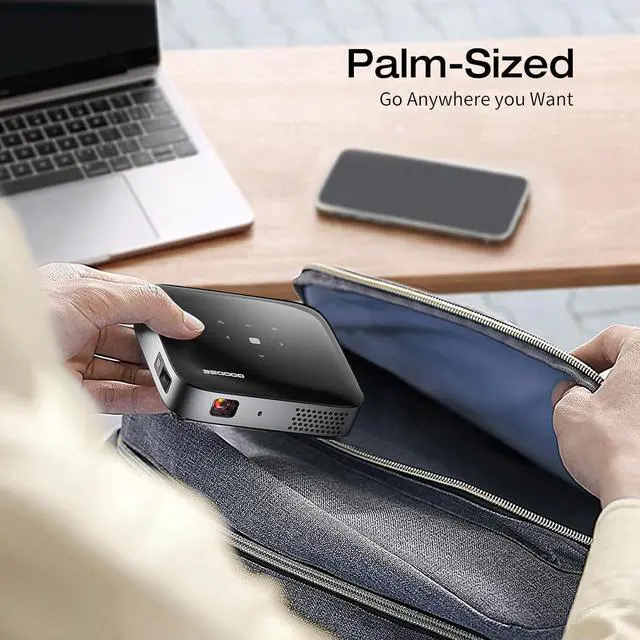
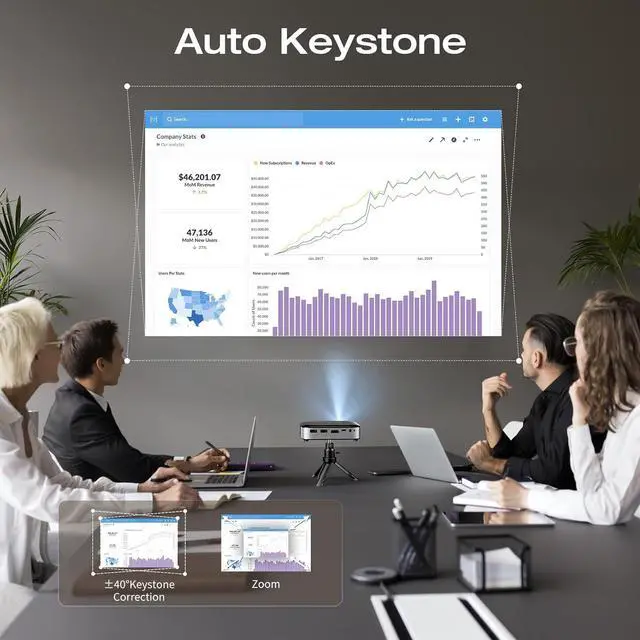
- Pocket-Sized and Automatic Keystone Correction-The pico projector measures just 5.9x3.9x0.9 inches and weighs approximately 2.6 pounds, making it impressively compact and incredibly portable, which you can take it with you anywhere and at any time. This smart projector features automatic vertical ±45° keystone correction, ensuring that you never have to worry about the image appearing blurry or distorted. This feature helps to correct any discrepancies quickly and seamlessly.
+
+
Overview
Reviews

Any questions? Our AI mode will help you find out quickly.
Try me now
Turn on the projector, select "settings", then go to the next screen andselect "BT" to connect your WiFi.
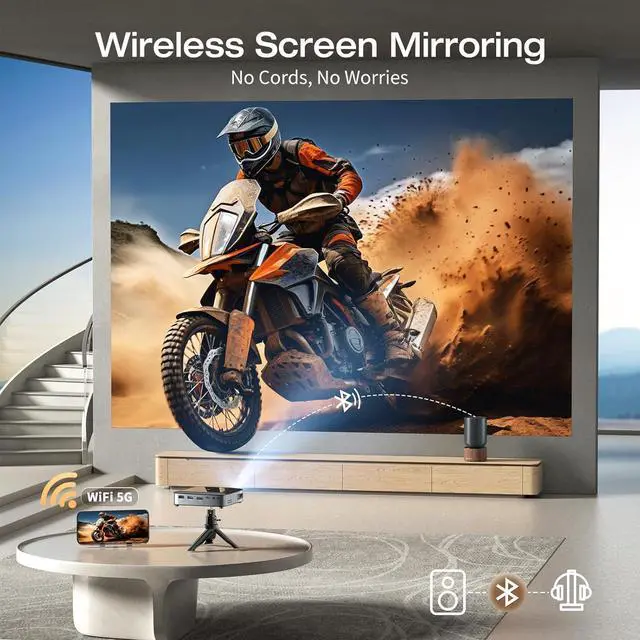
The 5G WiFi projector has impressive 2.4G+5G dual-frequency technology which provides lightning-fast and efficient streaming performance, which ensures no-delay viewing experience with seamless online video streaming. With this device, you can enjoy your favorite films, TV shows, and online media .
Due to app copyright, watch the movie on Prime Video, Hulu, only via connect a laptop, fire tv stick, Roku.
For iPhone / iPad / iPod touch (iOS system)Streaming with your WiFi (wireless connection)
Step 1. Tum on the projector, select "settings" then go to the next screen andselect "Network" to connect your WiFi.
Step 2. Return to the same screen interface to enter "iOs Cast".
Step 3. Connect your iPhone/iPad to the same WiFi. Open "Screen Mirroringon your device and click"GOODEE-A2-XXXX" to connect.
For Android Phone(Android system)
Streaming with your WiFi (wireless connection)
Step 1. Turn on the projector, select "setlings" ,then go to the next screen and select "Network" to connect your WiFi.
Step 2. Connect your Android device to the same WiFi. Then select "AndroidMiracast" screen miroring as the input source.
Step 3. Aclivate the Multiscreen funclion in your Android device and search forthe projector, select"GOODEE-A2-XXXX", and click to connect. Your Androiddevice display will be projected to the wall/screen after a successful connection.
Bluetooth Projector Connection
The 5G WiFi projector has impressive 2.4G+5G dual-frequency technology which provides lightning-fast and efficient streaming performance, which ensures no-delay viewing experience with seamless online video streaming. With this device, you can enjoy your favorite films, TV shows, and online media .
Due to app copyright, watch the movie on Prime Video, Hulu, only via connect a laptop, fire tv stick, Roku.
For iPhone / iPad / iPod touch (iOS system)Streaming with your WiFi (wireless connection)
Step 1. Tum on the projector, select "settings" then go to the next screen andselect "Network" to connect your WiFi.
Step 2. Return to the same screen interface to enter "iOs Cast".
Step 3. Connect your iPhone/iPad to the same WiFi. Open "Screen Mirroringon your device and click"GOODEE-A2-XXXX" to connect.
For Android Phone(Android system)
Streaming with your WiFi (wireless connection)
Step 1. Turn on the projector, select "setlings" ,then go to the next screen and select "Network" to connect your WiFi.
Step 2. Connect your Android device to the same WiFi. Then select "AndroidMiracast" screen miroring as the input source.
Step 3. Aclivate the Multiscreen funclion in your Android device and search forthe projector, select"GOODEE-A2-XXXX", and click to connect. Your Androiddevice display will be projected to the wall/screen after a successful connection.
Bluetooth Projector Connection
Warranty & Returns
Warranty, Returns, And Additional Information
Warranty
- Please contact the Seller directly for warranty information. Warranty information may also be found on the Manufacturer's website.
- CONTACT
Return Policies
- Return for refund within: 30 days
- Return for replacement within: 30 days
- This item is covered by HAITAO CROSS BORDER E-COMMERCE LIMITED Return Policy
Manufacturer Contact Info
- For a directory of all our manufacturers, please click below.
- Manufacturers Directory
LOADING...