

Your Browsing History

Meet Your Seller

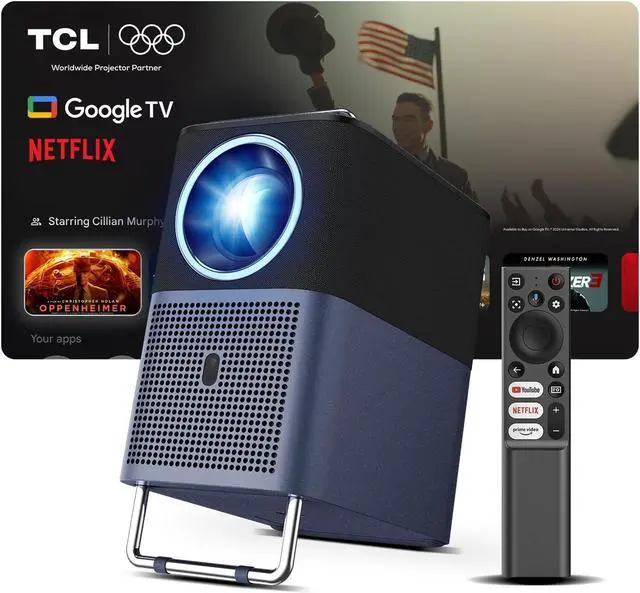
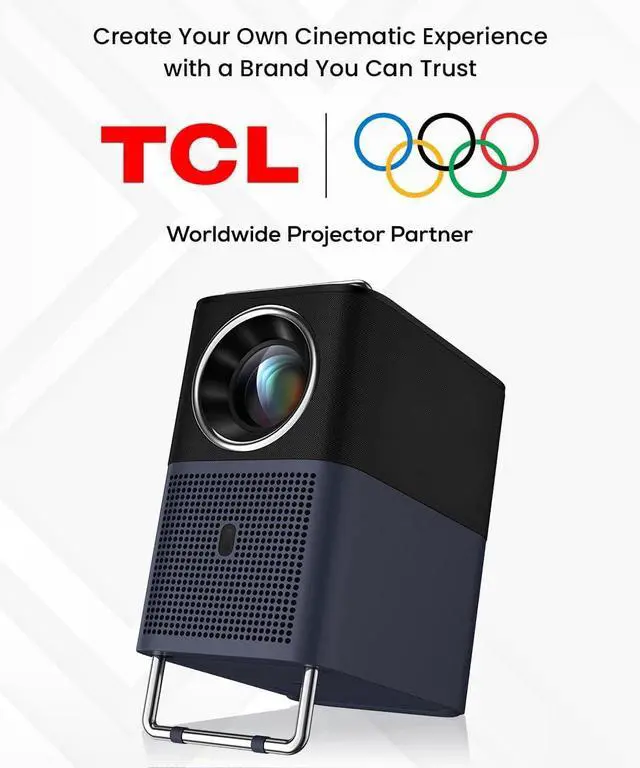


TCL A1s Smart Projector 4K Support, Google TV & Netflix Officially Licensed, WIFI and Bluetooth, Auto Focus Keystone, Native 1080p, 16W Dolby Audio, Movie Projector for Home Theater with Portable Case
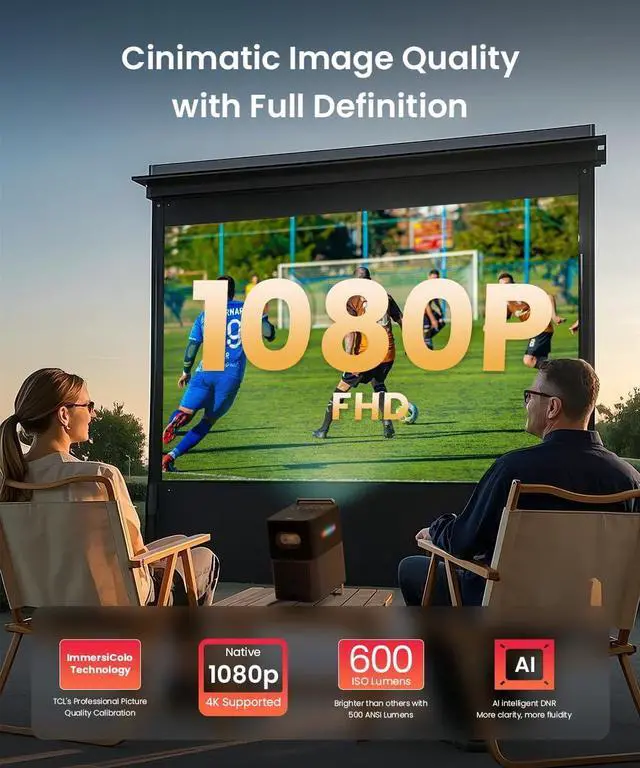
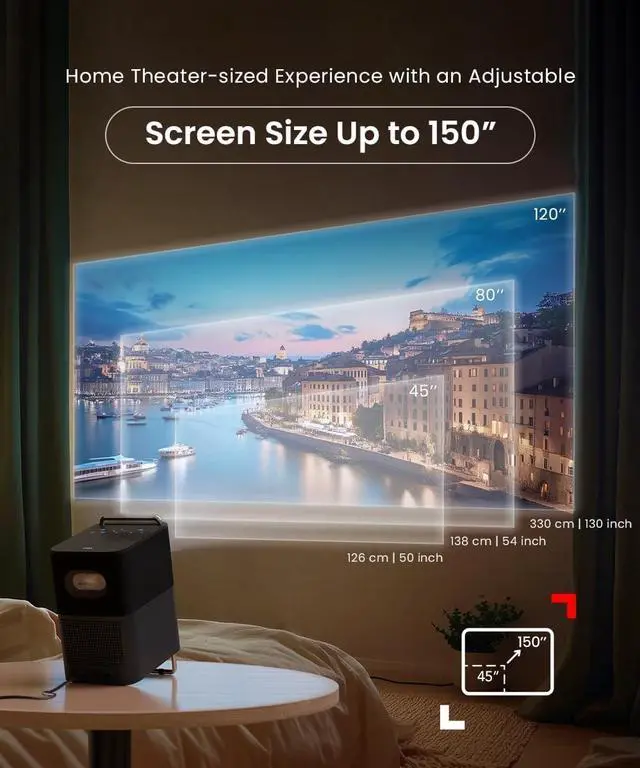
- PREMIUM-QUALITY DISPLAY: Experience stunning clarity with TCLs TrueHue Tech, native 1080P FHD, and 600 ISO Lumens brightness. Enjoy 4 preset image modes and 45150" projectionperfect for any space. Expertly engineered for immersive viewing.
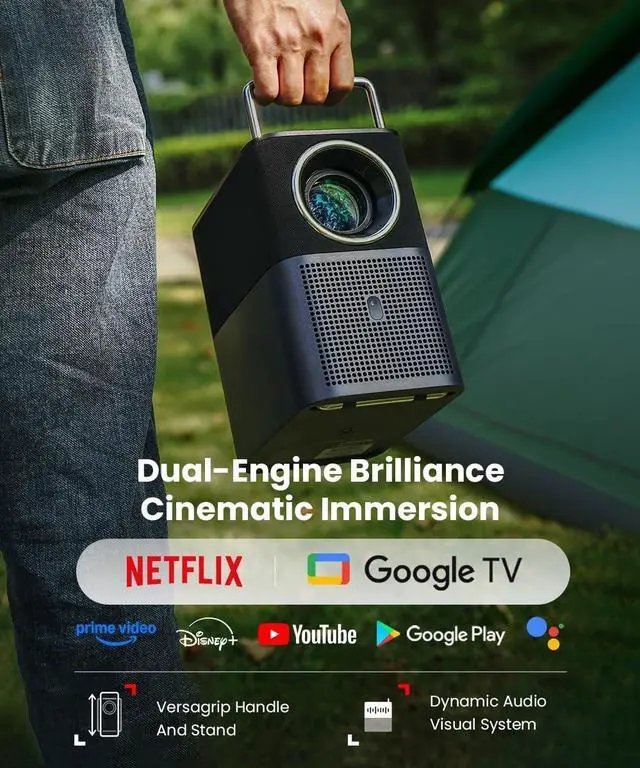
- STREAM DIRECTLY WITH BUILT-IN GOOGLE TV: No extra devices needed for accessing to 10,000+ apps including Netflix, smart updates, also voice control via Google Assistant. As the #1 global GTV partner, TCL delivers an optimized entertainment solution.
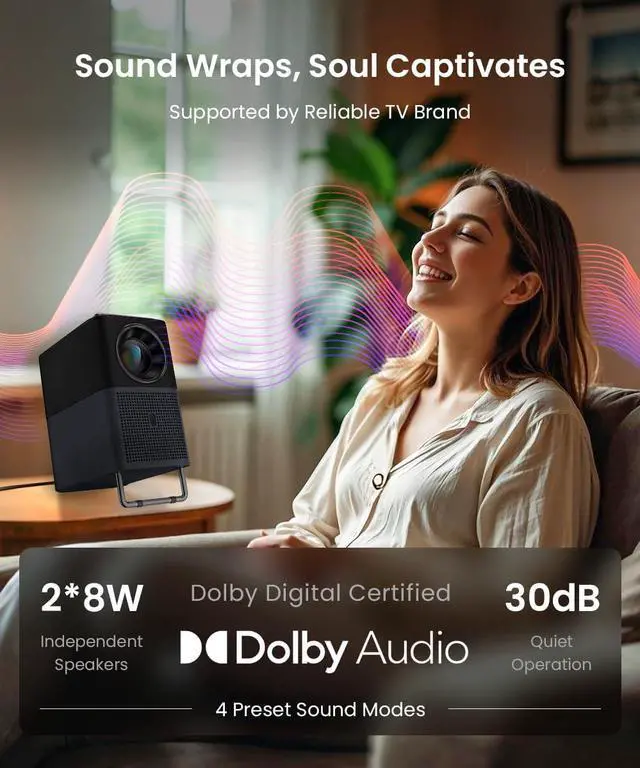
- VIBRANT SOUND SYSTEM: The A1s features dual 8W full-range speakers delivering powerful, room-filling audio. Enjoy customizable listening with 4 preset sound modes or let AI auto tuning for deep, punchy bass and crystal-clear resonance-free sound.
- PORTABLE ELEGANCE MEETS SMART DESIGN: The A1s blends modern minimalism with convenience, featuring touch-sensitive vanishing buttons and a VersaGrip handle for easy transport. Adjust its 0-15° stand for perfect viewing anywhereat home or on-the-go.
- EFFOR
+
+
Overview
Reviews

Any questions? Our AI mode will help you find out quickly.
Try me now
1TrueHue Technology2Unmatched Precision34 Preset lmage Modes4600 ISO 4K Supported5Outdoor Projection1Hear Every Whisper2Soul Captivates3Thunderous Bass4Smart Sound Modes5Widest Sound1Google TV Support2Everything You Stream3Hands-Free Voice Control4Google Cast Support5Free Travel Case1Light To Carry2Easy Operation34 Smart Technologies4Innovated Optimized5Multiple Options Does it have built-in speakers?
Yes, it features powerful 2.0 stereo speakers (16W rated power, up to 85W peak output) for immersive, room-filling sound.
How to watch video from Google TV, Netflix, Youtube, etc?
The Projector can watch Netflix, Google TV, Youtube, and more directlyno extra devices needed. This Projector equipped with 10,000+ pre-installed apps for movies, gaming, and work.
How to use a TCL Smart Projector as a Bluetooth speaker?
"Go to Settings > Projector > Bluetooth Speaker Mode
Enable Bluetooth on your smartphone and select TCL Smart Projector.
Follow the on-screen instructions to complete the Bluetooth connection
What should I do if I want to connect to a PC to my TCL SmartProjector via HDMI cable?
Select "Inputs" option on home screen > "HDMI" > then there will be a HDMI connection screen appear > connect your PC to Projector via HDMI cable.
What should I do if the sound is not heard clearly?
Go to "Settings" > "Display & Sound" > "Sound" > change to an appropriate sound mode.
Does it have built-in speakers?
How to watch video from Google TV, Netflix, Youtube, etc?
How to use a TCL Smart Projector as a Bluetooth speaker?
What should I do if I want to connect to a PC to my TCL SmartProjector via HDMI cable?
What should I do if the sound is not heard clearly?
Yes, it features powerful 2.0 stereo speakers (16W rated power, up to 85W peak output) for immersive, room-filling sound.
How to watch video from Google TV, Netflix, Youtube, etc?
The Projector can watch Netflix, Google TV, Youtube, and more directlyno extra devices needed. This Projector equipped with 10,000+ pre-installed apps for movies, gaming, and work.
How to use a TCL Smart Projector as a Bluetooth speaker?
"Go to Settings > Projector > Bluetooth Speaker Mode
Enable Bluetooth on your smartphone and select TCL Smart Projector.
Follow the on-screen instructions to complete the Bluetooth connection
What should I do if I want to connect to a PC to my TCL SmartProjector via HDMI cable?
Select "Inputs" option on home screen > "HDMI" > then there will be a HDMI connection screen appear > connect your PC to Projector via HDMI cable.
What should I do if the sound is not heard clearly?
Go to "Settings" > "Display & Sound" > "Sound" > change to an appropriate sound mode.
Does it have built-in speakers?
How to watch video from Google TV, Netflix, Youtube, etc?
How to use a TCL Smart Projector as a Bluetooth speaker?
What should I do if I want to connect to a PC to my TCL SmartProjector via HDMI cable?
What should I do if the sound is not heard clearly?
Warranty & Returns
Warranty, Returns, And Additional Information
Warranty
- Please contact the Seller directly for warranty information. Warranty information may also be found on the Manufacturer's website.
- CONTACT
Return Policies
- Return for refund within: 30 days
- Return for replacement within: 30 days
- This item is covered by HAITAO CROSS BORDER E-COMMERCE LIMITED Return Policy
Manufacturer Contact Info
- For a directory of all our manufacturers, please click below.
- Manufacturers Directory
LOADING...