







Big Screen Fun in a Mini Size

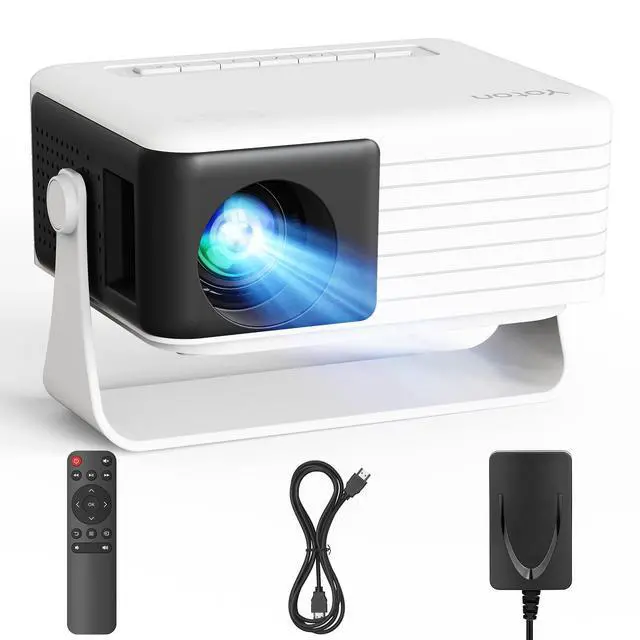
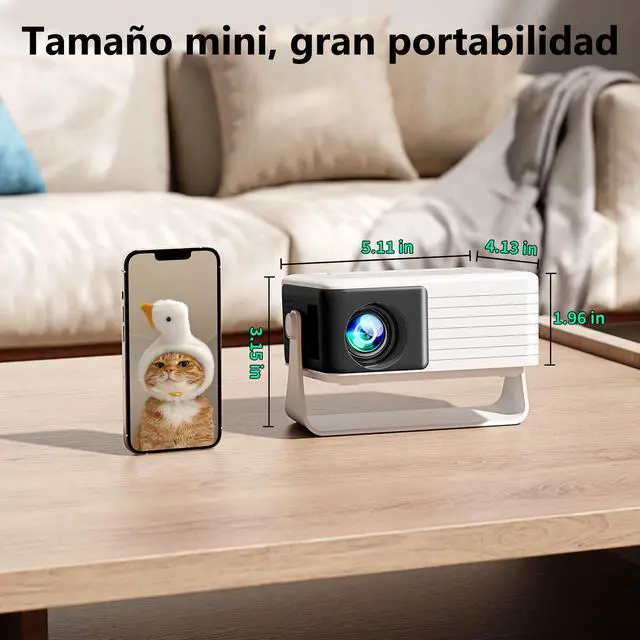
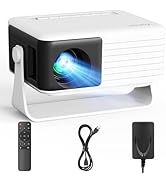
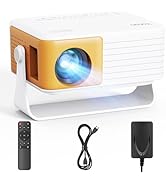
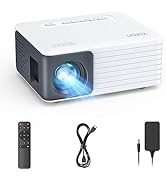
Yoton Y3 mini projector measures just 5.11” × 4.13” × 1.96” — compact like a smartphone and easy to carry. Great for bedrooms, dorms, camping, RV trips and kids’ movies.
*Note: Best used in a dark room with a white wall or screen. Need a screen? Contact Yoton support.


Easy Wired Setup for iPhone Users

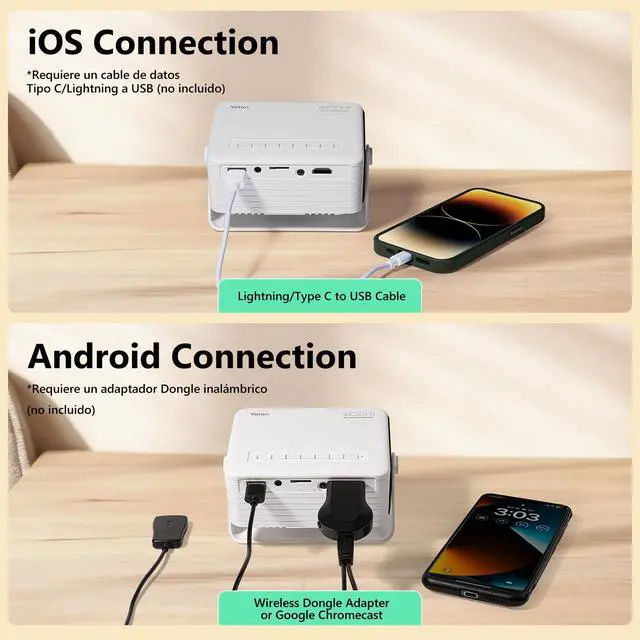
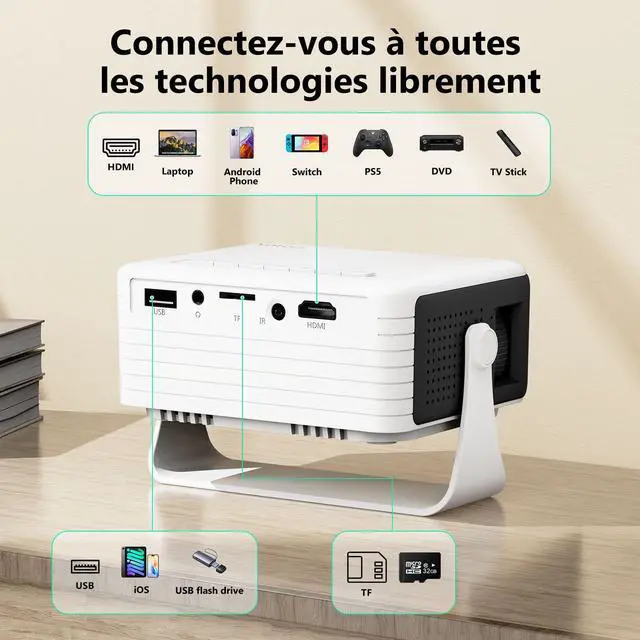
Use this mini projector for iPhone with just one cable for easy big-screen viewing.
*Please make sure your cable supports data transfer for screen mirroring. Charge-only cables may show “Charging” but cannot support projection or video connection.

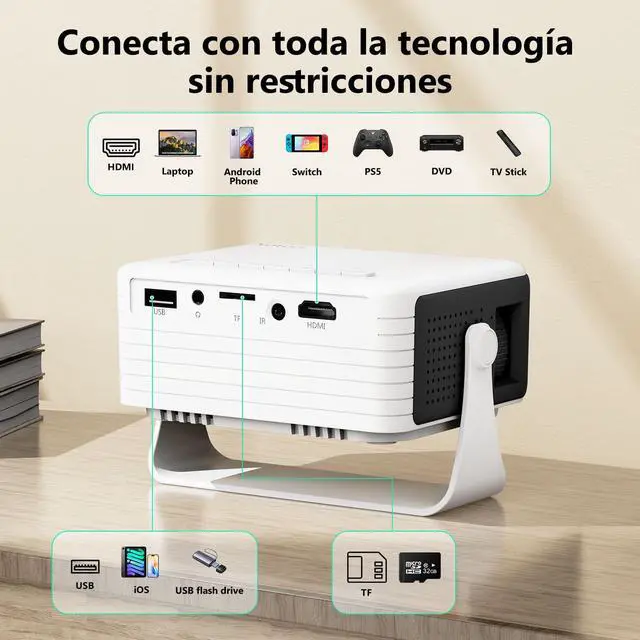
Compatible with compatible Android devices via wired or wireless connection. Due to different Android models, connection methods may vary. Please confirm your device supports screen mirroring. If you need help, feel free to contact the Yoton support team.


Yoton: Crafting Your Mobile Home Theater

Yoton is dedicated to affordable home entertainment. The Y3 mini projector, improved through real-world use, helps you easily create a mini home cinema for movies, series, and family enjoyment—at a budget-friendly level.
Helpful Tips Before You Start
Big Screen Fun in a Mini Size

Yoton Y3 mini projector measures just 5.11” × 4.13” × 1.96” — compact like a smartphone and easy to carry. Great for bedrooms, dorms, camping, RV trips and kids’ movies.
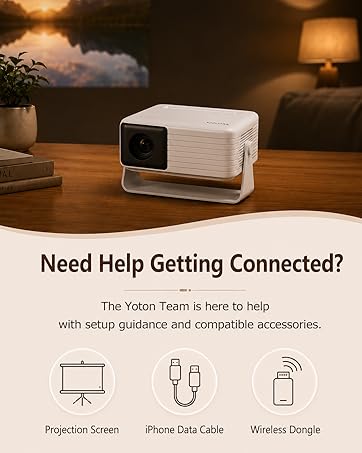
*Note: Best used in a dark room with a white wall or screen. Need a screen? Contact Yoton support.


Easy Wired Setup for iPhone Users

Use this mini projector for iPhone with just one cable for easy big-screen viewing.
*Please make sure your cable supports data transfer for screen mirroring. Charge-only cables may show “Charging” but cannot support projection or video connection.

Compatible with compatible Android devices via wired or wireless connection. Due to different Android models, connection methods may vary. Please confirm your device supports screen mirroring. If you need help, feel free to contact the Yoton support team.


Yoton: Crafting Your Mobile Home Theater

Yoton is dedicated to affordable home entertainment. The Y3 mini projector, improved through real-world use, helps you easily create a mini home cinema for movies, series, and family enjoyment—at a budget-friendly level.
Helpful Tips Before You Start
| Can I use it during the day? | The Y3 mini projector works best in dark or dim environments. For clearer images, use in low-light conditions. |
|---|---|
| How can I get better audio? | Connect external speakers or headphones via a 3.5mm audio cable. (*Bluetooth is not supported) |
| Why won't phone stream apps? | Due to HDCP copyright restrictions, some streaming apps cannot be mirrored from your phone. For streaming playback, please connect a TV stick or computer. Apps without HDCP limits, such as YouTube, can still play normally. |
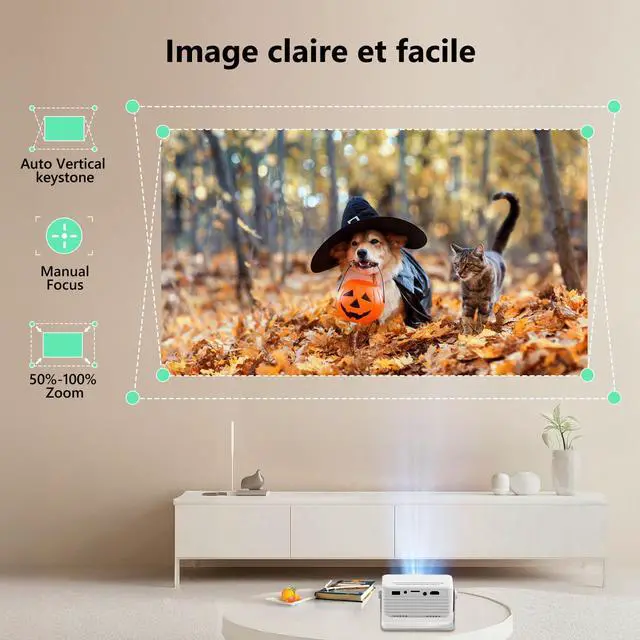
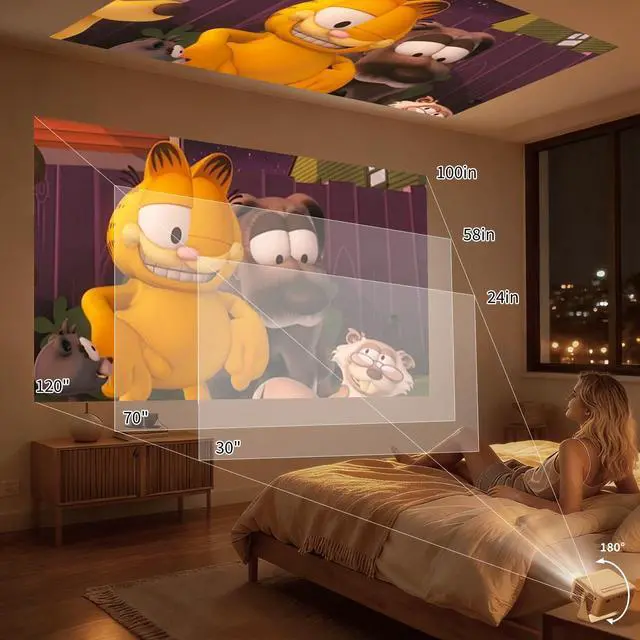
| How to get the best image? | 1. Use the proper projection distance (24–118 in recommended; shorter distance gives a clearer image). 2. Adjust the focus wheel manually. |
| Why won't iPhone cable work? | Only cables with data transfer function can project. Charging-only cables will show “Loading” but fail to connect. |
| Why won’t Android connect? | If using an HDMI adapter, please ensure your Android phone supports HDMI output. (*Known incompatible models include some Samsung Flip/A/J/M series, Huawei, Xiaomi, Redmi, OnePlus, Google, etc.) For these incompatible Android devices, please use an additional wireless adapter. |
Yoton Video Projector
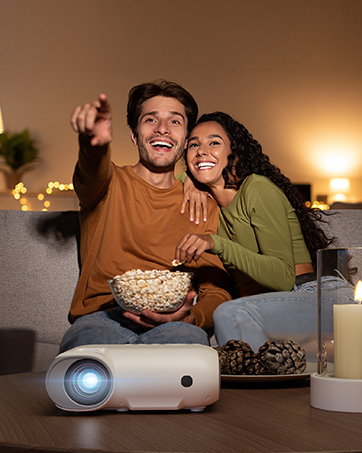
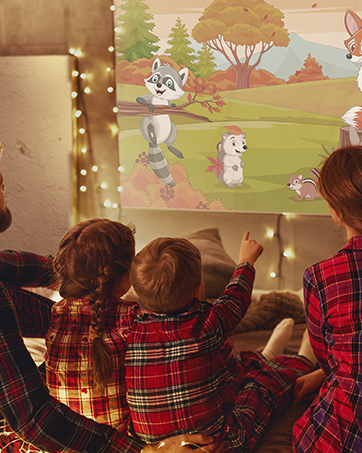
Enjoy football matches, movie nights and gaming on a
bigger screen with friends and family.
Yoton Projectors
Yoton Y9
Smart Projector with Netflix Built-in
Yoton Video Projector
The best gift to show love
Yoton Y3
Mini Portable Projector with the size of your palm