here!
here!
I’m your shopping assistant for PC builds, upgrades, and everything tech.
Got questions? Ask away!
Start a conversation
here!
I’m your shopping assistant for PC builds, upgrades, and everything tech.
Got questions? Ask away!
Start a conversation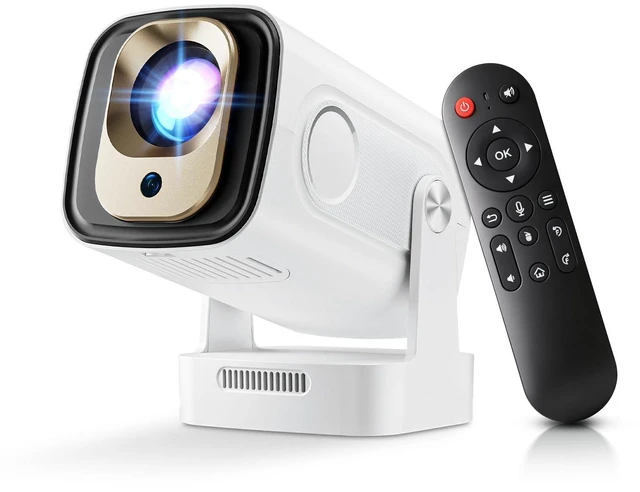
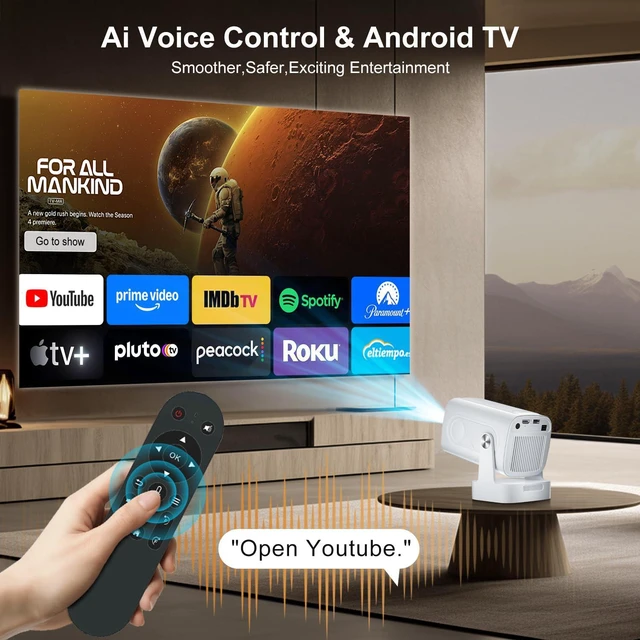
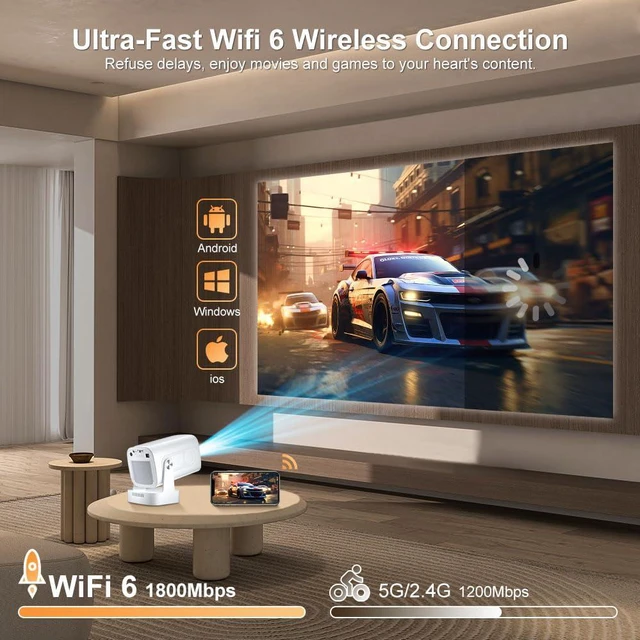



Any questions? Ask CelesteSM will help you find out quickly.

Salange Takes You Into a New Vision

Salange is dedicated to designing small projectors with the highest quality performance, using the best materials and latest technologies and will always provide extraordinary quality.
Salange is integrating technology. With innovation, passion, and teamwork, Salange hopes to bring happiness to thousands of families and entertainment lovers around the world by manufacturing and producing various entertainment projectors.
![[ Auto Focus / Keystone ] Smart Projector with Wifi and Bluetooth 5.4, SALANGE 1080P Native Proje...](http://c1.neweggimages.com/sellingpilot/modules/product/a-plus/26ccd2b02347c308fa3aa4daebdae9525d37d348739bc034bfa5648edeaffc13.jpg)
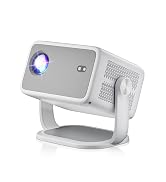
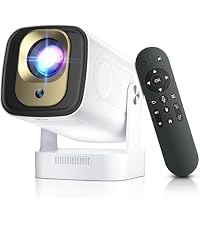 HY260PRO PROJECTOR | 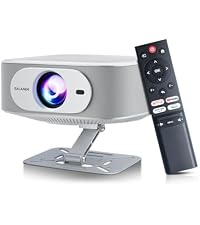 P92MAX PROJECTOR | 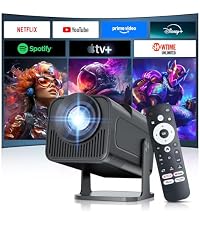 HY320MAX PROJECTOR | 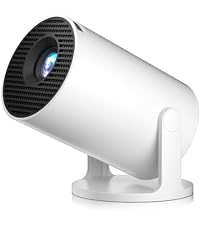 HY300PRO+ PROJECTOR | 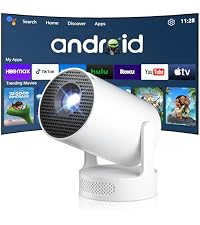 HY300Ultra Projector | 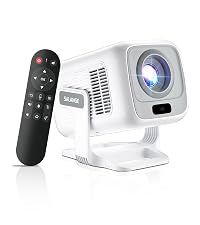 HY260MAX PROJECTOR | 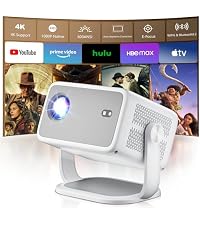 P350 PROJECTOR | |
|---|---|---|---|---|---|---|---|
Customer Reviews | — | — | — | — | — | — | — |
Price | — | — | — | — | — | — | — |
4K Support | v | v | v | v | v | v | v |
1080P Native | v | v | v | Support | Support | v | v |
Built-in APP | v | v | v | v | v | v | v |
Auto Focus | v | Electric focus | Manual focus | Manual focus | Manual focus | v | Electric focus |
Auto Keystone | v | v | v | v | v | v | v |
Bluetooth | 5.4 | 5.2 | 5.4 | 5.4 | 5.4 | 5.4 | 5.2 |
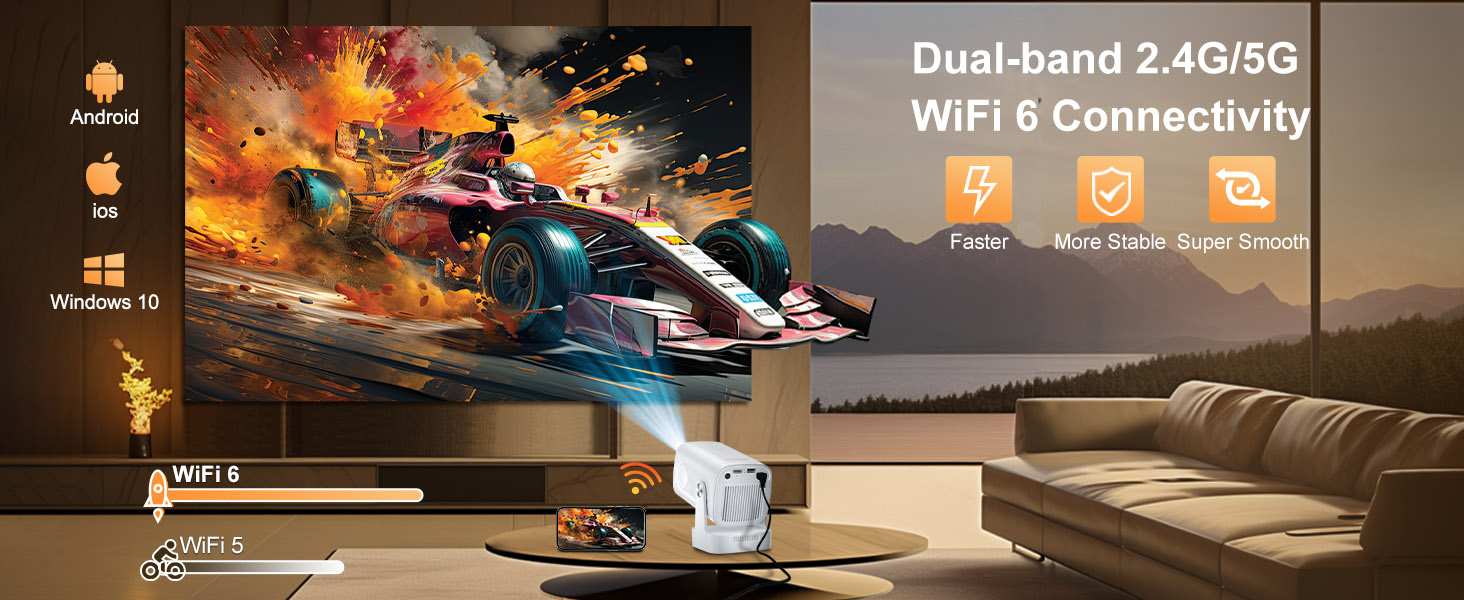
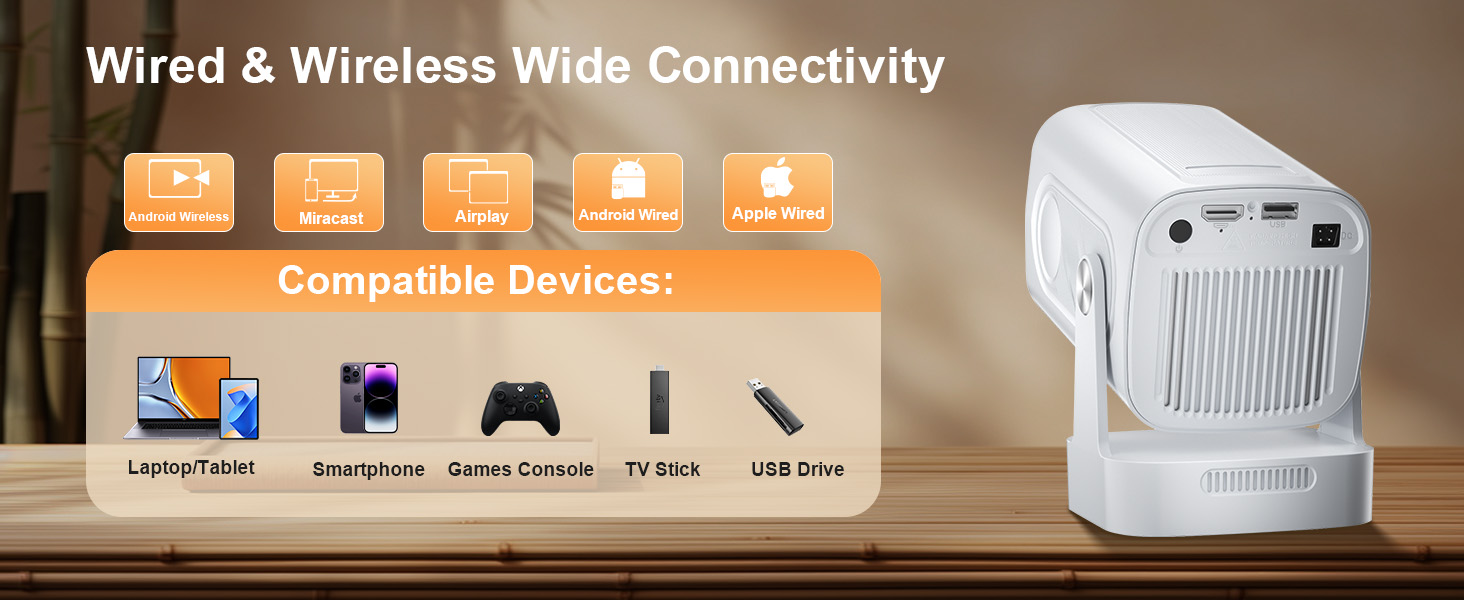
WIFI | 2.4G+5G | 2.4G+5G | 2.4G+5G | 2.4G+5G | 2.4G+5G | 2.4G+5G | 2.4G+5G |
Built-with Stand | v | v | v | v | v | v | v |


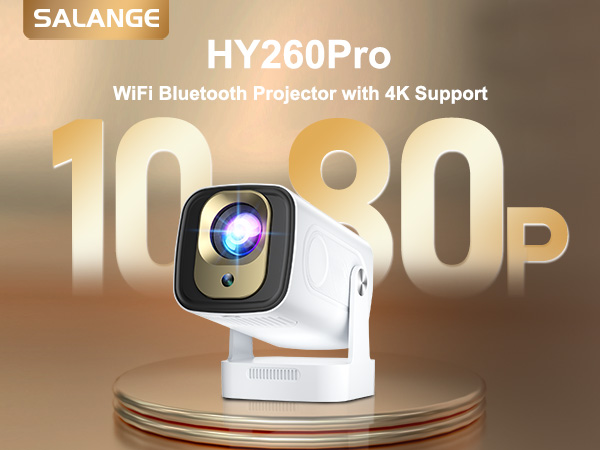
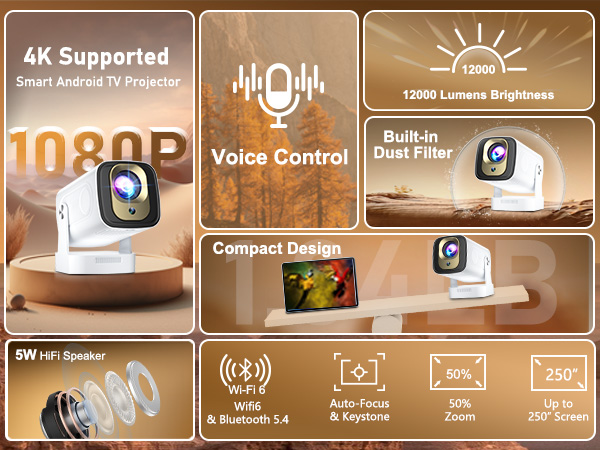
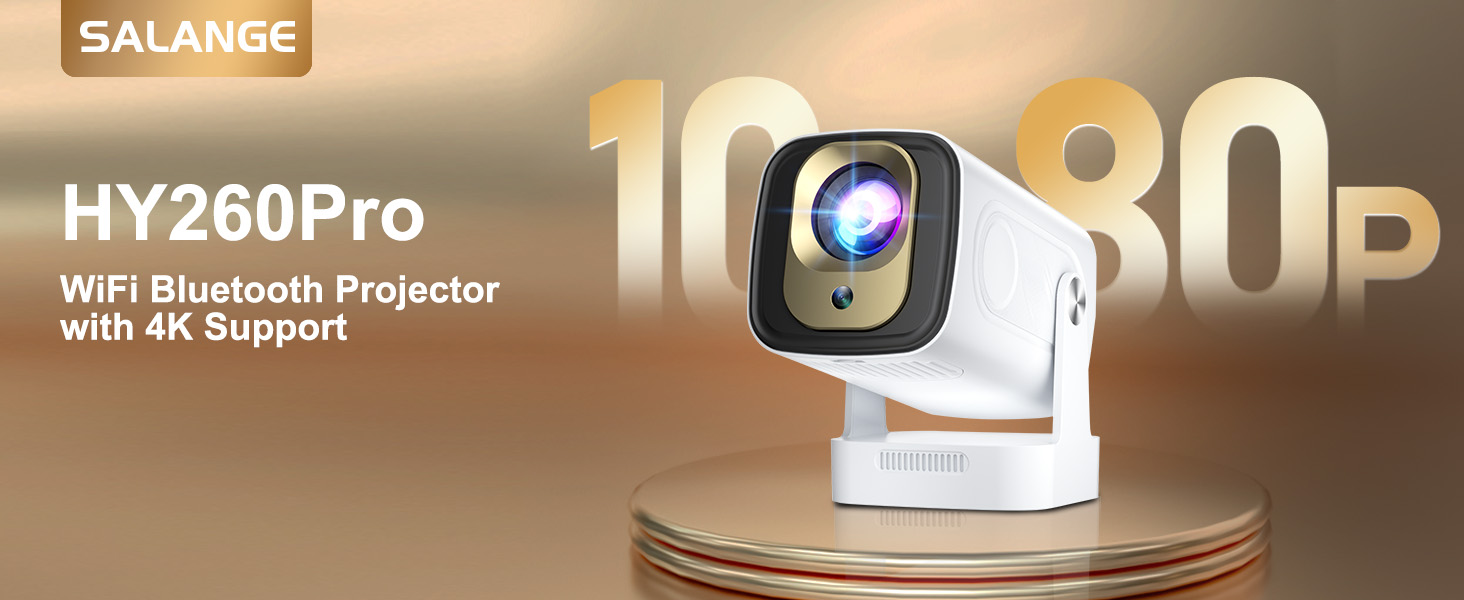
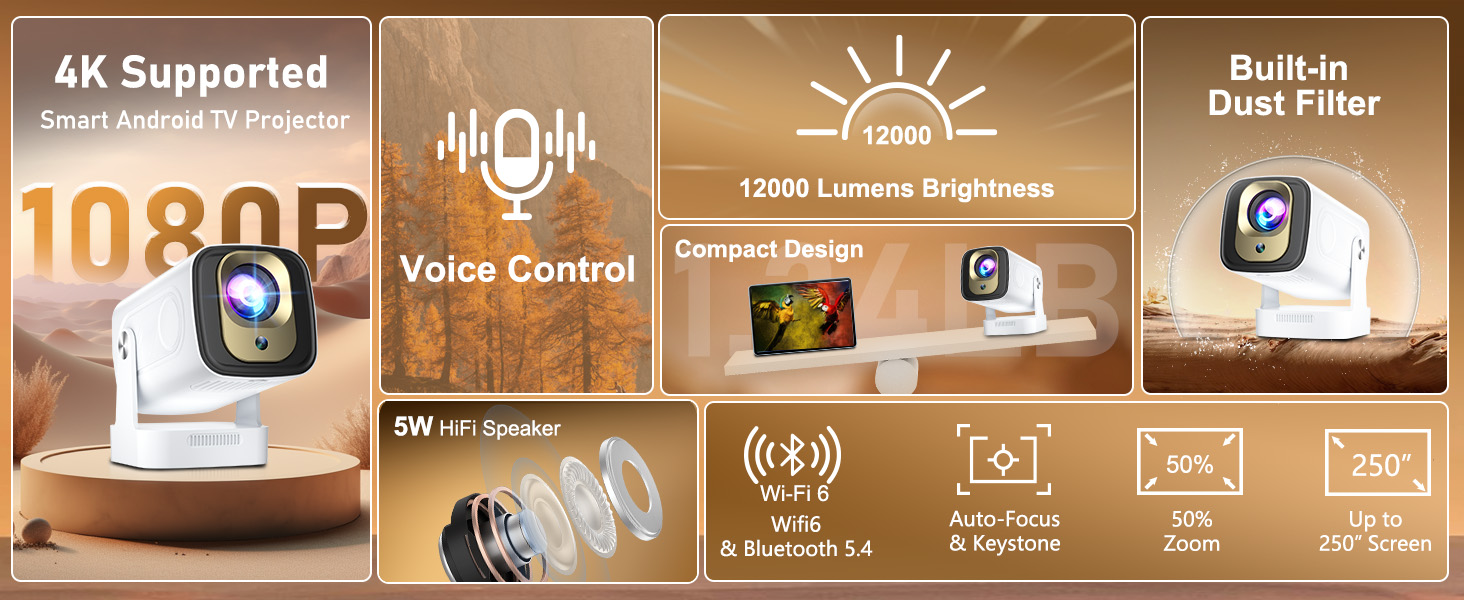
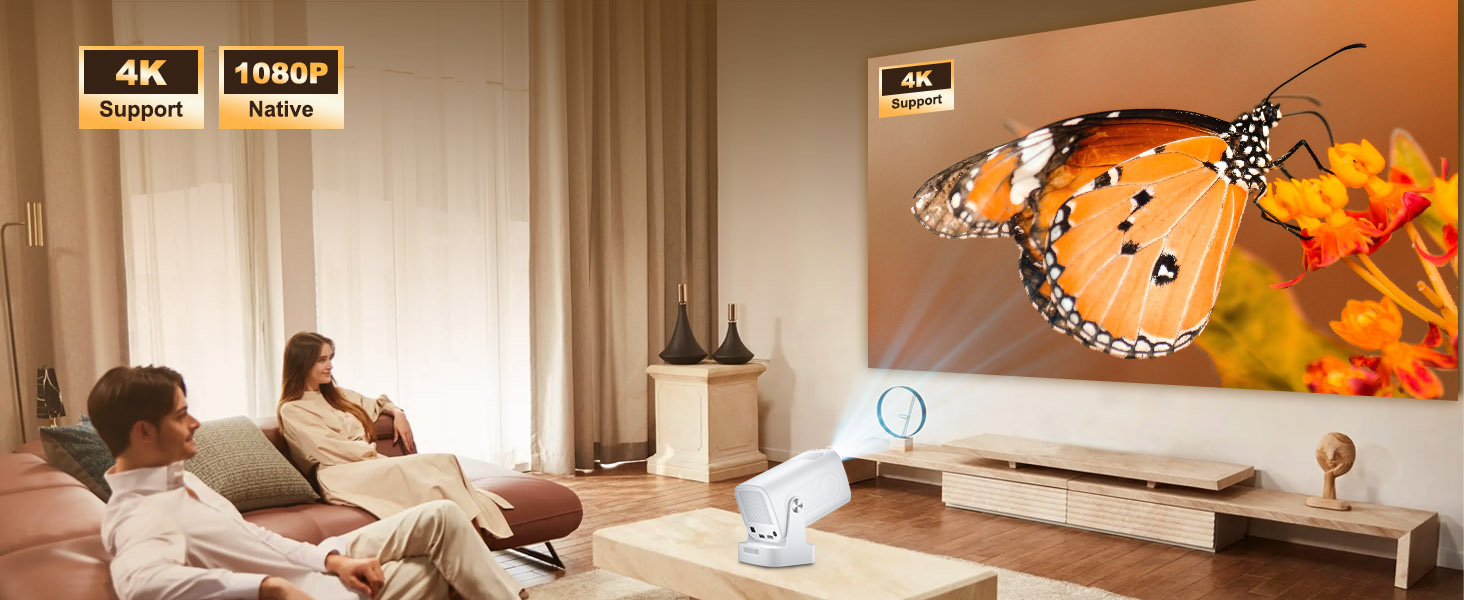
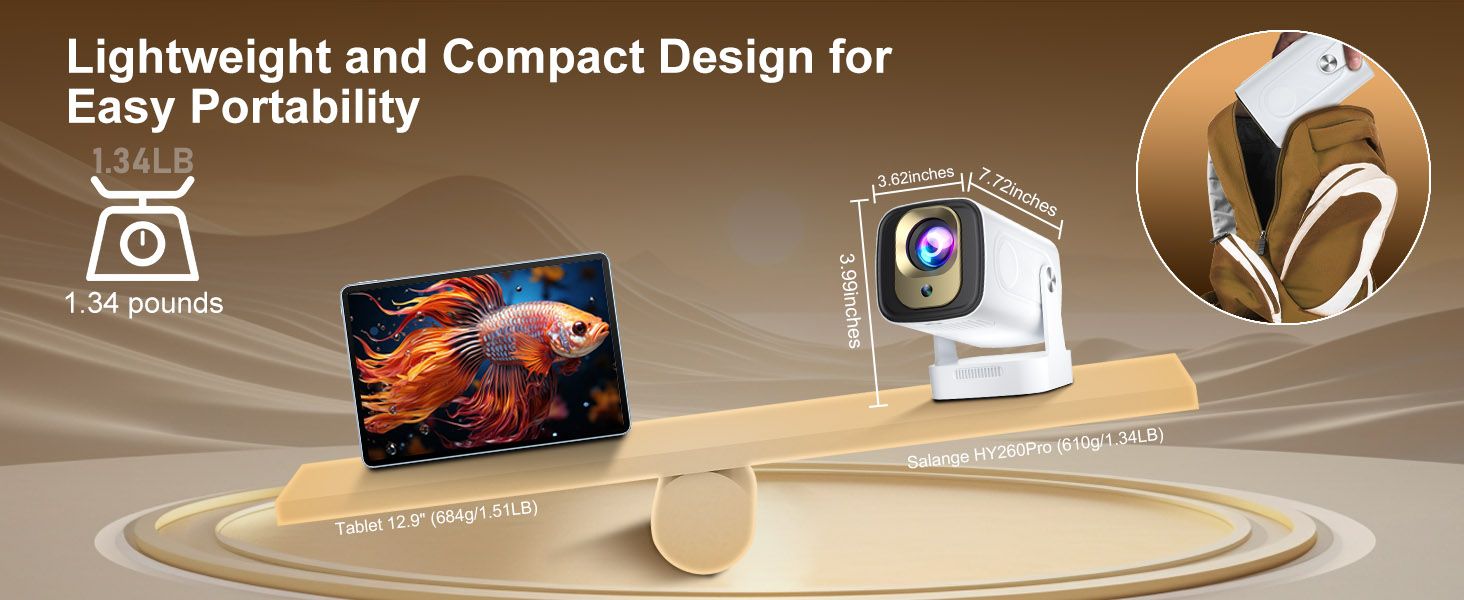
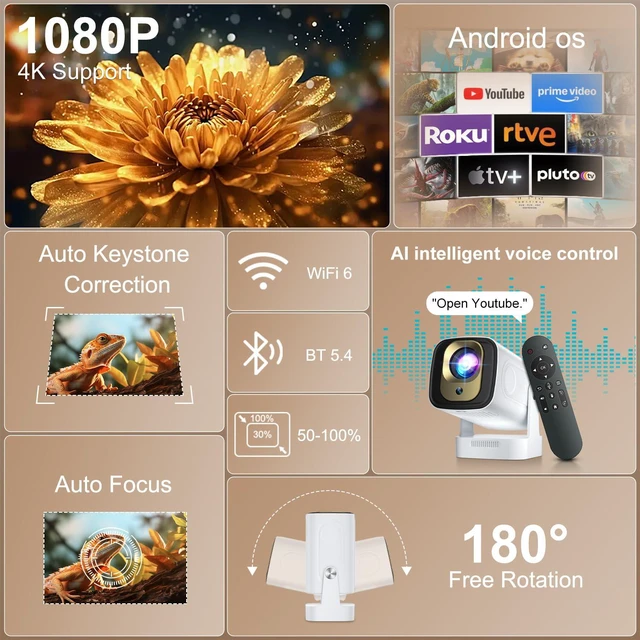
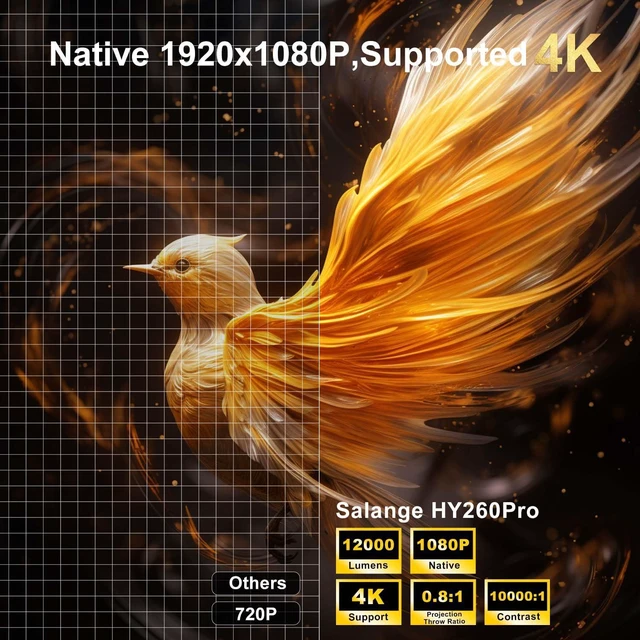
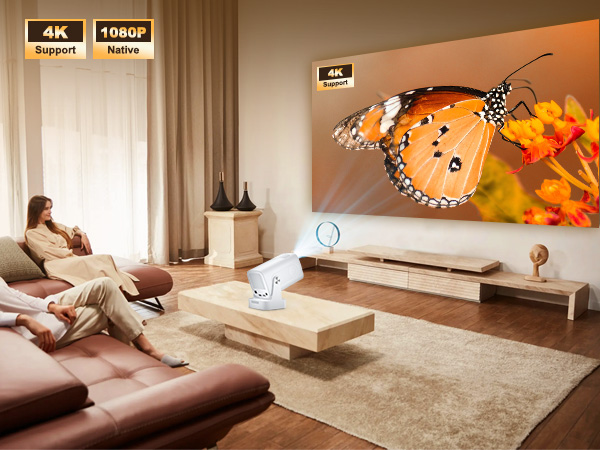
Most Innovative mini portable projector delivers authentic native 1080P resolution w 4K enhancement
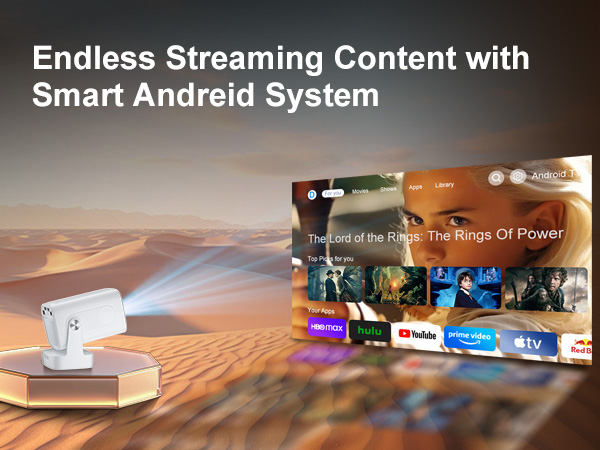
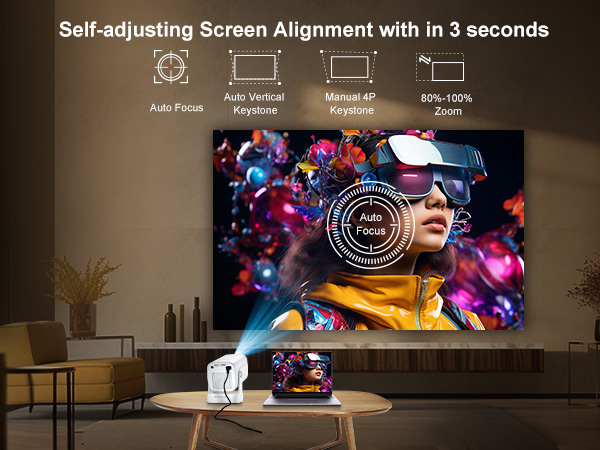
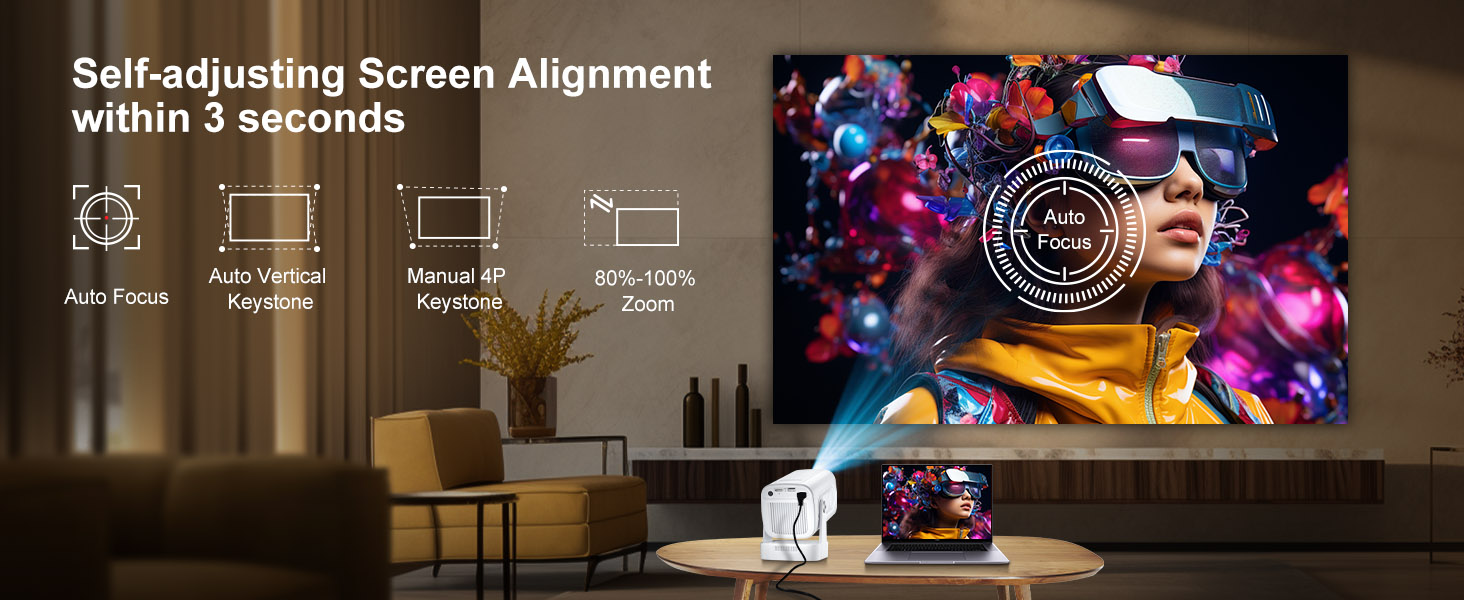
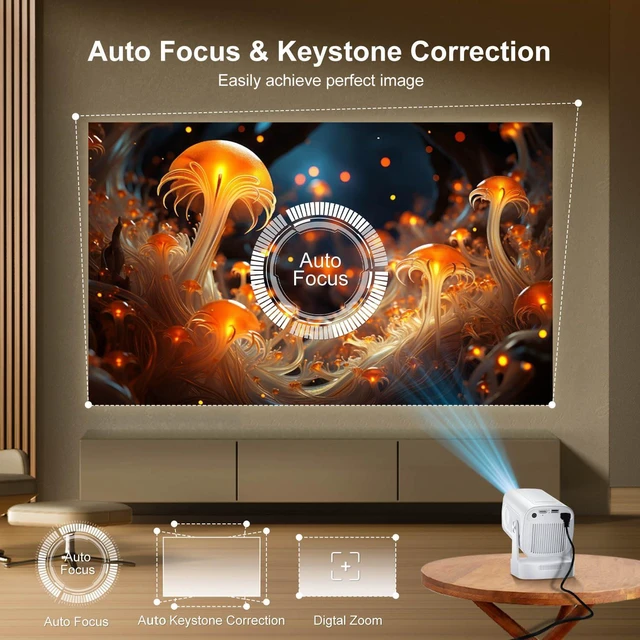
Get crystal-clear image in seconds with self-adjusting screen alignment - no manual tweaking needed!
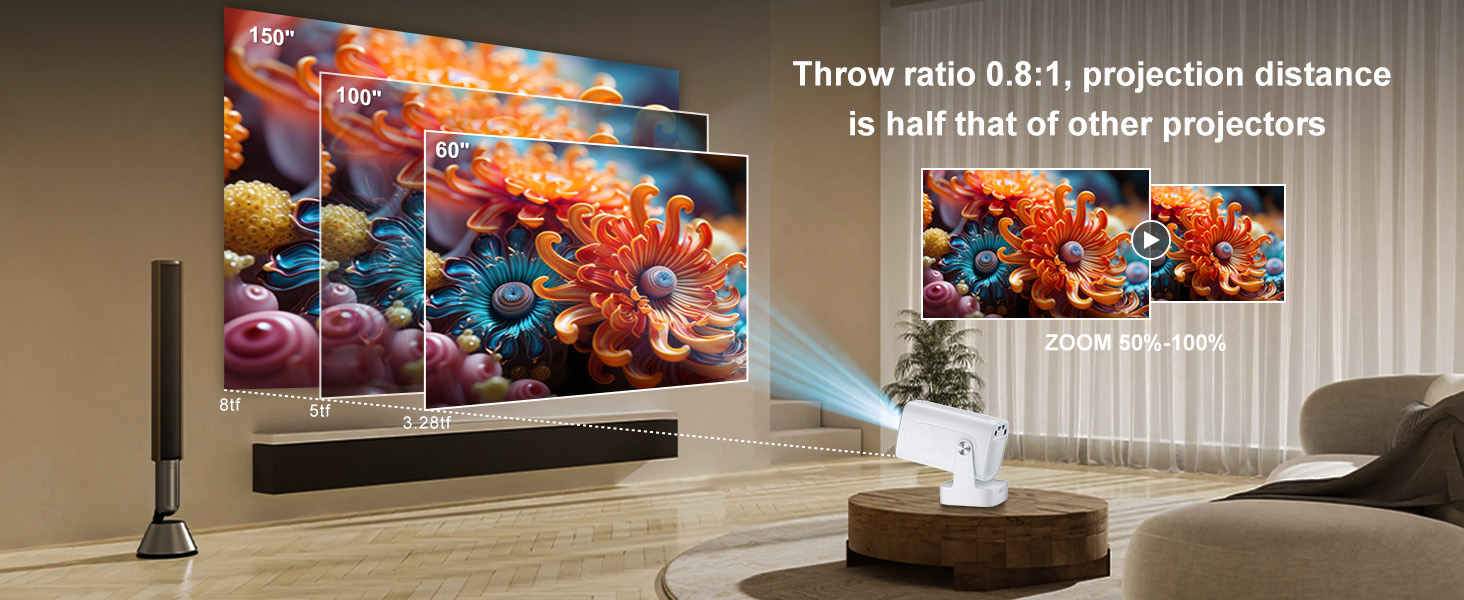
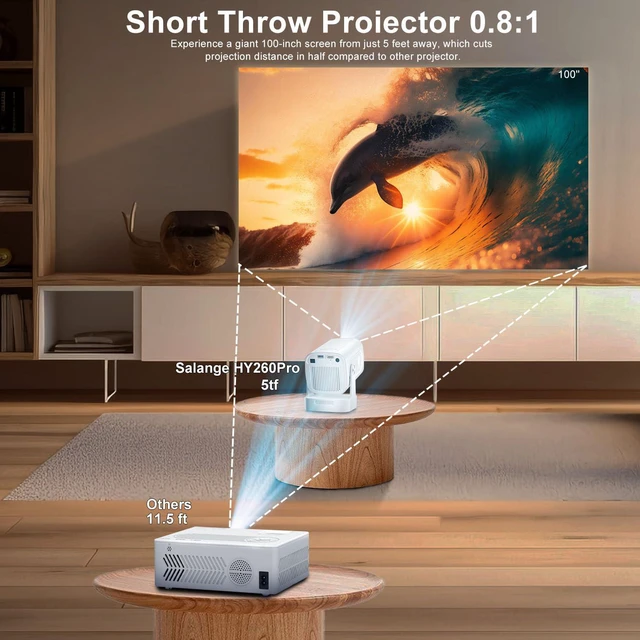
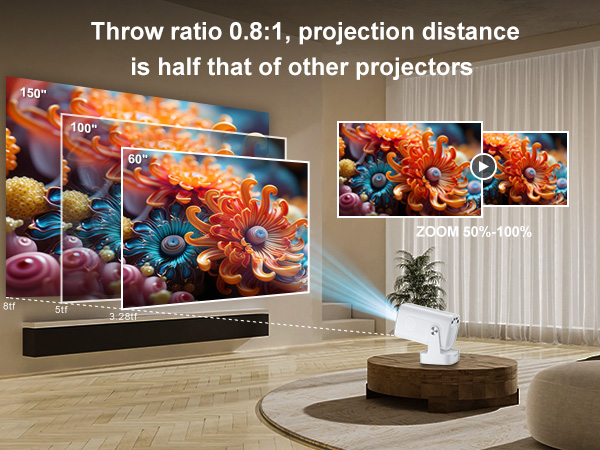
Experience giant 100" screens from 5 feet away with its remarkable 0.8:1 throw ratio w 50%-100% zoom
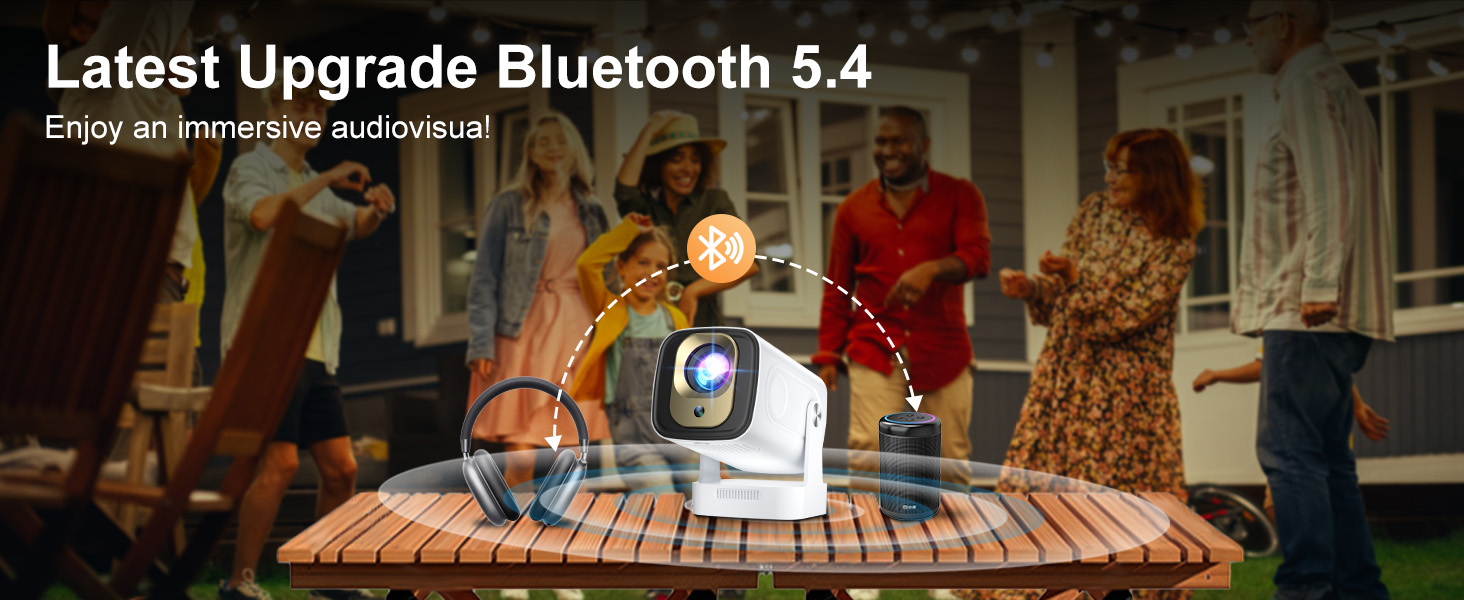
It delivers crystal-clear, dynamic audio from upgraded speaker system for immersive entertainment.
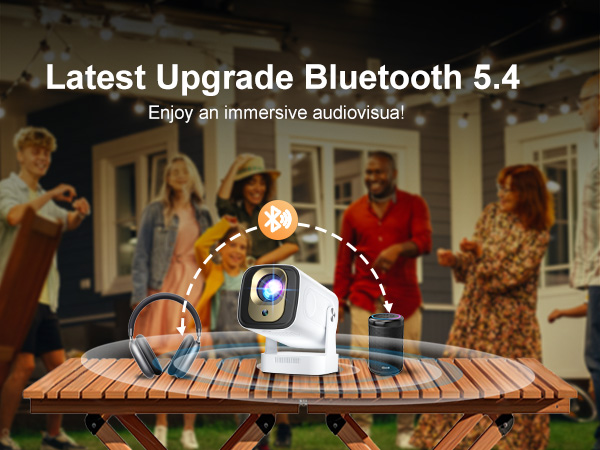
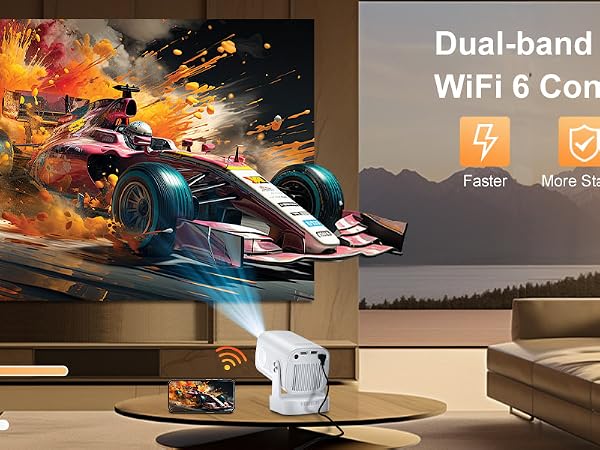
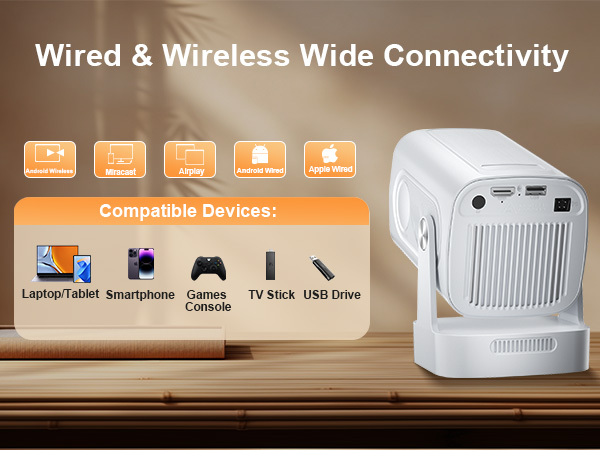
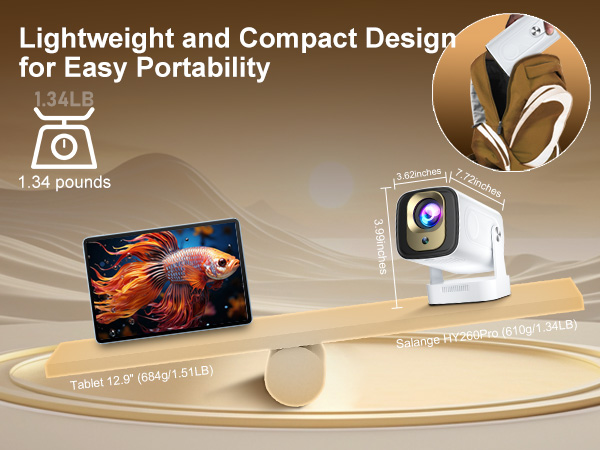
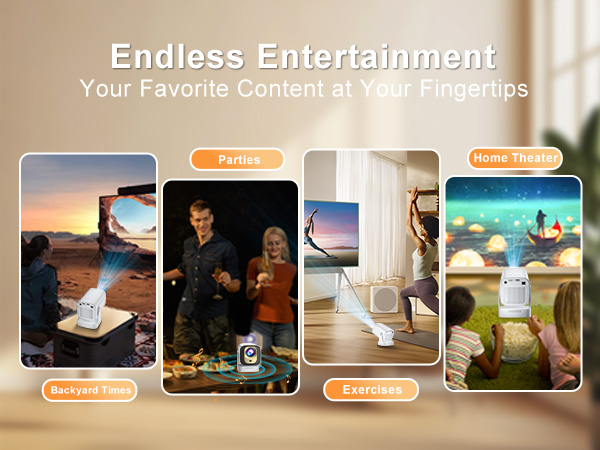
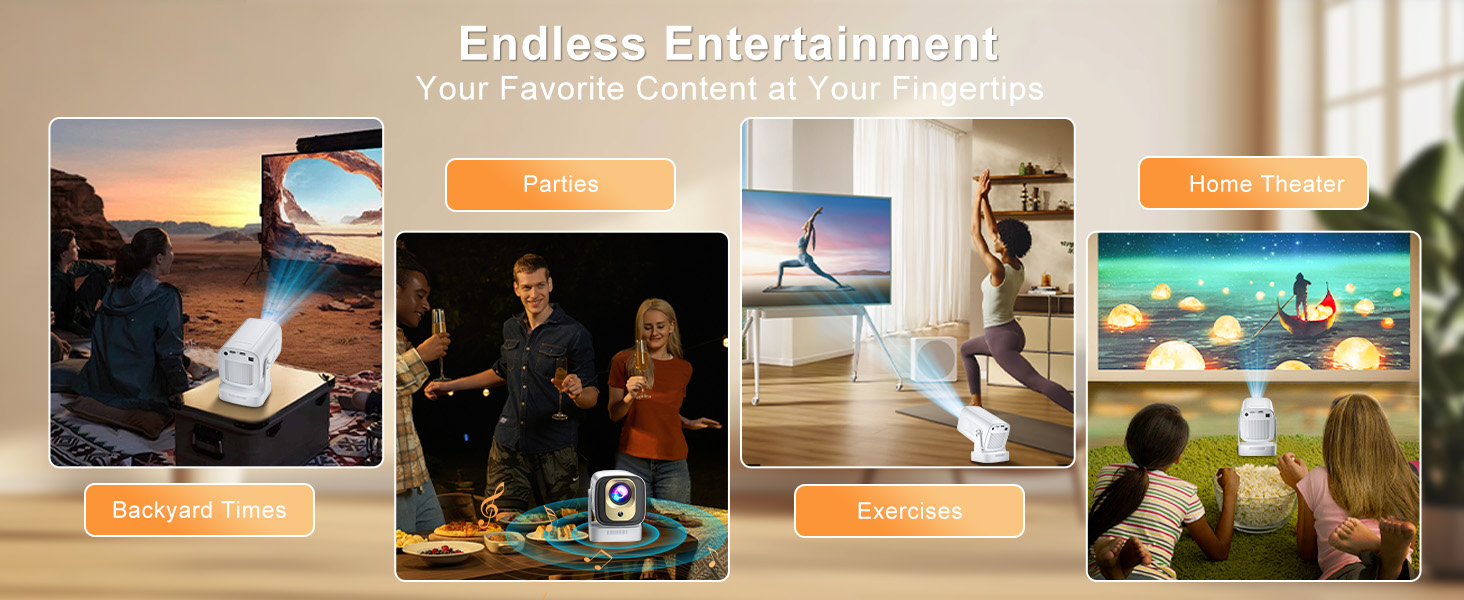
| Is It Good for Daytime Use? | Due to its brightness limitations, the projector is ideal for dark environments, such as a backyard at night, a campsite after sunset, a living room with closed curtains, or a bedroom with the lights turned off. |
|---|---|
| Can the brightness be adjusted | Generally, projectors have adjustable playback modes, such as standard mode, cinema mode, game mode, etc. You can choose the playback mode according to your needs, but the brightness generally will not change much. |
| Why isn't the remote working? | First, please check that the batteries are installed in the remote. If so, please verify that the polarity is correct. If the batteries are correctly installed but the remote still doesn't work,it may be that the remote and projector have not been successfully paired and a new remote is required. Please specify that you need a new remote and provide us with your shipping address (include detailed Street Number). Our support team team will resend a new remote within 24 hours on business days. |
| Unable to connect to WIFI? | 1. Ensure the projector and your router are within 16 feet (5 meters) of each other. Check if other devices connect to Wi-Fi. 2. Check the time zone settings by navigating to Settings ? Time and Date ? Time Zone and ensure it is accurate. 3. Attempt to connect to a different Wi-Fi network or use your phone's hotspot as an alternative. 4. Test both the 2.4GHz and 5GHz frequency bands on your router. 5. Reset the projector by going to Settings ? Other Settings ? Restore Factory Settings. |
| No upgrade when system prompts | Please uninstall and re-download from the App Store. If that still doesn't work, please restore your device to factory settings. If that still doesn't work, please take a photo of the system error screen and send it to our after-sales team. We will help you resolve it together. |
| Mainstream app can't miracast? | Due to HDCP (High-bandwidth Digital Content Protection) issues, screen mirroring may not work properly (no image or sound) when trying to mirror content from certain apps (such as Prime Video, Youtube, etc.). We recommend using a streaming device like a fire stick or Roku, or using the projector's built-in mainstream apps. |
| How to make tilt image square? | Automatic vertical keystone correction works best when the projector lens is facing a wall. If the projection is not as expected, please follow these steps: 1. Place the projector on a flat surface and ensure it is level. 2. Go to "Settings" ? "Projection Settings" ? "Keystone Correction" ? "Initial Angle Correction". 3. If necessary, disable automatic keystone correction and manually adjust for optimal alignment. |
| The projected image is blurry? | Some projectors use manual or electronic focus and cannot automatically focus, so the image may be blurry or unclear. Please turn the gear on the machine or the F+/F- button on the remote control to adjust the image clarity. |
| Projected image has black spot | Since most projectors on the market are not fully enclosed, dust can easily enter the interior of the machine. To address this issue, open the dust cover on the machine (usually on the side or bottom of the machine) and wipe it with a hair dryer on cold air or an alcohol swab. |
| It's stuck at the boot screen? | This is because the projector system needs to be upgraded. Please contact our staff to provide you with the upgrade file. We will help you complete the upgrade process of the machine within 2 hours on weekdays. |
| What if problem isn't listed? | If you encounter other issues besides the ones mentioned above, such as brown stains on the projected image, the projector automatically shuts down after powering on, or the projector fails to project a normal image after powering on, etc., please contact our support team. We will respond to your email within 24 hours on weekdays. Thank you for your understanding and cooperation. |
HY260PRO PROJECTOR | P92MAX PROJECTOR | HY320MAX PROJECTOR | HY300PRO+ PROJECTOR | HY300Ultra Projector | HY260MAX PROJECTOR | P350 PROJECTOR |
|---|---|---|---|---|---|---|
| Customer Reviews | ||||||
| — | — | — | — | — | — | — |
| Price | ||||||
| — | — | — | — | — | — | — |
| 4K Support | ||||||
| v | v | v | v | v | v | v |
| 1080P Native | ||||||
| v | v | v | Support | Support | v | v |
| Built-in APP | ||||||
| v | v | v | v | v | v | v |
| Auto Focus | ||||||
| v | Electric focus | Manual focus | Manual focus | Manual focus | v | Electric focus |
| Auto Keystone | ||||||
| v | v | v | v | v | v | v |
| Bluetooth | ||||||
| 5.4 | 5.2 | 5.4 | 5.4 | 5.4 | 5.4 | 5.2 |
| WIFI | ||||||
| 2.4G+5G | 2.4G+5G | 2.4G+5G | 2.4G+5G | 2.4G+5G | 2.4G+5G | 2.4G+5G |
| Built-with Stand | ||||||
| v | v | v | v | v | v | v |
Salange Takes You Into a New Vision
Salange is dedicated to designing small projectors with the highest quality performance, using the best materials and latest technologies and will always provide extraordinary quality.
Salange is integrating technology. With innovation, passion, and teamwork, Salange hopes to bring happiness to thousands of families and entertainment lovers around the world by manufacturing and producing various entertainment projectors.