

Your Browsing History

Meet Your Seller


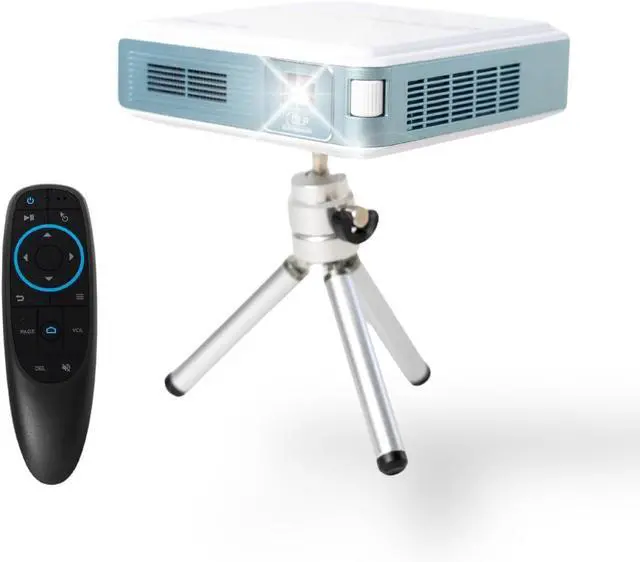
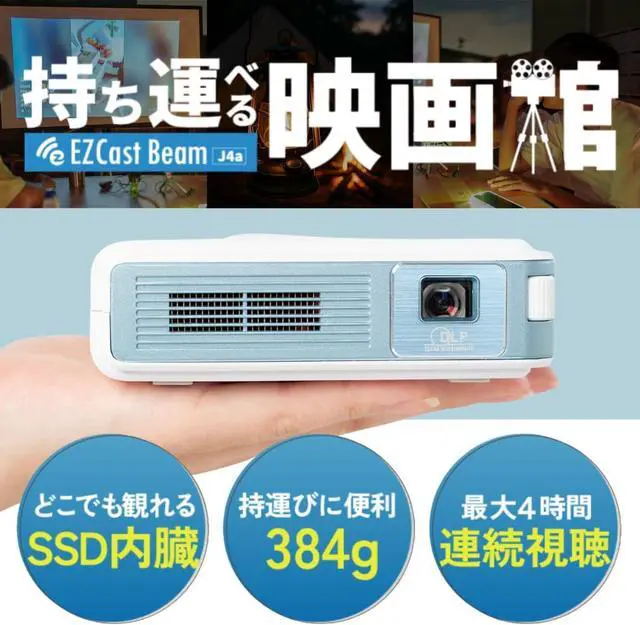
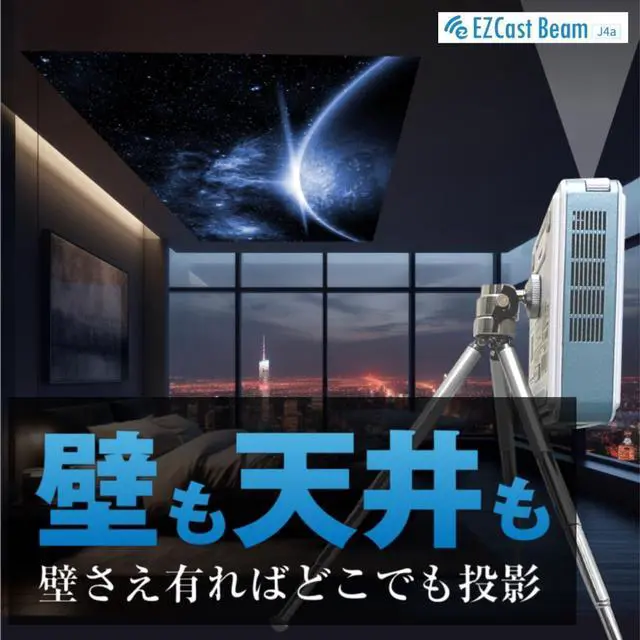
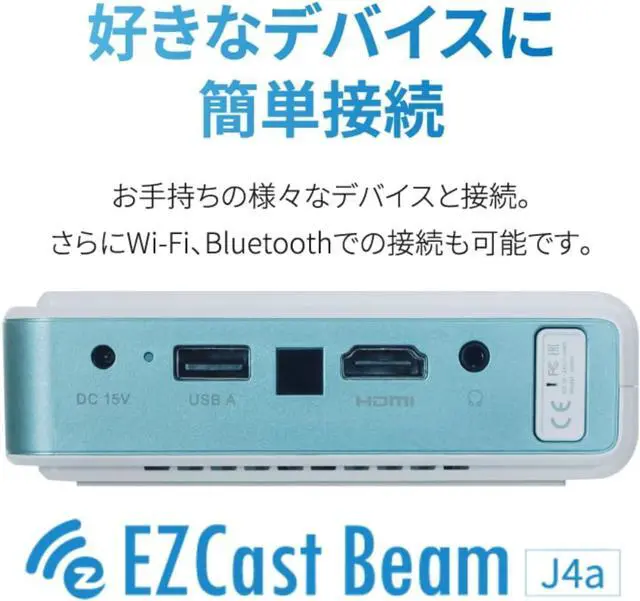
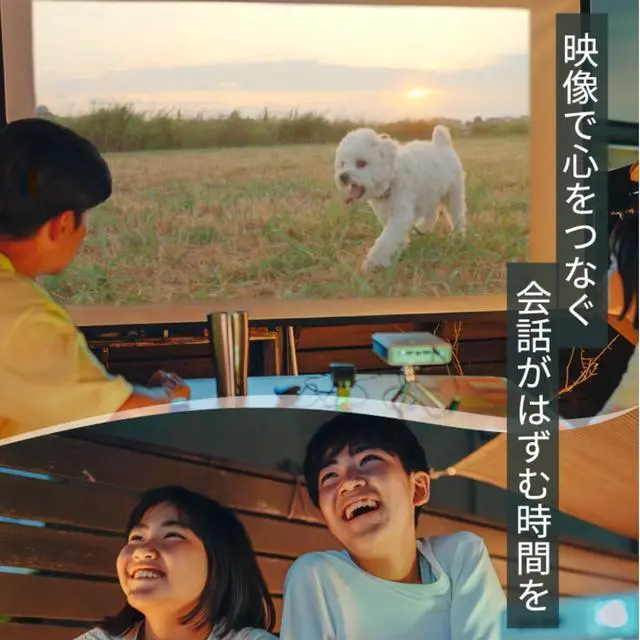


2024 Outdoor Portable Projector, EZCast J4a Rechargeable Android Projector - Built-in Battery & Speaker - 1080P Support Camping Projector, Compatible w/HDMI, USB, iPhone, Android, Tablet, Laptop
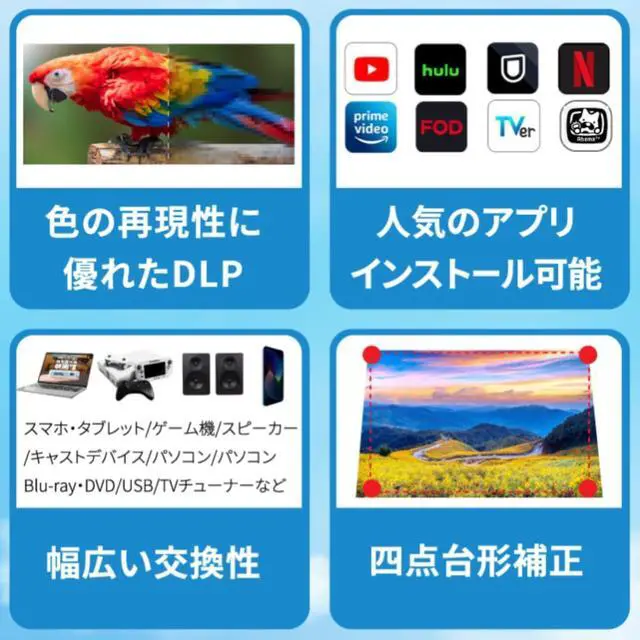
- 2024 Rechargeable Android Movie ProjectorIdeal for camping and travel, this compact projector is palm-sized, weighing only 14.1 ounces and measuring 4.53 x 4.53 x 1.26 inches. With built-in Aptoide TV, this Android 10 projector allows you to download popular streaming apps such as Netflix and YouTube easily, and play your favorite content on the big screen without an extra TV stick. It comes with a tripod stand and a carrying bag for easy transportation.
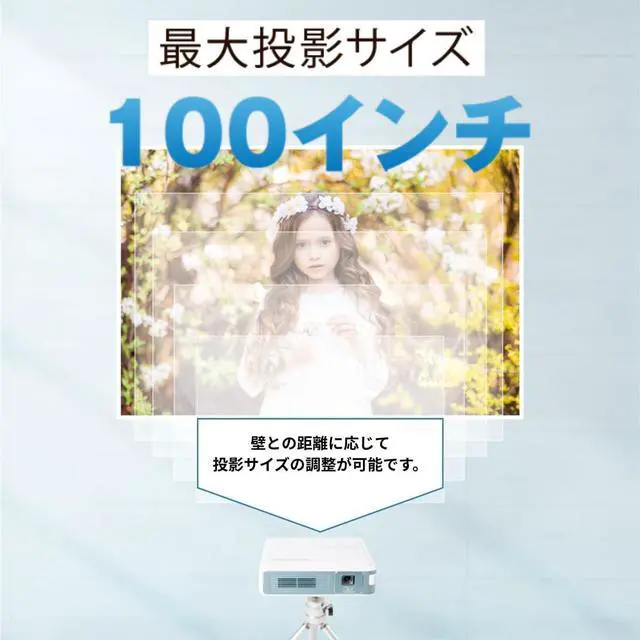
- DLP Technology & 100" DisplayWith DLP technology and 300 Lumens brightness, J4a can project up to 100" with sharp and clear images, making it perfect for outdoor movie nights and parties. It has an ARM Quad-core Cortex-A55 CPU and ARM Mali-G31 GPU, which delivers a combination of power efficiency and performance, helping it achieve good performance for gaming scenarios. It also comes equipped with automatic vertical keystone correction, allowing for swift image adjustments.
- Long-lasting Battery & LED Lamp LifeWith over 20,0
+
+
Overview
Specs
Reviews

Any questions? Our AI mode will help you find out quickly.
Try me now
14 Hours of Playtime2Open Air Cinema3Multiway Connections Can I install Netflix, Disney+, and HBO apps on the projector for watching?
Yes, you can find the apps from "Get Started" on the home page menu. If you cannot play the app properly, you may install the wrong version of the app which is unsupported by J4a. Recommend installing the right version of the apps from "Get Started".
Can I connect J4a to my personal Bluetooth speaker?
Yes, the J4a projector supports Bluetooth connection to an external speaker. Just go to "Settings> Bluetooth> Search" then J4a will detect a Bluetooth speaker nearby, you can select your device for pairing.
How to update my J4a projector to the latest firmware version?
Please go to "Setting> Upgrade> OTA", and press OK, and it will automatically upgrade the firmware. Note: OTA upgrade would need a WiFi connection, please set up your J4a projector to connect to your WiFi first.
Why can't I power on the projector? Why does the Bluetooth remote disconnect from the projector frequently?
J4a has been set up in shipping mode for delivery safety, please power up the projector with the adapter, then press the power button again. And please replace battery for the remote, insufficient power supply would make the remote signal drop out.
Play Them All 4 Hours of Playtime Open Air Cinema Multiway Connections How to pair the Bluetooth remote control with J4a? Step 1. Why does the controller work fine, but I can't swipe the controller mouse like a regular computer mouse?
Can I install Netflix, Disney+, and HBO apps on the projector for watching?
Can I connect J4a to my personal Bluetooth speaker?
How to update my J4a projector to the latest firmware version?
Why can't I power on the projector? Why does the Bluetooth remote disconnect from the projector frequently?
Yes, you can find the apps from "Get Started" on the home page menu. If you cannot play the app properly, you may install the wrong version of the app which is unsupported by J4a. Recommend installing the right version of the apps from "Get Started".
Can I connect J4a to my personal Bluetooth speaker?
Yes, the J4a projector supports Bluetooth connection to an external speaker. Just go to "Settings> Bluetooth> Search" then J4a will detect a Bluetooth speaker nearby, you can select your device for pairing.
How to update my J4a projector to the latest firmware version?
Please go to "Setting> Upgrade> OTA", and press OK, and it will automatically upgrade the firmware. Note: OTA upgrade would need a WiFi connection, please set up your J4a projector to connect to your WiFi first.
Why can't I power on the projector? Why does the Bluetooth remote disconnect from the projector frequently?
J4a has been set up in shipping mode for delivery safety, please power up the projector with the adapter, then press the power button again. And please replace battery for the remote, insufficient power supply would make the remote signal drop out.
Play Them All 4 Hours of Playtime Open Air Cinema Multiway Connections How to pair the Bluetooth remote control with J4a? Step 1. Why does the controller work fine, but I can't swipe the controller mouse like a regular computer mouse?
Can I install Netflix, Disney+, and HBO apps on the projector for watching?
Can I connect J4a to my personal Bluetooth speaker?
How to update my J4a projector to the latest firmware version?
Why can't I power on the projector? Why does the Bluetooth remote disconnect from the projector frequently?
Warranty & Returns
Warranty, Returns, And Additional Information
Warranty
- Please contact the Seller directly for warranty information. Warranty information may also be found on the Manufacturer's website.
- CONTACT
Return Policies
- Return for refund within: 30 days
- Return for replacement within: 30 days
- This item is covered by HAITAO CROSS BORDER E-COMMERCE LIMITED Return Policy
Manufacturer Contact Info
- For a directory of all our manufacturers, please click below.
- Manufacturers Directory
LOADING...