EZCast provides the complete wireless display solutions to enterprise presentation solutions, projectors, and home entertainment markets and has more than 10M users around the world.
This projector is an outstanding choice for gamers, movie lovers, and anyone needing a high-quality projector. With its portrait projection, it's perfect for projecting short-form mobile video apps like TikTok with full-screen clarity.
Furthermore, it boasts a 120Hz refresh rate and low-latency screen mirroring, making it an excellent choice for gaming. Whether you're playing games on your Nintendo Switch or streaming games from your phone, the V3 provides an exceptional viewing experience.
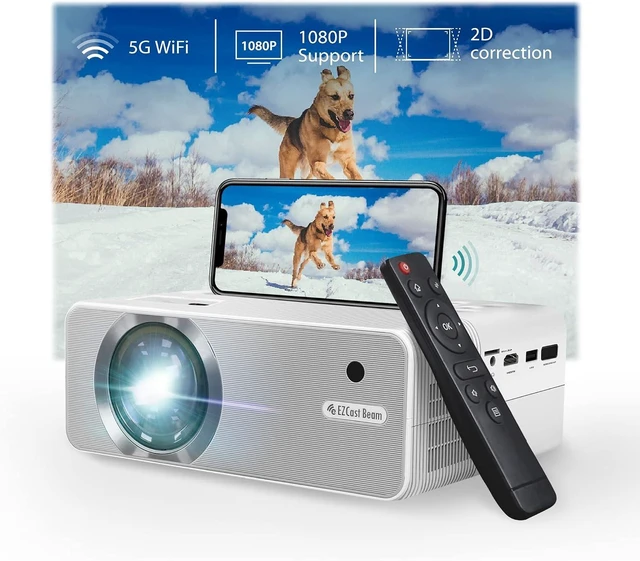
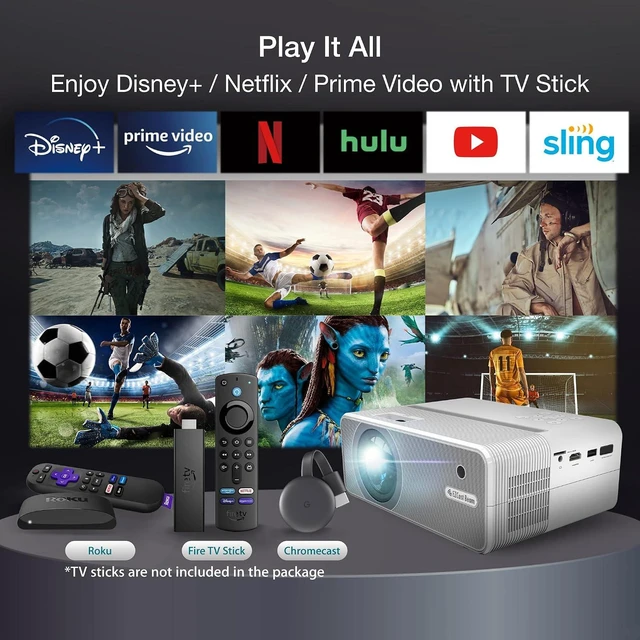
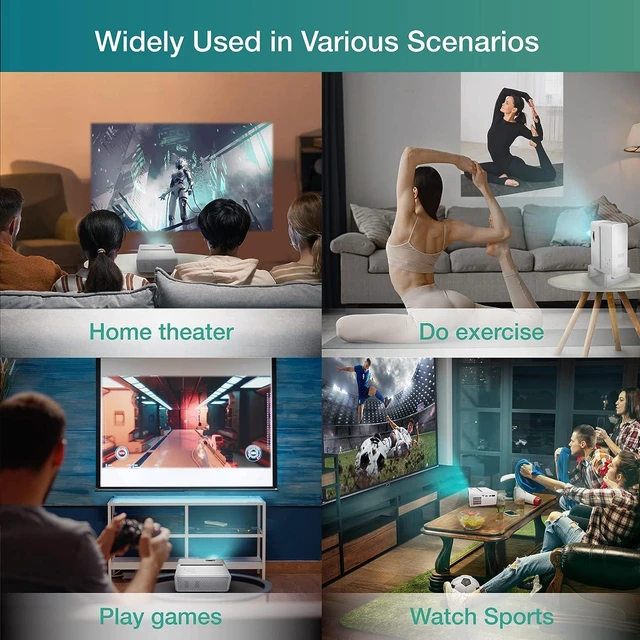
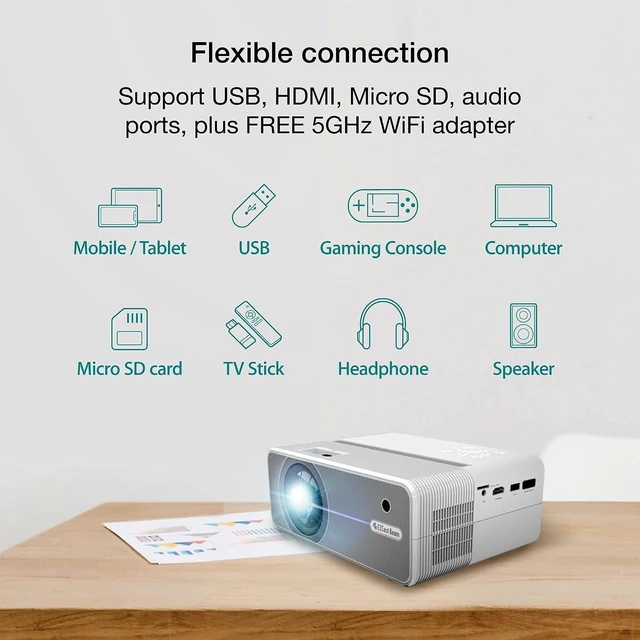
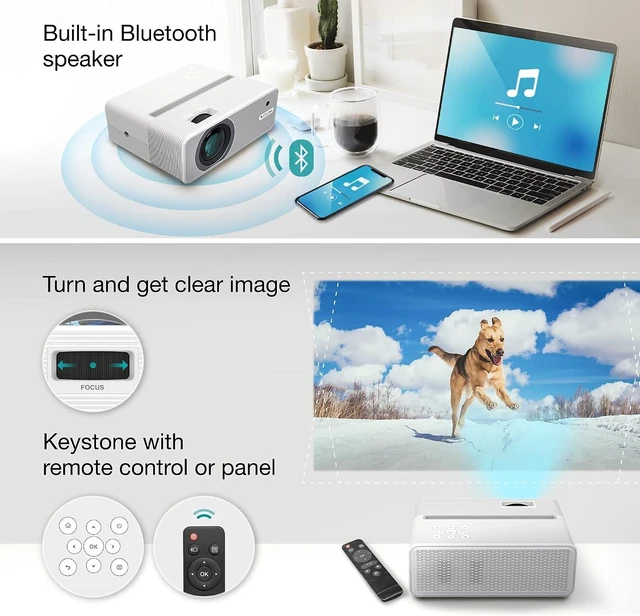
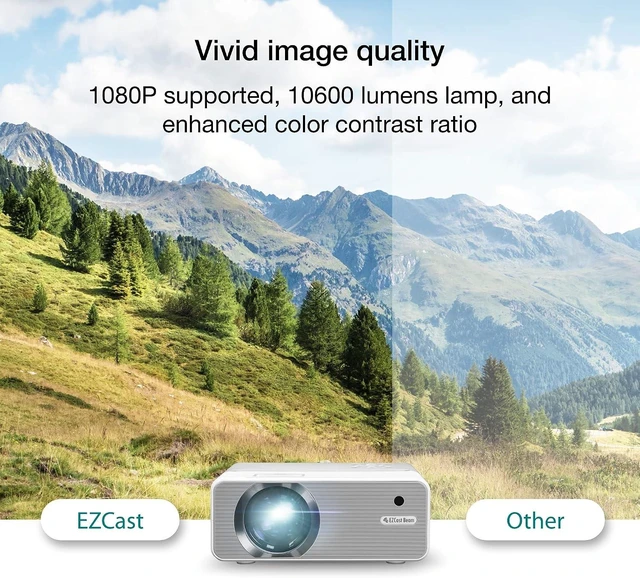
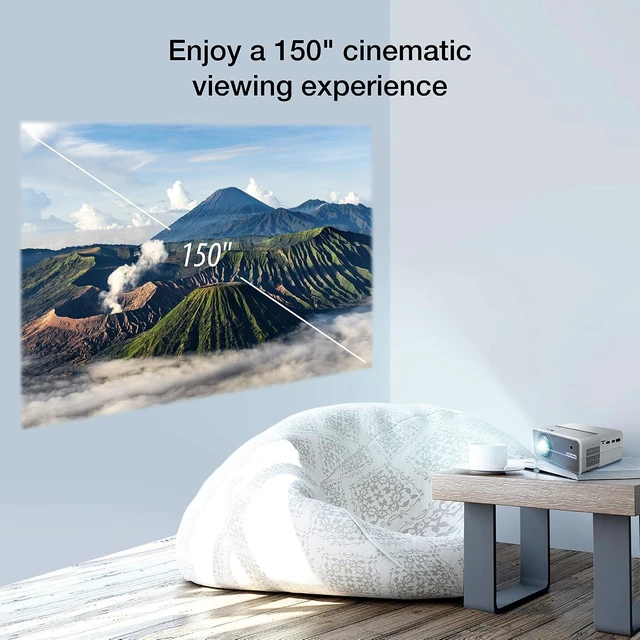
Low latency screen mirroring perfect for mobile games Supports standard mobile charging cables and HDMI cables Supports USB, HDMI, card reader and 3.5 mm audio interfaces Comes with a dual-band 2.4 GHz/5 GHz Wi-Fi adapter to support wireless screen mirroring Miracast, Google Home, AirPlay, DLNA and YouTube TV support 2D keystone to project perfect images from any angle Perfect for home use, including patio parties, gaming, kids learning, and sports match This sleek and stylish projector is designed with the latest technology to deliver crisp and clear images. With Full HD supported, 200 ASIN Lumens brightness (equivalent to 10600 Lumens), and 1000:1 contrast, the EZCast Beam V3 offers stunning image quality that will elevate your viewing experience.
The WiFi adapter that comes with EZCast Beam V3 allows you to use your mobiles, laptops, or tablets to screencast wirelessly. It is important to mention that the included wifi adapter supports a 5GHz / 2.4GHz WiFi connection which makes the transmission strong and stable.
Q: How to switch to Portrait mode projection?
You could easily switch from Horizontal to Portrait cast mode in Settings.
Q: How to adjust the image on EZCast Beam V3 projector?
You could go to Advanced setting > Keystone Calibration to adjust the image manually if the image is not rectangular after auto calibration.
Q: How to set up the remote controller properly?
Please check the battery of your remote control (the battery is not included in the package due to shipping restrictions) and point it towards the screen.
Q: How to adjust the sound volume?
Please use the remote control or the button on the projector's control panel to adjust the volume instead of using mobile device to get the maximum volume.
Q: How to connect the projector to my phone or Wi-Fi?
Please plug the Wi-Fi dongle with the text side facing UP into the "Wireless Kit" port of the projector instead of the "USB" port. Once you inserted it, you can launch the projector and configure the Wi-Fi setting for Wireless casting.




 here!