

Your Browsing History

Meet Your Seller


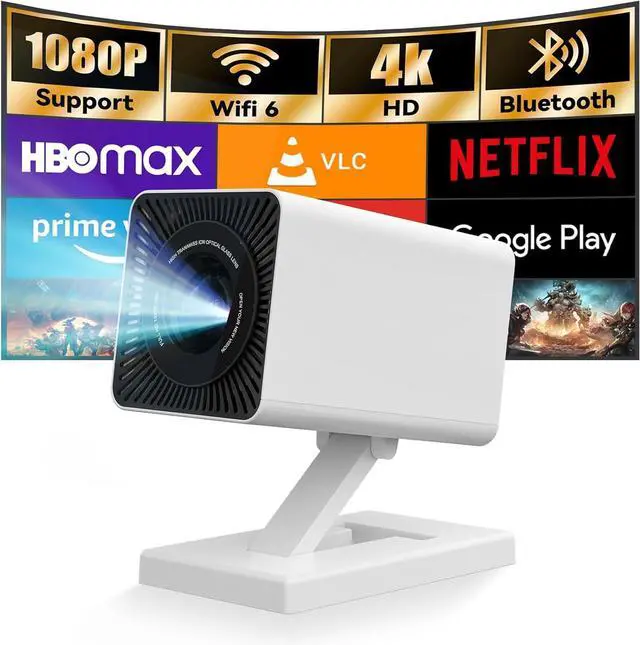
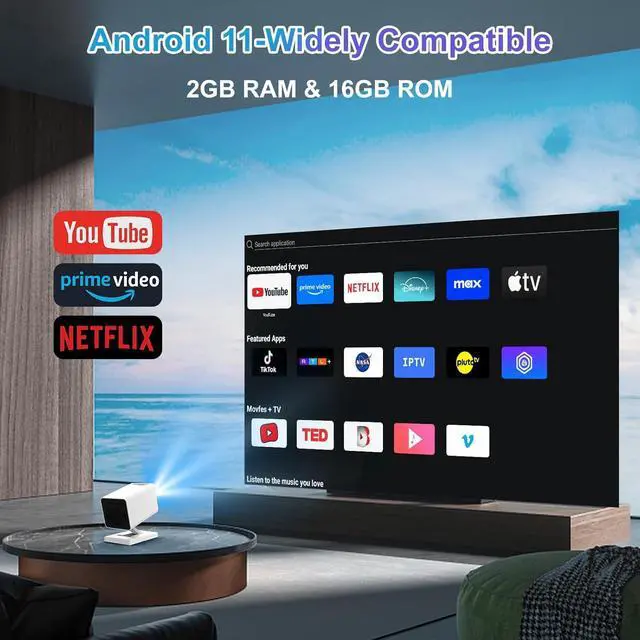
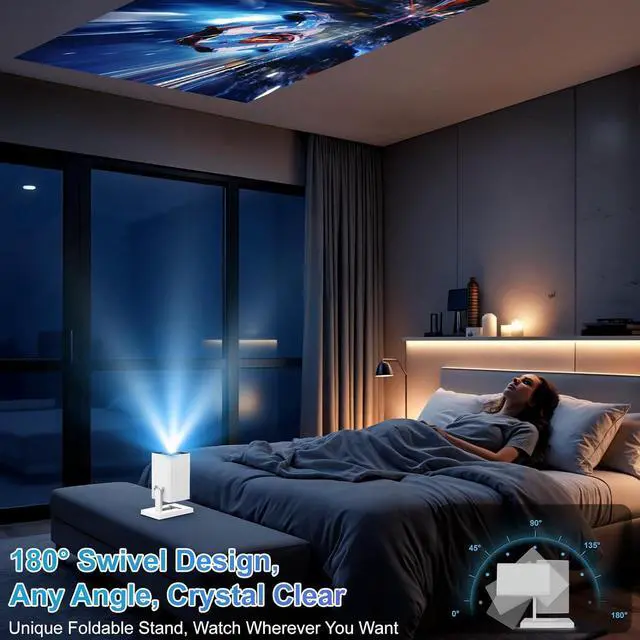
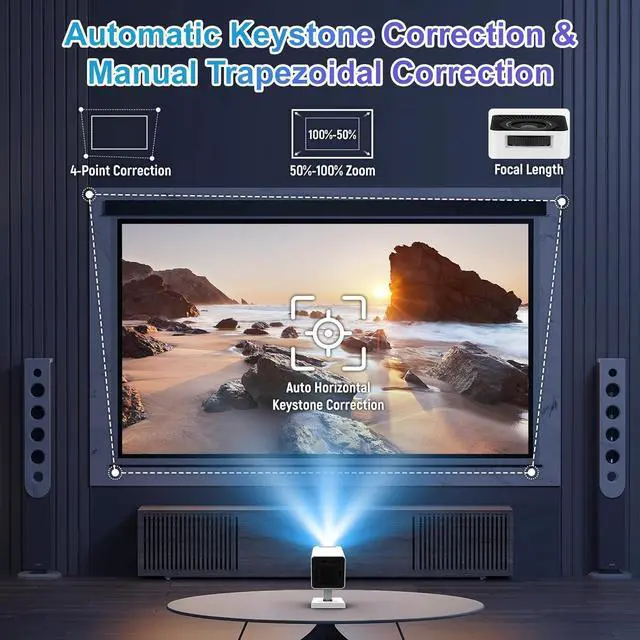
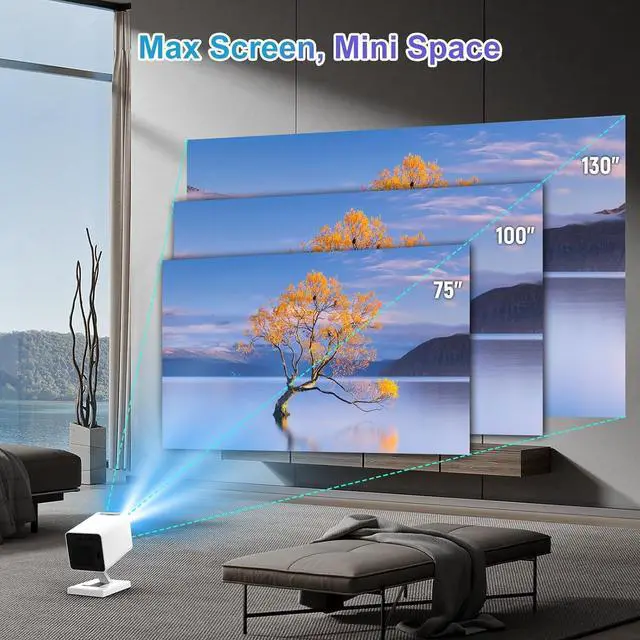


Mini Projector with WiFi and BluetoothOutdoor Portable Projector 1080P/4K SupportSmart Projector with Auto Keystone CorrectionHome/Movie Projector for Phone/TV Stick/Laptop2025 US Version
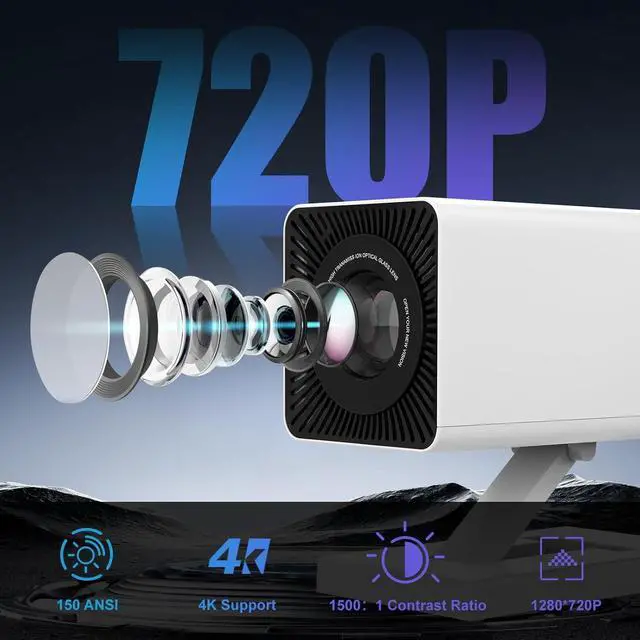
- Native 1080P | 150ANSI Lumens | 4K & HDR10 SupportMaypug mini projector features native 1080P resolution and 150ANSI lumens which delivers a stunning clarity even in well-lit rooms. With 4K decoding capability and advanced HDR10 technology, it boasts a 1500:1 contrast ratio for deeper blacks, brighter whites, and 30% more accurate color reproduction. The 60Hz refresh rate ensures smooth motion in action scenes and gaming, while its theater-quality visuals transform any space into a premium home cinema.
- US-Tuned OS | Preinstalled Apps | No Extra Devices Maypug P3 4k projector features self-developed Lilac OS with officially certified streaming apps: Miracast (Android) and AumiCast (Android/iOS). Access Netflix, Prime Video, YouTube, and millions of videos without extra devices. Preloaded with Google Play and TV Store, download thousands of apps effortlessly. Bluetooth remote control for easy navigation. Enjoy plug-and-play entertainment for movie nights, gaming, or outdoor g
+
+
Overview
Specs
Reviews

Any questions? Our AI mode will help you find out quickly.
Try me now
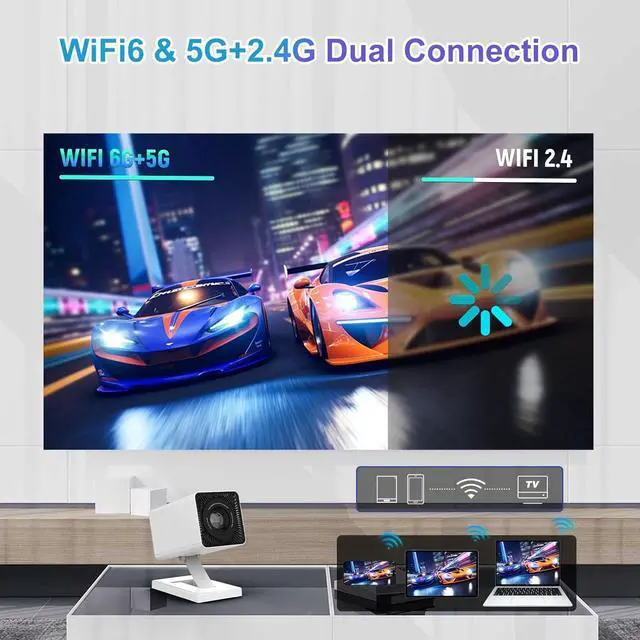
1WiFi6&5G+2.4G2Bluetooth 5.4&HIFI3Home Page4Short Play515 KIDOZ (10000+)1Indoor Cinema2Game Immersion3Outdoor4Sports1Multi Connection2Portable Design After updating, Netflix cannot be watched although it worked before?
- Before update, TV version of Netflix worked with remote control.
- After update, only mobile version is available, which requires Mouse Mode. This is due to app version differences.
System update always fails at 15%, what should I do?
- Check if network connection is stable, try another Wi-Fi or mobile hotspot.
- If it still fails, contact support for alternative firmware upgrade methods.
Wi-Fi connection is unstable?
Compare Wi-Fi signal strength with a phone at the same location. If significantly weaker, the antenna may be faulty and requires service.
The projector is too dim, can I adjust brightness manually?
- Current models do not support manual brightness adjustment.
- Use in a darker environment for better results.
No sound when playing video, but headphones work?
Ensure HDMI ARC is disabled (Settings Source HDMI ARC).
How to enter and operate Mouse Mode?
Press the Mouse button on the remote. Use the direction keys to move the cursor. SCROLL/PAGE keys work only in Mouse Mode.
Connecting PS, Switch, Firestick via HDMI does not work?
1. System should auto-switch when HDMI signal detected (check Settings Source Auto Switch).
2. Switch manually to HDMI.
3. If still no display, contact support.
Connected Wi-Fi but no internet, message says Please contact the merchant to register?
Provide the device SN. Path: Settings System About this device.
How to manually adjust projection to rectangle?
1. Disable Auto correction: Settings Projection Auto correction OFF.
2. Use Manual correction: Settings Projection Manual correction adjust four corners.
How to use wireless casting with Windows 11 PC?
Open MiracastReceiver app on projector. On PC, press Win+K to detect and connect.
After updating, Netflix cannot be watched although it worked before?
System update always fails at 15%, what should I do?
Wi-Fi connection is unstable?
The projector is too dim, can I adjust brightness manually?
No sound when playing video, but headphones work?
How to enter and operate Mouse Mode?
Connecting PS, Switch, Firestick via HDMI does not work?
Connected Wi-Fi but no internet, message says Please contact the merchant to register?
How to manually adjust projection to rectangle?
How to use wireless casting with Windows 11 PC?
- Before update, TV version of Netflix worked with remote control.
- After update, only mobile version is available, which requires Mouse Mode. This is due to app version differences.
System update always fails at 15%, what should I do?
- Check if network connection is stable, try another Wi-Fi or mobile hotspot.
- If it still fails, contact support for alternative firmware upgrade methods.
Wi-Fi connection is unstable?
Compare Wi-Fi signal strength with a phone at the same location. If significantly weaker, the antenna may be faulty and requires service.
The projector is too dim, can I adjust brightness manually?
- Current models do not support manual brightness adjustment.
- Use in a darker environment for better results.
No sound when playing video, but headphones work?
Ensure HDMI ARC is disabled (Settings Source HDMI ARC).
How to enter and operate Mouse Mode?
Press the Mouse button on the remote. Use the direction keys to move the cursor. SCROLL/PAGE keys work only in Mouse Mode.
Connecting PS, Switch, Firestick via HDMI does not work?
1. System should auto-switch when HDMI signal detected (check Settings Source Auto Switch).
2. Switch manually to HDMI.
3. If still no display, contact support.
Connected Wi-Fi but no internet, message says Please contact the merchant to register?
Provide the device SN. Path: Settings System About this device.
How to manually adjust projection to rectangle?
1. Disable Auto correction: Settings Projection Auto correction OFF.
2. Use Manual correction: Settings Projection Manual correction adjust four corners.
How to use wireless casting with Windows 11 PC?
Open MiracastReceiver app on projector. On PC, press Win+K to detect and connect.
After updating, Netflix cannot be watched although it worked before?
System update always fails at 15%, what should I do?
Wi-Fi connection is unstable?
The projector is too dim, can I adjust brightness manually?
No sound when playing video, but headphones work?
How to enter and operate Mouse Mode?
Connecting PS, Switch, Firestick via HDMI does not work?
Connected Wi-Fi but no internet, message says Please contact the merchant to register?
How to manually adjust projection to rectangle?
How to use wireless casting with Windows 11 PC?
Warranty & Returns
Warranty, Returns, And Additional Information
Warranty
- Please contact the Seller directly for warranty information. Warranty information may also be found on the Manufacturer's website.
- CONTACT
Return Policies
- Return for refund within: 30 days
- Return for replacement within: 30 days
- This item is covered by HAITAO CROSS BORDER E-COMMERCE LIMITED Return Policy
Manufacturer Contact Info
- For a directory of all our manufacturers, please click below.
- Manufacturers Directory
LOADING...