

Your Browsing History

Meet Your Seller

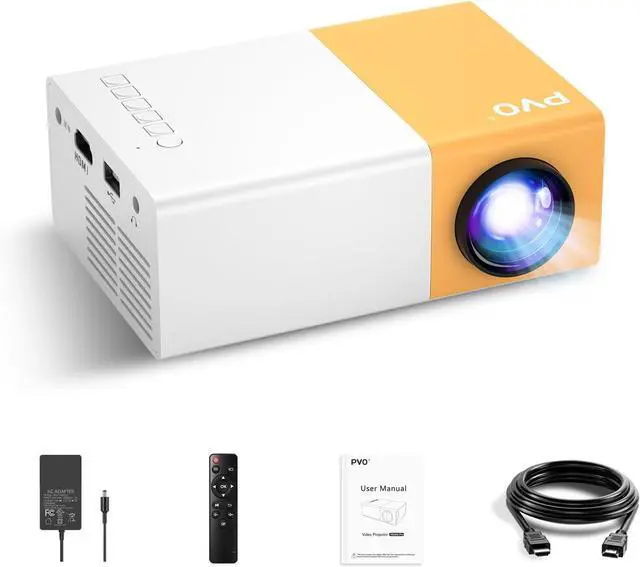


PVO Mini Projector Portable For Cartoon, Outdoor Video Projectors, LED Pico Movie-Projector for Home Theater, Kids Gift, Video Can Be Easily Mirrored Directly to The Projector Via Data Cable
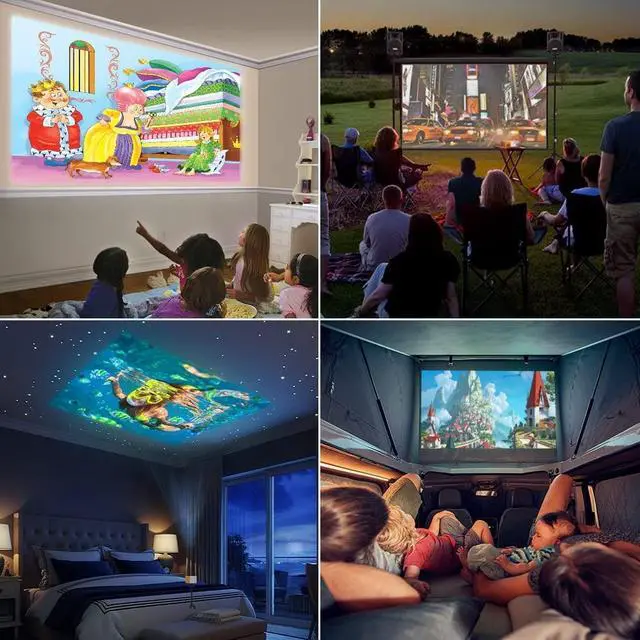
- Gift for Children : Mini projector is a must-have product for children to watch cartoons and videos, which is very popular with children. When viewed from a distance with a projector, it can project a maximum of 170 inches (Recommended 50-100 inches). Keeping children away from mobile phones and iPads can protect children's eyes.
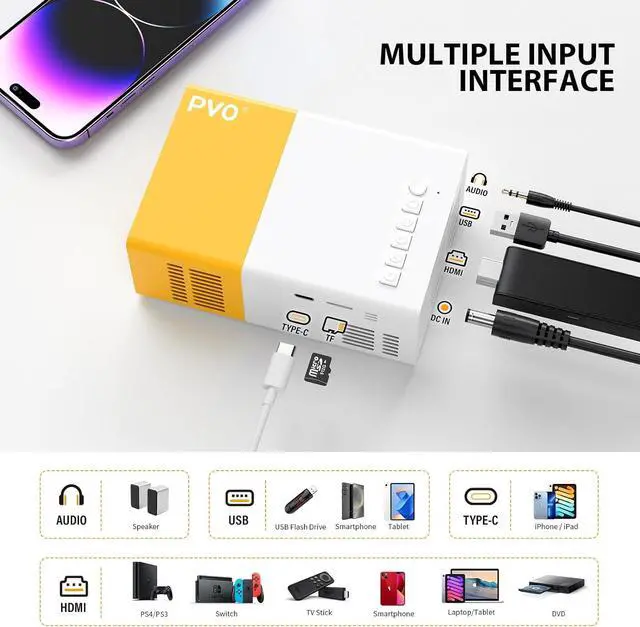
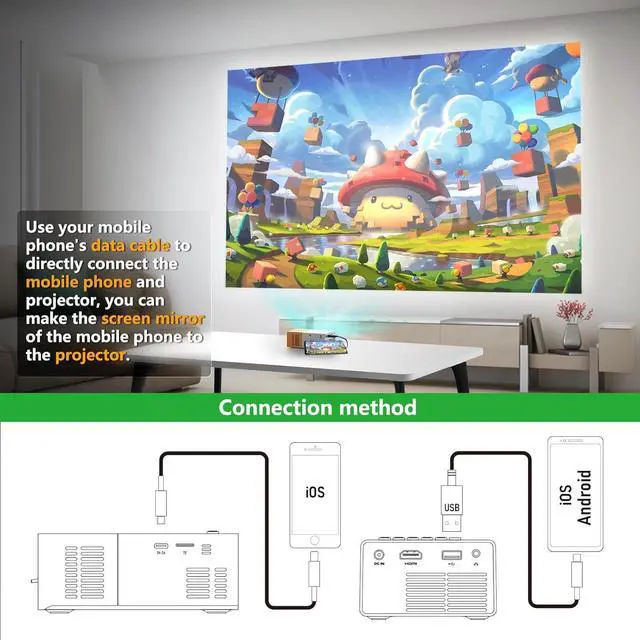
- Wired Screen Mirroring : It is easy to mirror the screen to the projector by simply connecting your smartphone or tablet to the mini projector with a data cable. (Please use the original data cable of iOS or Android devices to connect the projector.)
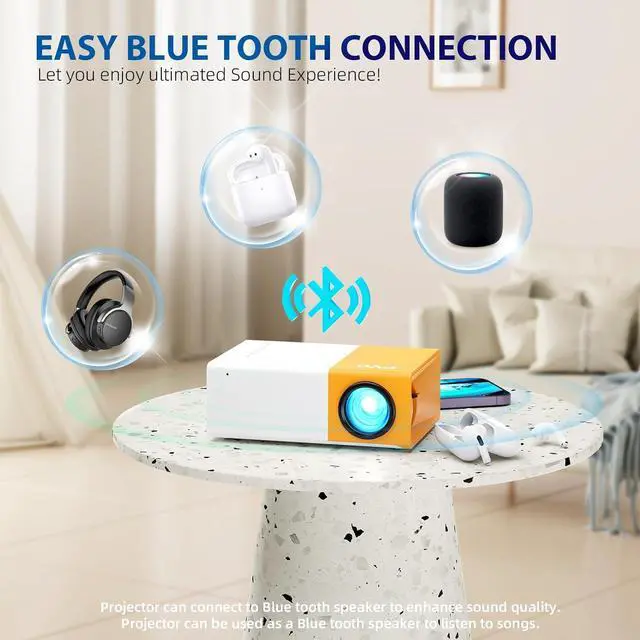
- Bluetooth 5.4 audio : With built-in stereo speaker, you can enjoy a cinematic audio-visual experience without connecting external speakers. Also, this mini projector built-in bluetooth 5.4 technology to make the audio synchronization faster and more stable. With this bluetooth projector, you can connect your ideal bluetooth speakers or headphones wirelessly at any time to get more wonderful sound. Please Note:
+
+
Overview
Specs
Reviews

Any questions? Our AI mode will help you find out quickly.
Try me now
1. iOS Devices: After connecting the projector with Apple's official data cable, a pop-up will ask if you trust the device. Click "Trust" to mirror your iOS screen.
2. Android Devices: See the video below for instructions.
Note: The main UI may vary across different projector versions, but the functions and operation steps remain the same.
Mirroring via data cable requires an APP. The APP mentioned in the video is for reference only; you may search for other apps. (The APP "hccast" is currently available for download via Google Play Store.)
If concerned about app security, screen mirroring via HDMI is also supported. Use an official HDMI adapter of Android devices to connect to the projector.
The video showcases the product in use.The video guides you through product setup.The video compares multiple products.The video shows the product being unpacked. Merchant Video Data Cable Mirroring Android Wired Screen Mirroring Guide (Data Cable Connection Method) Android Device Wired Screen Mirroring
2. Android Devices: See the video below for instructions.
Note: The main UI may vary across different projector versions, but the functions and operation steps remain the same.
Mirroring via data cable requires an APP. The APP mentioned in the video is for reference only; you may search for other apps. (The APP "hccast" is currently available for download via Google Play Store.)
If concerned about app security, screen mirroring via HDMI is also supported. Use an official HDMI adapter of Android devices to connect to the projector.
The video showcases the product in use.The video guides you through product setup.The video compares multiple products.The video shows the product being unpacked. Merchant Video Data Cable Mirroring Android Wired Screen Mirroring Guide (Data Cable Connection Method) Android Device Wired Screen Mirroring
Warranty & Returns
Warranty, Returns, And Additional Information
Warranty
- Please contact the Seller directly for warranty information. Warranty information may also be found on the Manufacturer's website.
- CONTACT
Return Policies
- Return for refund within: 30 days
- Return for replacement within: 30 days
- This item is covered by HAITAO CROSS BORDER E-COMMERCE LIMITED Return Policy
Manufacturer Contact Info
- For a directory of all our manufacturers, please click below.
- Manufacturers Directory
LOADING...