

Your Browsing History

Meet Your Seller

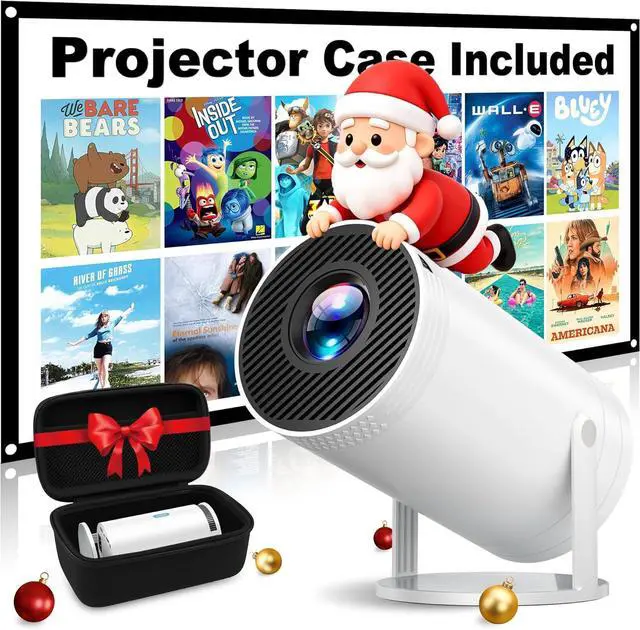
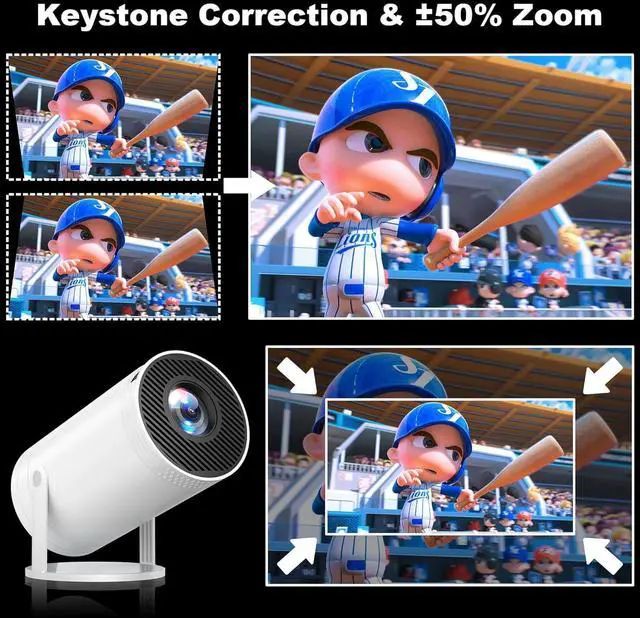
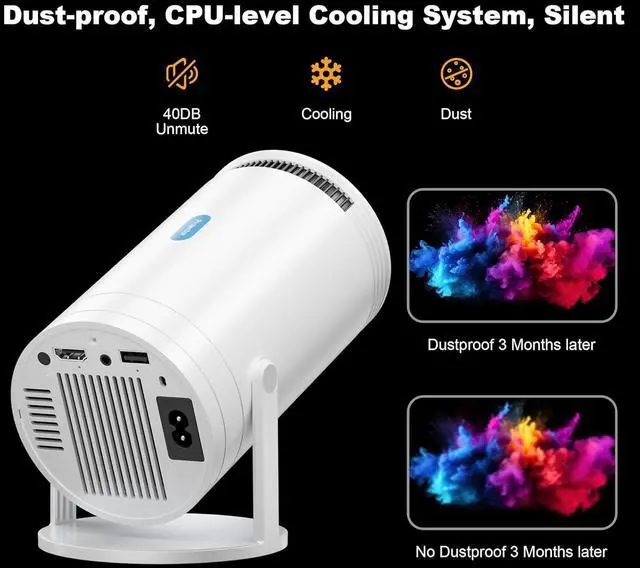



Mini Projector, Native 1080P Portable Projector with Carrying Case, 4K Support, 270°Rotatable Outdoor Movie Proyector, Home Theater Projector Compatible with Phone/TV Stick/Laptop/PS4/HDMI/USB
- Compact and Portable with Carrying CaseThis mini projector comes with a custom-designed carrying case, making it easy to take on the go. Whether you're traveling or camping, everything included stays protected and neatly packed. Note: Please unpack and use the projector in a dust-free environment.
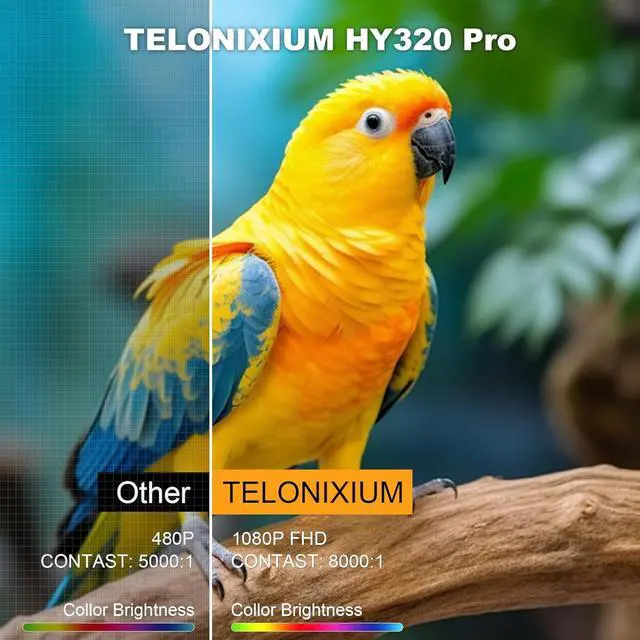
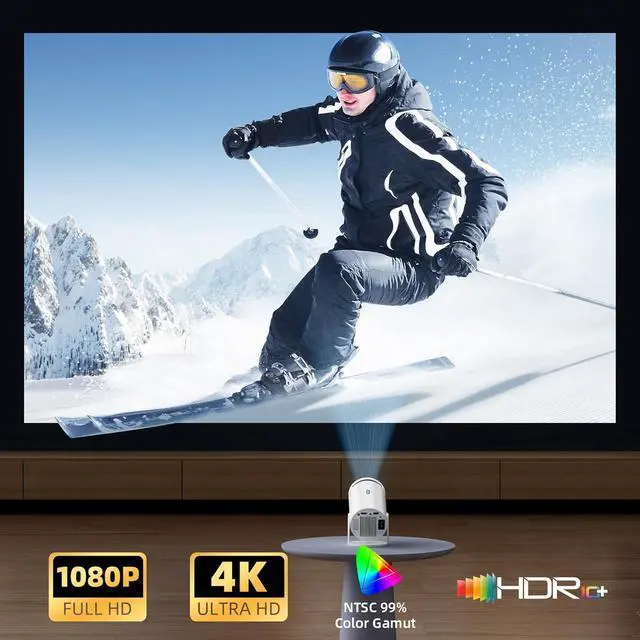
- High-Definition Video with 4K CompatibilityFeaturing 1080P Full HD resolution and the ability to decode 4K Ultra HD videos, the movie projector employs advanced LED technology. Whether enjoying films, TV series, or gaming, it provides an engaging visual spectacle, transforming your room into a home cinem
- Adjustable 270° Projection for Ideal ViewingThe projector's compact design includes a 270° rotating feature, allowing you to modify the projection angle, whether on a table, bedside, or even the ceilingproviding flexible viewing options for any space
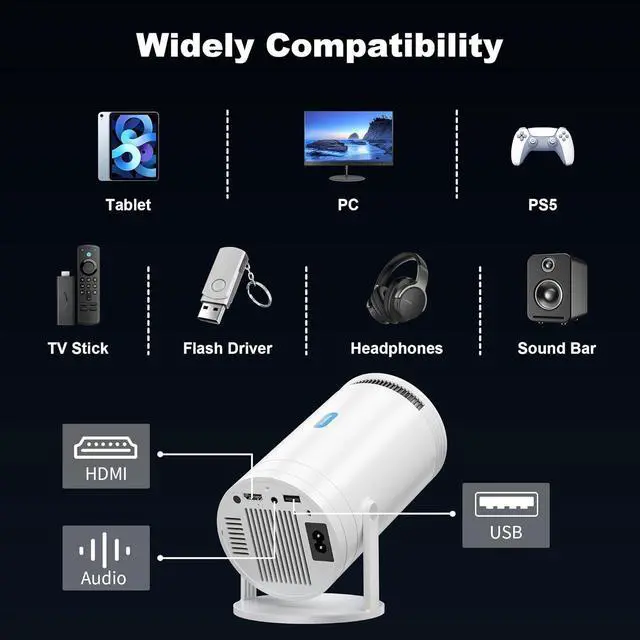
- Phone Projector with Wide CompatibilityThis 4k projector comes packed with AV, USB and HDMI ports, making it compatible TV Sticks,
+
+
Overview
Specs
Reviews

Any questions? Our AI mode will help you find out quickly.
Try me now
1Personal Cinema2Smooth Gaming Experience3Camping Movie Time Important Note: Security Prompt When Installing the Syncing APP
1.It is a common automated alert for apps that was originally developed for an earlier version of Android.
2.Please rest assured that your privacy and data are completely secure.
Correct Syncing APP Download Steps
1.Scan the App download code.
2.On the warning screen, tap "More details".
3.On the next screen, select the option that says "Install anyway"
The remote control is not responding?
Ensure that the battery (2 AAA batteries) level is normal, maintain a signal distance of 5-8 meters and then aim at the projection screen and adjust.
Important Note: Security Prompt When Installing the Syncing APP
Correct Syncing APP Download Steps
The remote control is not responding?
1.It is a common automated alert for apps that was originally developed for an earlier version of Android.
2.Please rest assured that your privacy and data are completely secure.
Correct Syncing APP Download Steps
1.Scan the App download code.
2.On the warning screen, tap "More details".
3.On the next screen, select the option that says "Install anyway"
The remote control is not responding?
Ensure that the battery (2 AAA batteries) level is normal, maintain a signal distance of 5-8 meters and then aim at the projection screen and adjust.
Important Note: Security Prompt When Installing the Syncing APP
Correct Syncing APP Download Steps
The remote control is not responding?
Warranty & Returns
Warranty, Returns, And Additional Information
Warranty
- Please contact the Seller directly for warranty information. Warranty information may also be found on the Manufacturer's website.
- CONTACT
Return Policies
- Return for refund within: 30 days
- Return for replacement within: 30 days
- This item is covered by HAITAO CROSS BORDER E-COMMERCE LIMITED Return Policy
Manufacturer Contact Info
- For a directory of all our manufacturers, please click below.
- Manufacturers Directory
LOADING...