

Your Browsing History

Meet Your Seller

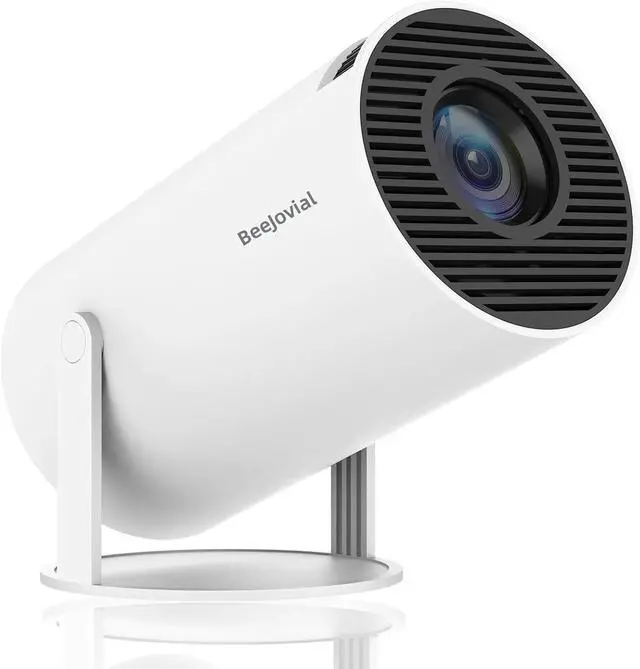


Mini Projector WiFi Bluetooth, 35"-130" 1080P Full HD Short Throw Portable Projector for IOS Android Phone Laptop TV Stick HDMI USB
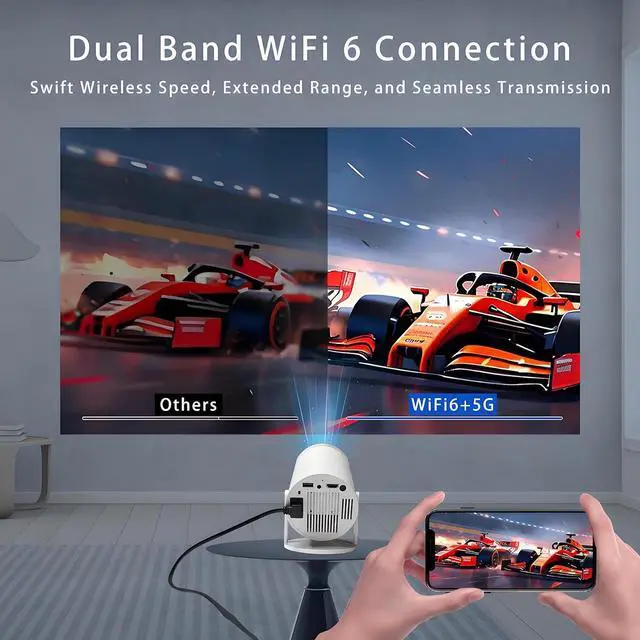
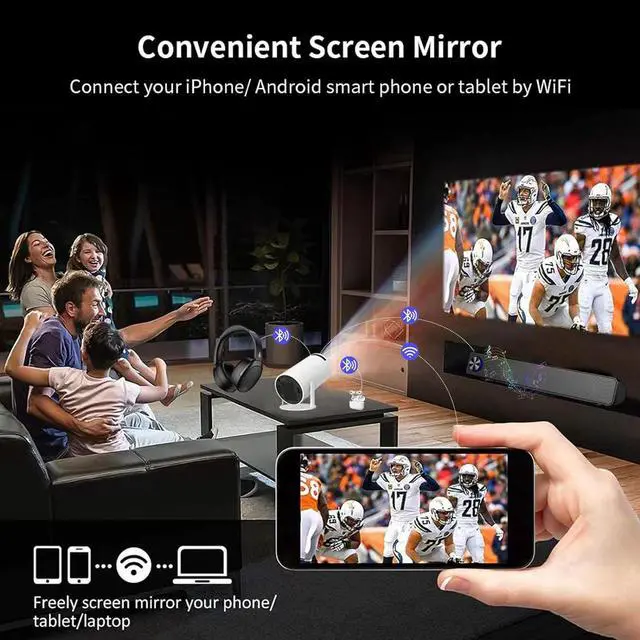
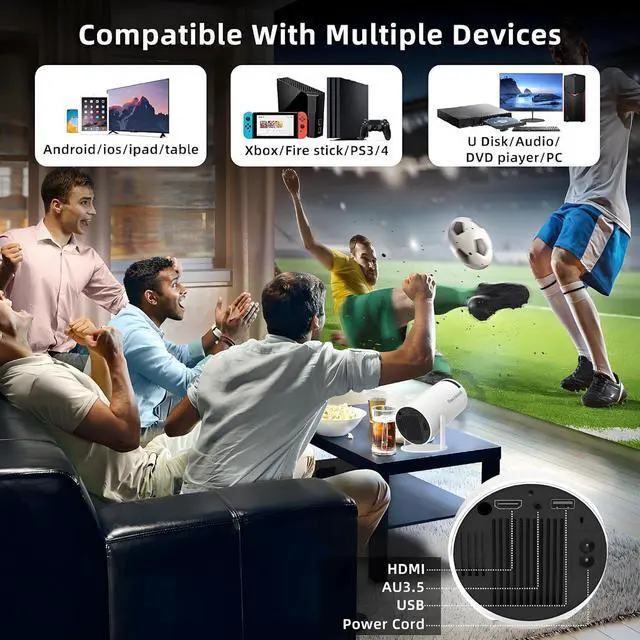
- MINI PROJECTOR WITH WIFI AND BLUETOOTH - The mini projector features upgraded 5G, reliable 2.4G WiFi 6, and a built-in Android 11 system for seamlessly running apps like YouTube, wireless screen mirroring (Miracast/Airplay), and wired connection. You can freely enjoy great audio sound via 3W built-in HiFi speaker, or effortlessly connect to earphones, speakers, AirPods via Bluetooth 5.2
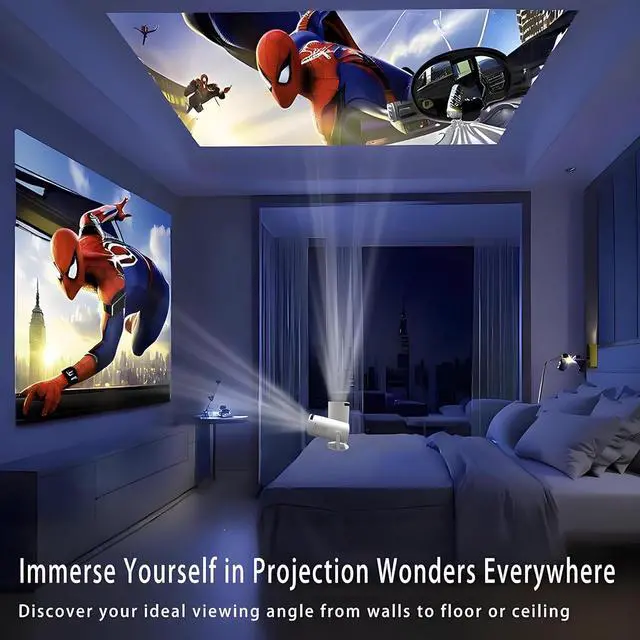
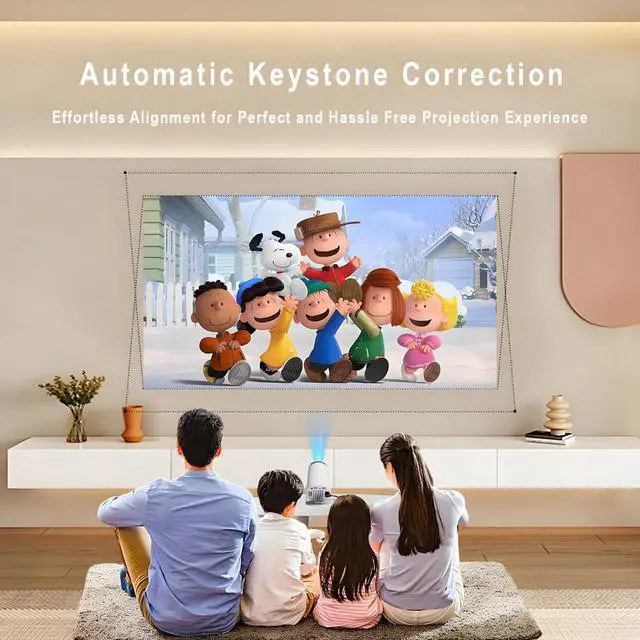
- LIE DOWN & WATCH WITH EASE - No need to sit upjust lie down and enjoy! The 180° stand lets you project on the ceiling or wall. The full hd mini portable projector boasts Auto Keystone Correction, 4K 1080P supported, 200ASIN and a 1500:1 dynamic contrast ratio for true-to-life colors. Elevate your vivid home theater effortlessly
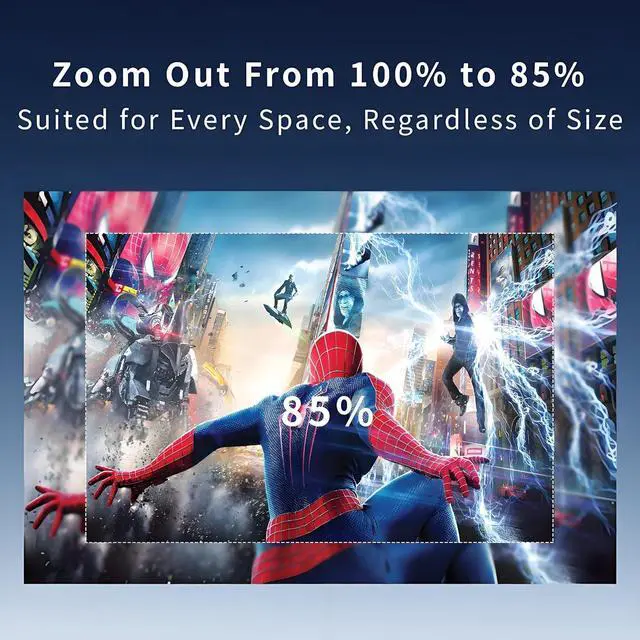
- ADAPTABLE TO ANY SPACE - As a wonderful ceiling projector for bedroom, the smart phone projector for iphone boasts a supreme 0.8:1 short throw ratio. Enjoy a versatile 40-200 inch projection size from 4ft to 14ft, with 4:3 and 16:9 aspect ratios and 85% zoom out for a sup
+
+
Overview
Specs
Reviews

Any questions? Our AI mode will help you find out quickly.
Try me now
1180° Rotatable2Airplay, Miracast, DLNA3Big Screen Is OTA Update necessory?
For the best experience and access to the latest features, please update your device to the newest software version before using it. Just go to Settings > About Device > Online Upgrade to get started.
How to change the signal source input to HDMI?
1. Please choose Settings" >> "Source" and then choose HDMl. Then connect your device and HY300Pro projector via HDMl cable;
2. Power the type-c to HDMI adapter separately if you cannot switch console to the projector via HDMl cable
How to download mainstream medias like Netflix
Enter the latest version of the App Store and download such various like Disney+, Netflix and so on
Is it suitable for use in daytime
For best viewing experience, we recommend using the projector in dark settingslike a cozy bedroom with the lights off, a living room with the curtains drawn, or outdoor spaces after sunset.
Is OTA Update necessory?
How to change the signal source input to HDMI?
How to download mainstream medias like Netflix
Is it suitable for use in daytime
For the best experience and access to the latest features, please update your device to the newest software version before using it. Just go to Settings > About Device > Online Upgrade to get started.
How to change the signal source input to HDMI?
1. Please choose Settings" >> "Source" and then choose HDMl. Then connect your device and HY300Pro projector via HDMl cable;
2. Power the type-c to HDMI adapter separately if you cannot switch console to the projector via HDMl cable
How to download mainstream medias like Netflix
Enter the latest version of the App Store and download such various like Disney+, Netflix and so on
Is it suitable for use in daytime
For best viewing experience, we recommend using the projector in dark settingslike a cozy bedroom with the lights off, a living room with the curtains drawn, or outdoor spaces after sunset.
Is OTA Update necessory?
How to change the signal source input to HDMI?
How to download mainstream medias like Netflix
Is it suitable for use in daytime
Warranty & Returns
Warranty, Returns, And Additional Information
Warranty
- Please contact the Seller directly for warranty information. Warranty information may also be found on the Manufacturer's website.
- CONTACT
Return Policies
- Return for refund within: 30 days
- Return for replacement within: 30 days
- This item is covered by HAITAO CROSS BORDER E-COMMERCE LIMITED Return Policy
Manufacturer Contact Info
- For a directory of all our manufacturers, please click below.
- Manufacturers Directory
LOADING...