

Your Browsing History

Meet Your Seller

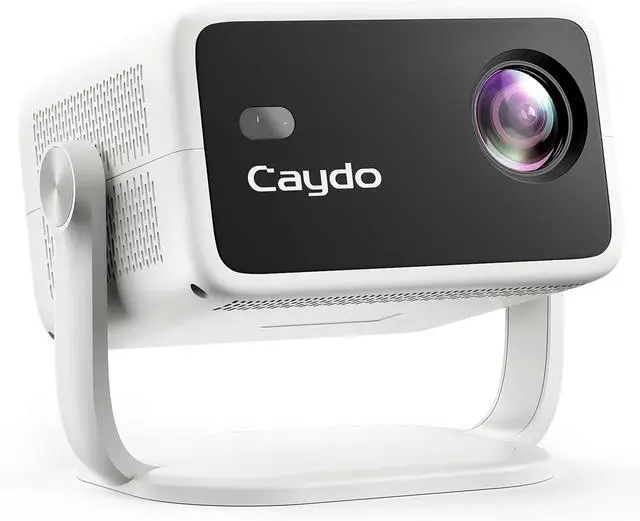
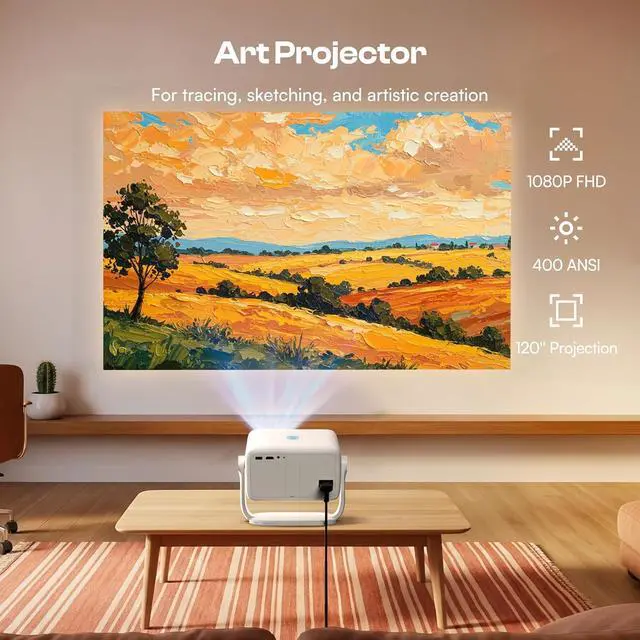
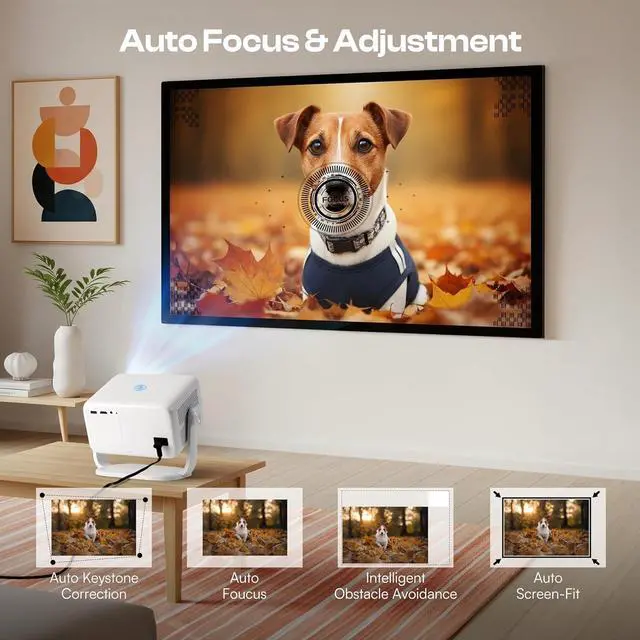


Caydo P3 Art Projector with Exclusive Drawing App for Artists, Portable Auto Focus & Keystone Native 1080P Projector for Drawing and Tracing, 40''-120'' Projection, Compatible with iOS/Android
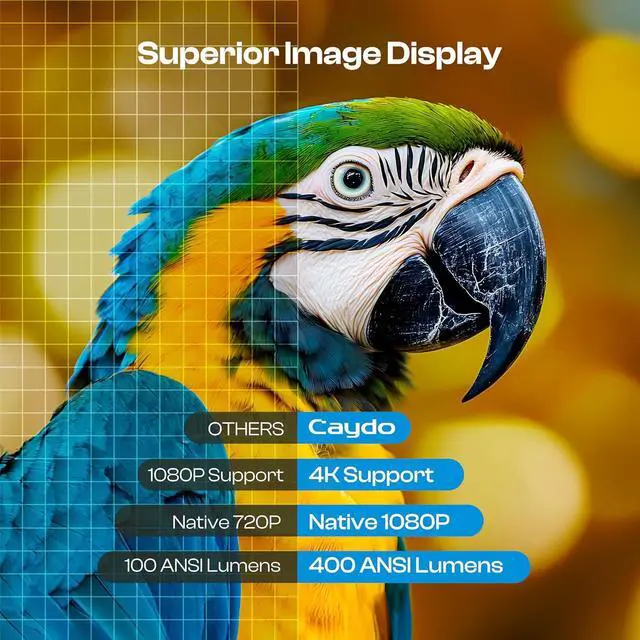
- 1080P HIGH-DEFINITION ART PROJECTOR - With 400 ANSI lumens of brightness, this artist projector delivers vibrant and clear images even in well-lit environments. Perfect for artists and designers, it accurately projects designs, photos, and references onto walls, easels, chalkboards, and more with high contrast and color precision
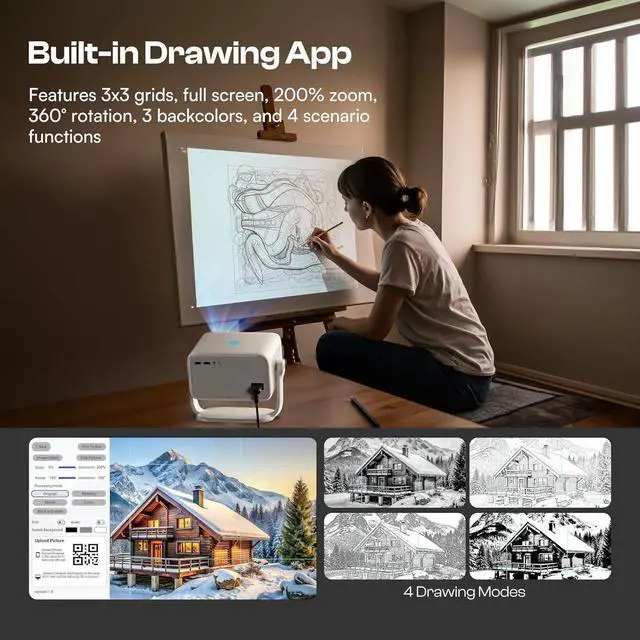
- EXCLUSIVE DRAWING ASSISTANT - Please upgrade the app to the newest 1.8 version for better using experience. Enhance your creative process with intuitive features including flexible zoom, 360° rotation, full-screen, and 3x3 grids. Select from 3 background colors and 4 unique artistic modes-Gridify, Sketchify, Comicize, and Monochromize-to adapt the drawing projector to your style and workflow
- EFFORTLESS IMAGE TRANSFER WITH UPGRADED APP - No more complicated operations. Simply scan the QR code within the app or use a USB drive to easily transfer your images to the projector. This allows you to start your creative work immediately without worrying that a poor
+
+
Overview
Specs
Reviews

Any questions? Our AI mode will help you find out quickly.
Try me now
Caydo began with a vision to empower artists by bridging imagination and reality. We aimed to create a tool that enhances creativity and transforms the artistic process.
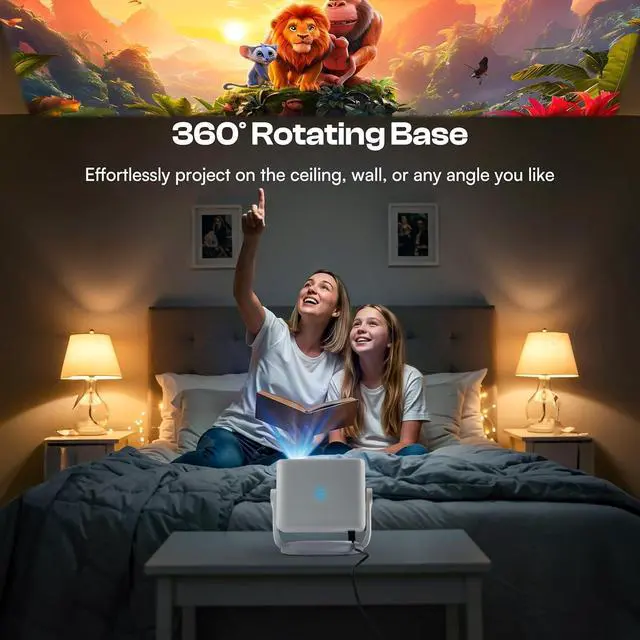
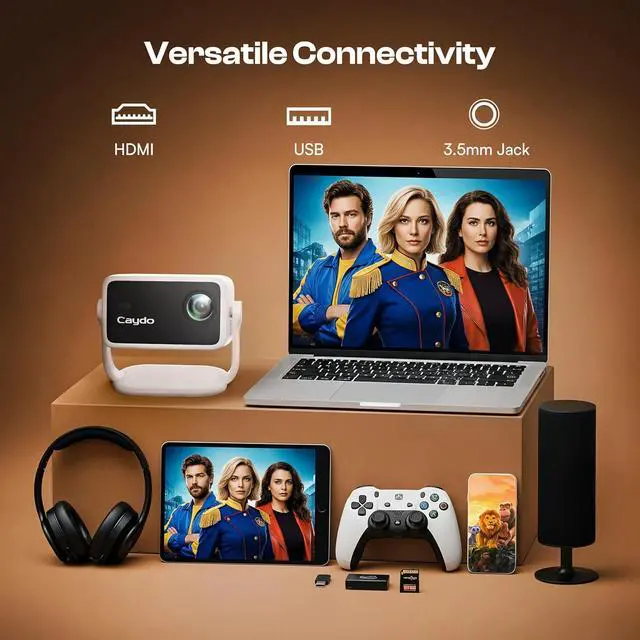
1Original Display2Sketchify Mode3Comicize Mode4Gridify Mode5Monochromize Mode1Auto Focus & Keystone2Native 1080P3360° Rotatable Base1WiFi-6 Projector2Two-way Bluetooth 5.43Versatile Connectivity What are the 4 drawing modes in the drawing app for?
The 4 drawing modes are designed to intelligently process your original image by removing any irrelevant elements and transforming it into various styles. Each mode offers unique effects to help you achieve your artwork.
How do I load my images into the art drawing app?
Please upgrade the app to the newest 1.8 version for better using experience. Then use the USB drive or scan the on-screen code to transfer your images to the projector.
The projector only casts an image onto 50% of the canvas. What should I do?
After projecting the image onto the canvas, you can adjust it by zooming, rotating, or hide the tool-bar for full-screen results.
THE PROJECTOR ISN'T WORKING AS EXPECTED. WHAT SHOULD I DO?
WE HAVE A PROFESSIONAL SERVICE TEAM READY TO HELP. PLEASE LET US KNOW YOUR ISSUES, AND WE'LL RESOLVE ANY PROBLEMS WITHIN 24 HOURS.
How did we get our start? What are the 4 drawing modes in the drawing app for?
How do I load my images into the art drawing app?
The projector only casts an image onto 50% of the canvas. What should I do?
THE PROJECTOR ISN'T WORKING AS EXPECTED. WHAT SHOULD I DO?
1Original Display2Sketchify Mode3Comicize Mode4Gridify Mode5Monochromize Mode1Auto Focus & Keystone2Native 1080P3360° Rotatable Base1WiFi-6 Projector2Two-way Bluetooth 5.43Versatile Connectivity What are the 4 drawing modes in the drawing app for?
The 4 drawing modes are designed to intelligently process your original image by removing any irrelevant elements and transforming it into various styles. Each mode offers unique effects to help you achieve your artwork.
How do I load my images into the art drawing app?
Please upgrade the app to the newest 1.8 version for better using experience. Then use the USB drive or scan the on-screen code to transfer your images to the projector.
The projector only casts an image onto 50% of the canvas. What should I do?
After projecting the image onto the canvas, you can adjust it by zooming, rotating, or hide the tool-bar for full-screen results.
THE PROJECTOR ISN'T WORKING AS EXPECTED. WHAT SHOULD I DO?
WE HAVE A PROFESSIONAL SERVICE TEAM READY TO HELP. PLEASE LET US KNOW YOUR ISSUES, AND WE'LL RESOLVE ANY PROBLEMS WITHIN 24 HOURS.
How did we get our start? What are the 4 drawing modes in the drawing app for?
How do I load my images into the art drawing app?
The projector only casts an image onto 50% of the canvas. What should I do?
THE PROJECTOR ISN'T WORKING AS EXPECTED. WHAT SHOULD I DO?
Warranty & Returns
Warranty, Returns, And Additional Information
Warranty
- Please contact the Seller directly for warranty information. Warranty information may also be found on the Manufacturer's website.
- CONTACT
Return Policies
- Return for refund within: 30 days
- Return for replacement within: 30 days
- This item is covered by HAITAO CROSS BORDER E-COMMERCE LIMITED Return Policy
Manufacturer Contact Info
- For a directory of all our manufacturers, please click below.
- Manufacturers Directory
LOADING...