

Your Browsing History

Meet Your Seller


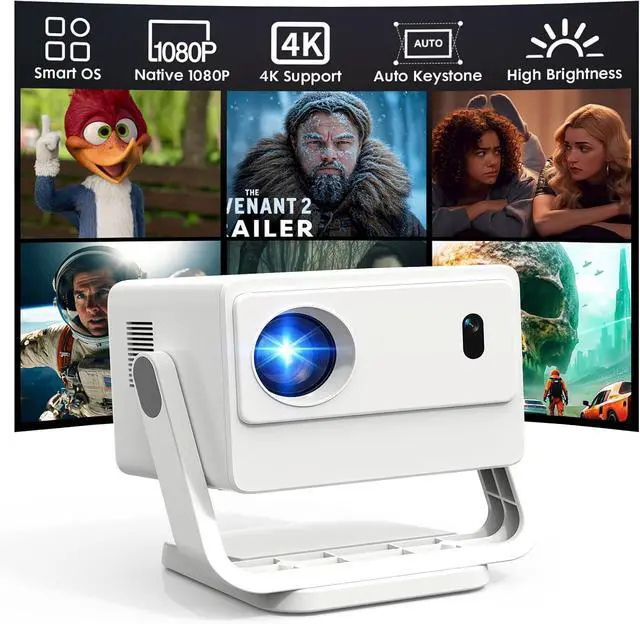
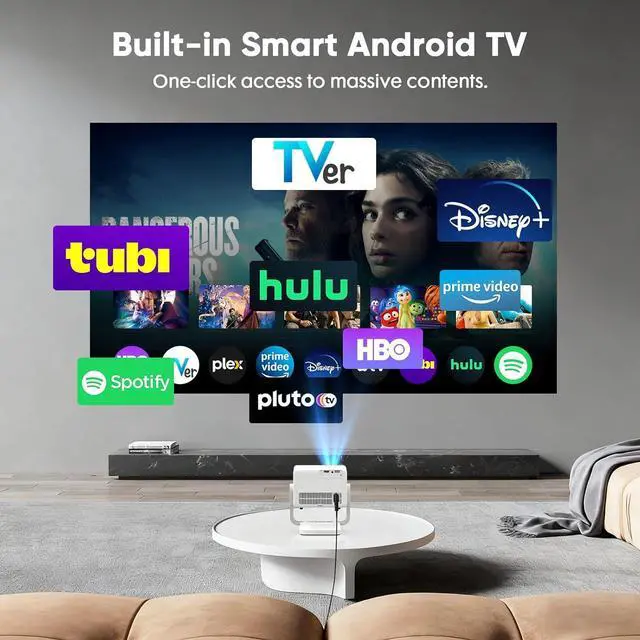
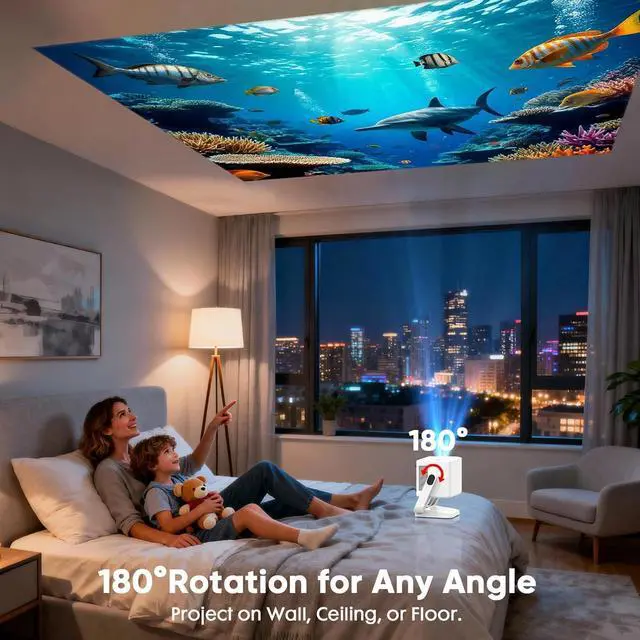


Built-in Apps & Native 1080PSmart Mini Projector with WiFi and Bluetooth, 4K Outdoor Movie Projector with Electric Focus & Auto Keystone, YINCODI Portable Proyector for Bedroom/Home/Celling
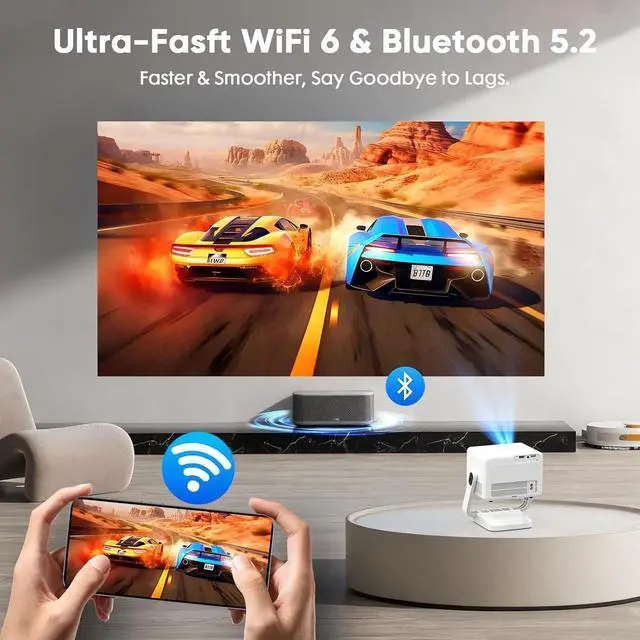
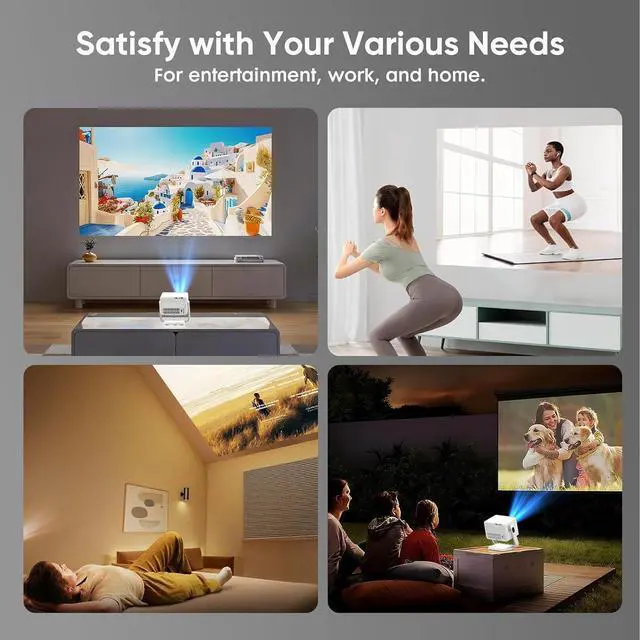
- Built-in Apps, No Extra Devices NeededYINCODI smart projector features a built-in operating system with instant access to over 1,000,000 videos. Enjoy a vast library of curated movies, premium series from Prime Video, and popular viral hits right out of the box. Transform any room into your personal giant-screen cinema with a single click, and dive into a seamless entertainment experience.
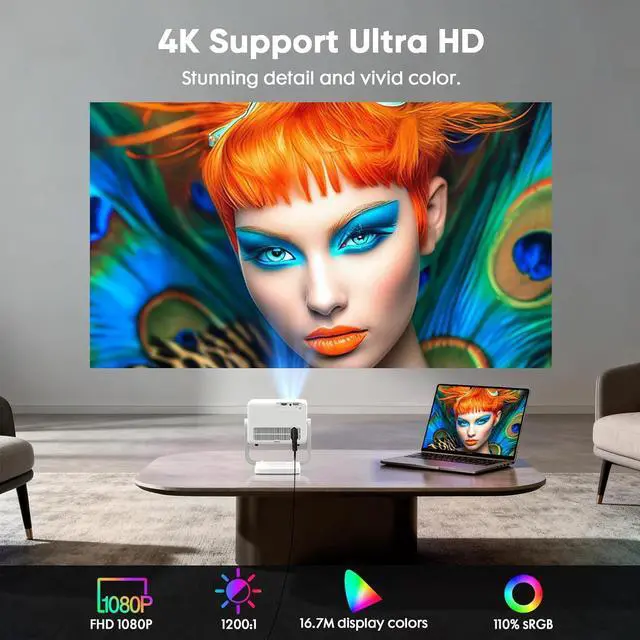
- Native FHD 1080P Resolution & 4K SupportUtilizing advanced LCD technology, this 4K projector features native 1080P resolution and 4K decoding. In addition, we have upgraded the movie projector, significantly enhancing image brightness and contrast to suit various viewing scenarios. The 6-layer coated lens ensures sharp, true-to-life images, delivering an immersive HD experience that also helps reduce eye strain.
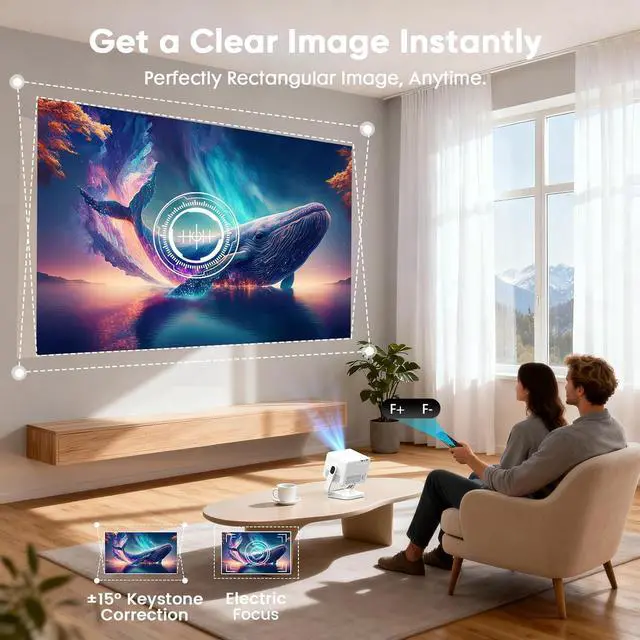
- Electric Focus & Auto Keystone Electric focus and auto keystone correction provide exceptional convenience. With electric focus, you can achieve a sharp image with just the press of
+
+
Overview
Specs
Reviews

Any questions? Our AI mode will help you find out quickly.
Try me now
How do I adjust picture settings?
If the initial image quality is not to your liking, you can fine-tune the display parameters in user mode. Simply navigate to Settings >Projection Settings>Display Settings to customize and optimize your picture settings.
What are the basic steps to troubleshoot a Wi-Fi connection issue with the projector?
Ensure the projector is within 16 ft of the router. Check the time zone under Settings > Time & Date. Try a different Wi-Fi network or a phone hotspot. Test both 2.4GHz and 5GHz bands. If issues persist, reset via Restore Factory Settings.
What could be the reason that screen mirroring from iOS isn't working?
Please update your device to the latest version via Settings > About device > Online upgrade, then launch the ScreenCast app and use AirPlay on your iOS device, ensuring both devices are connected to the same Wi-Fi network for screen mirroring.
What is the correct way to adjust the settings to fix a distorted or non-square projection?
For optimal alignment, place the projector on a flat surface with its lens perpendicular to the wall. Then navigate to Settings > Projection > Keystone > Initial Angle Correction. If needed, disable auto correction and fine-tune manually.
Why is it necessary to perform an OTA update before use?
How do I adjust picture settings?
What are the basic steps to troubleshoot a Wi-Fi connection issue with the projector?
What could be the reason that screen mirroring from iOS isn't working?
What is the correct way to adjust the settings to fix a distorted or non-square projection?
If the initial image quality is not to your liking, you can fine-tune the display parameters in user mode. Simply navigate to Settings >Projection Settings>Display Settings to customize and optimize your picture settings.
What are the basic steps to troubleshoot a Wi-Fi connection issue with the projector?
Ensure the projector is within 16 ft of the router. Check the time zone under Settings > Time & Date. Try a different Wi-Fi network or a phone hotspot. Test both 2.4GHz and 5GHz bands. If issues persist, reset via Restore Factory Settings.
What could be the reason that screen mirroring from iOS isn't working?
Please update your device to the latest version via Settings > About device > Online upgrade, then launch the ScreenCast app and use AirPlay on your iOS device, ensuring both devices are connected to the same Wi-Fi network for screen mirroring.
What is the correct way to adjust the settings to fix a distorted or non-square projection?
For optimal alignment, place the projector on a flat surface with its lens perpendicular to the wall. Then navigate to Settings > Projection > Keystone > Initial Angle Correction. If needed, disable auto correction and fine-tune manually.
Why is it necessary to perform an OTA update before use?
How do I adjust picture settings?
What are the basic steps to troubleshoot a Wi-Fi connection issue with the projector?
What could be the reason that screen mirroring from iOS isn't working?
What is the correct way to adjust the settings to fix a distorted or non-square projection?
Warranty & Returns
Warranty, Returns, And Additional Information
Warranty
- Please contact the Seller directly for warranty information. Warranty information may also be found on the Manufacturer's website.
- CONTACT
Return Policies
- Return for refund within: 30 days
- Return for replacement within: 30 days
- This item is covered by HAITAO CROSS BORDER E-COMMERCE LIMITED Return Policy
Manufacturer Contact Info
- For a directory of all our manufacturers, please click below.
- Manufacturers Directory
LOADING...